Noon UAE Coupon Code: Eligibility and Final Price Guide
A practical Noon UAE coupon code guide: check market, item, seller and eligibility, then compare the final payable total, delivery and visible fees before payment.
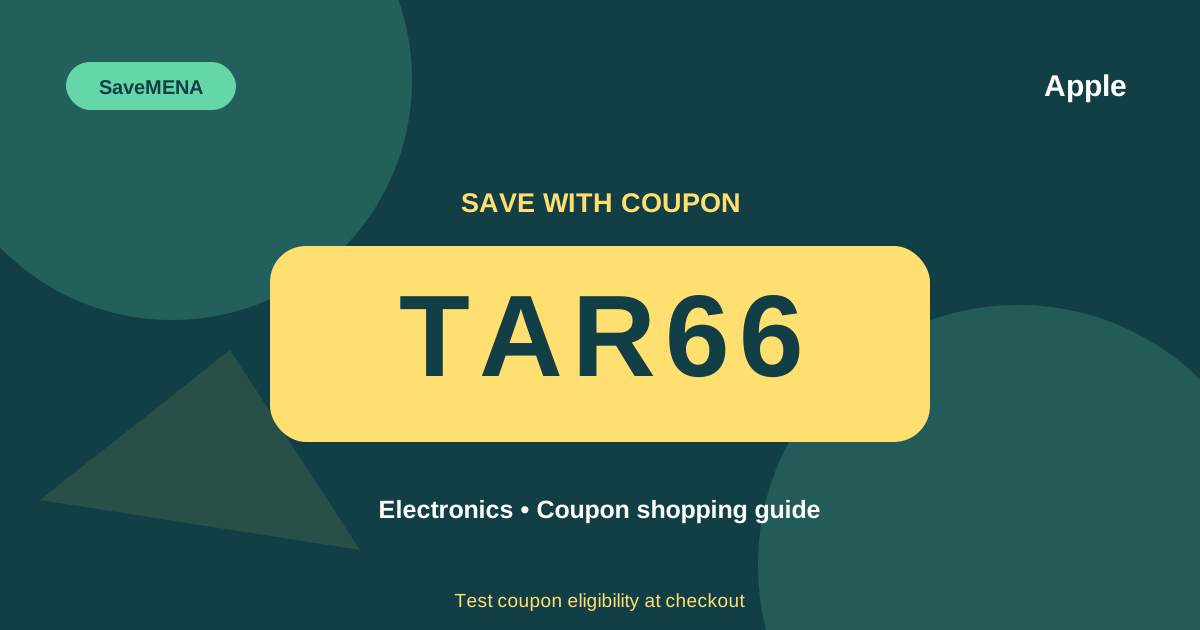
Codes available to try while comparing
These codes are not guaranteed for the article topic or listed brands; test them at checkout and use the live result.
Start with the final payable total, not the headline discount
When you search for a Noon UAE coupon code, the most useful question is not “what percentage does this code promise?” but “what will I actually pay at checkout?” A headline discount can be attractive while still hiding the information that matters most for the purchase decision. The basket can change because of delivery, seller context, item eligibility, payment conditions, or a campaign rule shown only at checkout. Build the comparison around two visible numbers: the total before applying the code and the total after Noon processes it. If the total does not change, or the checkout shows that the basket is not eligible, that live result matters more than an unsupported claim on another page. This keeps the decision grounded in the current basket rather than in a number that may not apply to your account or item.
Confirm that you are shopping in the UAE context
Before testing any code, make sure the storefront, currency and basket all match the UAE market. A code can appear in conversations across more than one country without having identical conditions in every market. If you arrived through an international link or switched regions during the session, return to the UAE storefront and confirm that prices are shown in AED before you draw a conclusion about the code. Market context is one of the easiest variables to overlook because the product name may look identical. SaveMENA keeps the UAE and Saudi hubs separate for this reason. The goal is not to assume that a failed code has expired; the goal is to remove obvious context mismatches first so the checkout result is easier to interpret.
Match the exact item, variant and seller
Two listings can share the same product name while still representing different offers. Capacity, colour, model, warranty context, seller, fulfilment and other visible details can change the price and may also change eligibility. When you compare an offer or test a coupon, check the exact variant that is in your basket. For electronics, phones, laptops and appliances, matching only the brand is not enough. Try to keep the model, specification and seller constant when testing different codes. If you switch seller or variant, treat that as a new comparison and test again. This discipline prevents a common mistake: assuming that the coupon caused a change when the real difference came from a different listing. The cleaner the comparison, the more confidence you can have in the result you see.
Apply the code and read the checkout response literally
Copy the code from SaveMENA and paste it into the coupon field at Noon checkout. Do not treat the ability to enter the code as proof that it worked. A practical success means the checkout shows a clear outcome, such as a visible change in the total or an explicit eligibility message. If Noon presents a condition, use the condition as written rather than adding an interpretation that is not there. It is useful to note the total before and after each test, especially when comparing several codes. If the basket allows only one code at a time, remove the first code before trying the next one. Keep the item, quantity, seller and account context as stable as possible so that each result can be compared fairly.
Separate coupon eligibility from overall deal quality
A code can work and the purchase can still be a weak deal. Another seller may offer the same model at a lower starting price, delivery may be different, or a nearby alternative may offer better value. After a coupon applies, do not stop at the success message. Review the final amount and compare the same item with other relevant options in the UAE market. Ask whether the specifications match, whether the seller context is acceptable, whether the delivery timing works for you, and whether the return information shown for the current offer fits your needs. A coupon is one pricing input, not a guarantee that the selected listing is the cheapest or best choice. That is why SaveMENA connects coupon pages to category and brand pages rather than treating codes as isolated objects.
Review delivery, fees and payment context
Before placing the order, read every visible line in the checkout summary. Delivery and other charges can influence the amount you finally pay, and campaign conditions may interact with the current payment or basket context. Do not assume that a charge or condition is universal across all orders. Use what the live checkout shows for your specific basket. If you change the delivery address, payment method, seller, quantity or item, review the coupon result again because the context has changed. A simple three-number check is useful: the merchandise total before the coupon, the visible saving if one is shown, and the final payable total. If SaveMENA does not have a documented discount percentage for a code, it is better to report no percentage than to guess one.
Compare multiple codes on the same basket
If several codes are available to try, compare them under the same conditions. Use the same item, seller, quantity and account, then test one code at a time. Record or remember the final amount and the checkout message after each attempt. Remove the previous code before testing another if the basket requires it. This method isolates the code as the main changing variable. Once you find the strongest visible result, check the basket again from the top before paying. Product prices and availability can change while you are comparing, so a final review protects you from relying on an earlier state. This is especially useful for higher-value categories such as electronics, phones and computers, where a small difference in the final total can matter more than a dramatic but unsupported headline claim.
What to do when a coupon does not work
A failed attempt does not automatically tell you why the code failed. Check the market first, then the account, item, seller, quantity, payment context and the exact message shown by Noon. If the checkout provides a clear condition, use that information. If it does not, describe the result only as unsuccessful for the current basket rather than inventing an expiry date or eligibility rule. You can then try another code that is available to test, or compare the purchase without a coupon. Do not feel committed to the order simply because you have already spent time building the basket. Return to the final price and ask whether the purchase still makes sense. This is more reliable than using stale assumptions about why a code should or should not work.
Use category and brand pages as a comparison layer
SaveMENA’s category and brand architecture is designed to help you move from a coupon to the actual shopping context. If you are buying a phone, start from the mobiles category, review the relevant brand page, then return to the codes available to try. The same approach works for laptops, beauty, home appliances, fashion and other categories. A code appearing near a category or brand does not mean that SaveMENA is claiming dedicated eligibility for that entity. The links are there to organise the research path. Eligibility is still determined by the retailer at checkout. Internal linking also makes it easier to compare related products and guides rather than evaluating a coupon in isolation, which is useful when the final price depends on the exact listing and seller.
Use a final pre-payment checklist
Before you press the payment button, run a short checklist. Confirm that the market is UAE and the currency is AED. Confirm the exact product variant, seller and quantity. Confirm that the code currently applied is the one you intended to use and that its result is visible. Review delivery and any other charges in the summary. Compare the final payable total with the alternatives you considered. If any important detail changed during the session, repeat the coupon test. Avoid relying on a screenshot or an earlier result when the current basket says something different. This final review turns a Noon UAE coupon code into one input in a disciplined buying process rather than the sole reason for the purchase. The aim is a clear, reproducible checkout decision built on information visible now.
Related SaveMENA pages
Official sources to check
Frequently asked questions
A coupon is not guaranteed; verify its result at the retailer checkout.
No. Eligibility can vary by account, basket, market and the current campaign context. Test the code at Noon checkout and rely on the result shown for your basket.
Does a code shown on a brand page mean it is brand-specific?
No. SaveMENA may link codes near brand or category pages to improve navigation, but that does not claim dedicated eligibility. Noon checkout determines whether the code applies.
What number matters most when comparing offers?
The final payable total after the visible coupon result, delivery and other charges, while keeping the item variant and seller as comparable as possible.
What should I do if the code does not work?
Check the market, account, item, seller, payment context and the checkout message. Then try another available code or compare the order without a coupon instead of inventing an unsupported reason.