Cameras on Noon UAE: account eligibility — bank offer versus coupon · TAR64
We'll produce one paragraph about 150 words. Now sections: Each section contains ... and two paragraphs each. Each paragraph 80-100 words. So we must
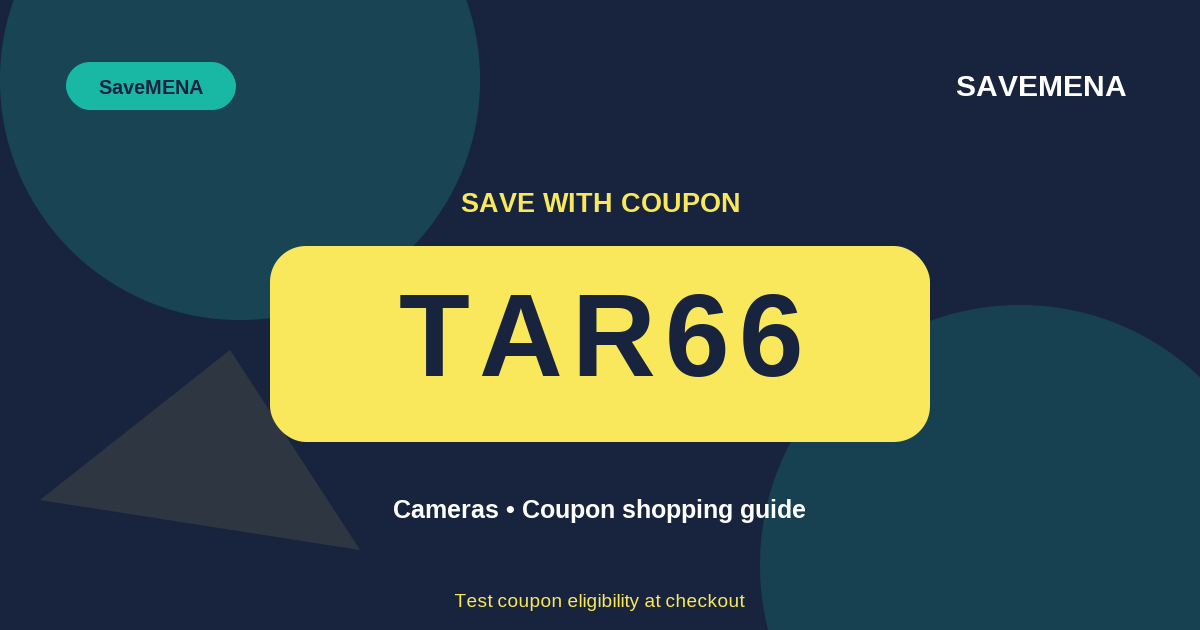
Codes available to try while comparing
These codes are not guaranteed for the article topic or listed brands; test them at checkout and use the live result.
Understanding Account-Based Discounts in Noon
When comparing a Noon UAE bank discount with a coupon for cameras, the account context is the key factor. A bank‑linked discount usually activates automatically when you’ve connected a supported banking institution to your Noon account. This automatic benefit can slide into your order once your cart contains items eligible for the discount, provided your account meets any necessary verification steps.
Because the discount is tied to your account, you don’t need to enter a code at checkout. Instead, you verify that the bank connection is active in the app or web portal. If the connection is missing or pending, the discount won’t apply, which is why many shoppers double‑check their account settings before adding expensive gear to the basket.
The Role of Bank Discounts for Camera Purchases
For camera enthusiasts, a bank discount can be especially valuable when the price tag is high. The discount typically applies to the item’s base price, excluding any mandatory fees or shipping. After the price adjustment, taxes and delivery charges add to the final total shown at checkout.
It is important to be aware that some camera models, especially those sold by third‑party merchants, may be excluded from bank‑discount eligibility. The Noon platform usually indicates exclusions in the product listing or during the cart review stage, so you’ll see a “discount not available” banner if the camera doesn’t qualify.
How Coupons Compare to Bank Discounts for Cameras
Unlike a bank discount, coupons require manual entry of the offer code during checkout. The TAR64 coupon is available to try—meaning it might or might not work for the particular camera you’re buying—so it’s wise to test it before finalizing the purchase. There is no guarantee it will activate, and it may have its own rules regarding seller, category, or minimum spend.
Coupon discounts are generally applied after any account‑based or store‑wide offers, so the order in which you apply them matters. If the account discount already reduces the camera’s cost, entering a coupon may bring the total even lower, provided the coupon’s conditions are met and the platform allows stacking.
Verifying Eligibility: Account Context and Camera Selection
Before adding a camera to your cart, confirm that your Noon account has an active bank link. Navigate to the Settings menu, select “Bank & Payment” and ensure the status reads “Verified.A coupon is not guaranteed; verify its result at the retailer checkout.
Simultaneously check the product page for any discount exclusions highlighted under the price or promotional banner. If it states “No bank discount for this product” or “Coupon not applicable,” you’ll know the price will stay unchanged until you adjust your strategy or shift to another model.
Applying the TAR64 Coupon: A Practical Walkthrough
Add the camera to your cart and proceed to the checkout flow. At the screen prompting for discount codes, enter “TAR64” into the text field and submit. The system will evaluate the offer against the cart’s contents and reveal whether the coupon has been accepted or rejected.
If the coupon rejects, look for an error message that may hint at a reason—such as a seller restriction or price threshold not met. In that case, you can either remove the coupon and rely on the bank discount, or adjust your cart to meet the coupon’s conditions, always keeping the final subtotal visible for comparison.
Checking Out: What to Expect with Account and Coupon Discounts
At the final review page, the platform will display the original product list, the applied bank discount amount (if any), the coupon discount (if accepted), and any other adjustments. The final total line will incorporate taxes and shipping fees, showing you the full payable amount in AED.
It’s essential to read this page thoroughly. Small differences can arise if the bank discount was partially applied due to eligibility limits or if the coupon was used in addition to a store promo. A quick scan ensures no unexpected charges appear once you hit “Place Order.”
Potential Pitfalls and How to Avoid Them
One common pitfall is attempting to stack a bank discount with multiple coupons from different brands, which Noon may not allow. If the interface signals “Cannot apply multiple coupons,” you’ll need to choose the single most advantageous option before finalizing the purchase.
Another issue is that certain camera models sold by niche retailers often carry their own promotional codes that supersede standard bank or coupon discounts. Verifying seller terms on the product page or contacting the seller for clarification can prevent a discount from being denied after payment is made.
Bottom Line: Choosing the Right Savings Path for Cameras
For those who maintain a verified bank link in their Noon account, the automatic bank discount is a convenient, low‑effort way to receive savings on high‑value camera purchases. It applies instantly and requires no further action beyond ensuring the link is active.
Conversely, coupon codes like TAR64 can offer added flexibility, particularly if you’re shopping across multiple retailers or have a specific promotional deal to use. Testing the coupon before checkout remains the safest step to guarantee it works for your camera and any associated seller.
Related SaveMENA pages
Related articles
Official sources to check
Frequently asked questions
Can I use both a bank discount and the TAR64 coupon simultaneously for a camera purchase?
No, Noon typically allows only one discount type per transaction. When both are eligible, the platform applies them sequentially and will display which discount was used. If a conflict occurs, only the higher discount value may be retained, but you should verify this at checkout.
What happens if the TAR64 coupon doesn’t work for a camera?
If the coupon fails, the system will show an error message indicating the failure reason. In that case, you can remove the coupon and rely on the bank discount, or adjust your cart to meet the coupon’s conditions—such as adding a second item that makes the minimum spend requirement.
Is the bank discount available for all camera sellers on Noon?
Not all sellers participate in the bank discount program. The product listing or cart view will explicitly state whether the discount applies. If the listing shows “Discount not applicable,” you’ll need to either choose another seller or use a coupon.
Will shipping fees affect the discount amount for a camera?
Typically, shipping fees are added after discounts have been applied. So the discount reduces the product’s base price, and the final shipping cost is calculated on the discounted subtotal. Always review the final total to confirm the amounts.