Nikon Cameras on Noon UAE: account eligibility — bank offer versus coupon
etc. Check for exact tags. Ok. We'll write. When you head for a new Nikon camera, you’ll naturally look for ways to lower the price. This article tackles that exact
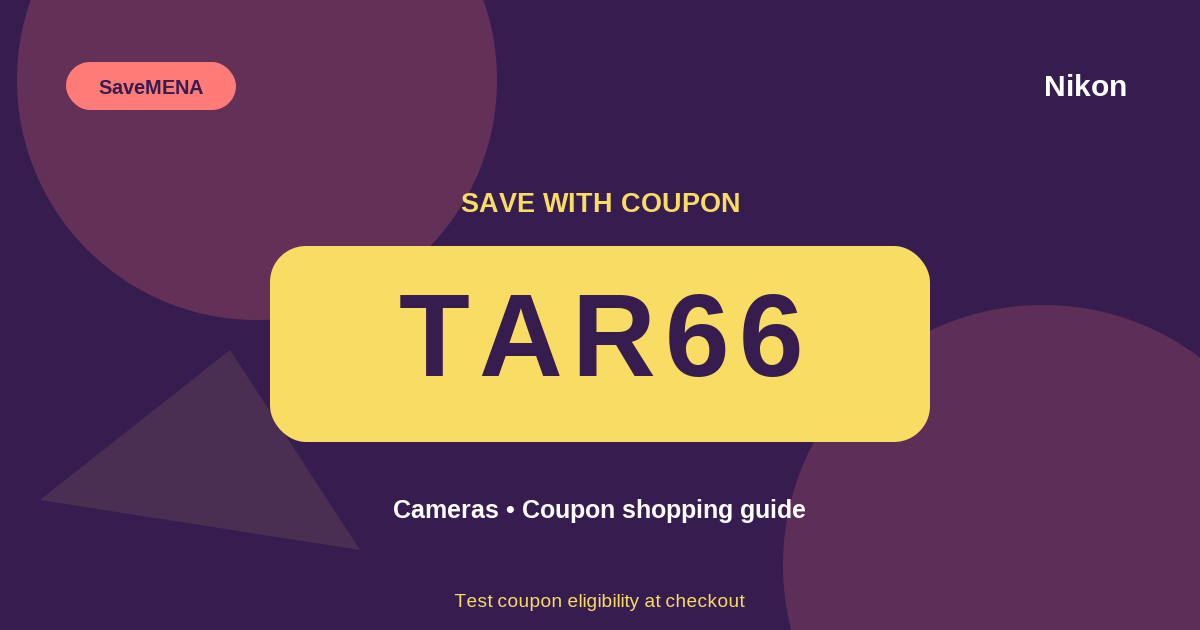
Codes available to try while comparing
These codes are not guaranteed for the article topic or listed brands; test them at checkout and use the live result.
Bank Discount vs Coupon: How They Compare for Camera Shopping
A bank discount on Noon UAE usually appears as a percentage reduction applied automatically when you use a participating bank’s debit or credit card. Unlike a coupon, it is linked directly to your card and does not require you to type a code. For Nikon camera buyers, this can mean a smooth, no‑intervention discount that is often applied before tax in the cart. However, the discount rate and applicable stock vary with the bank partnership and may not cover all Nikon models; shoppers must check the product page or bank‑associated promotions for confirmation.
Conversely, the TAR66 coupon is a user‑entered discount that you manually enter during checkout. While it can cover a broader range of Nikon cameras, its availability is subject to the seller’s choice and the protection rules embedded in Noon’s promotion system. The discount is not guaranteed; it must pass a verification step that examines buyer eligibility, product eligibility, and any overlapping promotions. Thus, the primary difference is that the bank discount is an automatic, card‑linked benefit, whereas the coupon is a conditional code that requires explicit input and confirmation.
Checking Your Noon UAE Bank Discount Eligibility
Before initiating a Nikon camera purchase, sign into your Noon account and preview the product’s price. On the product page, look for a note that indicates a partner bank discount; it may state “Enjoy exclusive bank discount” without specifying the amount. This implies that the discount will apply when you add the item to your cart and choose a supported bank on the payment page. If the note is absent, the bank discount is not applicable to that specific camera.
Next, confirm that your bank card is accepted by Noon UAE’s payment gateway. Log into your bank’s mobile app or website and ensure the card is active for online purchases. Some banks may have a specific “Noon” billing code or a separate online‑payment feature. If your card is linked to a merchant name that Noon detects, the bank discount will automatically apply once you confirm payment. Carry this information into the checkout step to avoid confusion if the discount is later omitted.
Trying the TAR66 Coupon Code on Nikon Cameras
While browsing One camera offers, you may spot an advertisement mentioning the TAR66 coupon. Before adding items to your cart, add the desired Nikon camera to a list. After selections are complete, proceed to the checkout page where the coupon field appears. Enter “TAR66” into the promo code box and press apply. The system will attempt to validate the coupon against the product price, your account status, and any third‑party seller restrictions.
When the code is applied, the cart might show a new line item saying “Discount applied” followed by the new subtotal. If the coupon is not accepted, Noon will display an error message such as “Coupon not valid for this product” or “Coupon expired.” At this point, the cart reflects the original price. It’s vital to verify the final price before committing to payment, as this is the sole place where coupon eligibility is confirmed. Remember, the code remains a trial; success is not guaranteed, and you must rely on the checkout confirmation for the exact discount applied.
How Account Status Affects Discount Application
Your Noon account plays a pivotal role in determining whether a bank discount or coupon will spell the difference at checkout. For instance, an account registered with a senior cardholder plan might automatically receive a merchant‑specified discount, while a standard membership might not. Similarly, coupon codes can be limited to new users, members, or holders of specific Lucky‑Point balances. These parameters are embedded in Noon’s backend and are not disclosed in product listings; they surface only during the payment step.
Therefore, to maximize your benefit, log in before adding the Nikon camera to your cart. This assures that Noon identifies your account tier and cross‑checks it against any active promotions. If your account lacks the requisite status, either upgrade your account level if possible or be prepared to proceed without the discount. Being aware of your account context allows you to plan alternative savings, such as waiting for a free‑shipping promotion or a sale day that isn’t tied to a bank or coupon.
Step‑by‑Step: Applying a Bank Discount in Your Checkout Flow
Begin by adding the Nikon camera of choice to your cart. Once you click “Proceed to Checkout,” consider whether you’ve already logged in; if not, do so to allow Noon to detect your card eligibility automatically. Select the payment method, ensuring it’s from a bank that Noon reports as partner‑eligible. The discount, if applicable, will reduce the cart subtotal before tax is added.
After the payment method is chosen and the discount applies, view the “Order Summary” where the new totals appear. The system will display the precise amount you will pay after the bank discount. No additional codes are required. Once you confirm the purchase, the discount is locked in; you cannot later retrieve it. This process is streamlined because it removes the need for manual code entry and allows the bank discount to act instantaneously.
Step‑by‑Step: Using the TAR66 Coupon Code in Your Checkout
After confirming your Nikon camera is added to the cart, advance to checkout. In the “Coupon Code” box, type “TAR66” exactly as shown, paying attention to case sensitivity. Tap the apply button and allow the platform to validate the code. If it passes all eligibility checks—including product compatibility, account status, and card type—the cart subtotal will be updated to reflect the reduction.
If the code is rejected, the system will display an explanatory message. Do not assume that the instruction is in error; instead, check that all conditions are met: the camera model, your account tier, and your payment method. Note that some sellers may restrict coupons to specific items; if the Nikon camera belongs to a restricted category, the system will refuse the code. In such cases, the only viable path is to rely on a bank discount or to leave the camera on hold until the sale cycle changes.
Risks and Safeguards: What to Verify Before Finalizing Your Purchase
Even if you see a discount gated when applying TAR66 or a bank discount appears, the promise is only confirmed during the final review just before you hit “Place Order.” Check that the total amount minus the discount aligns with the cart value. If you spot any discrepancy, it may indicate that the discount is conditional on other factors that were not initially visible—such as a minimum spend or a time‑limited offer.
In addition, review the shipping fee, as that cost remains unchanged regardless of the discount tools you use. While perks like free shipping can apply to the total after discount, they are not guaranteed if the discount modifies the product price in a manner that falls short of the ship‑free threshold.A coupon is not guaranteed; verify its result at the retailer checkout. If, after applying the coupon, it disappears upon payment confirmation, the discount was likely invalid for that transaction.
Choosing the Best Deal: A Practical Decision Guide
When deciding between a bank discount and the TAR66 coupon, start by mapping each option’s eligibility against your real‑world constraints: bank card type, account tier, and product selection. If your card is confirmed as a bank‑partner card and your account has the required status, the bank discount is typically the easiest route and automatically verified before payment.
If the bank discount does not apply or your account status doesn’t qualify, use TAR66 as a test. Reflect on whether attempting the coupon will clutter the checkout process or if its potential rewards justify the risk. Because both approaches hinge on verification at checkout, your best practice is to conduct a quick “deterministic check” by applying the discount during a single purchase attempt before committing to a long‑term deal. This hands‑on test ensures you get the real time discount amount, not a promise you might later miss.
Related SaveMENA pages
Related articles
Official sources to check
Frequently asked questions
Does the TAR66 coupon work on all Nikon camera models?
The coupon can be applied to Nikon cameras, but its acceptance depends on the seller’s terms. If a particular model is excluded, the coupon will not be accepted, and the cart will retain the original price. Check the coupon eligibility on the product page or during checkout for confirmation.
Will my bank discount override the TAR66 coupon?
Noon’s system typically applies only one promotional discount per transaction. If a bank discount automatically activates, adding a coupon often results in a system prompt stating that multiple discounts cannot be combined. The system will choose the higher discount or may require you to choose which savings to keep.
Does my Noon account level influence the discounts?
Account tiers can affect coupon eligibility and bank discount applicability. Higher‑tier membership may unlock exclusive bank discounts or allow coupons that are otherwise restricted to standard users. Always log in before adding items to see whether your tier applies.
How do I confirm the final discount before payment?
Just before placing the order, review the “Order Summary” screen. It displays the subtotal, applied discounts, shipping fees, and the final total. This is the authoritative checkpoint where the legitimate discount amount is finalized and cannot change after payment approval.