ASUS Computer Accessories on Noon UAE: account eligibility — bank offer versus · TAR64
Night-day discounts granted by Noon UAE banks work as a percentage reduction applied automatically when a qualifying bank account is used for payment.
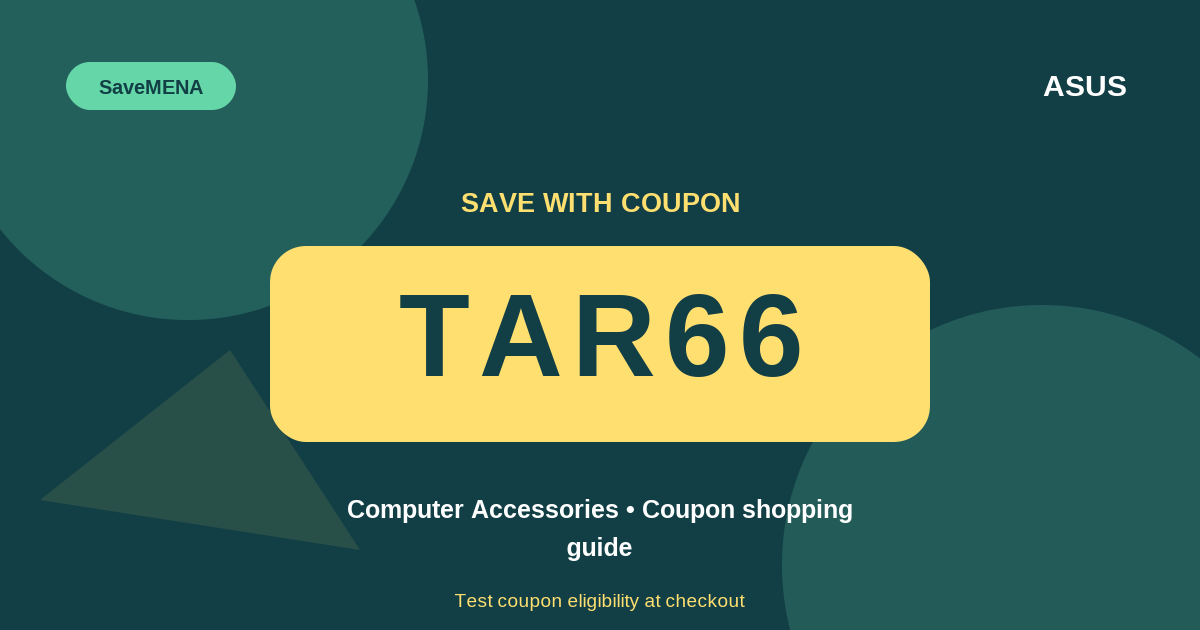
Codes available to try while comparing
These codes are not guaranteed for the article topic or listed brands; test them at checkout and use the live result.
1. Understanding Noon Bank Discounts and Coupon Offers
Night-day discounts granted by Noon UAE banks work as a percentage reduction applied automatically when a qualifying bank account is used for payment. The bank discount is usually set by Noon in partnership with specific banking partners, ensuring the discount is readily visible on the product page and is calculated before the final price shows. This pre‑applied nature can simplify the purchasing ritual for shoppers monitoring a single static price.
A coupon such as TAR64, on the other hand, is an optional code you can try entering in the coupon field before confirming payment. Coupons often require manual application, may have terms of use or restrictions on certain product categories, and the discount amount is typically displayed only after the code is entered. Because the coupon is stated as available to try, its effect on the final price must be verified during checkout.
2. Why Account Context Matters When Comparing Discounts
Your account context—specifically which user profile and which payment method you use during checkout—governs whether a Noon bank discount or a coupon will be applied. If you login with a Noon account linked to a supported bank, the bank discount applies automatically as soon as you add an eligible item to the cart. This means the discount will reflect in the item price, the subtotal and the total shown before you reach the payment page.
In contrast, the coupon code TAR64 relies solely on the entry of the code in the coupon field. Even if your account is linked to a bank that offers a discount, the coupon will only play a role if you explicitly input it. Therefore, when comparing bank discounts against coupons, always confirm that your chosen account has an active bank partnership and that you have the coupon code available to test during checkout.
3. Calculating Potential Savings: A Practical Approach
To estimate which promotion is more advantageous, start by noting the base price of the ASUS computer accessory you want. Add the automatic bank discount amount as shown on the product page for your bank’s discount rate. If the discount appears, you’ll have a clearer idea of the pre‑discount price that Noon will pass onto your checkout.
Next, apply the TAR64 coupon in a test environment—such as a guest cart or different account—by entering the coupon code in the coupon field. Observe whether the discount is applied to the subtotal or to the final price after any bank discounts. Comparing these two results will give you an idea of which discount is more generous, but the only final confirmation comes from the total shown at checkout, where all conditions and eligibility checks resolve.
4. The Role of ASUS Computer Accessories in Your Purchase
When focusing on ASUS computer accessories, note that these items often carry a base price that varies widely from peripherals like keyboards to power supplies. Noon may place specific brand items into a category where bank discounts apply differently than elsewhere. The presence of an ASUS tag on the cart can sometimes signal to the system whether a coupon is eligible, or whether a brand‑specific price adjustment is triggered.
Because the coupon TAR64 is not brand‑tied, its applicability depends on whether the product falls under the category that the coupon supports. If the item’s classification matches the coupon’s allowed category, you can simply enter it; otherwise, the coupon might be ignored and you would rely on the bank discount or base price alone. Checking product details before initiating checkout will therefore help you anticipate whether the coupon will be considered.
5. How to Apply the TAR64 Coupon on Noon UAE
First, add your chosen ASUS accessory to the cart. As you proceed to the summary step, scroll to the coupon entry field where you will type TAR64 exactly as it appears, matching capitalization. Pay close attention to any error messages that say “invalid code” or “not applicable”—those signals indicate the coupon fails to trigger.
Once the code is accepted, watch for a change to the subtotal. Even if the discount not hefty, it will modify the shown amount. SaveMENA’s policy clarifies that the coupon is offered as a test point, and while the final payable figure will appear only at checkout, the visible adjustment provides an early indicator of whether the coupon works for your selected item.
6. Selecting the Right Account for Maximal Benefits
Your Noon account should be linked to a bank that offers a discount if you favor the automatic route. You can verify this by navigating to the payment methods section of your account to confirm an active bank partnership. If multiple banks are registered, choose the one with the most favorable discount rate for electronics or for ASUS accessories.
A coupon is not guaranteed; verify its result at the retailer checkout. Coupons can sometimes be restricted to active users or may depend on account verification status. Testing with the main account gives you a realistic sense of how the coupon will behave during a real purchase.
7. Checking Eligibility and Finalizing Your Order
At the payment page, the system will re‑evaluate all promotions. The bank discount will be reflected automatically if your linked bank qualifies. If you entered the TAR64 code, its effect will be shown only if eligible under the current conditions. Any mismatch—such as a coupon not matching the item’s category—will be indicated via a message before you are permitted to place the order.
Once you confirm that the final total displayed is the one you accept, you can complete the purchase. At that point, the discount applied will be irrevocable; no post‑checkout changes to the applied promo are possible. Hence, verifying every detail—bank link, coupon entry, and final price—ensures you are satisfied with the selected benefit before finalizing payment.
8. Balancing Value and Convenience for UAE Shoppers
Choosing between a bank discount and a coupon ultimately hinges on two variables: the absolute discount each offers and the ease of application. A bank discount is instantly visible and requires no extra steps, reducing decision fatigue. A coupon may add a small amount of effort but can produce a different percent of savings or the coupon code a promotional period where the discount is larger.
For shoppers ordering ASUS accessories, the safest practice is to compare both routes during a trial run. Observe the subtotals after each promotion and decide which aligns better with your budget and your preference for a hassle‑free checkout. Remember, whatever method you select, the final amount will be locked in at the time of payment, making accurate verification at checkout paramount.
Related SaveMENA pages
Related articles
Official sources to check
Frequently asked questions
Is the TAR64 coupon clickable or automatically applied?
The TAR64 coupon is an optional code that must be entered manually into the coupon field during checkout; it is not automatically applied.
Can I combine the Noon bank discount with the TAR64 coupon?
Both promotions can be attempted in the same checkout flow, but the system applies only one active discount at a time. The coupon needs to be entered after the bank discount is visible.
Will I see the discount amount before I complete my purchase?
On the product page, the bank discount is shown; after entering TAR64, the subtotal will reflect the coupon discount. The final total confirming at checkout solidifies the applied discount.
How do I verify my bank partnership on Noon?
Check the payment methods section of your Noon account to see if your bank is listed as an eligible discount partner; this can be done before adding items to the cart.