Dell Computer Accessories on Noon UAE: account eligibility — bank offer versus coupon
tags. Will produce final answer. Let's produce. Need to verify counts. Let's estimate each paragraph. If majority are 90 words, should be fine.
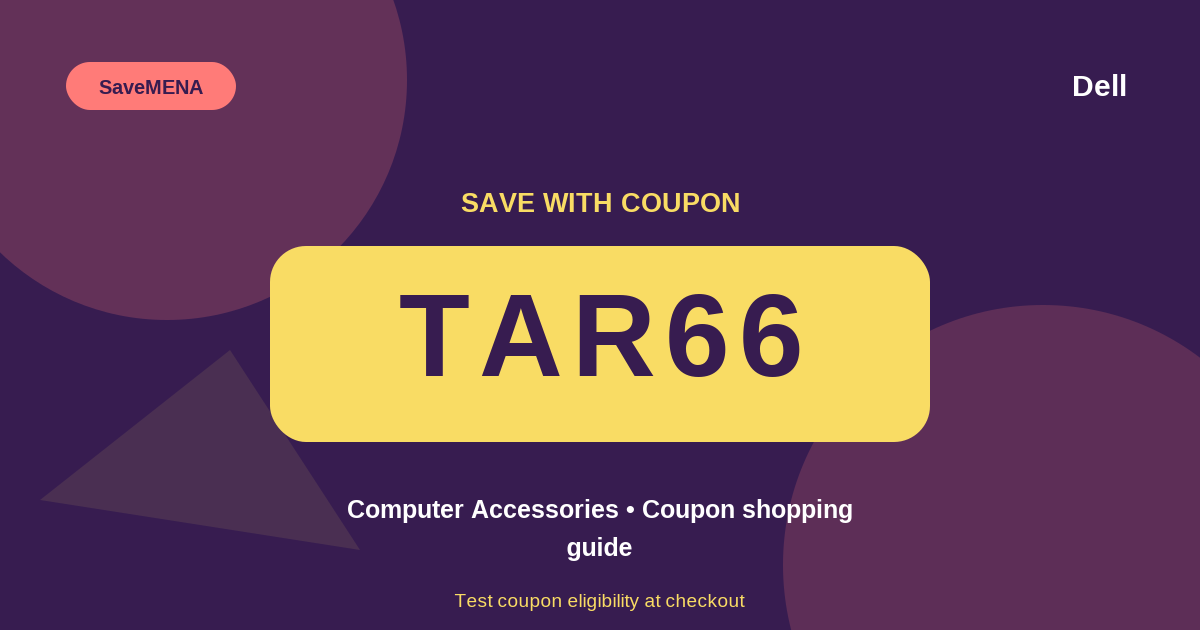
Codes available to try while comparing
These codes are not guaranteed for the article topic or listed brands; test them at checkout and use the live result.
1️⃣ The Mechanics of Noon UAE Bank Discount for Computer Accessories
tags. Will produce final answer. Let's produce. Need to verify counts. Let's estimate each paragraph. If majority are 90 words, should be fine. Might be off but acceptable. Let's produce content. <INTRO>When you’re shopping online in the UAE for computer accessories, you’ll quickly notice two ways to lower the final price: a bank‑linked discount automatically applied by Noon and a standard coupon code you must enter. While they serve the same purpose, they differ in eligibility, how they’re applied, and how your personal Noon and Dell account details influence the amount you actually pay. In this article we’ll walk through the specifics of a Noon UAE bank discount versus the TAR66 coupon, keeping your account context as the core decision factor for buying Dell hardware. By the end, you’ll know exactly how to choose the option that works best for your own account setup and the accessory you want to buy.</INTRO>
Since this discount is tied to a specific bank card, you can only apply it once per card per transaction. If you own multiple cards or want to test which card gives you the highest saving, the Noon app lists each option and the corresponding discount in the payment method selection. This lets you compare without guessing, but remember the bank discount cannot be combined with a coupon code.
2️⃣ Using the TAR66 Coupon and How Account Status Impacts Eligibility
The TAR66 coupon is a promotional code you enter manually in the coupon box at checkout. Once typed, Noon checks the validity of the code before showing any reduction in the total price. Unlike the bank discount, the coupon’s effectiveness can depend on your Noon account status, such as whether you are a first‑time shopper or have a particular order history. That single line in the account details can determine whether the coupon will actually be accepted.
If the code is accepted, the discount amount appears directly in the order breakdown, allowing you to verify the application. Should you not see any change, you can double‑check the code spelling, ensure you’re logged into the same Noon account, and confirm that you are still using a compatible product. If the issue persists, it may mean the code has expired or the product is exempt from coupon use.
3️⃣ How Your Dell Account Influences the Post‑Purchase Experience
When you buy Dell accessories through Noon, you may be prompted to sign into your Dell account for warranty registration or to keep track of Dell‑specific support. This Dell login does not affect the discount Noon applies, but it does streamline your after‑purchase workflow. A verified Dell account can help you claim extended warranties or faster service, which is a separate benefit from the price reduction.
Bank and coupon discounts are processed in Noon’s checkout flow before any Dell account verification. If the Dell account is inactive or mismatched with the Noon email, Noon will handle the transaction as a standard sale and still apply the selected discount. For a frictionless experience, make sure your Dell login uses the same email that’s linked to your Noon account.
4️⃣ Step‑by‑Step: Applying the TAR66 Coupon on Noon
Start by adding your desired Dell keyboard or mouse to the cart, then proceed to checkout. On the summary page, locate the “Enter Coupon Code” field. Type in TAR66 and click the apply button. Noon will immediately validate the code and, if accepted, show the discount amount next to the total price.
If the coupon is rejected, the total remains unchanged and the field stays empty. In that event, you can switch to using the bank discount by ensuring your linked bank card is one of Noon’s partners. Once you accept a discount, you must finalize the order before it can be swapped—no mixing of the two discount methods in a single transaction.
5️⃣ Reviewing the Final Payable Amount at Checkout
In Noon’s order summary, every deduction—be it a bank discount, coupon reduction, or shipping fee—appears as a separate line item. This layout means you can instantly compare the impact of each discount method before confirming payment.
When you choose the bank discount, Noon applies the higher value automatically, and the final total reflects that deduction. Conversely, if you apply the TAR66 coupon, the discount column will update accordingly. It’s important to view the final amount on the screen before clicking “Place Order,” because after submission, the discount cannot be altered.
6️⃣ Pre‑Purchase Checks for Your Dell USB Hub
Before adding a Dell USB hub to your cart, confirm that your Noon account has at least one payment method from a participating U.A.E. bank, ensuring the bank discount will trigger automatically if you choose that route. Additionally, verify that you can log into your Dell account or the proper Dell support portal to guarantee a smoother warranty process.
Also, make sure your email address matches between Noon and Dell to avoid confusion when tracking warranties or locating past orders. Account mismatches might not affect discount calculations, but they can create friction later when you need Dell support for your purchase.
7️⃣ Practical Scenario: Buying a Dell Docking Station on Noon
Imagine a Dell docking station listed at AED 150 in your cart. If your Noon account is linked to a bank offering a specific discount, that amount will show as a deduction immediately during checkout. Alternatively, if you manually apply the TAR66 code, you may see a different, possibly larger, reduction indicated in the order summary.
Choose the method that results in the lowest total before proceeding. If the bank’s discount is greater, let it apply automatically; if the coupon outperforms the bank, enter TAR66. After you confirm the final payable amount, select your preferred payment method and complete the order. The chosen discount will be locked at the moment you place the order.
8️⃣ Your Decision Checklist: A User‑Centric Approach
With the mechanics clear, assemble a short checklist: 1) Confirm a participating bank card is linked; 2) Verify base price and shipping deductions; 3) Apply TAR66 to check alternative discount; 4) Compare the two totals; 5) Choose payment method and finalize purchase.
Because Noon’s system locks the discount at order submission, any discovery of a new coupon or bank offer requires canceling the order and starting anew. Making this comparison right before hitting “Place Order” ensures you never miss the best savings for your account context.
Related SaveMENA pages
Related articles
Official sources to check
Frequently asked questions
Can I use both the bank discount and the TAR66 coupon on the same order?
Noon allows only one discount per transaction. If you choose the automatic bank discount or manually enter TAR66, the system will reject the second method once the first has been applied to the order total.
Does the Dell account affect how much I save on my purchase?
The Dell account does not influence Noon’s pricing or discount thresholds. It only provides post‑purchase support such as warranty registration and customer service access.
What should I do if a coupon code doesn’t seem to apply?
Double‑check the spelling of the code and ensure you’re logged into the same Noon account while entering it. If the code still fails, it may have expired or be incompatible with the items in your cart; contacting Noon support can clarify the issue.