Philips Electronics on Noon UAE: account eligibility — bank offer versus coupon
If you’re weighing a bank discount against a coupon for your next electronics purchase on Noon UAE, the decision boils down to the specific account settings and how
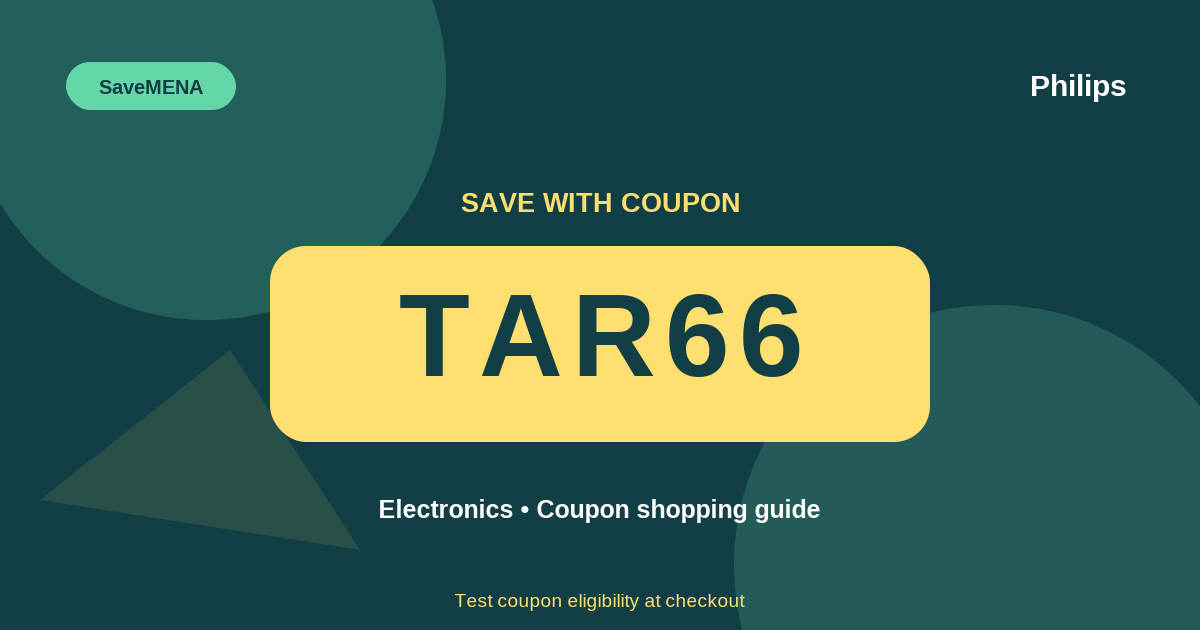
Codes available to try while comparing
These codes are not guaranteed for the article topic or listed brands; test them at checkout and use the live result.
Bank Discounts at Noon: What They Are and How They Apply to Electronics
Noon’s bank discount feature is designed for frequent users who link their UAE bank cards to their Noon account. When you add a Philips item to your cart, the discount is automatically offered if your account is unlocked by the bank’s notification system. The feature is meant to reward quick, cash‑free purchases without additional clicks, simply reflecting a lower total on the cart page before you proceed to payment. Because the discount is applied at the cart level, you’ll see the reduced amount before choosing your payment method, giving you a clear comparison against any coupon code you might consider.
However, the system only applies to cards that meet Noon’s criteria, and the discount operates under the umbrella of your account verification status. If a discount does not appear, it is often a signal that the card‑linking process has not completed or that your account lacks the required profile permissions. In these cases, the system will default to the regular price, leaving you at the mercy of any coupon you might still employ.
The TAR66 Coupon: How It Fits into Your Philips Shopping Experience
Unlike the bank discount, the TAR66 coupon is a simple code you type into a designated field during the checkout flow. It is not tied to a specific product line or brand, so you can apply it across a range of Philips electronics, from audio systems to smart kitchen appliances. The coupon’s behavior is governed entirely by the Noon system, which will recalculate the final payable after the default cart price is resolved. This means you can superimpose it on the same cart that holds a bank discount, but the interaction rules are not guaranteed; the platform will present whichever savings allows the lowest final total, or it may choose to apply only one of the two, depending on Noon’s internal logic.
Because the coupon is available to try, there is no assurance that it will work each time. The best practice is to enter TAR66 only after you’ve checked the discount indicator from the bank card link to be certain that you are applying both forms of savings correctly. Remember that the final price displayed on the payment screen is your only arbiter of the successful redemption.
Comparing Savings: Bank Discount vs. Coupon in Practical Terms
When deciding between a bank discount and a coupon, it helps to look at the point of influence. A bank discount reduces the cart total before you choose a payment method, which can affect how cashback or reward points are accrued for the transaction. If a coupon is applied later, it may bypass those reward mechanisms or trigger a different set of terms. For Philips electronics, which can have high face values, these differences can influence the final amount paid, even if the magnitude of the discount is similar.
In practice, the bank discount tends to be more seamless, but it requires the bank card to be properly linked in your account settings. The coupon, on the other hand, empowers you with a backup savings tool you can activate manually. Understanding which one applies in a given scenario comes down largely to verifying the discount status on the cart page and testing the coupon entry on the final checkout screen.
Applying a Bank Discount — Step‑by‑Step for UAE Bank Cardholders
First, open the Noon app or website and log into your existing profile. Navigate to the Settings or Payment section and ensure your UAE bank card is listed and verified. This usually involves a quick authentication via the bank’s messaging system or a confirmation code. Once the card is active, return to your cart after adding a Philips item; the discount should display automatically if the system recognizes the selected card as eligible.
Should the discount fail to apply, double‑check the card’s status in your account, check for any pending verifications, or clear your cart contents and refresh. Only when the discount is shown on the cart page should you proceed with the payment method selection, as the discount will hold regardless of how you finalize your purchase.
Redeeming the TAR66 Coupon — Step‑by‑Step in the Noon App
After confirming the cart total with the bank discount (if any), scroll to the checkout screen where the payment summary appears. Locate the field labeled “Coupon Code” or “Promo Code”. Here you type or paste TAR66, ensuring that the text field accepts the code without errors displayed.
Click the apply button; the platform will re‑evaluate the final price. If the coupon is valid for the items in your cart, the total will adjust to reflect the new amount. It is essential to observe the final payable displayed before confirming the order, as this is the definitive measure of whether the coupon has been accepted and the reduction applied.
Account Context: Ensuring Your Noon Account is Eligible for Discounts
Eligibility for bank discounts hinges on having a Noon account that is verified with a UAE bank card. Without this verification, the system will treat your cart as a standard purchase, therefore eliminating any automatic discount. Checking your account settings before purchase is critical to confirm this link; missing verification often surfaces as a simple status indicator within your profile.
Similarly, while the TAR66 coupon is not declared as exclusive to any brand or category, certain account status restrictions may apply within Noon’s system that could block coupon entry if the account is flagged for promotional usage limits. Take care to read any prompts that appear when you apply the code, as they may suggest alternative actions if the coupon cannot be accepted.
Account Context: Managing Discount Settings & Settings for Upcoming Sales
Occasionally Noon enables temporary discount features for its “flash sale” rounds. These can include both bank discounts and coupon codes which only apply within short windows. If you plan to take advantage of upcoming sales, be proactive in ensuring your account settings favor these offers: adequate notification permissions, a cleared cart, and a validated payment method. This pre‑emptive approach reduces the chance of missing out due to technical hiccups at checkout.
When managing your account, note that your funnel for savings may shift if you frequently clear your cart or if you switch payment methods mid‑purchase. Such changes can reset discount eligibility, so keep a consistent approach to ordering if you rely on specific savings for Philips electronics.
Final Checklist: What to Verify Before You Pay
Before proceeding to payment, double‑check that your cart total reflects the bank discount (if available) and that the AR66 coupon has been applied if you chose to use it. Validate that all discount indicators are present on the payment screen; the final total is the only reliable measure of the effective savings.
Also verify that your payment method is the selected one on the last screen.A coupon is not guaranteed; verify its result at the retailer checkout. After these checks, you can confidently complete the purchase knowing you utilized all available savings avenues.
Related SaveMENA pages
Related articles
Official sources to check
Frequently asked questions
Can I use the TAR66 coupon after applying a bank discount?
Yes, you can add the TAR66 coupon during checkout after confirming the bank discount is shown on the cart. The platform will recalculate the final amount based on whichever offers apply. Remember to check the payment screen to confirm savings.
Does the Noon bank discount apply to all Philips products?
The discount is applied automatically to items in your cart if the bank link is active. It does not the coupon code specific products or brands, so it will simply reduce the cart total for any eligible Philips electronics you add. Verify the display on your cart for confirmation.
What if the TAR66 coupon doesn’t work at checkout?
If the coupon appears invalid, review the code entry for typos and ensure you’re still within any activation period the platform might enforce. The system will indicate failure. In such case, rely on the bank discount if available, or try again later.
Are there any additional fees when applying a bank discount or coupon?
Both discount types are processed before shipping and handling calculations. Any additional fees, such as delivery charges, are added separately after discounts are applied. Check the final payment screen to see if extra fees are present.