Samsung Electronics on Noon UAE: account eligibility — bank offer versus coupon · TAR64
When a UAE shopper navigates Noon’s electronics section, the first question that surface is whether to use a coupon code or a bank discount.
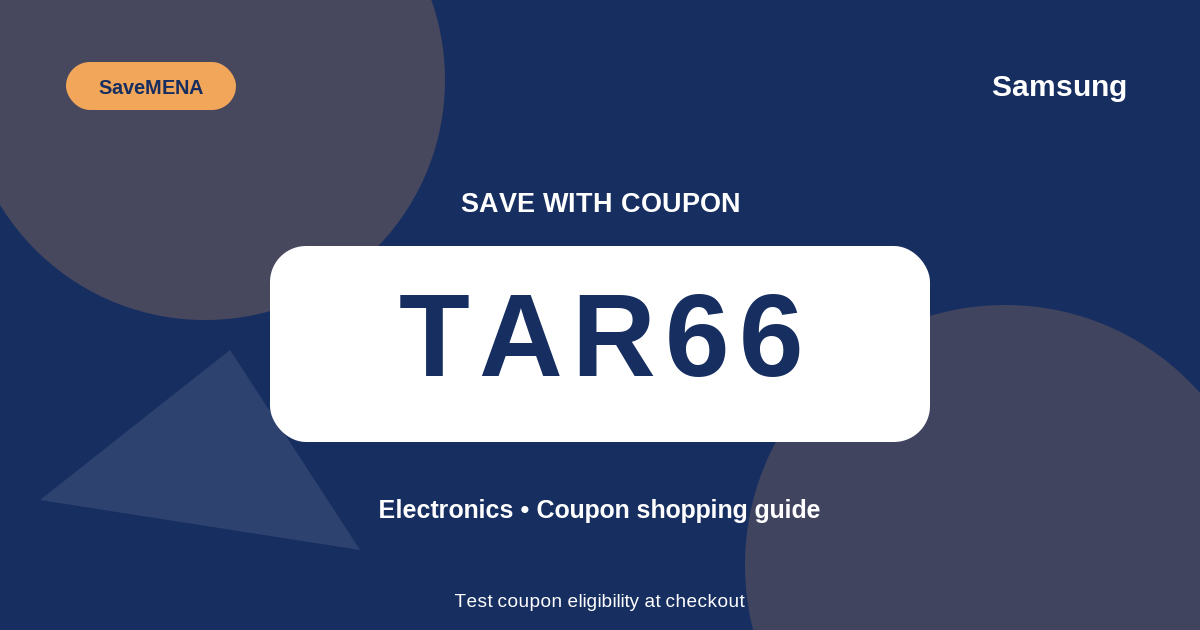
Codes available to try while comparing
These codes are not guaranteed for the article topic or listed brands; test them at checkout and use the live result.
1. Understanding Noon Bank Discount vs Coupon for Electronics
The Noon UAE bank discount is a loyalty‑style benefit that merchants offer through the Noon app. Eligibility for this discount is contingent on the shopper’s Noon account being active and verified, with the subscription or savings plan tied to a specific bank. Once the account conditions are satisfied, the discount is automatically applied to the cart before checkout, and the exact amount is reflected on the final price page. Because the discount is applied at the system level, it does not require manual entry of a code, which some shoppers find more convenient. However, merchants set constraints on browsing depth or stock availability that may reduce the ultimate discount percentage on certain electronics.
The TAR64 coupon, on the other hand, is a single‑use code that you manually input into the coupon field during checkout. Unlike the bank discount, it is independent of your Noon account status – any shopper with a coupon can apply it to eligible items. The coupon’s main selling point is its simplicity: it offers a flat discount that is visible instantly, empowering the shopper to gauge its value before proceeding. For Samsung electronics, the coupon applies across selected models, but the store may restrict it to certain product variations, which means the final savings can fluctuate based on product SKU.
2. Samsung Products and the Impact of Account Status
Samsung’s lineup on Noon ranges from mid‑range tablets to high‑end TVs, each represented by distinct SKUs and sellers. When a Noon account is verified and linked to a participating bank, the bank discount’s percentage is applied uniformly across all Samsung product categories – each price point is reduced by the same factor, irrespective of the brand. This means a Samsung Galaxy S23 Ultra receives exactly the same percentage reduction as a Samsung Frame TV, provided the items are in stock. The account must also meet any point threshold for the discount to activate, which can vary across merchant promotions. Thus, account status is the key lift for unlocking a meaningful discount on Samsung hardware.
Coupon usage is product‑agnostic but often limited to a subset of Samsung items. For example, the TAR64 code may be valid on the Samsung QLED 55” TV but not on the Galaxy Fold series. This selective eligibility is decided by each seller within Noon’s platform and can shift over time. Consequently, shoppers should examine the “eligible items” list before applying the coupon, especially if they are pursuing a specific Samsung device. An account check is still worthwhile because it can unlock an extra discount that the coupon cannot surpass in certain scenarios.
3. How to Apply the TAR64 Coupon
Adding the TAR64 coupon to your purchase is a three‑step process that begins with selecting your desired Samsung gadgets. When you have assembled your cart, proceed to the checkout page where you will see a “coupon code” field. Type TAR64 directly into this box, avoiding plural or extra spaces, to trigger the automatic price recalculation. Once the code is accepted, the coupon discount will subtract from the total value displayed below the cart summary, creating new line items that show the applied discount. The screen will also reveal any remaining balance that if exceeded may lead to a minimum spend requirement that the coupon description may impose.
After the coupon is applied, scroll down to confirm that the discount is reflected in the final price line. This is the checkpoint where you verify that the coupon has actually taken effect – the discount amount will appear as a negative number in a separate box. If the code is invalid or expired, Noon will vanish the discount and provide a message requesting a new coupon. In that case, the account‑based discount remains a fallback option that you can consider within the same checkout session.
4. Applying Noon Bank Discount and Checking Eligibility
Prior to finding the phone or TV you want, navigate to the Noon app or website and log into your personal account. Bank‑linked account verification can be found under “Account & Settings,” where you can scan a picture of an ID or link a credit‑card issuer. Once your account achieves the necessary verification status, the bank discount tracer activates automatically. You will notice a subtle message in the cart, such as “A Noon UAE bank discount has been applied,” or a small banner by the price.
Should the discount not appear automatically, scroll to the “Payment Method” section and ensure that the linked bank is listed. If the bank is not active, try adding a new card that participates in the Noon discount program. After each change, refresh the cart until the new discount populates. Note that this discount does not require you to input any code – the system will deduct the percentage from the final total, and the coupon or discount name may be flagged during checkout as the method of saving.
5. Comparing Net Savings: Coupon vs Bank Discount
When comparing the TAR64 coupon against the Noon UAE bank discount, the first metric to examine is the effective discount percentage. The coupon offers a fixed number of units off the list price; however, the actual amount of savings varies depending on the list price of the Samsung device. Meanwhile, a bank discount applies a consistent percentage across all items, providing predictable reductions. For high‑end Samsung TVs, even a low‑percentage bank discount can outperform a low‑value coupon if the TV’s price is substantial.
Check the final payable total displayed during checkout for both scenarios. Because the coupon discount appears as a subtraction on the subtotal, while the bank discount appears under the payment method totals before tax, the final total may appear slightly different each time you toggle between them. For purchases that exceed certain thresholds, the bank discount may even push you into a free‑shipping zone; that benefit is invisible to the coupon method unless specifically tied to a coupon offer. By comparing these outcomes for your chosen devices, you’ll know which route delivers the most advantage.
6. Practical Steps for Account-Based Discount Use
Once the account status is set, each Samsung product you add to your cart is automatically assessed for discount eligibility. For sellers who restrict the bank discount to particular product variants, Noon will exclude ineligible items from the discount calculation, keeping the rest of the cart intact. Open the product page, locate the “Discount Available” indicator, and verify that the booth‑account “Noon Bank” icon appears. If not, double‑check that the product falls under the bank discount rules as outlined in the seller’s FAQs.
Next, select quantity and confirm that each unit respects the discount cap if there is a limit on how many items can be discounted per order. Should multiple Samsung devices be added, the bank discount will merge across them, as soon as each SKU matches the discount criteria. Thanks to this integration, you need to perform only one payment flow, and no coupon field is required. This method also automatically incorporates any applicable loyalty points that Noon may multiply when a bank discount is activated.
7. Potential Pitfalls and What to Verify at Checkout
Even if the discount appears during the cart review, a final confirmation at checkout is crucial. Some merchants shift discount eligibility between the shopping cart and the payment page, due to inventory adjustments or time‑lapse changes. Verify that the “Discount” line remains present after you click “Proceed to Payment.” If the line disappears, contact Noon support to confirm bank account linkage or ask whether the coupon was still valid for the current cart.
Also be aware of hidden terms tied to each discount. An active bank discount may only be applied when using a specific payment method, such as a Noon Pay or linked bank card. Similarly, the TAR64 coupon may be restricted to a single purchase or a maximum spend. Therefore, check the terms on the coupon detail page and confirm that they align with the Samsung product you plan to buy. If either discount cannot be applied for a particular SKU, the final total will revert to the standard price, and you may lose out on savings you anticipated.
8. Final Recommendation: When to Choose Coupon or Bank Discount
For UAE shoppers who already maintain a Noon account linked to a bank that partners with Noon, the bank discount provides a continuous, automatic benefit that is usually easier to apply and can scale with higher‑priced Samsung devices. If the product you want isn’t covered by the discount or if the bank discount is notably small, the TAR64 coupon offers an immediate and visible saving with no extra steps.
In scenarios where you are purchasing multiple Samsung products and already have bank‑eligible status, prioritize the bank discount to enjoy the full discount on the entire cart volume. Conversely, if you are a casual shopper or your account lacks the proper bank link, using the comma‑free TAR64 coupon becomes the most straightforward route to a verified discount that transfers instantly at checkout. Excellent shopping!
Related SaveMENA pages
Related articles
Official sources to check
Frequently asked questions
What if the TAR64 coupon is not accepted during checkout?
If the coupon code fails to be applied, double‑check that you entered TAR64 correctly without spaces or punctuation. Verify that the coupon is still active by exploring Noon’s help center or calling customer support. If it remains invalid, the Noon bank discount may still offer savings if your account is eligible.
Can I use both the bank discount and the TAR64 coupon on the same order?
Noon does not allow stacking a bank discount with an additional coupon on a single transaction. Once you input the TAR64 code, the bank discount will be automatically removed from calculation, and vice versa. Choose the option that gives you the higher final savings.
How do I know if my Samsung product is eligible for the bank discount?
During checkout, look for an icon indicating “Noon UAE bank discount” next to the product price. If absent, review the seller’s discount policy or check your account settings under “Payment Methods” to ensure your bank link is active.
Is there a minimum spend required to activate the bank discount?
Some banks offer a minimum spend threshold for the discount to apply. These terms are outlined in your account settings or through Noon’s promotional material. If your cart does not meet the threshold, the discount will not be applied, and no error appears until checkout.