Braun Kitchen on Noon UAE: account eligibility — bank offer versus coupon · TAR64
If you’re wondering how Noon UAE bank discount compares to a coupon like TAR64 for kitchen bargains, we’ve broken it down for you.
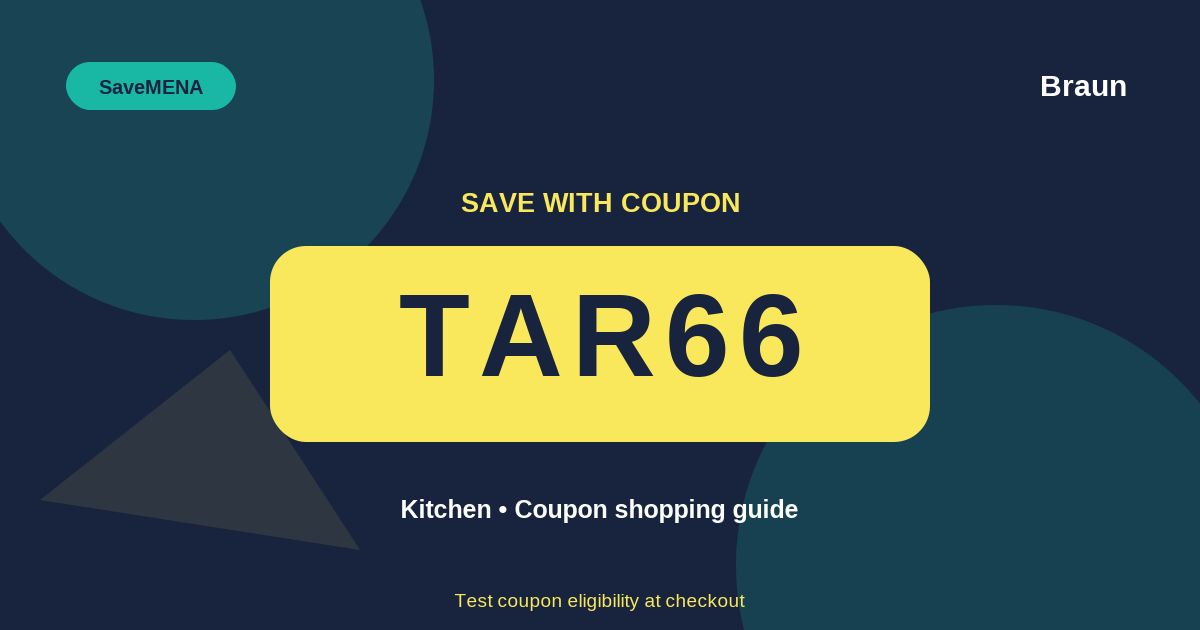
Codes available to try while comparing
These codes are not guaranteed for the article topic or listed brands; test them at checkout and use the live result.
How Noon Bank Discount Works in Kitchen Deals
Noon’s bank discount is typically a web‑based mechanic that activates when you log in with a verified account and choose a bank‑linked payment method. Once you add a kitchen appliance to your cart, the discount amount is automatically subtracted at checkout, often expressed as a flat subtraction or a “bright‑red tag” beside the price. Because the discount is applied before the final total reflects shipping and taxes, customers see the exact reduction in real time, making the savings tangible as they add items. The system relies on the integrity of the buyer’s account, so proper sign‑in and correct bank card selection are essential for activation.
The technical operation behind the bank discount aligns with Noon’s overall strategy of encouraging repeat shoppers with personalized offers tied to their transaction history. While the exact percentage is undisclosed, the discount is designed to reward loyalty and incremental spend on kitchen categories such as cookware sets, blenders, and Braun appliances. The system verifies that your account meets the eligibility criteria—typically based on card type or previous purchases—before applying the benefit.A coupon is not guaranteed; verify its result at the retailer checkout.
Using the TAR64 Coupon for Braun Kitchen Appliances
The TAR64 coupon is a retail‑offered promo that can be entered into Noon’s coupon field during the checkout process. Unlike the bank discount, which applies automatically to qualifying items, this coupon requires an explicit input before finalising payment. The code may be applicable across a broad range of Braun kitchen products, especially those within the appliance lineup, and it can stack with other non‑discount offers that do not conflict with the terms of service. The systematic approach ensures that customers who are aware of this coupon can incorporate it into their purchase plan without confusion.
When applying TAR64, shoppers should confirm the selection prompts: the code is case‑sensitive, and it must be typed exactly as shown. After entry, the checkout screen should reflect instant pricing changes, indicating whether the coupon was accepted or rejected. If the coupon is rejected, the shopper typically receives an on‑screen explanation, possibly due to account restrictions or usage limits. It is also recommended to proceed with a test order of a single Braun appliance to verify the coupon’s logic before placing bulk orders, ensuring that the Rule‑based conditions are satisfied for your specific account context.
Comparing Discount Methods: Bank Versus Coupon
When judging Noon UAE bank discount against the TAR64 coupon, the decisive factor is predictability. The bank discount operates dynamically, subtracting a predetermined amount that is visible before the transaction is confirmed. This stability allows buyers to budget accurately. In contrast, the coupon’s acceptance hinges on a set of eligibility rules that must be satisfied in real time, often triggered by account age, location, or available credit. The variance can lead to missed savings if the coupon does not pass validation, whereas the bank discount tends to be more reliable once your account is authenticated.
Cost‑to‑consumer considerations further affect the choice. The bank discount’s impact is automatic, making it suitable for shoppers who prefer a frictionless experience. The coupon scenario, meanwhile, can incentivise strategic planning: if a particular Braun blender is on sale and the coupon is applicable, you might combine the benefits. However, you must be mindful that certain special promotions exclude coupon usage to avoid stacking too many discounts. The bottom line is that each method has a different trade‑off between immediacy and flexibility, and the best path depends on the shopper’s inventory needs and account privileges.
Practical Tips for Clarity and Eligibility
Because Noon’s system can vary subtly by product and account, it is wise to double‑check for any hidden constraints before hitting checkout. For a bank discount, confirm that your payment card is actively linked to your Noon account and that the account verification status is current. Some buyers have reported that residential addresses not matching the bank’s records can result in the discount being withheld at the final stage. Ensure your profile information is aligned with your banking details to avoid a last‑minute discrepancy.
With the TAR64 coupon, you should scan the product’s detail page for any eligibility clauses that might affect its use, such as minimum order values or product exclusions. Verify that your shopping cart consists of eligible Braun items; a mismatch might cause the coupon to be invalidated silently. It is also helpful to review the terms on Noon’s “Coupon & Promo” help page, where they clarify whether coupons can coexist with other offers. The more precise you are with eligibility, the lower the chance of having the coupon stripped away during final settlement.
Understanding Account Context for Maximum Savings
The account context sets the foundation for both savings mechanisms. If you have recently upgraded to a Noon Prime or paid loyalty tier, those status changes can unlock additional bank discount benefits, sometimes automatically tiered. Your browsing history, previous purchase frequency, and the number of approved Pay Later credit lines can also affect whether the bank discount is available during the checkout window. Always confirm that your account status is up to date; you can do this by revisiting the “My Profile” section of the Noon app or site and reviewing your account status label.
Undoing any suspension or temporary hold on your account is essential too. Since some bank discount offers trigger when you activate a new payment method, you may need to re‑authenticate through the security token or verify your identity one more time. The key is to keep your account in active good standing, as any pending verifications may cause the discount to be omitted. When you use TAR64, the same account context applies: if you are an account holder with any restrictions—such as a temporary lock on promotional codes—the coupon may fail to apply. Therefore, both discount avenues reward proactive account management, making regular checks a useful habit.
Step‑by‑Step: Applying Both Offers Safely
Begin by adding a Braun kitchen appliance to your cart. Next, navigate to the ‘Payment’ section and select your bank card that is known to be linked with your Noon account. If the bank discount activates, you should see a small note or an updated price. If no discount appears, double‑check the card’s link status. Then, proceed to the ‘Coupon’ field near the payment summary; enter TAR64 exactly, observing the case sensitivity. Submit the coupon and watch for a confirmation that the code was accepted or rejected.
If the coupon is accepted, you’ll see the revised total reflecting both the bank discount and the coupon deduction (if allowed). If the coupon is rejected, the amount remains unchanged, but you still retain any discount from your bank payment method. In case both discounts should combine but one is lost, consider removing the coupon first and confirming the bank discount, then re‑entering the coupon to see if the system now accepts it. If this fails, it may be an account‑level restriction; in that case, contact Noon support for clarification. Keep an eye on the step‑by‑step changes to ensure you truly capture what you intend.
Real‑World Use Case: A Braun Oven Transaction
Suppose you’re buying a Braun countertop Oven. After adding it to your cart, you log in with a verified account and choose the bank card that previously coordinated a the discount shown at checkout discount on cookware. The price drops by the fixed discount amount before the shipping fee is applied. At the next stage, you enter TAR64 into the coupon field; the system instantly re‑calculates, showing a reduction of the coupon’s value if the coupon is compliant. If both discounts cannot combine, the platform might alert you that the voucher cannot be applied with the current payment method or that your account has a conflicting promotion restriction.
Once you hit ‘Place Order’, the final screen confirms whether the coupon and bank discount remain upheld. If the coupon has been ignored, the total will still reflect your bank discount. If everything aligns nicely, both reductions will be reflected in a single line item. Because the sale is completed in a single transaction, you do not need to perform additional post‑purchase steps—the savings are captured and reflected in your receipt, which you can review as a record for your account ledger. Always review this receipt in your Noon account to verify the finalized discounts applied.
Making Peace of Mind with Noon Checkout Policies
The final safeguard is the Checkout Policies page. Noon outlines that all discounts, whether they originate from bank agreements or vendor coupons, must be applied prior to the payment authorization step. If a discount fails post‑authorization, the system reverts to the original price and the buyer is notified. Since the bank discount is embedded in your account’s payment profile, any paused or pending verification can trigger the discount to be omitted. By verifying all conditions before you authorize payment, you mitigate the risk of a last‑minute price bump.
After a purchase, you have the option to revisit your order history and see the saved discount as part of the receipt line item. If you notice a discrepancy, the Noon support portal allows you to file a ticket within a 24‑hour window, citing the payment method and the applied discount. The emphasis is on transparency: your final payable total, which you see after all discounts, is the verifiable final amount. Maintaining awareness of these details ensures that two distinct discount sources—one bank‑linked, one coupon—work seamlessly or at least leave you informed if one cannot be used.
Related SaveMENA pages
Related articles
Official sources to check
Frequently asked questions
Can I use both the Noon bank discount and the TAR64 coupon on the same Braun appliance?
In most cases, Noon’s policy allows a bank discount to apply automatically while a coupon like TAR64 can be added on top if the account and product meet the coupon’s specific conditions. However, the system may prevent combining discounts if they conflict with each other or violate account restrictions. Verify the discount status at checkout to confirm the final total.
What should I do if my Noon bank discount doesn’t appear during checkout?
Double‑check that the payment card is correctly linked to your Noon account and that your account verification is active. Ensure you’re logged in and that there are no temporary holds on your profile. If problems persist, contact Noon support to review your account status and discount eligibility.
Does the TAR64 coupon work only for Braun appliances?
The coupon is not explicitly tied to a single brand; it is generally applicable to a range of kitchen items available on Noon. Verify the product detail page and the coupon terms at checkout to confirm whether Braun appliances qualify, as some items may be excluded based on stock or promotion limits.
Will I see the discount amount reflected in my final receipt?
Yes. Once a discount—whether from a bank link or a coupon—is successfully applied, the final receipt displayed in your Noon account will show the reduced price and the total payable amount. This provides a clear audit trail for any post‑purchase inquiries.