Apple Mobile Accessories on Noon UAE: account eligibility — bank offer versus coupon
In Noon UAE, a shopper can choose between a bank‑approved discount and a coupon like TAR66 when purchasing mobile accessories, but the key deciding factor is the
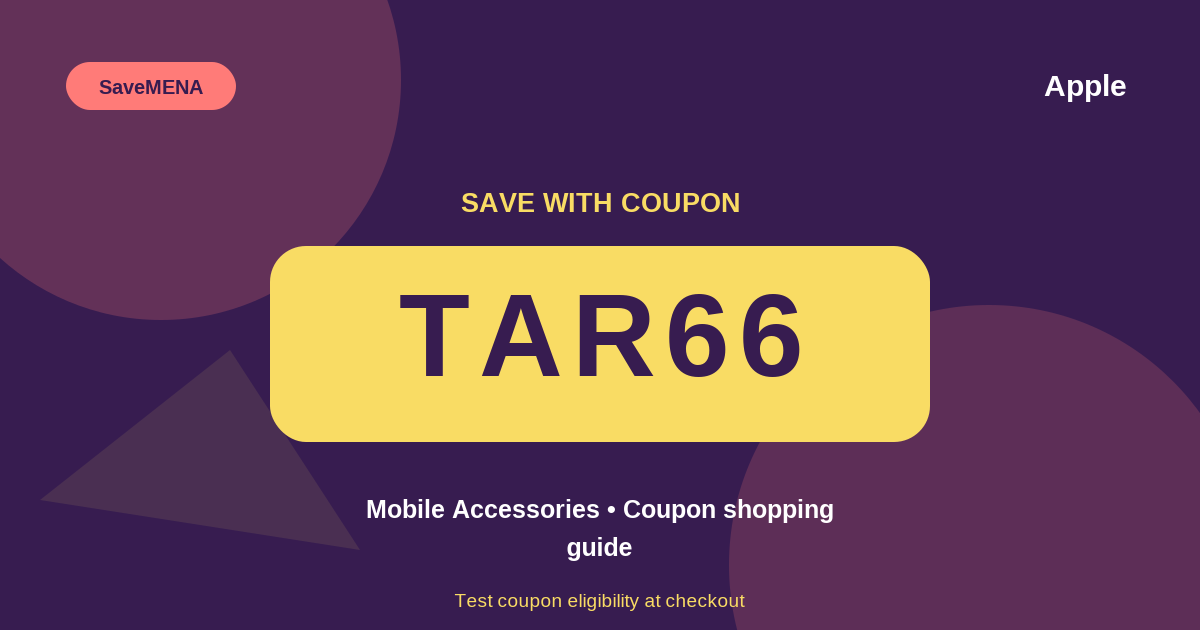
Codes available to try while comparing
These codes are not guaranteed for the article topic or listed brands; test them at checkout and use the live result.
1. What Banks Partner with Noon UAE for Discounts?
First, list the major UAE banks that Noon currently partners with to offer cashback or discount vouchers. These are typically announced in Noon’s “Bank Discounts” section. In order to claim a bank discount, you usually need to log in with your bank’s credentials or provide a verified banking transaction. It is crucial to confirm the active status of the partnership each month because banks can change agreements, and expired offers may still be visible on the site until removed.
When you add an item to your cart, the bank discount, if eligible, will automatically deduct from the final total at checkout. However, if the item or category – mobile accessories – is excluded from a particular bank’s promotion, the deduction will not apply.A coupon is not guaranteed; verify its result at the retailer checkout. A confirmation email from the bank may also hold additional details that impact eligibility.
2. How to Use the TAR66 Coupon on Mobile Accessories
The TAR66 coupon is a generic discount code that can be entered in the coupon box during checkout. Unlike a bank discount, this code does not rely on the buyer’s banking institution. It simply applies a set percentage or fixed amount if the conditions are met. When adding an Apple-supported mobile accessory, you can try typing TAR66 in the discount field; if the code is valid, the new total will appear instantly.
Note that the coupon’s application does not depend on your Apple account status unless a specific rule ties them together. Still, if you use TAR66 after selecting your Apple‑brand accessory, ensure that the final price is displayed correctly. If the system alerts that the coupon is expired or inapplicable, revisit the product page for any brand‑specific exclusions.
3. Account Context: Apple ID vs Noon Account
Your Apple ID is pivotal when checking out Apple‑branded mobile accessories. Noon’s system requires you to log in with your Apple account to verify payment eligibility for some Apple services or payment handles. In contrast, the Noon bank discount, while tied to a bank institution, also requires a Noon account, but the account’s linking to an Apple ID is irrelevant unless a special promotion combines the two.
When the pharmacy of your Apple account informs you of a promotional benefit, read the terms carefully. Some Apple‑related offers require a specific Apple service plan or auto‑renewal status. Checking account details in the “My Wallet” section on the Noon app will tell you whether your Apple ID meets those prerequisites before you apply the TAR66 coupon or bank discount.
4. Comparing the Practical Application at Checkout
At checkout, you first review the “Your Cart” screen. If you have a Noon bank discount, it appears as a reduction next to the subtotal. The TAR66 coupon, when entered, shows as a separate line item numbered “Coupon Discount.” The order of application can affect the final amount if the platform chooses to apply one before another. Normally, the coupon applies first, followed by any bank discount.
Use the “View Breakdown” tool to confirm each deduction. If your Apple account offers a unique discount, it will also appear in the breakdown. Ensuring that the total matches your expectation before payment is crucial since adjustments after payment can be difficult to reverse.
5. Verifying Minimum Spend and Eligibility Conditions
Both the bank discount and the TAR66 coupon may have minimum spend thresholds that are not disclosed upfront. When adding an Apple‑brand mobile accessory to your cart, look for any “Minimum Spend” note on the product page or in the coupon description. If either threshold is not met, the discount will not apply.
Additionally, some banks impose conditions such as a must purchase from a particular category or a specific price range. These rules can be verified by checking the bank’s discount policy in your Noon account. Satisfying these conditions before entering the coupon or relying on a bank discount can prevent a scenario where you see a discount applied but it is removed on the final page.
6. Assessing Delivery Fees and Charges
Delivery fees remain constant regardless of whether you use a bank discount or the TAR66 coupon. Noon typically lists a flat fee for UAE deliveries, but if you qualify for free shipping from a bank promotion, it will be applied automatically. Pay particular attention to whether the coupon or bank discount covers the shipping component or only the product price.
Always confirm that the total payable amount includes the delivery fee. The “Pay Now” button should reveal the complete breakdown: item cost, discount(s), shipping, and final payable figure. If any part of the deduction is omitted, you’ll need to adjust or reapply the discount before processing payment.
7. Handling Payment Methods: Card, Cash on Delivery, and Apple Pay
When you select a payment method, Noon may impose restrictions on which discounts can be used. For instance, bank discounts typically apply when paid with a credit or debit card linked to the partner bank. In contrast, coupons like TAR66 can be applied when paying via any accepted method, however, the final deduction might not reflect if you choose Cash on Delivery.
Apple Pay usage with Noon is contingent upon the Apple account tied to your payment method. If you intend to use Apple Pay, verify that the discount—whether from a bank or via TAR66—applies by checking the payment confirmation page before confirming the order. Avoid payment refusal after order placement by ensuring the discount is reflected beforehand.
8. Final Steps and Post‑Purchase Verification
After you hit “Place Order,” you will receive a confirmation email containing the final price, applied coupons, and any bank discount details. Cross‑check these figures with what you saw on the checkout screen. If there is a discrepancy, contact Noon support immediately through the app, citing the discount code or bank discount mentioned.
Keep your Apple account details handy during support interactions, as the issue may involve a lack of Apple‑id verification on the Apple‑brand accessory. For future references, maintain a copy of the bank discount statement or coupon usage email in case a dispute arises regarding which discount should have applied.
Related SaveMENA pages
Related articles
Official sources to check
Frequently asked questions
Can I stack the TAR66 coupon with a Noon bank discount?
Stacking is possible only if both discounts apply to the selected item and no platform restrictions prohibit it. Verify the “Discounts” section during checkout; if both discounts show, the order will reflect the combined reduction.
Will an Apple account at Noon change the way coupons work?
Apple account status does not alter the general coupon mechanism.A coupon is not guaranteed; verify its result at the retailer checkout.
What if my bank discount doesn’t appear after selecting the transfer card?
Refresh your account page, ensure the correct card is linked, and verify the bank’s partnership status. If the discount still doesn’t display, a support ticket must be submitted.
How do I know if a discount was applied correctly?
Check the payment breakdown before confirming. The discount will appear as a separate line-item. If the final total matches the expected amount, the discount was applied accurately.