Mobiles on Noon UAE: account eligibility — bank offer versus coupon · TAR64
Choosing between Noon UAE’s bank discount and a coupon when buying a mobile can feel confusing, especially when both promises potential savings.
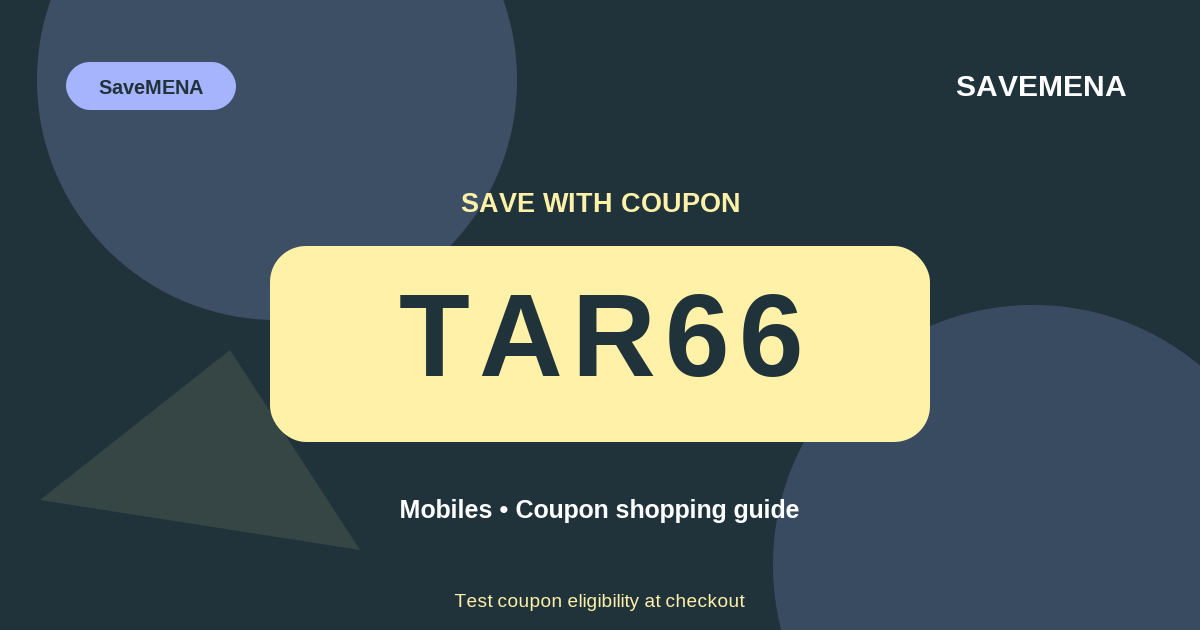
Codes available to try while comparing
These codes are not guaranteed for the article topic or listed brands; test them at checkout and use the live result.
Understanding Noon’s Bank Discount vs Coupon
The Noon UAE bank discount is typically tied to a partner bank account, offering a predetermined reduction that activates automatically at checkout. In contrast, a coupon like TAR64 must be claimed and entered manually to redeem its value. Both can apply to mobile purchases, but their activation methods and eligibility hinge on different account attributes. Understanding the distinction starts with recognizing that the bank discount is a background benefit, while the coupon is an on‑sale promotion you physically input.
When comparing these options, the first lens to apply is the account context. If your Noon profile is linked to a supporting bank, the discount comes pre‑applied, requiring no action from you other than confirming eligibility during checkout. A coupon, however, demands you remember to enter TAR64 before the final payment, otherwise the discount will not be applied. Each approach offers a different level of convenience and control over your savings.
The Role of Your Account Status
Your Noon account status—whether you have verified contact information, have a linked bank, or hold a loyalty level—directly affects the availability of bank discounts. Before you even look for a coupon, checking your profile settings clarifies if the Noon UAE bank discount will apply automatically. This step ensures that you can rely on account‑based savings without additional hassle.
For coupons, the account context matters less in the entry process, but it still influences the final payable total. In some cases, an active bank discount and a coupon might compete; the platform will typically apply the higher benefit or pre‑defined discount rule. The key is to verify, at checkout, whether both discounts coexist or if one overrides the other based on your account’s conditions.
How the TAR64 Coupon Works on Mobiles
The TAR64 coupon is designed for general use on the Noon UAE platform and can technically apply to any mobile product. Once you add a phone to your cart, you enter the code in the coupon box before confirming payment. The system then adjusts your order total accordingly, beside any existing discount rules.
Because the coupon is not tied to a specific bank or loyalty tier, its eligibility largely depends on the product’s availability and the checkout process. At the point of sale, the last scanner confirms the coupon’s application; if the coupon does not match any active promotion, no discount will appear, and the purchase proceeds at full price.
Slide Discount: Bank Discounts on Mobiles
Noon UAE’s bank discount usually functions as a “slide” discount. This mechanism reduces the price automatically when your account is linked, regardless of any coupon you might enter. For mobile purchases, this discount can appear as a small, fixed reduction or as a percentage determined by the bank partnership.
Because the discount slides into the total before final payment, it’s invisible until checkout. Therefore, verifying the discount during the payment stage is essential to ensure the automatic benefit is reflected correctly. Any discrepancy typically indicates a linking issue that should be addressed in account settings before proceeding.
When to Use a Coupon Instead of a Bank Discount
If your account does not have a linked bank or if you suspect the bank discount may not apply to certain mobile models, leaping straight to a coupon like TAR64 offers a safety net. This approach also works if you’re on a promotional period or a sale where the coupon’s value surpasses the standard bank discount.
Another scenario favors the coupon when you’re buying multiple items and want to apply a single discount across the entire cart. The bank discount often applies to a specific product category only, whereas the coupon can span multiple items in the same transaction, potentially offering a broader impact.
Step‑by‑Step: Applying the TAR64 Coupon
First, select the mobile you’d like to purchase and add it to your basket. Then, while reviewing your cart, locate the ‘Enter coupon code’ field. Input TAR64 exactly as shown, ensuring no extra spaces or characters. Tap apply, and the platform will immediately recalculate the total.
Once applied, double‑check the new order total before proceeding to payment. If the discount appears, you can confirm the coupon worked. If there’s no change, double‑check the spelling, verify the product is eligible, and ensure you’re using a supported account context for the coupon’s application.
Real‑World Example: A Mobile Purchase Scenario
Imagine you’re selecting a mid‑tier smartphone priced near the amount shown at checkout. Your Noon account is linked with Bank XYZ, and the bank discount offers a fixed reduction of the amount shown at checkout for mobile devices. At checkout, the price slides to the amount shown at checkout automatically.
Alternatively, you find the TAR64 coupon on a competitor’s site, which promises a the amount shown at checkout reduction. If you use the coupon instead, the final price becomes the amount shown at checkout. In this scenario, the bank discount delivers a higher saving, but the difference is modest enough that the convenience of automatic application may outweigh the slight extra discount of the coupon.
Tips for Maximising Value With Your Account
To get the most out of both discounts, keep your account details current. Updating your bank information ensures the Noon UAE bank discount is always active, and you never miss out on an automatic slide discount. Also, monitor the Noon app’s promotional sections for new coupon codes or temporary bank discount boosts.
A coupon is not guaranteed; verify its result at the retailer checkout. Account context can change over time, and some discounts may have eligibility thresholds. By confirming the final payable total meets your expectations, you can avoid being surprised by unseen reduction limits or discount exclusions.
Related SaveMENA pages
Related articles
Official sources to check
Frequently asked questions
Can the TAR64 coupon be combined with my Noon bank discount?
The platform may allow both benefits, but the final outcome depends on your account conditions. Verify at checkout if the discount shows as additive. If not, one may override the other based on the store’s discount rules.
Does the Noon UAE bank discount apply to all mobile models?
It usually applies to most mobile products, but some models or limited‑edition releases might be excluded. Check at checkout or contact Noon support to confirm applicability.
What if the TAR64 coupon doesn’t appear to work during checkout?
Ensure you entered it accurately, that the mobile is eligible, and that your account context supports coupon usage. If it still doesn't work, reaching out to Noon’s customer service can clarify the issue.
A coupon is not guaranteed; verify its result at the retailer checkout.
In your Noon profile, navigate to payment methods or bank linked accounts. From there, you can add or verify the bank details required for the discount. Once linked, the discount should apply automatically at checkout.