Samsung Mobiles on Noon UAE: account eligibility — bank offer versus coupon · TAR64
When shopping for a Samsung mobile on Noon, you may notice an option to use a bank discount or to enter a coupon code.
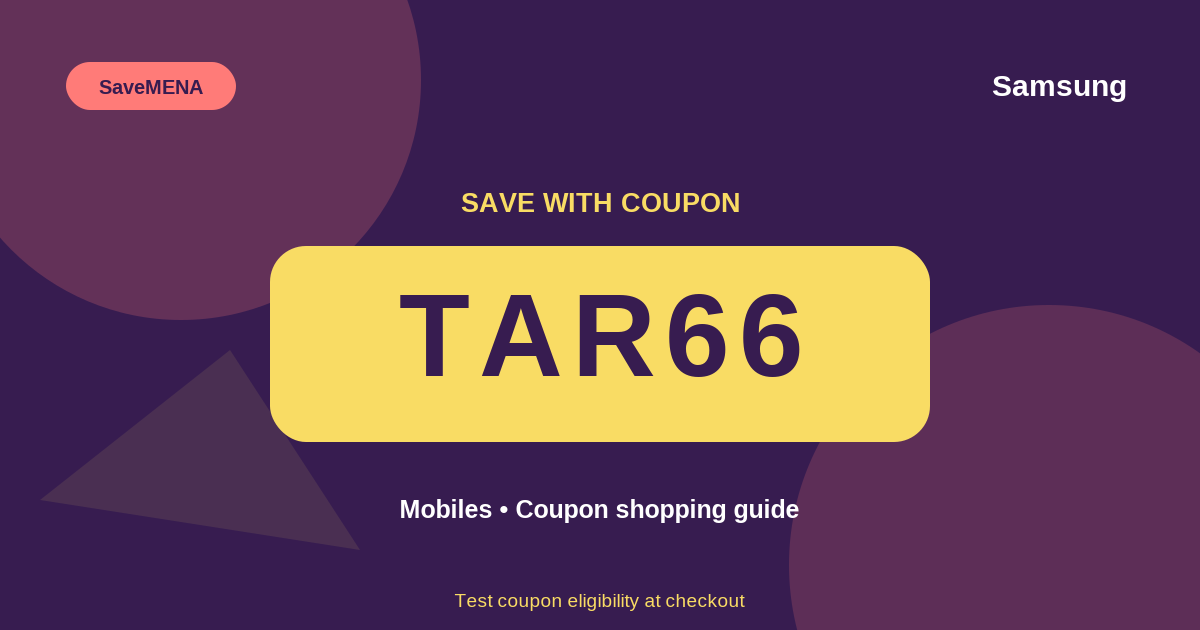
Codes available to try while comparing
These codes are not guaranteed for the article topic or listed brands; test them at checkout and use the live result.
1. The Two‑Option Landscape: Bank Discount vs Coupon Code
When shopping for a Samsung mobile on Noon, you may notice an option to use a bank discount or to enter a coupon code. The bank discount is usually tied to a specific financial institution and is applied automatically when you pay with a linked card. In contrast, a coupon like TAR64 must be typed into a designated field during the checkout process. Each method offers a different way to reduce your total, but the effectiveness depends heavily on your account setup and the terms that apply at the time of purchase.
It’s important to keep in mind that neither option is guaranteed. The bank discount will only activate if the card used matches the bank criteria; a coupon will only apply if the code is valid for that transaction and product. Because there are no set percentages or expiration dates provided here, you should confirm each discount’s applicability right at checkout. This approach ensures you are not left with an unforeseen cost or an unredeemed discount.
2. How Noon Bank Discounts Are Structured for Mobile Purchases
Noon typically offers a bank discount at the payment stage. The discount amount is calculated by the platform after you select your preferred payment method and your card is verified as belonging to the supporting bank. Once the card is confirmed, the discount appears as a subtraction on the final payable amount. Because the system processes the discount automatically, there is no need to remember or enter a code.
However, a bank discount may not apply to every Samsung model or to all transaction amounts. Some banks might only provide a discount on purchases above a certain threshold, or only for certain categories. Since these details are subject to change and are not disclosed in this article, you should read the terms displayed after selecting your bank card or confirm them during checkout. That way you know whether the discount will help you reach the price point you’re the coupon code.
3. Entering the TAR64 Coupon: A Simple Yet Powerful Tool
The TAR64 coupon is available for you to try during the checkout process. It requires you to type the code into the “Enter coupon code” field and then hit “Apply.” If the coupon is accepted, you’ll see a reduction in the total price as part of the checkout summary. Because the coupon is not guaranteed, you should confirm its acceptance immediately; if it fails, you can always rely on the bank discount if it applies.
Unlike a bank discount, the coupon may or may not be relevant to Samsung mobiles depending on Noon’s policy at that moment. The code may be set for a broader category or may have been limited to a specific promotion. The only way to know for certain is to watch for the change in the total during checkout. If it doesn’t alter the price, the coupon might not be valid for that particular phone or amount.
4. Account Eligibility: What Makes the Difference?
Your Noon account status directly influences the availability of both a bank discount and a coupon. If you have an active account with sufficient balance or a valid loyalty status, you may automatically see the bank discount option appear. Retaining a clear account context was essential to this article because the bank discount is only triggered when the used payment method is registered and approved within your Noon profile.
Similarly, the coupon’s eligibility may hinge on whether you are a registered Noon user. Some coupons are restricted to new shoppers, while others might require that you have made a prior purchase. Because we don’t have specific eligibility criteria for TAR64, you should check the instructions shown when you enter the code. If you’re not logged in or your account is incomplete, the coupon may not be processed.
5. Samsung Models: Delivery Fees, Taxes, and Activation Costs
When selecting a Samsung mobile, the price you see on Noon’s product page is the base price. However, there may be an additional delivery fee that varies with the shipping destination and the current courier rates. Moreover, UAE sales tax or import duties might be added automatically during the checkout stage, potentially affecting the final cost.
Since discount mechanisms—both the bank discount and the TAR64 code—apply before or after tax calculations depending on Noon’s methodology, the order in which you apply them can slightly shift the final amount you pay. Without having precise figures, the safest approach is to view the breakdown on the payment page after the discount or coupon has been applied so that you understand how each component is affecting the total.
6. Practical Checkout Steps: How to Choose and Apply Discounts
Start by adding the Samsung mobile of your choice to your cart. At the cart page, check whether the bank discount is already listed under “Payment Options.” If it is, you may simply select the linked bank card and see the discount appear instantly. If the bank discount does not show, proceed to enter the TAR64 code in the “Coupon” field on the order summary.
A coupon is not guaranteed; verify its result at the retailer checkout. If it does not, you can still attempt to use the bank discount by choosing a different card if you have another bank linked. If both options fail, you will proceed to the standard price. In any case, confirm that the final total is displayed on the final payment page before completing the purchase.
7. Hidden Variables: Warranty, Returns, and Support
While the discount or coupon may reduce your cash outlay, there are additional factors to consider. Samsung devices often come with a manufacturer warranty that is automatically activated upon first use. However, the warranty coverage can be impacted by certain purchase conditions, such as the use of a specific payment method or meeting a minimal price threshold.
Returns and exchanges also follow Noon’s policies, which might require a receipt or a proof of purchase. At times, a discount applied during checkout could affect the threshold for free return shipping or the availability of extended support plans. To avoid any confusion, keep a copy of the receipt and note any conditions shown on the final checkout screen.
Related SaveMENA pages
Related articles
Official sources to check
Frequently asked questions
Will the TAR64 coupon work on any Samsung mobile?
No guarantee is provided that TAR64 applies to every model. Check the coupon’s validity during checkout. If it does not affect your price, it may not be eligible for the device you selected.
Does the bank discount apply before or after tax?
Discounts can be applied before or after tax depending on Noon’s processing rules. Review the final amount on the payment page to see how discount and tax interact.
Can I use both the bank discount and the TAR64 coupon together?
Noon usually applies only one discount method per transaction. If you select a bank card that offers a discount, the coupon may not be accepted, and vice versa. Confirm at checkout.
What if the bank discount does not show up on my account?
Verify that your card is properly linked to Noon and that your account is active. If the discount still does not appear, contact Noon support for clarification.