Adidas Sports on Noon UAE: account eligibility — bank offer versus coupon · TAR64
We need to construct article ~1300-1500 words before FAQs. 8 sections each 2 paragraphs of ~80-100 words each: that's 16 paragraphs of 80-100 words = 1280-1600
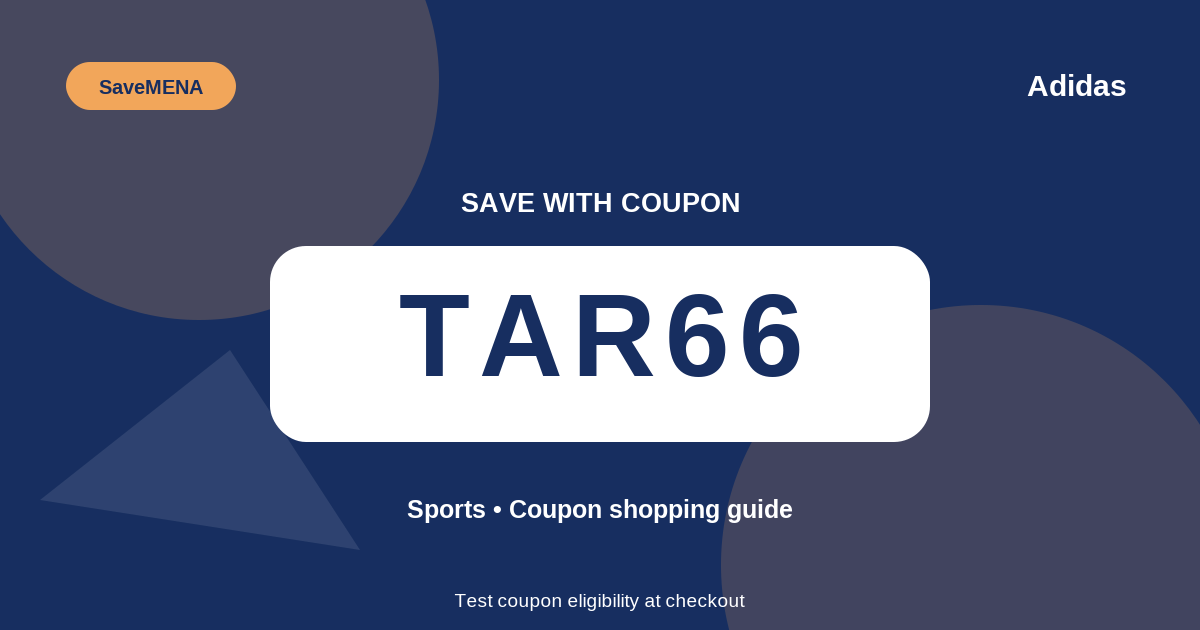
Codes available to try while comparing
These codes are not guaranteed for the article topic or listed brands; test them at checkout and use the live result.
How Noon’s Bank Discount Works in the UAE
Noon partners with several UAE banks to offer a discount directly at the payment stage. When you add a qualifying bank card to your Noon wallet, the system automatically applies a reduction to your final bill, provided your account is linked and active. This discount is applied during the checkout process, and the final amount you see is the true cost you will pay, including any standard shipping charges that may apply. Because the discount vanishes once you complete payment, you can confirm its effect only after the payment screen appears.
The bank discount is purely a financial incentive tied to your banking relationship; it is independent of product category or coupon codes. However, account context matters: if you have a Noon account that stores your bank details and maintains a payment history, the discount is more reliably applied. Users with inactive or unverified bank records may find the discount flagging as unavailable, so double‑checking the account status before adding a product to the cart is essential.
How Coupon Codes Like TAR64 Work for Sports Purchases
Coupon codes, such as TAR64, are generic vouchers that customers can apply to eligible orders. They are entered manually in the coupon field on Noon’s checkout page, separate from bank selection. Once the code is validated, it reduces the product subtotal before shipping or taxes, though the exact amount cannot be guaranteed until the final purchase screen.
Because coupons operate independently of your bank, they’re available to all Noon account holders regardless of payment method. The key account context here is the validation of the coupon: if your account has any restriction based on spend tier or membership level, the coupon may or may not apply. Checking the order summary after entering TAR64 confirms whether it has been accepted.
The Role of Your Noon Account in Accessing Discounts
Both bank discounts and coupon codes rely on an active Noon account. This account stores your shipping preferences, payment methods, and order history. In the case of bank discounts, the account itself must be registered with a qualifying bank card; otherwise, the discount will not be offered. For coupons, the account simply needs to be logged in to receive the benefit, as the system looks for an existing user session before applying the code.
Account context also dictates any potential restrictions you must check at checkout. For instance, if you belong to a specific member tier that has limited coupon usage, the system will flag the code as invalid. Similarly, if your account lacks a saved bank card, the discount feature remains inaccessible. Thus, before browsing, ensuring your Noon profile is up‑to‑date can prevent surprises.
Comparing Bank Discounts and Coupons: Practical Differences
A bank discount typically applies automatically when you select a linked card during payment, offering a discount that might depend on the bank’s marketing agreement. This means you don’t need to remember or enter a code, but you do have to rely on having the correct card saved.
In contrast, a coupon like TAR64 requires manual entry and may cover a broader range of products, but its benefit is limited to the code’s terms. Because coupons aren’t linked to a payment method, you can use them with any card. The trade‑off is that coupons must be activated explicitly during checkout.
Buying Adidas Sports Gear on Noon: Why Account Context Matters
Adidas products on Noon fall under the sports category, which sometimes features special promotions. When choosing between the bank discount and the TAR64 coupon, check whether the product’s discount eligibility is tied to the product’s vendor, shipping destination, or purchase category. Certain retailer‑specific offers may not work alongside a bank discount or may override a coupon.
Your Noon account also determines if you’re flagged as a frequent buyer or have allocated coupon quotas. For high‑price items like premium Adidas sportswear, double‑checking the total at checkout for any automatic avails or blocked offers is essential, as the system may adjust the final price based on your account status.
Step‑by‑Step: Applying Bank Discount vs. Applying Coupon
To use a bank discount: first, log into Noon and navigate to your payment methods. Add or confirm the desired banking card, then proceed to checkout. The discount icon will appear next to the payment summary once you confirm your payment. If the icon does not show, the discount isn’t applicable to your account for that order.
To apply TAR64: During checkout, locate the coupon field, input “TAR64”, and hit apply. The system will recalculate the subtotal. If the discount isn’t accepted, you’ll receive a notification, and you must review product eligibility or your account status. Both steps can be performed side‑by‑side on the same order, but only one discount may be applied if the platform enforces exclusivity.
Checking Final Prices: Why Checkout is the Decider
All discounts, whether from banks or coupons, are finalized at the payment screen. This layer returns the exact figures you will pay, incorporating any standard shipping fees or taxes. The shopping cart summary may display a gross estimate, but only after the checkout page revalidates the order will you see final totals.
Because you can’t trace back the incremental savings without a receipt, it’s a good practice to keep a snapshot of the checkout screen or print a confirmation if you’re concerned about a discrepancy. That way, you’re sure the discount—bank or coupon—was applied as intended for that particular transaction.
Compare alternatives without guessing
When you compare another option in adidas, keep the specifications, quantity and seller as consistent as possible and compare the total shown at checkout. A different coupon does not automatically make a deal better because delivery, fees and the live basket context can change the outcome. Use the final payable total as the practical comparison point.
If the retailer shows a specific condition, rely on that visible message; if it does not, do not turn an assumption into a general rule. Test available options one at a time and note any real change in the total or eligibility message. That creates a verifiable shopping comparison instead of a recommendation built on an unsupported marketing claim.
Related SaveMENA pages
Related articles
Official sources to check
Frequently asked questions
Do I need to link my bank card to my Noon account to use a bank discount?
Yes, the bank discount only activates when a compatible bank card is logged into your Noon account and selected during checkout. If the card isn’t added, you’ll see the discount preview but it won’t apply.
Can I use the TAR64 coupon and a bank discount on the same order?
Typically only one discount type is applied per transaction. If you try both, Noon’s system will usually prioritize one and show a message about exclusivity.
What happens if my account shows multiple discount options?
In a checkout, whichever discount correctly validates first will appear; if there’s a conflict, one will be overridden. You’ll see the final price reflecting the applied discount.