Apple Tablets on Noon UAE: account eligibility — bank offer versus coupon
Bank discounts on Noon UAE are usually tied to a partnership between Noon and a specific bank. Typically they require the shopper to log into their Noon account and
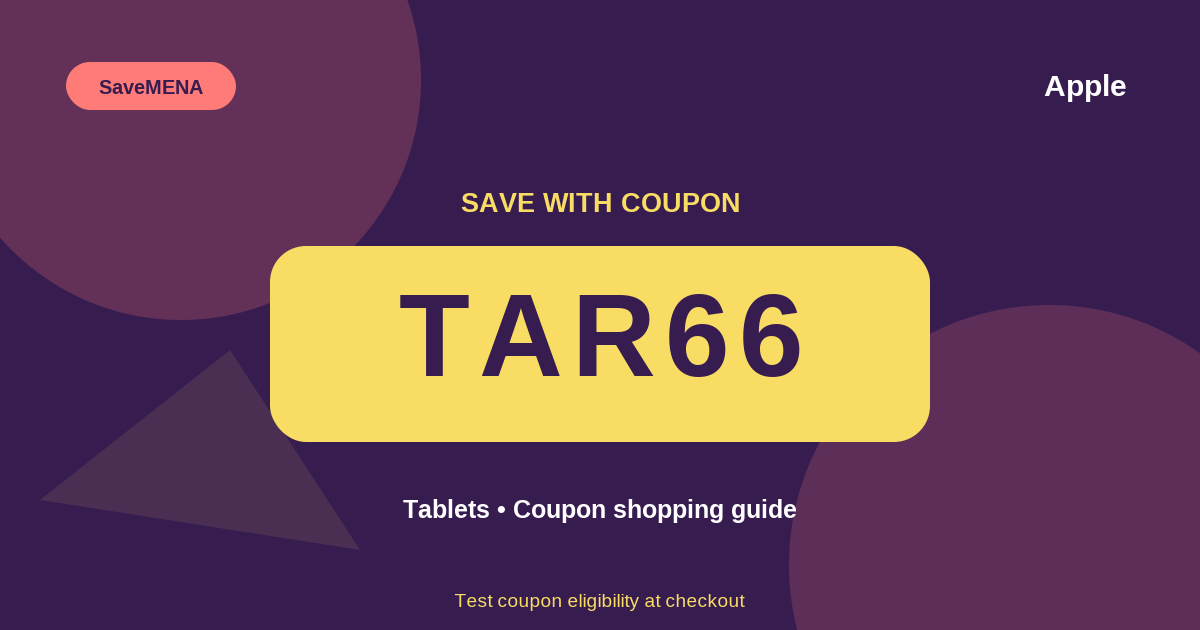
Codes available to try while comparing
These codes are not guaranteed for the article topic or listed brands; test them at checkout and use the live result.
Understanding Noon UAE Bank Discounts vs Coupon Codes
Bank discounts on Noon UAE are usually tied to a partnership between Noon and a specific bank. Typically they require the shopper to log into their Noon account and have a verified banking profile linked to the discount. This link triggers a direct adjustment to the price of qualifying products before you place your order. Unlike a coupon, which is simply a text code, a bank discount is automatically applied if the necessary prerequisites are met. The user experience is smooth, but the discount scope is often narrower, focusing on certain categories or brands as set by the bank partnership.
In contrast, a coupon code like TAR66 is entered manually during the checkout process. The code may be offered through different channels, such as email, social media, or influencers, and it applies only when the code is entered correctly. The seller and Noon do not automatically analyze the account to determine eligibility; instead, the system checks whether the code is valid at checkout. Because there is no automatic tying to a bank, the coupon can be used more flexibly, but the discount may also have broader limits or conditions that apply on top of the base price.
Checking Eligibility: Your Noon Account vs Apple Account
To unlock a Noon bank discount, you’ll need a Noon account that is linked to the specific bank. Verify that your profile shows the bank as an authorized payment method, and read any description of the partnership that Noon highlights on its website or app. This step is often the first barrier; a missing or outdated bank link automatically disqualifies you from seeing the discount in real time. Once your account is properly linked, the price will show with the discount applied immediately after you add tablets to your cart.
The Apple account context comes into play if you’re purchasing an iPad or an iPad-related accessory that might be eligible for Apple services. Your Apple ID may be required to confirm certain purchases, particularly if the device includes service subscriptions or pre-installed Apple Wallet usage. While the Apple account does not directly influence the Noon bank discount, it can affect overall pricing if you’re bundled with other Apple services, and this indirectly becomes part of your decision lens when deciding if the bank discount is superior.
How Bank Discounts Apply to Tablet Purchases
When you add a tablet to your cart on Noon, the platform immediately checks whether the bank discount is active for that product. If it is, you’ll see a reduced price reflected before you proceed to payment. The discount amount is usually a fixed percentage or flat amount, but exact figures aren’t publicly disclosed; they are tied to the bank’s promotional arrangement. The key point for shoppers is that the reduced price is locked in early, allowing you to compare it to any available coupons before committing to the purchase.
Because the discount applies automatically, there is no additional work for you beyond logging in and ensuring your bank is linked. However, it may be limited to certain high‑end tablets or specific sellers on Noon, meaning you’ll still need to examine each tablet’s availability. If a particular model isn’t on the bank’s discount list, the price will remain unchanged until you explore other discount avenues like coupon codes.
Applying the TAR66 Coupon: When and Where
Coupon codes such as TAR66 are typically entered after you’ve added your desired tablets to the cart but before final payment. Simply type the code into the coupon field on the checkout page, then hit apply. Noon’s system will validate the code against its active coupons and adjust the subtotal if the coupon is applicable. If the code doesn’t work, you’ll see a message explaining the issue—perhaps that the code is invalid or the product category isn’t covered.
The TAR66 coupon’s applicability starts at the moment you hit checkout; it can’t be applied to the cart items automatically before that step. Therefore, to benefit from it, be sure to reserve all devices you want well before reaching the payment gateway. Additionally, check that you haven’t exceeded any perceived quantity limits for the coupon or surpassed a threshold that might exclude it from triggering on larger orders.
Comparing Final Prices at Checkout
Once both discounts are in play, you’ll see two separate price lines: one from the bank discount and one from the coupon, reflecting each deduction. Noon processes them strictly in sequence—the bank discount adjusts the product price first, and the coupon deducts from the resulting subtotal. You should verify that the final amount you’re about to pay matches your expectations, especially if your tablet order falls into a high‑price tier. Small differences might appear due to order taxes or mandatory fees, which Noon will calculate precisely at this stage.
It’s good practice to test both scenarios independently. Create a toy transaction with a single tablet and run the bank discount; note the final amount. Then repeat it with the TAX66 code. This quick experiment lets you see which method saves more and takes into account any additional fees or VAT that potentially affect the total.
The Role of Delivery Fees and Payment Methods
Delivery fees are a secondary consideration when comparing discounts: some sellers on Noon include free shipping with certain purchases, while others charge a flat fee that isn’t affected by your discount. The bank discount does not alter shipping costs, so you will still pay the regular fee unless the product’s seller offers free delivery. On the other hand, a coupon may have conditions tied to shipping—for example, it might only apply if you choose standard delivery rather than express.
Payment methods can also impact which discount works better. Some banks offer cashback or additional points for using specific payment channels. If you have a Noon bank card, substituting it for another card can trigger the bank discount; however, if you’re using Apple Pay, you might lose the bank’s benefit. Note that Apple Pay integration on Noon can still provide a smooth checkout but will not interact with the bank discount unless the underlying card is the one that qualifies.
Frequently Seen Pitfalls and How to Avoid Them
A common mistake is assuming the coupon will stack on top of the bank discount automatically. Noon’s discount system treats them as separate triggers, and the order of application matters. If the coupon code doesn’t appear to work, double‑check that you’ve entered it correctly and that your cart still contains eligible items at the time of checkout. Small typos can instantly invalidate a code.
Another issue is overlooking the “check eligibility” step before even adding items to the cart. Some pages will not display the discounted price unless your account has the proper banking linkage, leaving you unaware that you’re missing out. Same goes for the Apple account: if you don’t log in with your Apple ID to finalize an iPad’s activation details, you might lose a bundled service discount that would have reduced the final cost further.
Making Your Decision: When to Trust a Bank Discount, When a Coupon Might Win
If your Noon account shows a consistent, automatic reduction for the tablet category you’re after, the bank discount often offers the most reliable savings — you won’t need to remember a code or worry about timing. The bank discount’s main advantage is its transparency at the moment you add an item to your cart, making budgeting simpler. This is particularly useful if you’re planning a set of devices for a small team or for gifting, where you need upfront numbers.
However, a coupon can be more advantageous when you’re dealing with a high‑price tablet or a model that is explicitly excluded from bank discounts. In those cases, a coupon may apply a larger absolute saving than the bank discount does. Moreover, coupons sometimes come with conditions that extend beyond the product price: free accessories, extended warranties, or even instant cashback on card payments.A coupon is not guaranteed; verify its result at the retailer checkout.
Related SaveMENA pages
Related articles
Official sources to check
Frequently asked questions
What types of statement or transaction fees can I expect when I use a bank discount or a coupon on Noon?
Noon or the bank partner handles bank‑specific fees. A bank discount itself does not add extra charges. A coupon might subtract your price, but it doesn’t create new fees. All extra costs that may appear are usually standard transaction fees or delivery charges.
Does the type of payment card used at checkout affect the availability of Noon UAE bank discounts?
Yes. Bank discounts are linked to the bank account tied to your Noon profile. If you pay with a different card that isn’t part of the discount program, the discount may not apply.A coupon is not guaranteed; verify its result at the retailer checkout.
Can I use an Apple ID to unlock additional savings on tablets purchased from Noon?
Apple ID is generally required for device activation or Apple services, but it does not directly influence Noon’s bank discount. Some Apple services may add small savings or free trials, which would appear at checkout as a separate discount line if applicable.
What steps should I take if the TAR66 code does not work at checkout?
First, check that the code is entered exactly as provided, letters are case‑correct, and there’s no extra spacing. Verify that the item in your cart is eligible for the coupon. If the issue persists, contact Noon support for assistance before completing the purchase.