Anker Mobile Accessories on Noon UAE: final total — bank offer versus coupon
Noon UAE bank discount vs coupon Mobile Accessories Anker final payable total: When you hit the “Compare Deals” button in the Noon app, you’ll immediately notice
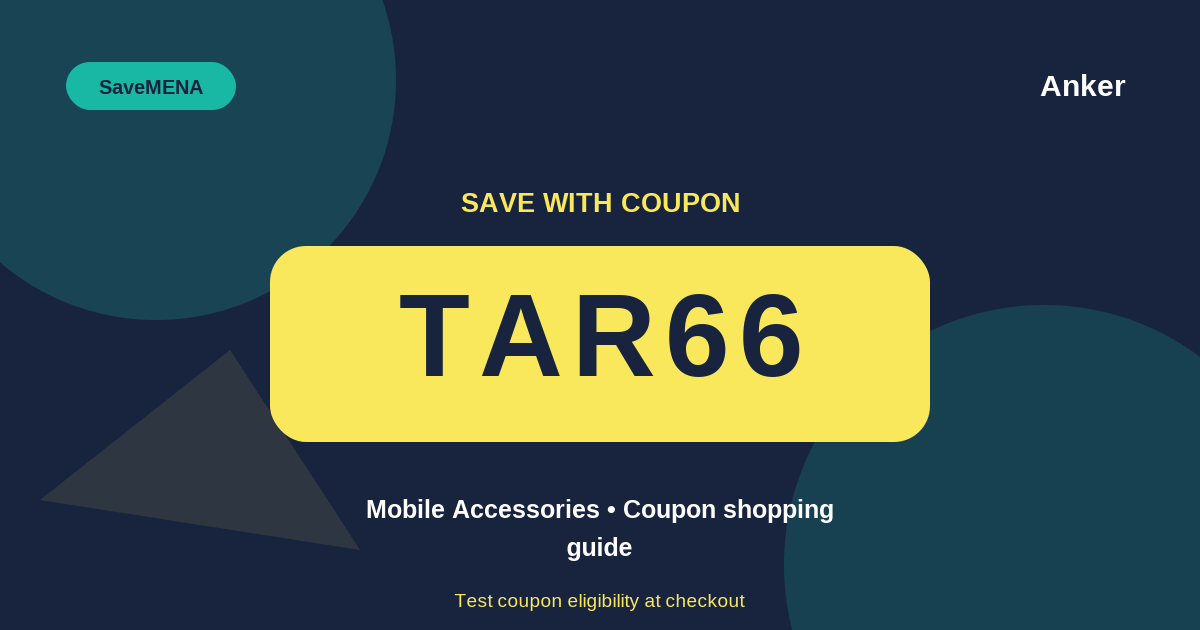
Codes available to try while comparing
These codes are not guaranteed for the article topic or listed brands; test them at checkout and use the live result.
Step 1: Verify Bank Discount Eligibility for Mobile Accessories
The Noon UAE bank discount usually activates when you use a specific bank card during payment. To know if your card qualifies for mobile accessories, navigate to the payment method section and review the list of participating banks. Only cards listed on that page will trigger the discount in the final price line. If your bank is not on the list, the discount will not apply, and you will need to rely on other savings tactics.
Once you confirm eligibility, proceed to add your chosen Anker accessories to the cart. At checkout, you should see a small note indicating the bank discount has been applied, but do not rely on this visual cue alone. The definitive proof of the discount appears only in the final payable total, which is calculated after item pricing, shipping, and any applicable coupons.
Step 2: Inspect Coupon Availability for Mobile Accessories
The TAR66 coupon offers a flat discount when entered at checkout. To determine whether it is valid for the Anker product(s) you’re interested in, browse the coupon’s description page or search for “TAR66” within the app. The coupon’s availability may be restricted to certain categories or price ranges. If the coupon’s terms do not explicitly exclude mobile accessories, it should be eligible for your cart.
In the cart, look for an “Apply Coupon” field. Enter TAR66 and observe whether the cart total updates. The presence of a cart update is not a final guarantee; the coupon may only apply after the payment step. Keep in mind that if the bank discount is active, the coupon may still stack, but you must confirm if stacking is allowed in the coupon’s terms.
Step 3: Compare Effective Discount in Checkout
When both the bank discount and the TAR66 coupon are potentially applicable, the order in which they are applied can influence the final payable total. To see the real impact, proceed to the payment page and review the “Price Summary” area, which lists item costs, shipping, and discounts. Notice whether the total reflects the bank discount first, then the coupon, or vice versa. This order determines the actual amount payable.
In many cases, the bank discount is applied directly to the item price, reducing the base amount before the coupon. The coupon may then apply to the reduced amount. Conversely, some platforms apply coupons before bank discounts. Only by inspecting this detailed breakdown can you ascertain which route offers a lower final total.
Step 4: Verify Cashback vs Direct Discount
Bank discounts sometimes come in the form of cashback or a credit back after the purchase, rather than a direct price reduction at checkout. Even if your bank advertises a “the discount shown at checkout discount,” the actual transaction might result in a cashback receipt rather than a discount line item. This difference can affect how you compare the final payable total.
On the other hand, coupons like TAR66 are typically applied directly to the item or cart total. When reviewing the Payable Total section, look for a clear deduction line labeled with the coupon name. If no discount appears for the bank, check whether a separate cashback note appears in the invoice or in your bank statement after the transaction.
Step 5: Check for Minimum Spend on the Coupon
Coupons can have minimum spend thresholds that must be met for them to activate. If TAR66 requires a minimum cart value that is not met by your Anker accessory alone, the coupon will not apply and the cart total will remain unchanged. Verify this requirement on the coupon description or the checkout apply‑coupon prompt.
Even if the bank discount does not have a minimum spend, the combination of both may affect how much you can save. In the presence of a minimum spend requirement, purchase additional accessories or accessories from the same seller to surpass the threshold, and then re‑enter TAR66 to see whether the final payable total dips accordingly.
Step 6: Monitor Seller Terms and Delivery Fees
Some sellers on Noon offer exclusive promotions, but their terms may stipulate that certain discounts are not valid for delivered items from that seller. Additionally, delivery fees can offset any discount, especially if the seller charges higher shipping rates for the Anker accessory. Check the seller’s “Shipping & Returns” policy to ensure no hidden fees will inflate your final payable total.
When reviewing the cart, ensure that the delivery fee is listed separately in the price summary. If a coupon or bank discount does not cover shipping, the final payable total could be higher than expected. Clarify any uncertainties by contacting the seller’s customer service before finalizing the purchase.
Step 7: Confirm Payment Method Compatibility
Bank discount eligibility is contingent on using the correct payment method during checkout. If you switch from a bank‑card payment to a wallet or cash‑on‑delivery option, the discount will be forfeited. Similarly, some coupons may only work with certain payment methods. Double‑check the payment method required for the bank discount and the coupon’s compatibility guidelines.
Once the preferred payment method is selected, the price breakdown should update immediately. If it does not, revisit the payment options and re‑select the bank card or confirm the coupon code entry. In some cases, the system may prompt you to confirm the discount after you enter the payment details, so keep an eye on the final total as soon as the payment page loads.
Step 8: Final Payable Total and Receipt Verification
The conclusive step is to view the transaction invoice after placing the order. The final payable amount on the receipt will reflect all applied discounts, fees, and taxes. Review each line item: the item price, delivery fee, bank discount, coupon discount, and total. This is the authoritative proof of what you actually paid.
If the receipt shows a discrepancy—such as a missing discount or an unexpected surcharge—contact Noon customer support with the transaction ID. Keep a screenshot of the checkout screen as evidence. This practice ensures you can dispute incorrect charges and confirm that the savings route you chose truly yielded the lowest final payable total for your Anker mobile accessory.
Related SaveMENA pages
Related articles
Official sources to check
Frequently asked questions
Does the Noon UAE bank discount apply to all mobile accessories?
Noon’s bank discount only applies when you use a partnered bank card. Availability varies by product category and seller, so confirm eligibility before adding items to your cart.
Can I use the TAR66 coupon and the bank discount together?
The platform may allow both savings, but the order of application and stacking rules depend on their terms. Check the discount summary at checkout to see how they combine.
What happens if I don’t meet the minimum spend for the coupon?
In that case, the TAM66 coupon will not apply, and the cart total will remain unchanged except for any other applicable discounts.
Will reference delivery fees affect my final payable total?
Yes. Delivery fees add to the cart total and may offset discounts. Always review the shipping cost listed in the payment summary.