Sony TVs on Noon UAE: listing condition — bank offer versus coupon
Noon UAE bank discount vs coupon TVs Sony listing condition and displayed item state: If you're looking to decide whether to use a bank discount or the coupon code
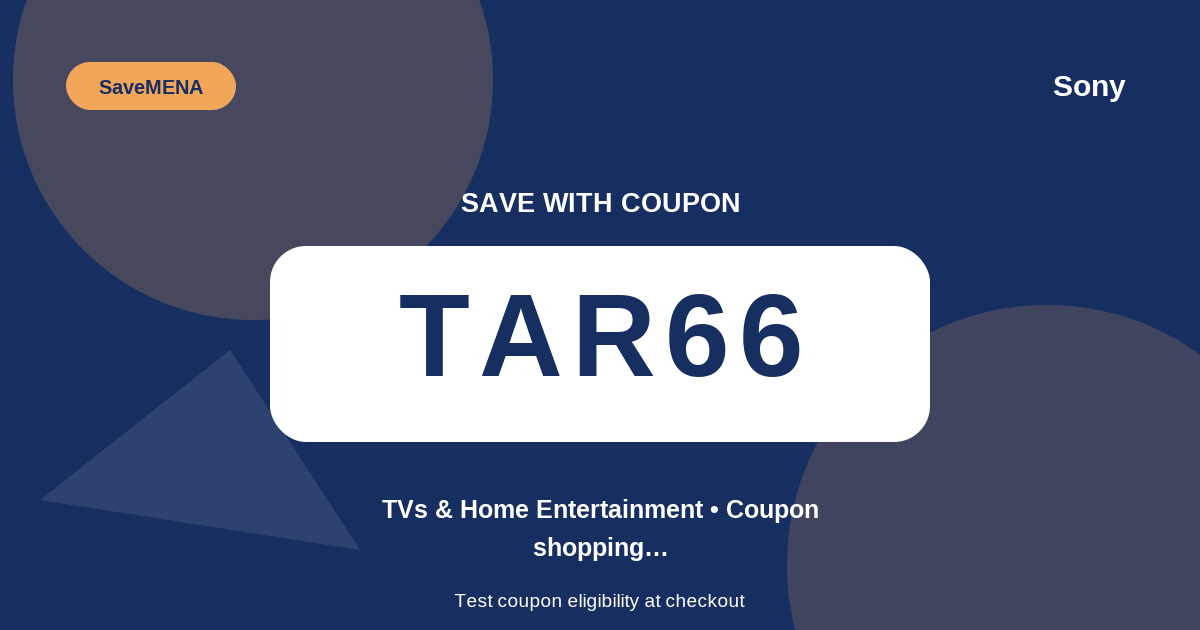
Codes available to try while comparing
These codes are not guaranteed for the article topic or listed brands; test them at checkout and use the live result.
1. Inspecting the Listing Condition on Noon
Every Sony TV product page on Noon starts with a card that tells you the state of the item. Look for markers such as “New”, “Refurbished”, or “Used – Like New”. These tags appear directly next to the product title and give you an immediate sense of whether the item has been returned or restored. To avoid surprises, scroll to the “Product Details” section; here you can confirm whether the item is brand‑new or has a prior history. By confirming the condition before you add the TV to your cart, you make sure the discount you apply matches the actual product you are buying.
Once you identify the condition, check the accompanying description for any notes about included accessories or build quality. For instance, a refurbished Sony TV might lack original packaging or have a different warranty period. Comparing these details side‑by‑side with the new listing can reduce the risk of overpaying or under‑applying a discount. If both options are available, keep the listing details handy because the bank discount may or may not apply to refurbished items, while coupons like TAR66 typically apply regardless of the condition.
2. Examining the Displayed Item State
The displayed item state shows what you’ll actually receive: a brand‑new package, a sealed box, or a TV that has been opened but is fully functional. Noon displays this information in the “Item Snapshot” section, next to images of the TV. Pay attention to captions beneath each photo; they often indicate whether the item is sealed, accompanied by original box, or not. If the image shows a boxed product, strong seals are a good sign of minimal handling. Conversely, if it looks open or has packaging that appears sagging, you may want to double‑check the exact state in the description.
To get additional confidence, look for any “Verified” tags associated with the seller’s profile. These tags do not guarantee the item state but provide a clue that the seller has passed certain quality checks. Combine this with your own review of the images and bullet points in the description. Only after you’ve verified that the displayed state aligns with your expectations should you proceed to the next step of applying discounts.
3. Choosing Bank Discount vs Coupon on Noon
When you decide on a discount strategy, start by checking the “Payment Options” during checkout. For bank discounts, select your connecting bank from the list provided; the platform will automatically recalculate the price if an eligible discount applies. The discount amount is added on the final totals page. This method is seamless and doesn’t require manual entry, but it’s only available if your bank participates in Noon’s partner program.
If you prefer to use a coupon, look for the “Enter Coupon Code” field on the checkout screen and type TAR66. After applying, the discount will appear next to the subtotal. Unlike bank discounts, coupons can be combined with other brand or category promotions if the terms allow it. However, they require that the code be entered correctly, and in some cases, the item may not be eligible for both the bank discount and the coupon simultaneously. Hence you must verify which option provides the greater savings for the Sony TV you are purchasing.
4. Understanding the Final Payable Amount
After selecting either bank discount or coupon, the checkout page lists the subtotal, any applied discounts, taxes, and delivery charges. The final amount you see here is the definitive value you’ll pay, and it reflects the exact listing condition and displayed item state. Pay extra attention to whether the discount appears as a separate line item; if it doesn’t, double‑check that the code or bank you chose was selected correctly. This clarity ensures that you’re not paying more than anticipated because of hidden fees or an incorrectly applied discount.
If you still have doubts after reviewing the summary, you can still adjust the discount at the “Modify Payment” section. Some sellers offer alternate payment methods that may trigger extra savings, though this typically depends on the seller’s policy. In any case, always wait until the final amount is confirmed before clicking the “Place Order” button, because the presented price is the amount that will be charged to your chosen payment method.
5. Assessing Seller Ratings and Return Policies
A high rating and a transparent return policy can be as important as the discount itself. Look for the seller’s overall rating and read a few recent reviews that discuss issue resolution and delivery speed. When you’re buying a sony TV, vendors typically list a return window that can differ between new and refurbished units. Make sure the seller’s policy matches the condition of the listing you’ve chosen, so you won’t be caught off guard if you decide to return after purchase.
Some sellers on Noon also offer extended warranties or service plans that can be added to the cart at checkout. These additional protections might reduce the benefit of a coupon if the overall cost of the TV plus warranty offsets the discount. Evaluate the combined cost of the product and any optional protections when you’re deciding which payment route to take. If the seller’s policy includes a guarantee against defects, it can justify a slightly higher final price for peace of mind.
6. Checking Stock Availability and Delivery Timing
Before finalizing your discount choice, confirm that the selected Sony TV is in stock at a local hub in the UAE. Visit the product page’s “Availability” section; if the listed item is marked “Out of Stock” for the UAE market, the discount may not be activated until the item becomes available. Even when “In Stock”, the seller’s processing time can affect delivery dates, and some discounts may not apply to expedited shipping.
Use the “Estimated Delivery” widget in the cart to anticipate arrival. If you need the TV by a specific date, remember that the bank discount or coupon might be conditional on the chosen shipping method. Carriers sometimes charge extra for faster delivery, which can diminish the overall savings. Confirm both the discount applicability and the final delivery cost before confirming your order.
7. Handling Returns and Warranty Claims
A critical part of the decision lens is how the return procedure interacts with the discount source. Coupons may sometimes be non‑refundable, whereas a bank discount usually follows the seller’s return policy. Make sure you understand whether the discount amount is reimbursed in full, in part, or if you’ll receive a refund of the original product price upon return.
Additionally, check if the manufacturer warranty remains intact regardless of the discount applied. Sony TVs typically carry a standard two‑year warranty, but refurbished units or those purchased using a coupon can sometimes have altered coverage terms. Always verify these details on the seller’s page and in the order confirmation email before finalizing your purchase.
8. Final Decision: Locking In the Best Value
After you have collected all the information—listing condition, displayed item state, discount application, seller ratings, stock status, delivery timing, return rules, and warranty coverage—you can make an evidence‑based choice. If the bank discount offers a smaller but automatic saving that doesn’t reduce warranty or return flexibility, it might be the safer option. Conversely, if the coupon code TAR66 promises a larger reduction and the seller’s policies are clear, you can confidently apply it at checkout. Remember that the final payable amount shown on the checkout page is the definitive figure to base your decision upon.
Ultimately, your selection hinges on which path offers the greatest net benefit: a lower final price, better protection against defects, or a more flexible return option. Stick to the steps outlined in this guide, double‑check every field at the checkout screen, and you’ll secure the Sony TV that fits both your budget and your expectations for quality and reliability.
Related SaveMENA pages
Related articles
Official sources to check
Frequently asked questions
What does the “New” listing tag mean for a Sony TV on Noon?
It indicates the TV has never been opened and is in its original packaging. However, you should still verify images and the product description to confirm that the item meets your expected condition.
Can I combine the bank discount with the coupon code TAR66 on Noon?
Usually, one discount is applied per transaction. Check the checkout screen for any restrictions; if only one discount is allowed, the system will choose the higher value or the one indicated by the payment method.
Will the coupon TAR66 affect my return policy on a Sony TV?
Typically, the coupon applies to the purchase price only and does not alter the standard return window or procedures defined by the seller. Review the seller’s return policy for specifics.
How can I confirm the seller’s warranty coverage after I apply a coupon?
After adding the TV to your cart, scroll to the “Warranty” section on the product page. The warranty length should remain unchanged regardless of coupon usage; you can also ask the seller directly if the warranty shift is possible.