ASUS Computer Accessories on Noon UAE: market and currency — bank offer versus coupon
Bank discounts on Noon UAE usually come through a partnership between Noon and a bank such as Emirates NBD or First Abu Dhabi Bank.
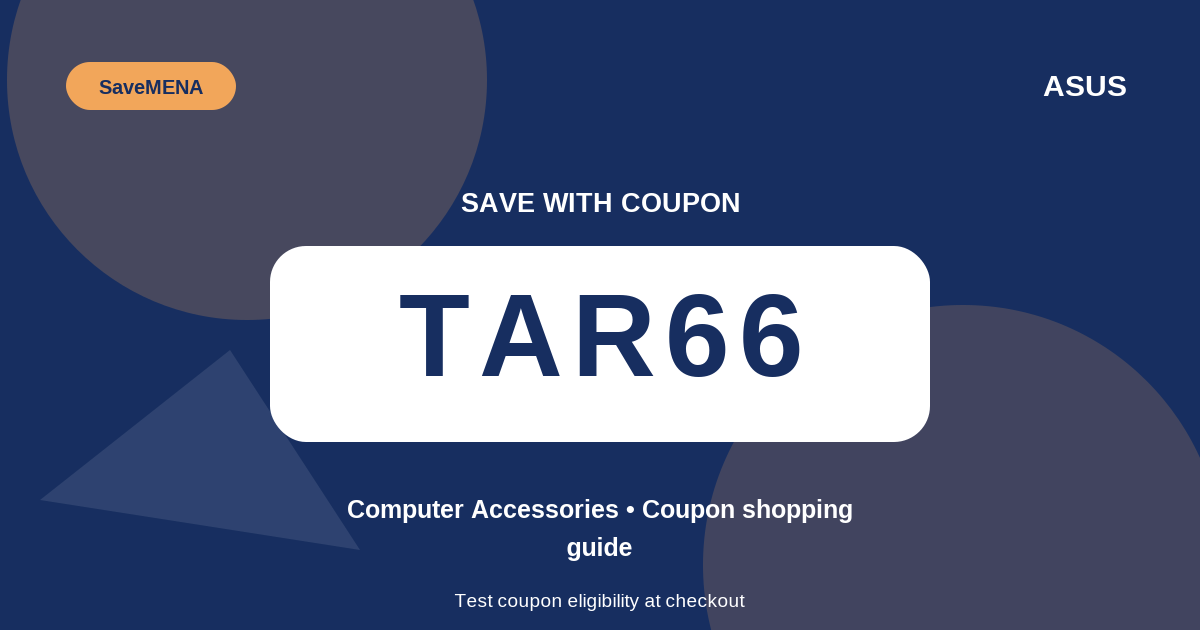
Codes available to try while comparing
These codes are not guaranteed for the article topic or listed brands; test them at checkout and use the live result.
1. Decoding the Offer Types
Bank discounts on Noon UAE usually come through a partnership between Noon and a bank such as Emirates NBD or First Abu Dhabi Bank. They are applied automatically when you pay with a card from that bank, potentially lowering the total price or giving you a higher cashback rate. This advantage is tied to your account type and the number of hours you use the discount during the day.
Coupon codes like TAR66, on the other hand, are optional codes you manually enter during checkout. They can give a flat reduction or a percentage off, but only if the coupon is still active for the selected product and the chosen payment method. Unlike bank discounts, coupons are not tied to a bank card; they just need to be entered correctly.
2. Locating Noon UAE Bank Discount Widgets
To confirm a bank discount before you add an ASUS accessory to your cart, look for the “Bank Rewards” badge or a bank icon near the price. Tap it to see if the discount is available for your card type, the discount’s time window, and any applicable terms such as a minimum purchase.
If you notice a discount label while browsing, remember that the final amount shown is usually before the bank benefit is applied. The real reduction is only seen after you proceed to the payment section, where the bank’s partnership tool will compute the savings and adjust the payable total.
3. Verifying TAR66 Coupon Eligibility
Enter the code TAR66 in the “Coupon Code” field during checkout. Only if the code is still active will the system recalculate the price. Because coupons are not guaranteed, some items may not accept certain codes, and the discount might be blocked if you’re using a bank reward that conflicts with the coupon policy.
After confirming the coupon, check the review of the final total in the “Payment Summary.” If the TAR66 discount appears, the amount should reflect the combined effect of both the coupon and any applicable bank discount. If the code fails, the system will simply notify you, prompting you to confirm whether you want to proceed without it.
4. Currency and Market Context in the UAE
Because Noon UAE operates primarily in AED, all prices displayed include any currency conversions from your local market. This means your bank discount might reflect a rate adjustment that differs from the onboard coupon’s rate. Observing the final payable figure in AED allows you to verify whether the USD‑to‑AED conversion aligns with the current market rate at the checkout stage.
When you see a saved amount in your account balance after payment, compare it with the coupon’s own multiplication to the local market rate. Since coupons do not factor in currency live updates, you must rely on the checkout total to confirm how the discount plays out against the currency conversion.
5. Choosing ASUS Accessories that Maximize Savings
Research ASUS accessories—keyboards, mice, docking stations—through the product pages, this helps you understand whether an item qualifies for a specific discount category. ASUS gear often appears under both “Computer Accessories” and “Gaming Peripherals,” so check if there’s a separate discount tier for each sub‑category.
If an ASUS accessory lists a “Bank Benefit” or a stickers banner for “Coupon Eligible,” that signals that it could support your chosen discount paths. Verify that the product is still under the same price tier on Noon before proceeding, as price fluctuations can affect whether a coupon remains usable.
6. Applying Discounts During the Checkout Flow
When you head to the payment page, first insert your bank card to trigger any available bank discount. Notice that the form will compute the new subtotal after the bank reward. Next, add the TAR66 coupon code in the text field and hit *Apply* to see its effect.
Confirm that the “Payment Summary” reflects both additive reductions: the bank discount on the left, and the coupon on the right. If the order of application is swapped, it may affect your final payable amount, so verify that both show the same savings scale before you confirm the transaction.
7. Inspecting the Final Payable Total
In the checkout summary, double‑check the final amount shown after all discounts. Your AED payable total should reflect any reduction from your bank and the coupon, if both apply. This is the figure that will be charged, thus ensuring no hidden fees or misapplied discounts.
If you notice any discrepancies—such as a higher total than expected—contact Noon’s customer support or revisit the “Order Review” screen. This step ensures that the payoff you see in the payment window matches the actual amount your banking app will communicate.
8. After‑Purchase Verification and Customer Support
Once the order is placed, review your order confirmation email. It should detail the final price, the contribution from the bank discount, any coupon reduction, and the currency used for the transaction. This verification step confirms the real saving you obtained as a UAE shopper.
If anything in the confirmation differs from the checkout summary—or if you suspect a discount didn’t apply—reach out to Noon’s help centre. They can review the transaction logs, confirm the applied discount metrics, and explain any variations linked to currency fluctuations or coupon expiry.
Related SaveMENA pages
Related articles
Official sources to check
Frequently asked questions
Can I use the TAR66 coupon and a bank discount on the same ASUS accessory?
Yes, you can apply both discounts to the same item. Just enter your bank card first to activate the bank benefit, then apply TAR66 during checkout. The final total will show the combined savings if both are active.
Will the AED amount reflect the latest currency conversion rates?
The final payable amount is calculated in AED at the checkout. It automatically incorporates the current AED conversion rate, ensuring the amount you see matches real-time market conditions.
Where can I check if the TAR66 coupon is still valid?
Try entering TAR66 at checkout. If it doesn’t apply, the system will let you know the coupon is inactive or ineligible. You can also view the coupon’s status in your account’s “Coupons” section beforehand.
What should I do if the final amount after applying the discount looks wrong?
Compare the “Payment Summary” to the order confirmation email. If there’s a mismatch, contact Noon customer support to review your transaction and confirm the discount calculations.