HP Office on Noon UAE: model specifications — bank offer versus coupon · TAR53
When you search for “Noon UAE bank discount vs coupon Office HP model and specifications,” you’re actually looking to weigh two different ways to save on HP office
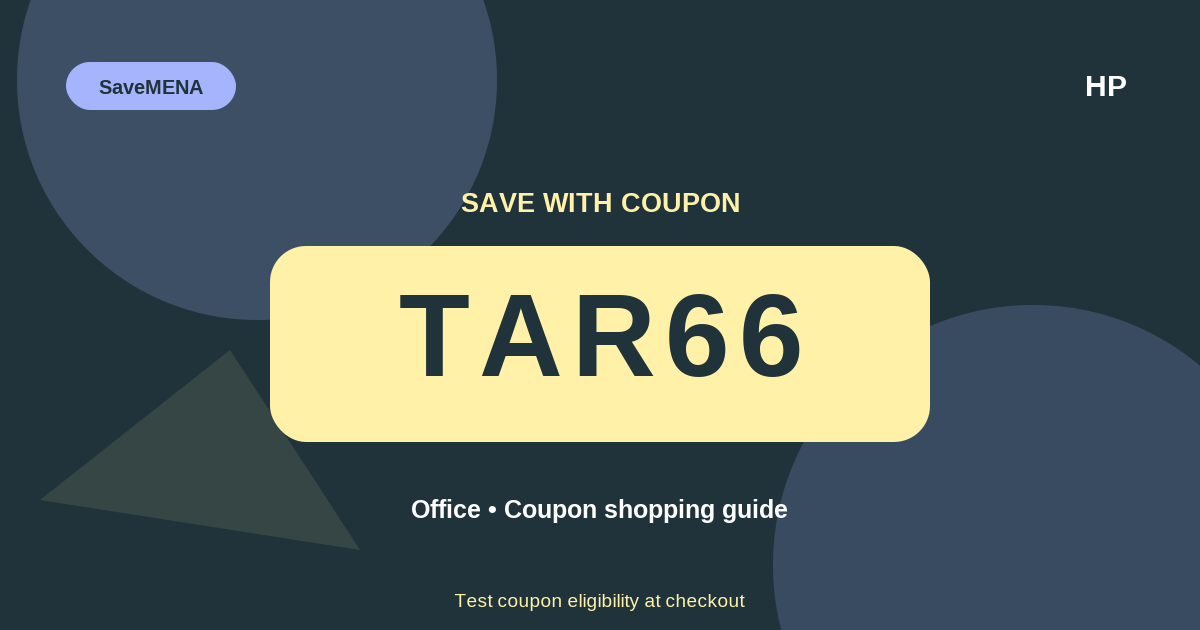
Codes available to try while comparing
These codes are not guaranteed for the article topic or listed brands; test them at checkout and use the live result.
Understanding Noon Bank Discount for HP Office PCs
A Noon bank discount refers to a reduction in price that is applied automatically when you pay with a specific banking instrument—credit or debit card—partnered with Noon. The discount is set by Noon and the bank, and it takes effect during the payment phase, reflecting officially on your invoice before final confirmation.
Because the discount rate is fixed by Noon and the bank collaboration, you don’t need to enter a coupon code or navigate a special checkout flow. However, eligibility hinges on your card being one of the sanctioned issuers at Noon; you should check Noon’s current list or your bank’s statement for confirmation before proceeding.
How TAR53 Coupon Functions for HP Office Models
The TAR53 coupon is a promotional code that shoppers can apply during the checkout process to receive a predetermined amount of discount on a specific product or group of products, in this case HP office machines. To use the coupon, you simply enter “TAR53” in the coupon box on the payment page before your final review.
Unlike a bank discount that is applied automatically, the coupon requires manual entry and acceptance by Noon’s system. Its applicability, whether for a single HP model or multiple items, is determined by Noon and can be confirmed only after entering the code at checkout or by consulting Noon’s help resources.
HP Office Laptop Models – Feature Comparison
HP offers a variety of office‑ready laptops such as the HP EliteBook, HP ProBook, and HP Pavilion Business. The EliteBook line typically focuses on durability and advanced security, featuring options like a smart card reader and fingerprint sensor. The ProBook provides a balanced mix of performance and battery life for everyday tasks.
Specifically, you should verify processor type (e.g., Intel Core i5 vs i7), RAM capacity (8GB to 16GB), storage options (SSD 256GB vs 512GB), display resolution (Full HD 1920×1080), and connectivity (Wi‑Fi 6, Bluetooth 5.0). For extended office use, look for features like a back‑lit keyboard under low light, a comfortable chassis, and multi‑port support.
HP Office Desktop Models – Feature Comparison
HP’s desktop lineup for offices includes the HP Pavilion Business ≀ Desktop and the HP ProDesk series. These desktops generally provide a quiet, compact design, with emphasis on reliability and easy maintenance. Core i5 and i7 CPUs, along with 8–16GB of RAM, are common starting points.
Key specifications to check include processor speed, integrated graphics versus dedicated GPU, storage (SSD vs HDD combinations), available expansion slots, and ports such as HDMI, USB‑C, and Ethernet. You may also want to confirm the inclusion of any pre‑installed Office software or security suites bundled by HP.
Comparing Cost Savings: Bank Discount vs Coupon
Evidently, a bank discount takes place automatically at payment, providing a straightforward reduction that applies across the entire cart. The amount is fixed and cannot be combined with other transactional discounts from Noon; you simply get the discounted price reflected on the final amount due.
A coupon like TAR53, however, might apply a separate benefit that can be combined with a standard price but not with the bank discount. If the coupon grants an absolute price cut, you will still see the baseline price, the bank discount, and then the coupon amount listed sequentially before you pay. Check this during the final review screen.
Applying TAR53 and Verifying Bank Discount at Checkout
After selecting your HP office device, add it to the cart and proceed to checkout. In the payment section, locate the “Enter Coupon Code” field and type “TAR53.” The screen will refresh to show a “Coupon applied” indicator, followed by the discount amount and the new subtotal.
In parallel, the system will also identify if your selected payment method qualifies for the Noon bank discount. If it does, you’ll see an additional savings row, sometimes marked “Bank Linked Discount.” The final payable total will combine both discounts, but this combination depends on Noon’s policies—verify that you are not entering a rule that prevents dual usage.
Verifying Specifications, Eligibility, and Fees at Checkout
Before pressing “Place Order,” read the detailed product specification list shown in the cart: processor, RAM, storage, display, and connectivity. Confirm that the model you have selected matches the desired configuration for your office needs.
A coupon is not guaranteed; verify its result at the retailer checkout. If either row is missing, it may indicate ineligibility. Finally, check any additional fees such as delivery charges or processing fees that Noon may add.
Final Verdict and Tips for UAE Office Buyers
When your aim is to maximise savings on an HP office machine, the decision hinges on whether the coupon TAR53 offers a better amount than the bank discount. Typically, bank discounts are consistent across all HP products, whereas the coupon may the coupon code specific models.
In practice, confirm the values during checkout—your final total should display both discounts when valid. If the coupon provides a larger absolute discount, it may be preferable, but always double‑check that the total below ground floor does not exceed any maximum spend constraints.
Related SaveMENA pages
Related articles
Official sources to check
Frequently asked questions
How can I know if my bank card qualifies for Noon UAE bank discount?
You can confirm qualification by selecting your card during checkout; if your card is on Noon’s approved list, a bank discount will automatically appear in the payment summary. Otherwise, it will not be offered.
Can I combine the TAR53 coupon with a bank discount?
Generally, Noon applies the bank discount automatically, and then allows you to enter a coupon like TAR53. The final total will reflect both, but check the checkout screen to confirm both discounts are applied.
What HP office models are available on Noon with these discounts?
HP models such as EliteBook, ProBook laptops and ProDesk or Pavilion Business desktops often appear on Noon. Eligibility for discounts depends on the item’s listing; verify at checkout to see if the bank discount and coupon apply.
Is the TAR53 coupon still valid for HP?
The coupon remains available for try‑outs until Noon changes its terms. Enter “TAR53” at checkout to see if it applies to your selected HP product. If not, the system will notify you that it can’t be used.