HP Laptops on Noon UAE: payment method — bank offer versus coupon
Choosing the best way to pay for an HP laptop on Noon UAE can feel like navigating a maze of discounts, coupons, and payment methods.
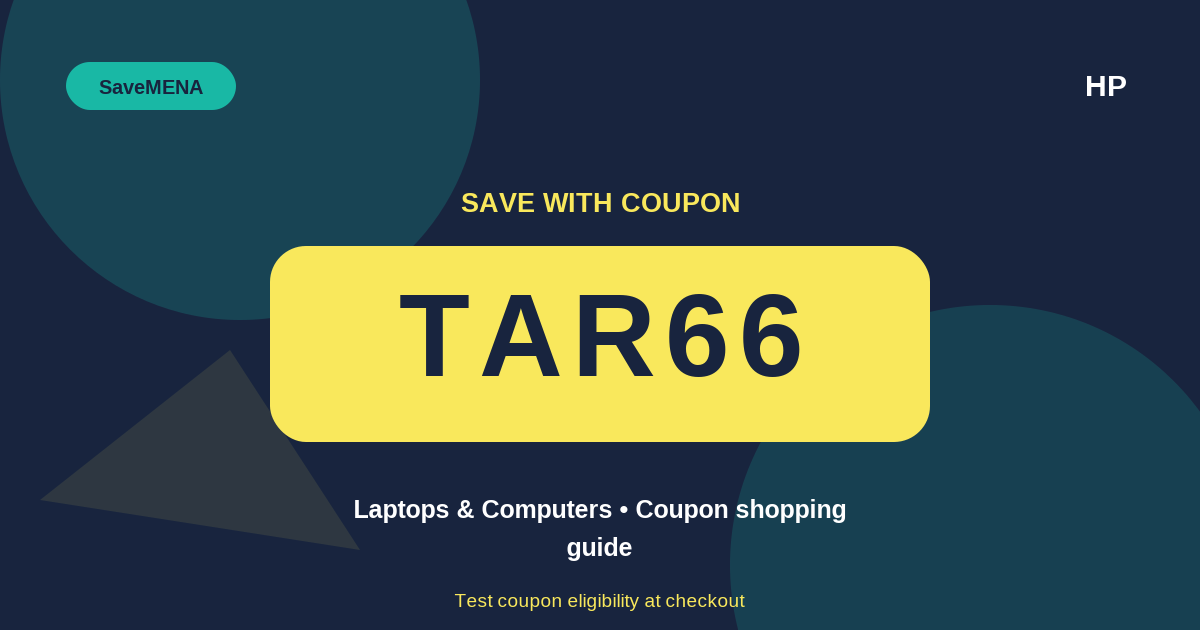
Codes available to try while comparing
These codes are not guaranteed for the article topic or listed brands; test them at checkout and use the live result.
1. Quick Overview of Noon UAE’s Payment Landscape for Laptops
Noon offers a variety of payment methods—credit or debit cards, digital wallets, and bank transfer options. Each method may trigger different discounts or cashback offers, especially on high‑ticket items like laptops. When you add an HP laptop to your cart, Noon automatically checks whether a bank discount is available for your banking institution, but this trigger occurs only after you select that bank during payment. Conversely, a coupon such as TAR66 can be applied earlier, but it depends on your ability to enter the code correctly before finalizing the order.
In addition to generic payment choices, Noon sometimes partners with specific banks to provide added benefits, such as reduced shipping fees or extended warranty offers for laptops. When shopping for an HP model, it is prudent to compare the total payable amount after applying a bank discount versus the amount you would see after entering a coupon. Verification at checkout is essential because the discount type may change based on the chosen payment method, and partial application might occur if the coupon is deemed inapplicable to certain HP variants.
2. Bank Discount versus Coupon: How They Compare for HP Laptops
Bank discounts on Noon are typically calculated based on the total order value and are applied automatically once you select a participating bank at payment. This means you seldom need to remember any code. On the other hand, coupons like TAR66 must be typed into the coupon box before proceeding, and they usually deduct a fixed value or a percentage across the entire cart. For an HP laptop, the effectiveness of each depends on the discount factor set by Noon and the specific bank’s partnership deal.
There are scenarios where a bank discount can be more reliable: if Noon reserves the discount for particular price thresholds, you only reap the benefit when the HP laptop meets the required spending level. Coupons, while flexible, may have restrictions like minimum spend or cart restrictions that can be overlooked until checkout.A coupon is not guaranteed; verify its result at the retailer checkout.
3. Choosing the Right Payment Method: Banks, Digital Wallets, and Credit Cards
When deciding your payment route, consider the features each method offers. A bank payment can provide instant discount activation, especially if Noon’s system recognizes your bank immediately. Digital wallets often come with no extra fees but might not trigger a bank discount; however, they can sometimes unlock wallet-specific cashback that complements a bank discount. Credit cards usually have the widest acceptance and offer You might receive a small cashback or rewards points, but only banks directly partnered with Noon generate a discount that is automatically applied to the laptop price.
In practice, if you are using a bank that Noon lists for discounts, you’ll find that selecting that bank during checkout instantly reduces the total. If you opt for a digital wallet instead, you’ll need to manually apply any available coupon, such as TAR66, to achieve similar savings. It is advisable to test a low‑value order or consult Noon’s help center to confirm that your chosen payment method indeed activates the anticipated discount for HP laptops before committing to a large purchase.
4. Deriving Value: When Bank Discount Wins Over Coupon Benefits
Let’s look at a simple comparison: if the bank discount is a fixed amount, say AED 50, and the coupon offers a the discount shown at checkout discount, you likely apply the bank discount when the laptop’s price is lower than the coupon’s benefit. For HP laptops priced under AED 1,500, the percentage discount of a coupon could exceed the bank discount. Conversely, without a coupon, a bank discount might be the sole reduction available, making it the clear winner.
Because the bank discount is automatically applied once you select that bank, it eliminates the risk of the coupon failing to activate due to a simple mistake in the code entry. This reliability is especially valuable for high‑value purchases where a small error can turn a significant saving into an expense. Ultimately, the decision should hinge on which payment method offers the highest verified savings for the specific HP laptop you wish to purchase, remembering to check the final payable total in the cart before finalizing the order.
5. Practical Steps to Activate TAR66 Coupon on HP Laptops
First, locate the HP laptop on Noon and add it to your cart. Before proceeding to payment, scroll to the coupon field at checkout. Type “TAR66” exactly as it appears, making sure there are no leading or trailing spaces. Once the code is entered, hit the “Apply” button; the system will validate the coupon’s eligibility for that particular HP laptop. If the coupon applies, you will see the deduction reflected in the total price before selecting your payment method.
After the coupon is applied, you can still choose to pay via a bank that offers a discount. In this case, confirm that Noon does not apply both discounts automatically—some merchants allow stackable discounts, others restrict to the higher of the two. It is wise to read the promotional terms on the cart page or the HP laptop detail page to verify whether the coupon and bank discount can coexist. Always cross‑check the final price displayed after all discounts before confirming the transaction.
6. Checkout Checklist: Verifying Discounts and Payment Method Eligibility
At the final page of the transaction, the cart should display the original HP laptop price, the discount from the bank (if any) or the coupon, a brief note on delivery fees, and the payable amount. If you selected a bank discount, the merchant will indicate this next to the bank’s name. If using a coupon, look for a line stating the coupon code used and the corresponding deduction. If either discount is not showing, this signals that it did not apply, and you may need to retry the coupon code or switch payment methods.
Additionally, double‑check the shipping method and verify that any discount does not affect the delivery charges. Noon usually keeps delivery fees separate from product discounts, but it is vital to confirm this during checkout. Only once the total payable amount accurately reflects the combined discounts and fees should you proceed to finalize your payment. This ensures you are not surprised by an unexpected charge later.
7. Common Mistakes and How to Avoid Them
One frequent error is attempting to apply a coupon and then switching to a bank payment that automatically overrides the coupon. If Noon applies the bank discount as a higher value, the coupon may be canceled. To avoid this, apply the coupon first and check if it remains active after selecting the bank. If it disappears, consider settling for the bank discount only or re‑applying the coupon after confirming the bank was chosen.
Another mistake is overlooking coupon terms that limit eligibility to certain HP models or bundle deals. If Noon’s coupon terms specify exclusions, you may default to the bank discount instead.A coupon is not guaranteed; verify its result at the retailer checkout. If in doubt, communication with Noon’s support can expedite confirmation on whether your HP laptop is eligible for the TAR66 coupon before you lock in your payment method.
8. Final Thought: Making the Most of Noon UAE for HP Laptop Shopping
When your ultimate goal is to get the best value on an HP laptop, the decision between a Noon bank discount and a coupon such as TAR66 heavily depends on your payment method chosen. A bank discount offers consistency and low effort, whereas a coupon provides flexibility but requires manual activation and verification. In either case, the key is to revisit the final checkout screen where the exact discount and total payable amount are displayed. This practice ensures that the savings you anticipate become real savings at checkout.
Adopting a systematic approach—adding the laptop to the cart, testing the coupon, choosing your payment method, and double‑checking the final price—will help UAE shoppers navigate Noon’s discount structure efficiently. Whether you lean toward a bank discount, a coupon, or both, consistent verification at each step guarantees that your HP laptop purchase is both cost‑effective and hassle‑free.
Related SaveMENA pages
Related articles
Official sources to check
Frequently asked questions
Can I use the TAR66 coupon and a bank discount on the same HP laptop order?
It depends on Noon’s current discount policy. Some merchants allow stacking discounts, while others let you choose the higher one.A coupon is not guaranteed; verify its result at the retailer checkout.
What happens if the HP laptop is out of stock at checkout?
In that case, Noon will typically notify you that the item is unavailable. You will need to either wait for restocking or choose an alternative model that is in stock to continue with the discount.
Are there extra fees when paying with a particular bank on Noon?
Noon’s bank discounts usually offset any potential fees or may come with no additional charges. However, if you opt for a foreign card or a non‑participating bank, you should check for interchange fees or currency conversion charges outside Noon’s platform.
Where can I confirm the exact discount value applied to my HP laptop?
After adding the laptop and entering the coupon, the cart will display a line item indicating the discount. This line presents the specific amount or percentage reduced and is the final reference before you agree to the purchase.