Calvin Klein Men’s Fashion on Noon UAE: payment method — bank offer versus coupon
Noon UAE bank discount vs coupon Men’s Fashion Calvin Klein payment method: When you’re shopping for men’s fashion on Noon UAE, you’ll often see two savings
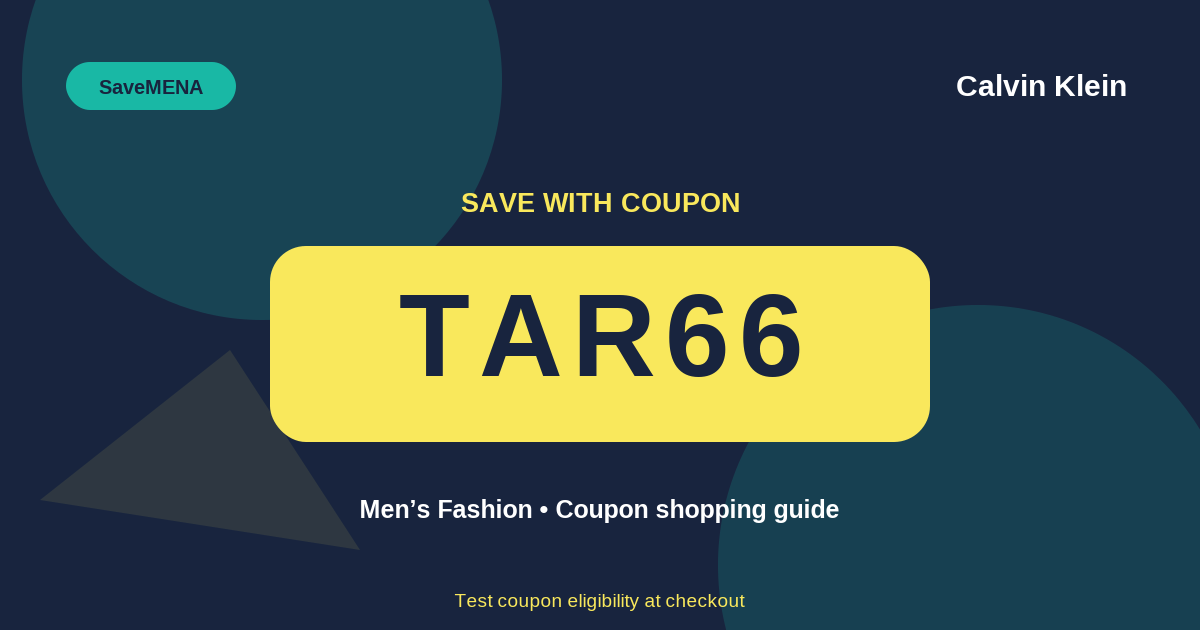
Codes available to try while comparing
These codes are not guaranteed for the article topic or listed brands; test them at checkout and use the live result.
1. Start with the Product Page – Capture Initial Details
Open Noon’s Tulsa interface and search for Calvin‑Klein men’s apparel to ensure you’re looking at the exact style you want. Note the listed price in AED, any promotional tags and the seller information. A clear product title and SKU helps confirm the item when you add it to the cart, avoiding later confusion about quantity or variant. Verify that the item is still listed and that the seller’s order description matches what you intend to purchase.
Remember that Noon will not permanently apply a coupon code like TAR66 just for browsing. The code is only valid when entered during the checkout stage, so keep the product page open while you prepare your payment method. If you decide to add multiple items, make sure each one is compatible with the intended promotional offers you plan to use.
2. Add to Cart – Confirm Pricing Transparency
Click “Add to Cart” and then proceed to your basket. On the cart page, review each item’s price, quantity, and any current seller‑applied discounts. If the listing shows a “Noon discount” badge, understand that this may refer to a bank‑specific promotion available when you choose the correct payment method. Note the exact value before any further coupons are applied.
At this point, check if Noon displays an option to apply a coupon. If you don’t see a field yet, you’ll need to click “Apply coupon” later in the checkout. Ensure the cart is still accurate without any unverified changes before moving forward.
3. Choosing Your Payment Method – Identify Bank‑Specific Offers
When you begin checkout, Noon will prompt you to select a payment method: debit card, credit card, or wallet. Some banks offer instant cash‑back or discount transfers when you pay directly from their card. The offer level varies: a the discount shown at checkout discount, a the amount shown at checkout rebate, or a small instant credit. Look for any explanatory text beside the card icons, or a link to “Bank discounts” on Noon’s payment page.
To use a bank discount, you must have a card that is currently supported for this benefit. If your card isn’t eligible, you’ll see no discount or a default rate of zero. You can temporarily switch cards to see how the total changes, but the discount is applied only at the moment you confirm the payment order. Make sure the bank discount is clearly shown in the order summary before you proceed.
4. Apply the TAR66 Coupon – Verify Availability
On the checkout page, find the “Apply coupon” field. Enter TAR66 exactly as shown, respecting case sensitivity. Noon will attempt to apply the coupon code to your cart. If it is approved, the subtotal will be adjusted automatically, and you’ll see a line item stating “Coupon applied.” If it is not accepted, Noon will display an error. Do not assume the coupon works; the site will confirm this for you before the final amount is shown.
At this moment, Noon will also recalculate any shipping or handling segments if the coupon affects the total. If the coupon applies a flat reduction, the new subtotal will differ from the pre‑coupon amount solely by that reduction. Keep the screen visible as you move to the payment selection to see any further changes.
5. Re‑Assess the Discount Landscape After Coupon Application
With the coupon in place, double‑check the summary row that lists the final payable amount. Notice whether the bank discount is still applied or whether the coupon has replaced it. Some payment methods preclude coupons or vice versa, so Noon will show exactly which discount is active. If both cannot coexist, you’ll only see the higher of the two benefits reflected.
It’s crucial to verify that the numbered totals match your expectations. The platform will not sum an unverified discount; if the displayed price surprises you, revisit the payment method to ensure the coupon and bank discount are correctly cross‑checked. An unearned discount would appear only if you mistakenly believe the coupon succeeded without confirmation.
6. Confirm Delivery and Optional Fees in the Final Review
Scroll down to the shipping section of the checkout summary. Noon lists delivery options, times, and any associated fees. A discount or coupon will not affect shipping unless explicitly stated. Confirm that the selected delivery method matches the items’ warehouses, as slight changes in shipping charge can alter the total payable line.
Once you’re confident the subtotal, coupon, bank discount, and shipping all align, proceed to the “Pay now” button. At this step, Noon will lock in the amounts you’ve verified, and the final total will not change unless a different payment method is selected just before payment.
7. Final Verification at the Payment Confirmation Screen
Before you tap “Pay,” a final screen will recap the merchant, card details, purchase quantity, total amount, and any applied promotions. Watch for the “Bank discount” badge that appears only when your card is eligible for the Noon UAE bank discount. If the badge is missing, it indicates either an ineligible card or that the coupon superseded the bank discount.
At this point, no fresh calculations occur. The amount locked in will be what your bank or card issuer charges, and you will not be able to add or remove discounts retroactively. If you notice a discrepancy, cancel the payment, adjust your payment or coupon selection, and review the summary again.
8. Post‑Purchase Confirmation – Terms and Refunds
After you receive the up‑to‑date order confirmation email, double‑check the line items listed, including any applied discounts. The email will reflect the actual transaction totals, including any discount credited to your account. If you spot a mismatch, contact Noon’s customer support for clarification or dispute resolution.
It is useful to keep a screenshot of the final checkout screen for records. This proves what pay‑as‑you‑checked screens showed, thereby protecting you in case of a later dispute about the discount or shipping charge. The confirmation email will also state the return window and conditions, should you need to act further on the purchase.
Related SaveMENA pages
Related articles
Official sources to check
Frequently asked questions
Can the TAR66 coupon be used with my Noon UAE bank discount?
Check Noon’s checkout summary: if both appear together, the higher benefit will display. If the coupon code does not appear after you choose a qualifying card, the bank discount may override the coupon. Verify each step before moving to payment.
Will I get an instant refund if a discount is applied incorrectly?
The discount shown on the checkout page is final; if an error occurs, Noon’s support can issue an adjustment. It is best to confirm totals before confirming payment to avoid later disputes.
Is the bank discount available on all Noon sellers?
Only sellers participating in Noon’s bank‑discount program show the badge. At checkout, the platform will show a “Bank discount” line only if your card qualifies with a participating seller.
Can I change my payment method after applying the coupon?
You may switch cards before final payment; the discount bars will recalculate. If the coupon remains valid, the summary will reflect the new discount, but the same coupon cannot be used when the selected card is not eligible for the bank discount.