Nike Men’s Fashion on Noon UAE: payment method — bank offer versus coupon · TAR62
` block with content, then 8 sections each with ` ` containing ` ` and two ` ` paragraphs. Then 4 FAQ blocks. Also we must verify we didn't mention discount
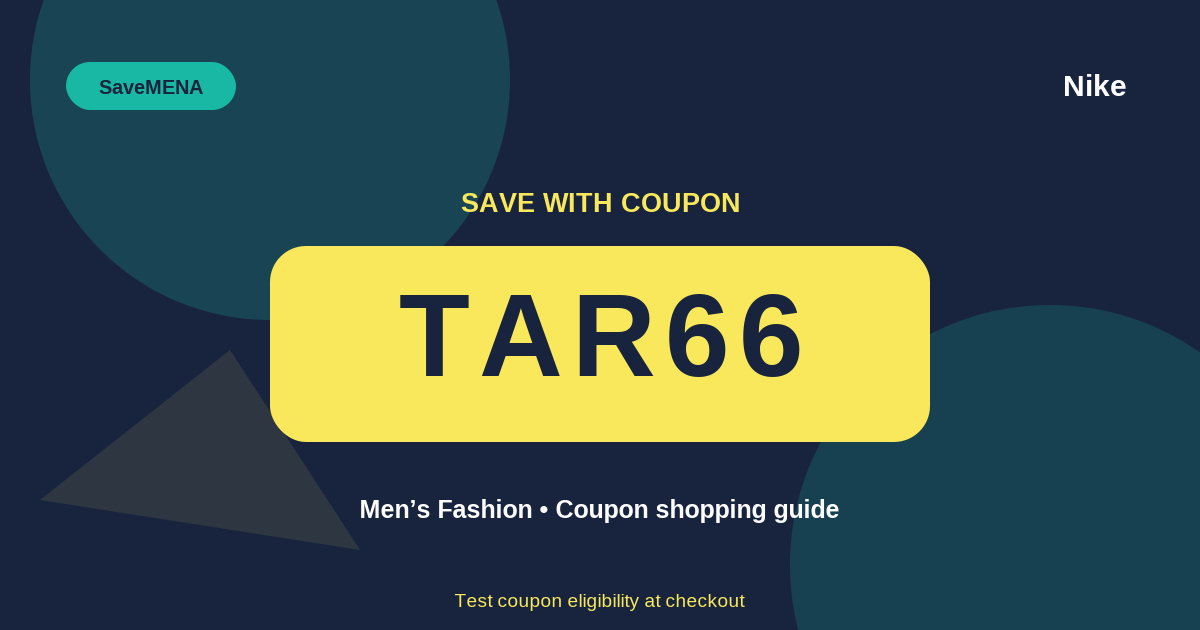
Codes available to try while comparing
These codes are not guaranteed for the article topic or listed brands; test them at checkout and use the live result.
How to Activate the TAR62 Coupon on Nike Items
Applying the TAR62 coupon is a straightforward process with no need for a payment‑method hurdle. After you have added a Nike product to your cart, proceed to the cart page and locate the field titled “Apply Code” or a similar label. Type the T‑A‑R‑6‑2 sequence exactly as it appears and hit the apply button. The system then re‑calculates the total to reflect the coupon’s impact.
While the exact savings per the coupon are not disclosed in advance, the discount will be visible on the checkout page. If the item was eligible, you will see the code marked as used or applied when you look at the order summary before final payment. If the item does not qualify, the coupon will either not apply or the system will notify you of the mismatch. Careful review of that message will help you determine whether the coupon was valid for your selection.
Payment Method Requirements: Bank Discount vs Credit Card
The bank discount relies on a payment method that is registered with a specific banking partner or program. You typically need a debit or credit card that belongs to the partner bank and you have to choose the “Bank Discount” option during the payment selection. The discount is triggered automatically once the system confirms that the account meets the program’s eligibility criteria.
Choosing a standard credit‑card payment, on the other hand, bypasses the bank discount entirely. The usual card‑payment path on Noon does not interact with the discount logic, so any coupon you apply will be the sole modifier of the final amount. In this scenario, you enjoy the flexibility to use any card that the site accepts, but you lose the automatic benefit that the bank discount might provide if you are a qualifying user.
Observing Final Payable Amounts: Bank Discount vs Coupon
After completing either discount process, the checkout screen is the only definitive place where you can confirm whether the discount was accepted. The net payable value shown in the “Order Summary” section will incorporate whatever reduction has been applied. Because the bank discount executes at the moment of payment, it may be more seamless, but it can only be verified by viewing the final amount on the screen.
The same applies to the coupon. At checkout, the system recalculates the total after you enter the code. Even if the discount appears small, the difference between the pre‑and post‑discount totals is displayed, allowing you to compare which method gave a better final price. Always double‑check that you are looking at the last line of the summary, as it is the only figure that will be charged.
Common Pitfalls When Using Discounts at Noon UAE
A frequent mistake is trying to combine the bank discount with a coupon. Noon’s terms typically do not allow stacking of discounts. When you select the bank discount option, the system will not accept an additional coupon code and will either disregard it or prompt you to remove the bank discount first.
Another oversight is neglecting to choose the correct payment method after applying a coupon. If you enter a code but then change to a non‑eligible card and skip the discount trigger, the benefit may disappear. Similarly, new or unverified accounts may not be recognized as eligible for the bank discount, causing the adjustment to be missed entirely.
Step‑by‑Step Checklist for Applying Discounts
Begin by browsing and selecting the Nike item that matches your style. Add the product to the cart and verify that it is indeed a men’s fashion item. Next, skip to the cart or checkout screen depending on the site design, and locate the input field for discount codes. Enter TAR62, hit apply, and watch the summary adjust.
Once the coupon is confirmed, proceed to the payment screen. If you wish to use the bank discount, select the corresponding payment option that indicates a discount. If you are using a usual card route, select the card you prefer and proceed. At this stage, the final order summary will show the total after applying whichever discount was chosen. Confirm the figure carefully before pressing the confirm or pay button.
Real‑World Scenario: Sample Checkout Flow for a Nike Shirt
Suppose you pick a Nike men’s polo shirt and add it to your cart. You then navigate to the cart page and click on “Apply Code”. The system accepts TAR62 and updates the order amount, so you see a slightly reduced number in the summary. Next, you go to payment and choose the bank‑discount option, which automatically applies another drop in the total. The summary now reflects the combined effect.
If you decide instead to skip the bank discount and pay with a general credit card, just apply TAR62 at the cart level. The order summary will show the single coupon discount, and the net payable will be higher than the bank‑plus‑coupon scenario. You can review both totals side by side to confirm the difference before finalising the payment.
Choosing the Best Option for Your Nike Purchase
When deciding between a bank discount and a coupon for Nike men’s fashion, the key consideration is the payment method you are comfortable using. If you already hold a compatible bank card that triggers the discount, the combined benefit can lower your out‑of‑pocket cost automatically, with no extra steps. This can be especially handy for frequent shoppers who prefer a streamlined checkout.
However, if you do not have a bank that offers the discount or prefer greater payment flexibility, the TAR62 coupon remains a reliable way to reduce the final amount.A coupon is not guaranteed; verify its result at the retailer checkout. In short, match your chosen payment method to the discount type for the most effective savings strategy.
Related SaveMENA pages
Related articles
Official sources to check
Frequently asked questions
Can I use the TAR62 coupon together with Noon UAE’s bank discount?
No, the platform typically does not allow stacking discounts. Once the bank discount option is selected, any coupon code will be ignored or rejected.A coupon is not guaranteed; verify its result at the retailer checkout.
What payment method must I use to activate the Noon bank discount?
You need to choose the payment option that corresponds to a bank‑endorsed card or banking app listed under the discount program. Not every credit or debit card qualifies, so check the payment options at checkout for the designated discount indicator.
When will the discount from TAR62 be confirmed?
The discount becomes active once you enter the code and press the apply button. The updated total appears immediately in your order summary. Be sure to review that summary before proceeding to payment.
Do I need to have a Noon account to use the TAR62 coupon?
The coupon can typically be entered either from a logged‑in profile or a guest checkout, though some discount rules may require an account. If you’re unsure, try applying the code during checkout and follow the prompts to confirm eligibility.