Logitech Office on Noon UAE: payment method — bank offer versus coupon · TAR62
etc. Need 8 sections headings: must reflect category office, payment method, coupon vs bank discount, etc. Decision lens: payment method.
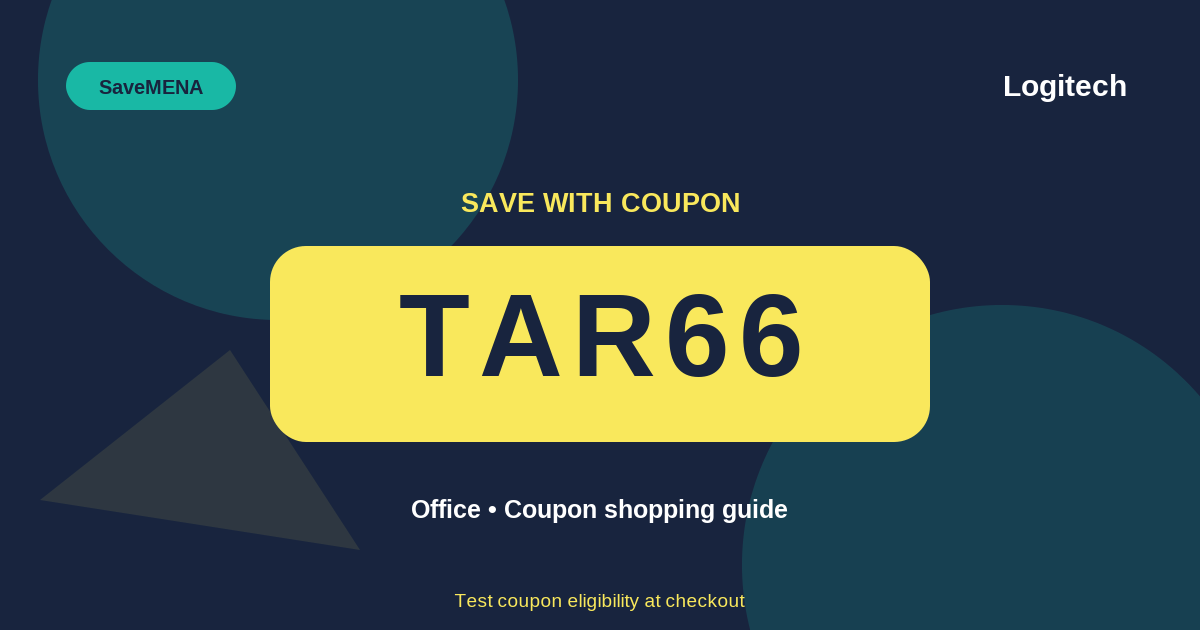
Codes available to try while comparing
These codes are not guaranteed for the article topic or listed brands; test them at checkout and use the live result.
1. Understanding Noon UAE Bank Discount and Coupon Dynamics
The Noon UAE bank discount is a partnership perk that applies automatically when you pay via a specific bank’s debit or credit card. The discount is applied at checkout before the final total calculation, and the amount is deducted from the subtotal, not recalculated after other savings. Because the discount is tied to the payment tool, it is applied only if you select that card on the purchase screen.
In contrast, the TAR62 coupon is a promotional code that must be entered manually during checkout. The coupon offers a monetary or percentage cut that the merchant applies after any bank discount or only after the base price, depending on the deal structure. Since the coupon is optional, you can use it only if you wish to try it; it is not guaranteed whether the code will be accepted at the time of checkout.
2. Importance of Payment Method in Office Purchases
Choosing a payment method for office supplies is not just about convenience; it determines which discounts become available. For instance, using a Noon UAE bank card may automatically unlock the bank discount, but you need to verify whether your merchant accepts it and whether it applies to Logitech items specifically. If the bank discount is not automatically supported, you’ll need to switch payment methods or explore alternative discount options.
When you opt for the TAR62 coupon, the payment method is separate from the discount logic. The coupon can be used with any accepted card or wallet, but its effectiveness will still depend on your final payable amount and the checkout process. Therefore, understanding how each payment option interacts with bargains is crucial before you add Logitech products to your cart.
3. Quick Overview of Logitech Office Requirements
Logitech’s office line ranges from ergonomic mice and keyboards to premium webcams and headsets. Most Logitech items on Noon UAE fall under general consumer electronics, so they are eligible for typical store discounts, but special offers such as peripherals might not be covered by bank discounts. Checking the item listing for “eligible for bank discount” tags can clarify whether the Noon UAE bank discount will apply to that specific Logitech product.
When a coupon is entered, make sure the product is listed as “eligible for coupon.” If the platform indicates that a coupon is not applicable to a specific item, you must choose a different discount route or a different product variant. Logging into your account and reviewing the checkout screen will reveal whether the chosen product supports the bank discount or the coupon at the time of purchase.
4. Applying the TAR62 Coupon: Steps and Considerations
To try the TAR62 coupon, first add your chosen Logitech office item to the cart. Proceed to checkout, locate the “Apply Coupon” field and enter TAR62. Notice the system will process the coupon only after all shipping and tax information is entered, but before total calculation.
If the coupon does not apply, confirm that you have not exceeded any limitations such as cart value or quantity restrictions. Since we cannot guarantee the coupon’s validity, it’s essential to verify the discount at the final checkout stage.A coupon is not guaranteed; verify its result at the retailer checkout.
5. Using Noon UAE Bank Discount: What to Expect
Activating the Noon UAE bank discount begins by selecting the appropriate bank card during the “Payment Method” step. Whenever the card is chosen, the system will automatically apply the discount to the subtotal before showing the final payable total.
Unlike a coupon, the bank discount is pre-calculated and typically visibles in the “Payment Summary” before you finalize payment. If you wish to apply the bank discount, double-check that your card is linked to a program that supports Noon UAE discounts, which can usually be confirmed in the card’s account settings or by contacting your bank directly.
6. Comparing Final Checkout Prices: Coupon vs Bank Discount
Both discount paths require you to reach the checkout stage to see the final payable amount. The bank discount subtracts a pre-defined value from the subtotal, while the TAR62 coupon subtracts a potentially variable amount. Because the bank discount is applied before tax calculation, it might affect the taxable amount slightly less than a coupon that calculates after tax.
To compare accurately, add the Logitech item to your cart, then first apply the bank discount by selecting your Noon UAE bank card; note the final total. Next, clear the payment method and apply the TAR62 coupon instead, keeping the same card. Observe the final payable totals side‑by‑side to determine which offers the better savings. Remember that these values can change if the item’s price fluctuates or if additional offers apply.
7. Practical Tips for Maximizing Savings with Different Payment Methods
A coupon is not guaranteed; verify its result at the retailer checkout. However, if the card does not support discounts on Logitech products or if you anticipate price changes, try the TAR62 coupon before checkout to see if it gives a deeper reduction.
It’s good practice to keep an eye on the “Payment Summary” before completing the purchase. If the coupon is accepted but the total does not match your expectations, double‑check if any unadvertised fees apply. Also, if you are using multiple payment methods (e.g., partial credit card, remainder cash), be aware that the bank discount usually applies only to the part of the payment made via the discount‑eligible card.
8. Bottom Line: Choosing the Right Method for Your Office Needs
Your choice hinges on the payment method that best aligns with your office budget and the specific Logitech equipment you need. If the Noon UAE bank discount is universally applicable to your chosen items and you prefer a single payment stream, that is a reliable route. Alternatively, if you’d like the flexibility of exploring possible coupon savings, entering TAR62 may provide an extra, optional discount.
Ultimately, verifying the discount at checkout will reveal which method delivers a lower final payable amount for your office purchase. By following the steps outlined above, you can confidently choose between the bank discount or the coupon, ensuring that your Logitech office setup stays within budget while enjoying the most favorable savings.
Related SaveMENA pages
Related articles
Official sources to check
Frequently asked questions
How do I know if the Noon UAE bank discount applies to my Logitech purchase?
Check the product listing for a “bank discount eligible” tag or review the “Payment Summary” after selecting a Noon UAE bank card during checkout. The discount will be shown automatically if the item qualifies.
Can I use both the bank discount and the TAR62 coupon together?
Most platforms apply either the bank discount or the coupon, not both simultaneously. You should choose one discount method and verify the final payable total before completing payment.
Will the TAR62 coupon give a bigger saving than the bank discount?
It depends on the item price and any other applicable fees. Applying the coupon and comparing the final totals side‑by‑side during checkout will reveal which offers a better discount for your specific Logitech product.
What should I do if TAR62 doesn’t accept my Logitech item?
Confirm that the item is eligible for coupons. If not, revert to the bank discount or look for alternative discount codes.A coupon is not guaranteed; verify its result at the retailer checkout.