Perfumes on Noon UAE: payment method — bank offer versus coupon · TAR78
When you shop on Noon, the platform offers two primary ways to lower costs on perfume purchases: a bank discount and a promo coupon.
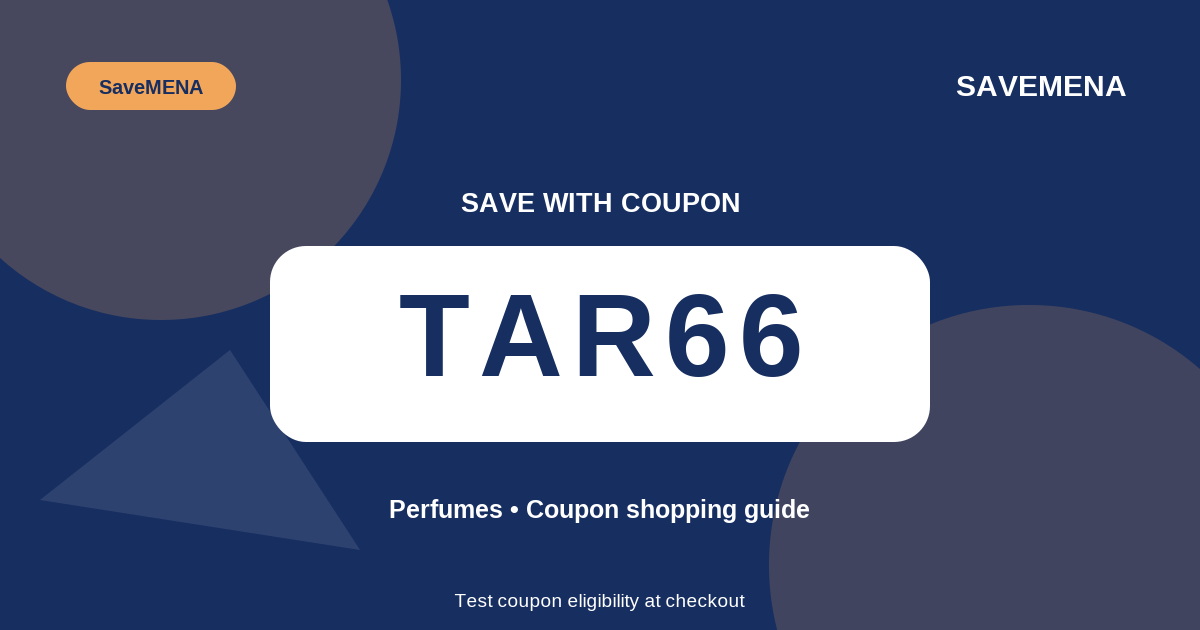
Codes available to try while comparing
These codes are not guaranteed for the article topic or listed brands; test them at checkout and use the live result.
Understanding Noon UAE Bank Discount and Coupon Basics
When you shop on Noon, the platform offers two primary ways to lower costs on perfume purchases: a bank discount and a promo coupon. A bank discount generally appears automatically if your payment method meets certain eligibility criteria set by Noon. This can appear as a percentage off the list price or a fixed reduction, but the exact value is determined by Noon and varies from product to product.
A coupon, such as the coupon code, is a code you apply at checkout. It operates independently from the bank discount and can be used and verified only when the store allows it. Coupons usually the coupon code a specific range of items or a particular brand, and they are subject to Noon’s own terms of use, but you can try the code to see if it applies to the perfume you’re interested in.
How Bank Discounts are Applied in the Perfume Category
In the perfume section, Noon may feature a “UAE bank discount” that kicks in when you select a supported debit card or a Noon wallet balance. The discount is added to the order total before taxes or shipping fees, and it’s only available for goods with a qualifying price range. You’ll see the discount reflected as a separate line item on the order summary during checkout.
The discount amount varies by product and promotional period, and it can’t be combined with other price reductions that are explicitly tagged as incompatible by Noon. Therefore, if you’re using a bank discount, ensure that you’re not simultaneously running a coupon that would conflict with the discount terms. Checking this compatibility is a standard step when finalizing payment details.
Evaluating the the coupon code Coupon for Perfume Purchases
The the coupon code coupon can be entered in the promo code field during the payment flow. After entering the code, you typically receive immediate confirmation that the coupon is valid or invalid. This verification step happens before the final total calculation, so you can see whether the discount has been applied.
Not all perfumes are eligible for the coupon, and the discount package can differ in value. Because Noon does not publish a standard discount rate for coupons, you’ll have to rely on the article’s indication that the code is worth trying, but it’s impossible to guarantee the amount. At checkout, you should compare the post‑coupon total against the pre‑bank‑discount total.
Payment Method Combinations: Which Discounts Combine?
For shoppers who want to maximize savings, understanding which discounts overlap is essential. A bank discount that triggers through a specific payment method usually excludes coupon usage, but this rule is publicly stated by Noon in the payment screen. If you inadvertently try a coupon with a bank‑eligible card, the coupon will either be ignored or you'll see a notice that both cannot be applied simultaneously.
Confirming this at the payment page involves reading the “discount applied” messages. If the card triggers a bank discount, the coupon section will reflect that your code has been activated and that the discount cannot be layered. Conversely, if you choose a non‑bank‑provided payment method, you may activate the coupon and receive the price reduction.
Calculating the Final Payable Total
Once you decide on a payment method and whether to use the the coupon code code, the checkout engine recalculates the total in real time. The final amount shown will include the discounted product price, any applicable tax, and a clearly labeled delivery fee if one is charged. Noon transparently displays each component, so you can see whether the bank discount or the coupon was applied.
If you’re unsure which one was used, scroll to the “discount” line in the order summary. The source (bank discount or coupon) will appear as a label, and the reduced amount is shown next to it. This step is critical because you don’t want to pay a higher price than you expected once the transaction is completed.
Checking for Hidden Fees and Conditions
UAE shoppers sometimes encounter additional charges that are not part of the baseline costs, such as service fees for certain card types or expedited shipping surcharges. Noon lists these under a separate “additional fees” section before you confirm payment. This segment will highlight any extra amount that could reduce the subtotal after a discount is applied.
Be vigilant for notes about minimum spend thresholds for discounts or coupons. Even though Noon does not publish these rules outright, the checkout interface will either allow the discount to apply or show a message if the order does not meet the necessary conditions. Verifying this before final confirmation eliminates late surprises.
Practical Tips for UAE Shoppers: Switching Payment Strategies
If you are planning to buy several perfume products, consider grouping them into a single order. Doing so allows a single bank discount to apply to the entire category, potentially offering a greater net savings. However, if you have a coupon that can be combined across multiple items, you might try placing each item in separate orders to use both discounts, but double‑check that the coupon is still valid in each case.
Another angle is to utilize a Noon wallet balance. Some users report that adding funds to a wallet can sometimes unlock an additional discount tier, especially if the wallet is funded via a bank that partners with Noon. Always check the payment options screen to see whether a wallet balance triggers a special promotion that wouldn’t appear with a standard card.
Summary and Best Practices
Choosing between a Noon UAE bank discount and a the coupon code coupon depends largely on the payment method you prefer and the conditions of each strategy. At checkout, scan the payment screen for explicit messages indicating which discount is active.A coupon is not guaranteed; verify its result at the retailer checkout.
When shopping for perfumes, always read the order summary before confirming. Verify that the discount label matches your expectation and double‑check any announced fees. By treating the payment method as your decision lens, you’ll stay ahead of conflicting offers and lock in the best possible price for your fragrance collection.
Related SaveMENA pages
Related articles
Official sources to check
Frequently asked questions
A coupon is not guaranteed; verify its result at the retailer checkout.
No. The code is only available to try. Eligibility can vary with the live account, basket, item, seller and campaign context, so checkout is the final reference.
Where should I confirm the coupon result?
Apply the code in the Noon basket and review the live message and final payable total before payment. Do not rely on an undocumented percentage or condition.
Can the result vary by product or seller?
Yes. Eligibility and offer context can vary with the current basket details, so compare the exact item, seller, variant and final total before purchasing.
What should I do if the code does not work?
Check the market, account, item, seller, basket and payment context, then try another code available to try without guessing an unsupported reason.