Samsung TVs on Noon UAE: payment method — bank offer versus coupon · TAR78
If you’re weighing a Noon UAE bank discount against a coupon when buying a Samsung TV, you’re not alone.
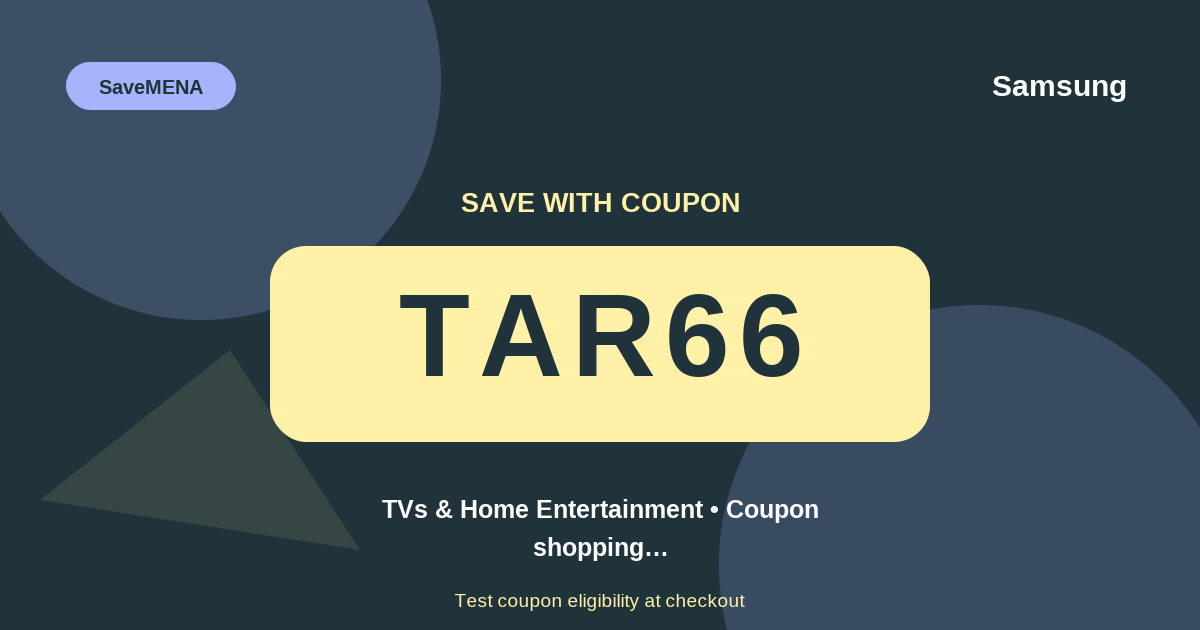
Codes available to try while comparing
These codes are not guaranteed for the article topic or listed brands; test them at checkout and use the live result.
The Role of Payment Methods in TV Shopping on Noon
When you select a Samsung TV on Noon, the payment method you choose can directly influence any available discount. Credit cards, debit cards, and Noon Pay balances all support the application of bank discounts, while coupons are typically entered during the cart review step. Understanding how each method interacts with the platform’s discount engine can help you decide which option delivers a smoother checkout experience.
At the same time, the type of bank you use can affect the size of the discount, since Noon partners with certain financial institutions that offer deferred or instant savings. It’s essential to compare the benefit of a bank discount to that of a coupon code like TAR78 before you add the item to your cart. This way you ensure you’re not missing out on a potential savings opportunity during checkout.
Bank Discounts vs Coupon Codes: A Quick Overview
A Noon UAE bank discount is typically applied at the point of payment, automatically reducing the total as soon as you enter your card details. This method doesn’t require any code or manual activation, which offers peace of mind for shoppers who prefer a hands‑free approach to discounts.
On the other hand, a coupon like TAR78 must be entered into the coupon field on the cart page. The discount only appears after you input the code and hit “Apply.” Because this step depends on user action, there can be a slight delay in seeing the final price. Knowing the distinction between these two mechanisms helps you decide which payment method best suits your shopping style.
How Noon’s Bank Discount Works for TV Purchases
When a customer purchases a Samsung TV, the bank discount is processed in real time against the total amount of the transaction. Once the payment method is verified, Noon’s system calculates the discount before the confirmation screen appears. This ensures that the discounted price is the one shown to you before you finalize payment.
Because the discount is applied automatically, you don’t need to remember a code or risk missing a coupon window. However, the actual discount value can vary depending on your card issuer and the specific promotion active at the time of purchase. Therefore, it’s wise to check the benefits of your bank partnership before proceeding to checkout.
Testing the TAR78 Coupon on Samsung TVs
To see the effect of the TAR78 coupon on your Samsung TV, add the item to your cart and proceed to the cart review page. In the coupon box, type "TAR78" and hit “Apply.” Noon’s system will calculate the new total if the coupon qualifies for the TV’s price range and your purchase meets any unspecified conditions.
The appearance of the adjusted price confirms the coupon has been accepted. It’s important to perform this check before entering your payment information, as you’ll only see the final total at the confirmation screen. If the code returns an error, revisit the current promotion details or try the bank discount option instead.
Choosing Your Bank: Factors That Affect the Discount Value
Different banks offer varying degrees of discount for Noon transactions. While a bank discount may be higher with some credit cards, others might offer more attractive benefits for debit usage. Understanding which bank your card belongs to can help you decide whether the potential savings outweigh the effort of applying a coupon code.
Because Noon’s discount mechanism considers the card type and issuer, checking the bank’s participation list on your card’s website or app can provide clarity. Once you know if your bank is partnered, you can weigh that against the coupon’s tried‑but‑not‑guaranteed potential and choose the path most likely to produce the lowest checkout total.
Applying the Coupon: Where and When to Enter TAR78
The coupon application process takes place before the final payment step. In the cart page, locate the “Coupon Code” field, type "TAR78," and press “Apply.” The platform should update the total if the coupon is valid. If you don’t see a change, it might indicate a restriction specific to your cart or the size of the purchase.
After a successful coupon application, proceed to the payment screen. Because the discount is already reflected in the cart total, you’ll pay the reduced amount. If you switch payment methods or alter the cart later, the coupon remains active until you either remove it or alter the item quantity beyond its eligibility.
Balancing Bank Discounts and Coupon Savings in Practice
For a high‑end Samsung TV, the difference in final price between a bank discount and a coupon can be substantial, but it depends on your bank’s terms and the coupon’s applicability. Checking both options before checkout lets you see which yields the lower payable amount at the confirmation page.
Because bank discounts are applied automatically, you risk missing a coupon that could surpass the bank’s value if you don’t explore it. Conversely, if a coupon is invalid for this TV, leaning on a bank discount can guarantee you a consistent reduction. A practical approach is to test the coupon first, then compare the discounted total to the bank‑discounted total before confirming payment.
Final Checkout Checklist: Verifying Discounts and Payment Terms
Before finalizing your Samsung TV purchase, double-check that the applied discount—whether from a bank or a coupon—appears correctly in the order summary. Confirm that the payment method you selected is one that the bank discount supports, as some promotions may not apply to certain card types.
If you encounter any discrepancies, reach out to Noon’s customer support or review the policy page for the payment method you selected. Once you are satisfied with the final amount, proceed to payment. As the platform finalizes the transaction, the chosen discount will typically lock, ensuring you receive the lower total you see on the confirmation screen.
Related SaveMENA pages
Related articles
Official sources to check
Frequently asked questions
What is the difference between a bank discount and a coupon at Noon?
Bank discounts are applied automatically at checkout based on the payment method, while coupons like TAR78 must be manually entered in the cart. Each offers savings, but the discount amount and eligibility can differ.
How does the TAR78 coupon affect my total price?
The coupon reduces the total once you type it in the cart’s coupon box and click “Apply.” The new price then shows on the confirmation screen. The exact savings vary per promotion, so check the final total before payment.
Can I combine the Noon bank discount with a coupon code?
Typically, these discounts are exclusive; using one usually prevents the other. Test each option individually and compare the final totals to decide which offers the best savings.
Which payment method gives the best savings on Samsung TVs?
It depends on your bank’s partnership and the current coupon offers. Compare the discounted totals after applying a bank discount or the TAR78 coupon to find the most cost‑effective payment method.