ASUS Laptops on Noon UAE: size and quantity — bank offer versus coupon
Before any discount calculations, identify how many ASUS laptops you intend to purchase and their preferred sizes.
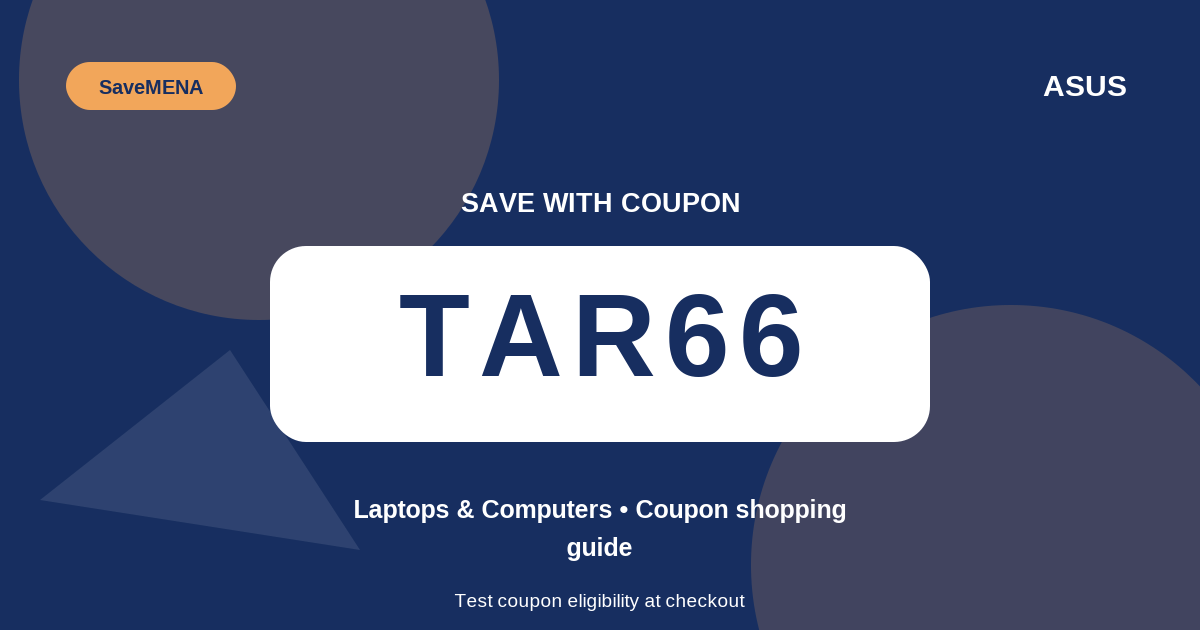
Codes available to try while comparing
These codes are not guaranteed for the article topic or listed brands; test them at checkout and use the live result.
1. Defining Your Laptop Quantity and Size Needs
Before any discount calculations, identify how many ASUS laptops you intend to purchase and their preferred sizes. Whether you’re buying a single 13‑inch ultraportable for travel or a trio of 15‑inch models for a home office, the quantity directly influences the total cart value and the potential reach of bank discounts or coupons. Larger orders may unlock higher bank discount tiers that are not available for single items, whereas coupons often apply per transaction regardless of quantity.
Also consider the usage scenario for each size: a slim 13‑inch may be ideal for students, while a 17‑inch workstation could be necessary for graphic design. Taking these use cases into account early helps you gauge whether you’ll benefit more from a broader, bank‑wide discount or a single coupon that could be maximized by buying in multiples.
2. Checking Noon UAE Bank Discount Eligibility
Each bank associated with Noon UAE offers its own discount structure, typically visible under the payment options during checkout. To confirm eligibility, navigate to the ‘Payment’ section, select your bank, and read the displayed discount amount. Remember, the discount is applied at the point of sale, not at the search or cart stage, so you must have the credit or debit card linked to the same bank to benefit.
Because bank discounts are tied to the transaction’s bank card, you’ll only see the reduction after you add the exact card to your payment method. If you choose a different card, the discount will not appear, and the coupon will not override or combine with it unless explicitly stated.
3. Applying and Testing the TAR66 Coupon
The TAR66 coupon is a promotional code you can enter before finalizing payment. Place the code in the coupon field on the cart page and press apply. The system will verify the code against the current transaction and reveal whether the coupon is valid. Note that the coupon may or may not apply to the selected laptop models, depending on product eligibility rules enforced by Noon at checkout.
After applying TAR66, double check the final payable amount displayed. If the code is accepted, you’ll see its effect immediately. If it is rejected, the system will usually show a brief error message. In either case, the card you use for payment still determines if a bank discount can be added.
4. Understanding Submission – Coupon vs Bank Discount Overlap
In many scenarios, the coupon and bank discount are additive, meaning both can reduce the total in separate steps. However, Noon’s checkout may impose a restriction that only one discount applies. To verify this, observe which of the two appears as the final discount line after both are attempted. If only one line exists, the other discount type was not accepted.
It’s important to remember that the order of applying discounts can influence the outcome. For example, applying the bank discount first and then the coupon may produce a slightly different final amount than the reverse. If you’re unsure, get a quick check on the cart by experimenting with the two orders.
5. Verifying Quantity‑Based Discount Thresholds
Some bank discounts trigger only when the cart total surpasses a certain threshold, such as AED 1,000. Similarly, certain coupons may become active only when you buy a minimum number of items. Before finalizing the order, evaluate your subtotal against these thresholds by reviewing the “Subtotal” and “Total” fields.
If your selected ASUS laptops exceed the threshold, the discount will automatically be triggered; otherwise, you may need to add another item or increase the quantity to activate it. The key is to add the necessary quantity before you proceed to the payment stage.
6. Reviewing Seller and Shipping Constraints
Each laptop variant you choose may come from a different seller on Noon’s platform. When you change quantities, some sellers might restrict bulk orders or show different shipping options. Carefully read the “Seller” and “Delivery” sections for each line item before confirming your cart.
Different sellers may also have varying return policies and warranty terms. These can impact your overall purchasing decision when considering quantity—as higher quantity orders may involve multiple sellers, potentially complicating returns or after‑sales service.
7. Final Checkout Confirmation for Discount Verification
Once you’ve selected your ASUS laptop quantity and size, entered TAR66, and chosen your bank card, proceed to the final checkout screen. Here, the system compiles all discounts and shows the final payable amount. Pay close attention to the “Discount” breakdown: one line may list the bank discount, another the coupon, if both applied.
Before confirming payment, double‑check that the final amount reflects the combined or singular discount appropriately. If the amount looks off, revisit the cart entry steps, re‑apply the coupon, and ensure your bank card is correctly linked.
8. Post‑Purchase Verification and Confirmation
After the payment is processed, scan your order confirmation email. The summary will usually detail applied discounts, providing an irreversible snapshot of the transaction. Keep this confirmation for future reference, especially if you need to verify a claim about discount application.
If you encounter any discrepancies, contact Noon’s customer support immediately, citing the confirmation details and the coupon code used. This ensures any correction or confirmation happens before the delivery arrives.
Related SaveMENA pages
Related articles
Official sources to check
Frequently asked questions
Will the TAR66 coupon work with all ASUS laptop sizes on Noon UAE?
Noon does not specify that TAR66 is exclusive to certain sizes. If the coupon applies, it will display a successful activation. If not, you’ll receive an error message.
Can I use a bank discount and the TAR66 coupon together on the same purchase?
It depends on Noon’s discount rules at checkout. If the checkout page displays both discounts, they are additive; if only one shows, the other didn’t apply.
Is there a minimum cart value or quantity to unlock the bank discount?
Bank discounts often activate only above a set cart threshold. Check the discount details during checkout to confirm the required minimum.
What happens if I change the quantity after applying the TAR66 coupon?
Changing quantity might alter the subtotal, potentially enabling or disabling the bank discount or coupon. Re‑apply or confirm the discount after any quantity adjustment.