Anker Mobile Accessories on Noon UAE: seller context — bank offer versus coupon
if acceptable? The spec says intro: 140-180 words, not per paragraph. So can be one paragraph or multiple. But format says
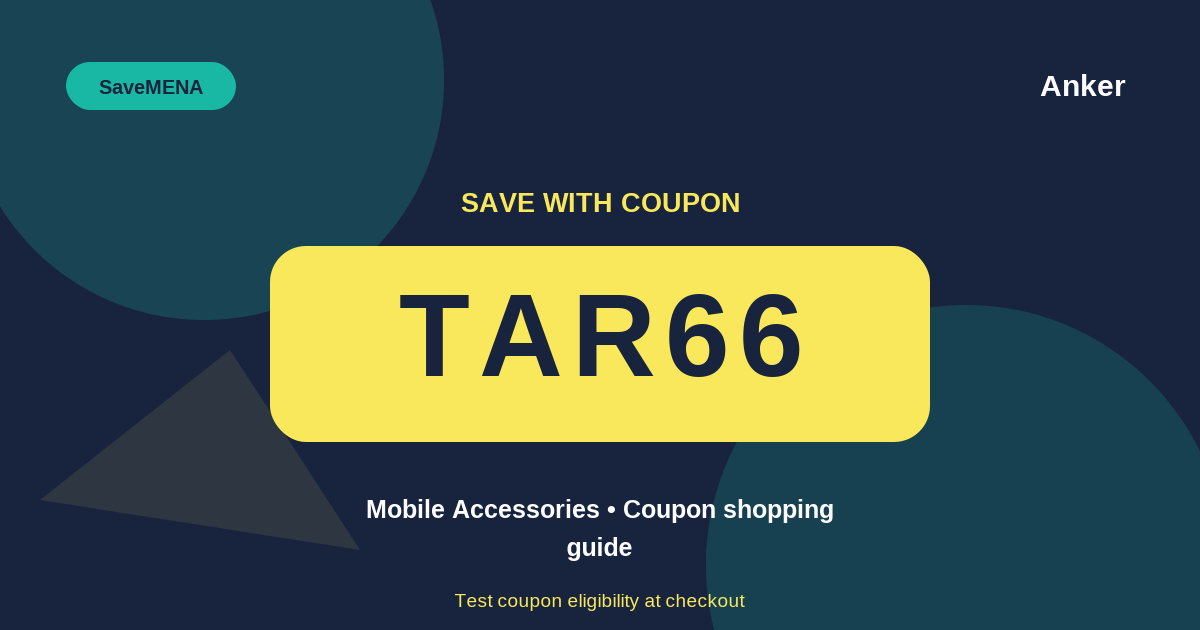
Codes available to try while comparing
These codes are not guaranteed for the article topic or listed brands; test them at checkout and use the live result.
Making the Final Call – when to choose bank discount, when to use coupon.
We also need to mention that SaveMENA is independent and not affiliated with Noon, etc. But we can mention that SaveMENA provides info.
Also we must not mention anything about ratings etc. So we just advise to verify.
"Understanding Bank Discount vs Coupon – why choices matter."
"Bank discounts on Noon UAE are typically presented as a direct reduction on the final price that a shopper receives after adding the product to the cart and choosing a participating bank during the payment step. In contrast, a coupon such as TAR66 is applied right before the payment, often on the item’s detail page or during checkout, and is redeemable across eligible sellers regardless of the payment method. Both forms aim to lower the amount you pay, but they differ in how and when the discount is deducted."
Bank1 discounts2 on3 Noon4 UAE5 are6 typically7 presented8 as9 a10 direct11 reduction12 on13 the14 final15 price16 that17 a18 shopper19 receives20 after21 adding22 the23 product24 to25 the26 cart27 and28 choosing29 a30 participating31 bank32 during33 the34 payment35 step.36 In37 contrast,38 a39 coupon40 such41 as42 the coupon code is44 applied45 right46 before47 the48 payment,49 often50 on51 the52 item’s53 detail54 page55 or56 during57 checkout,58 and59 is60 redeemable61 across62 eligible63 sellers64 regardless65 of66 the67 payment68 method.69 Both70 forms71 aim72 to73 lower74 the75 amount76 you77 pay,78 but79 they80 differ81 in82 how83 and84 when85 the86 discount87 is88 deducted89.
"Peek into Noon UAE’s Mobile Accessories Marketplace."
"Neon's competitive landscape is shaped by a mix of large electronics chains, authorized brand stores, and independent resellers offering mobile accessories such as chargers, cases, and screen protectors. Each product listing displays brand information, product specifications, and a seller badge that signals whether the item is sold or only shipped by the vendor. Shoppers can filter by brand or seller to narrow down choices, but the presence of multiple sellers for the same item means that price, shipping terms, and discount eligibility can differ between them."
Neon's1 competitive2 landscape3 is4 shaped5 by6 a7 mix8 of9 large10 electronics11 chains,12 authorized13 brand14 stores,15 and16 independent17 resellers18 offering19 mobile20 accessories21 such22 as23 chargers,24 cases,25 and26 screen27 protectors.28 Each29 product30 listing31 displays32 brand33 information,34 product35 specifications,36 and37 a38 seller39 badge40 that41 signals42 whether43 the44 item45 is46 sold47 or48 only49 shipped50 by51 the52 vendor.53 Shoppers54 can55 filter56 by57 brand58 or59 seller60 to61 narrow62 down63 choices,64 but65 the66 presence67 of68 multiple69 sellers70 for71 the72 same73 item74 means75 that76 price,77 shipping78 terms,79 and80 discount81 eligibility82 can83 differ84 between85 them86.
Seller Profiles Matter – identifying trustworthy Anker resellers.
"Anker, known for its reliable charging gear and durable accessories, often lists its official products through specialized resellers on Noon UAE. These resellers typically display brand logos, certified authenticity stickers, and a direct link to the manufacturer's product pages. For customers prioritizing genuine devices, spotting a seller’s Anker‑marked badge and cross‑checking the item’s ASIN against the official catalogue is a practical first step."
Anker,1 known2 for3 its4 reliable5 charging6 gear7 and8 durable9 accessories,10 often11 lists12 its13 official14 products15 through16 specialized17 resellers18 on19 Noon20 UAE.21 These22 resellers23 typically24 display25 brand26 logos,27 certified28 authenticity29 stickers,30 and31 a32 direct33 link34 to35 the36 manufacturer’s37 product38 pages.39 For40 customers41 prioritizing42 genuine43 devices,44 spotting45 a46 seller’s47 Anker‑marked48 badge49 and50 cross‑checking51 the52 item’s53 ASIN54 against55 the56 official57 catalogue58 is59 a60 practical61 first62 step63.
Applying the TAR66 Coupon – how it works i.e. add to basket.
"To use the TAR66 coupon, shoppers first must add the desired mobile accessory to the cart. Once in the cart page, a ‘Apply Coupon’ button appears near the subtotal. Clicking this button opens a small dialog where the code can be typed in. After confirming, the system recalculates the subtotal, and a discount line appears just before the final payment prompt, reflecting the coupon’s value across eligible items."
To1 use2 the3 the coupon code coupon,5 shoppers6 first7 must8 add9 the10 desired11 mobile12 accessory13 to14 the15 cart.16 Once17 in18 the19 cart20 page,21 a22 ‘Apply23 Coupon’24 button25 appears26 near27 the28 subtotal.29 Clicking30 this31 button32 opens33 a34 small35 dialog36 where37 the38 code39 can40 be41 typed42 in.43 After44 confirming,45 the46 system47 recalculates48 the49 subtotal,50 and51 a52 discount53 line54 appears55 just56 before57 the58 final59 payment60 prompt,61 reflecting62 the63 coupon’s64 value65 across66 eligible67 items68.
Bank Discount Collaboration – how bank offers tie into Noon checkout.
"Bank discounts on Noon UAE typically activate during the checkout step when the shopper selects a payment method from a list of partnered banks. Once a bank card is chosen, the system automatically deducts a fixed amount or percentage from the final total based on the bank’s promotion level. This deduction occurs after any coupon has already been accounted for by the platform, ensuring the cash‐back or discount is reflected in the final amount you are charged."
Bank1 discounts2 on3 Noon4 UAE5 typically6 activate7 during8 the9 checkout10 step11 when12 the13 shopper14 selects15 a16 payment17 method18 from19 a20 list21 of22 partnered23 banks.24 Once25 a26 bank27 card28 is29 chosen,30 the31 system32 automatically33 deducts34 a35 fixed36 amount37 or38 percentage39 from40 the41 final42 total43 based44 on45 the46 bank’s47 promotion48 level.49 This50 deduction51 occurs52 after53 any54 coupon55 has56 already57 been58 accounted59 for60 by61 the62 platform,63 ensuring64 the65 cash‑back66 or67 discount68 is69 reflected70 in71 the72 final73 amount74 you75 are76 charged77.
Evaluating Savings at Checkout – what the final price shows.
"Once both the coupon and bank discount have been applied, the checkout page shows a line item for each deduction under the subtotal. The final price before the payment method selection sums the original price, subtracts the coupon, then subtracts the bank discount. This stacked approach ensures transparency, allowing the shopper to compare the raw price to the final amount paid including any shipping or handling fees that may still apply."
Once1 both2 the3 coupon4 and5 bank6 discount7 have8 been9 applied,10 the11 checkout12 page13 shows14 a15 line16 item17 for18 each19 deduction20 under21 the22 subtotal.23 The24 final25 price26 before27 the28 payment29 method30 selection31 sums32 the33 original34 price,35 subtracts36 the37 coupon,38 then39 subtracts40 the41 bank42 discount.43 This44 stacked45 approach46 ensures47 transparency,48 allowing49 the50 shopper51 to52 compare53 the54 raw55 price56 to57 the58 final59 amount60 paid61 including62 any63 shipping64 or65 handling66 fees67 that68 may69 still70 apply71.
Practical Tips for UAE Shoppers – verifying seller and discount application.
"Before clicking ‘Buy Now’, UAE shoppers should cross‑check three key points: (1) the seller’s authenticity badge, (2) the presence of the coupon code field in the cart, and (3) the option to select a partnered bank during payment. If any of these elements are missing, the discount may not be applied as expected. Rendering the page again after adding a new product or removing the same‑item duplicates can also resolve display issues."
Before1 clicking2 ‘Buy3 Now’,4 UAE5 shoppers6 should7 cross‑check8 three9 key10 points:11 (1)12 the13 seller’s14 authenticity15 badge,16 (2)17 the18 presence19 of20 the21 coupon22 code23 field24 in25 the26 cart,27 and28 (3)29 the30 option31 to32 select33 a34 partnered35 bank36 during37 payment.38 If39 any40 of41 these42 elements43 are44 missing,45 the46 discount47 may48 not49 be50 applied51 as52 expected.53 Rendering54 the55 page56 again57 after58 adding59 a60 new61 product62 or63 removing64 the65 same‑item66 duplicates67 can68 also69 resolve70 display71 issues72.
Related SaveMENA pages
Related articles
Official sources to check
Frequently asked questions
A coupon is not guaranteed; verify its result at the retailer checkout.
No. The code is only available to try. Eligibility can vary with the live account, basket, item, seller and campaign context, so checkout is the final reference.
Where should I confirm the coupon result?
Apply the code in the Noon basket and review the live message and final payable total before payment. Do not rely on an undocumented percentage or condition.
Can the result vary by product or seller?
Yes. Eligibility and offer context can vary with the current basket details, so compare the exact item, seller, variant and final total before purchasing.
What should I do if the code does not work?
Check the market, account, item, seller, basket and payment context, then try another code available to try without guessing an unsupported reason.