Apple Mobile Accessories on Noon UAE: seller context — bank offer versus coupon · TAR64
When you’re looking to upgrade your Apple mobile accessories on Noon UAE, the first question that pops up is whether a bank discount or a coupon will give you
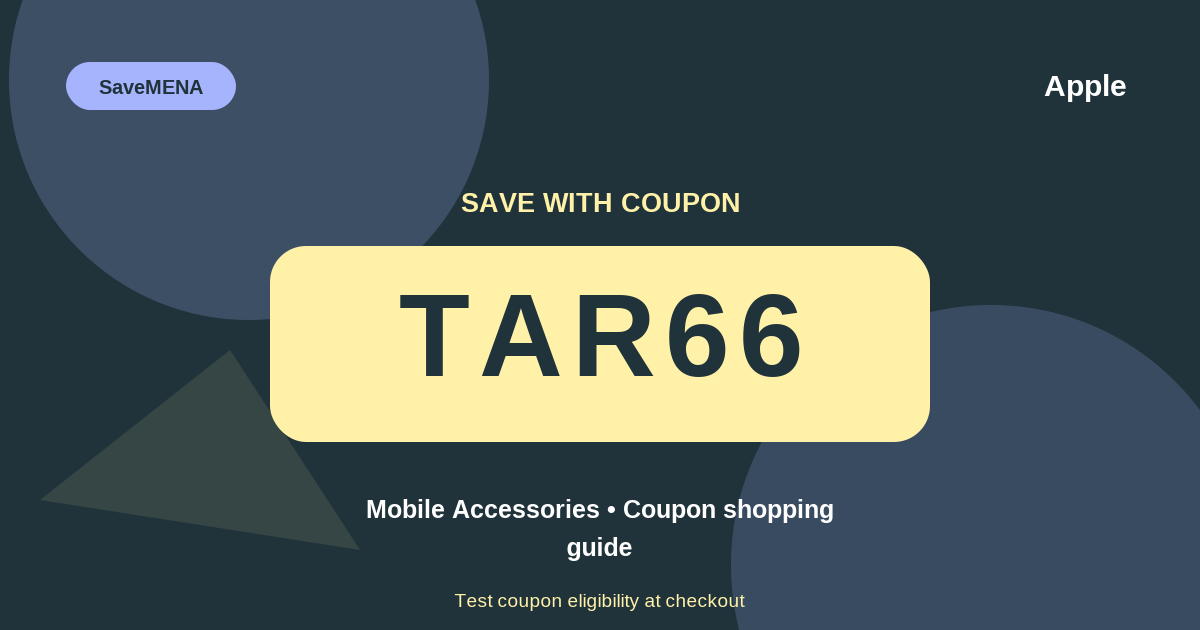
Codes available to try while comparing
These codes are not guaranteed for the article topic or listed brands; test them at checkout and use the live result.
1. Why Bank Discounts and Coupons Clash on Noon for Apple Accessories
Bank discounts on Noon tap into the agreements between Noon and major UAE banks, giving cardholders a percentage off the item's listed price when they make a purchase with their bank’s credit or debit card. Coupons, on the other hand, are promotional codes that you type in before the order totals are finalized. For Apple mobile accessories, the two approaches can stack in different ways depending on the seller, but the crux of the comparison lies in which is easier to access and how transparent the savings are during checkout.
While bank discounts often feel like a “set‑and‑forget” savings that clip automatically, coupons require you to research, copy, and paste a code. The advantage of a coupon is that it can be used on any sellers on Noon, whereas bank discounts apply broadly across the platform. The real advantage is revealed when you compare what the final payable amount looks like after both discounts are applied, a task that can only be confirmed at the checkout screen.
2. Locating the Right Apple Mobile Accessories Seller on Noon
Before you even decide which savings route to take, you need to find a reputable seller offering Apple accessories. On Noon, sellers are listed in the product details with ratings, total sales, and verified status. Prioritising sellers with a long history of positive feedback can reduce the risk of counterfeit or low‑quality items—a significant consideration when purchasing Apple‑branded goods. Make a quick checklist of top sellers on your screen before you jump into discount calculations.
Once you narrow down the seller list, review the product descriptions and check whether the item is listed as an official Apple accessory or third‑party product. Official Apple accessories may have stricter warranty terms and more consistent pricing, which can affect how bank discounts or coupons are applied. Knowing exactly who’s selling the item will also help you understand which discount types are permissible for that particular product.
3. How Noon UAE Bank Discounts Are Applied to Apple Accessories
When you use a bank‑backed discount on Noon, the platform automatically deducts a set percentage from the product price at checkout, provided you use the approved bank card and have a qualifying account status. The deduction shows up as a separate line item in your order summary before you finalise payment. For Apple accessories, the discount is usually the same across all sellers, so you can estimate potential savings by looking at the listed price minus the bank discount percentage.
However, the actual impact depends on the bank’s terms: some banks may restrict discounts to certain product categories or require a minimum spend. To confirm the real discount amount, you’ll need to proceed to Checkout where the bank discount applies; only there will you see the exact reduction reflected in your total payable amount. Be sure to keep an eye on any additional fees that may override the apparent savings.
4. Trying the TAR64 Coupon Before Making a Purchase
Validating the TAR64 coupon is straightforward. During checkout, locate the “Enter Coupon Code” field and paste TAR64. Noon will instantly compute the adjusted subtotal and display the coupon’s effect in your order summary. This step is crucial because coupon compatibility can vary by seller, and some sellers might block certain promotional codes. If the coupon fails, Noon will usually display an error message explaining why it didn’t apply.
Once the coupon is accepted, compare the discounted amount against the bank discount in the summary. Pay close attention to whether the coupon is billed before or after delivery fees, and whether it stands alone or can be combined with other promotions. The key takeaway is that the coupon’s effect can only be truly verified in the final checkout screen—no other stage of the process guarantees its benefit.
5. Balancing Bank Discount Versus Coupon: Which Saves More?
To determine which approach yields a better saving, you’ll need to compare the total amounts displayed at checkout after each discount is applied. With a bank discount, you’ll typically see a single reduced item price line, whereas with a coupon you’ll see the same price reduced by the code’s effect. If you try both methods on the same product and seller, you can add a side‑by‑side comparison of the totals to see which one is lower.
Remember that bank discounts often apply automatically, but coupons can sometimes offer higher reductions, especially if they the coupon code a specific product or seller. Additionally, certain bank discounts may have restrictions such as a cap on the discount amount, which can limit savings on higher‑priced Apple accessories. The final decision should be based on transparent calculations that appear during checkout, rather than estimates or assumptions made before purchase.
6. Other Factors that Influence Your Final Savings
Beyond the bank discount or the TAR64 coupon, several other variables can alter your final payable amount. Delivery fees may vary by seller size or by whether you opt for express delivery. Some sellers may charge a separate handling fee for high‑value Apple accessories. It’s important to verify whether these fees are added before or after discounts are applied. A discount might be applied to the product total but not to delivery fees, which affects the overall price.
Warranty and return policies also carry weight, especially for premium Apple accessories. Sellers who offer manufacturer-backed warranties might price items slightly higher. In some cases, you may receive a higher discount from a bank or coupon on a seller with a lower warranty, potentially saving more upfront. Contrast that with the long‑term benefit of a full manufacturer warranty when evaluating the best overall value.
7. Confirming the Final Amount at Checkout
The checkout screen is the definitive reference for deciding whether a bank discount or a coupon truly saved you money. Each discount method is shown as a separate line item in your order summary—including any applied delivery or handling charges. If you have any doubts about whether a discount applied correctly, double‑check the individual item totals before confirming your payment. This is the only place where you can be absolutely certain of the amount you will actually pay.
After the final amount is displayed, you can choose to proceed with the payment via the selected bank card or any other available payment method. A successful transaction marks the end of the purchase; the confirmed total is the amount you’ll pay. If you notice any discrepancies, use Noon’s customer service chat to resolve them before completing the payment. Always keep a screenshot of the checkout page as proof of the final calculations.
8. Making the Final Decision: Bank Discount or Coupon?
At this stage, the choice between a bank discount and the TAR64 coupon boils down to a clear, evidence‑based comparison of the final totals displayed at checkout. If the bank discount offers a higher saving across all items, and it applies automatically with no extra steps, it may be the more convenient option. Conversely, if the coupon produces a larger reduction, especially for a high‑priced Apple accessory, using TAR64 would be the better path.
Remember that your chosen suspension—whether it’s the bank discount, the coupon, or (rarely) a combination if allowed—should align with the seller’s policies, the product’s warranty, and your own purchasing priorities. Once you have the final amount confirmed, you can close the transaction with confidence, knowing you’ve used the most advantageous method for your Apple mobile accessory.
Related SaveMENA pages
Related articles
Official sources to check
Frequently asked questions
Can I combine a bank discount with the TAR64 coupon on Noon?
You need to confirm at checkout whether both are applied. Noon typically shows each discount separately in the order summary. If they are not applied together, only one will reflect in the final total.
Are there any restrictions on using the TAR64 coupon for Apple accessories?
This coupon may work across many sellers, but it may not be applicable to certain product categories or sellers with specific terms. Verify its acceptance during checkout.
Do bank discounts apply to delivery fees?
Bank discounts usually apply only to the item price. Delivery fees are added after the discount is calculated, so they may not be discounted.
What if the coupon code doesn't work at checkout?
Double‑check the code for typos, confirm that it hasn’t expired, and ensure it’s valid for the selected seller. Contact Noon support if the problem persists.