Gifts on Noon UAE: account eligibility — buyer checklist
Noon UAE deals Gifts account context: Are you ready to snag the best Noon UAE deals for gifts while staying within the comforts of your Noon account?
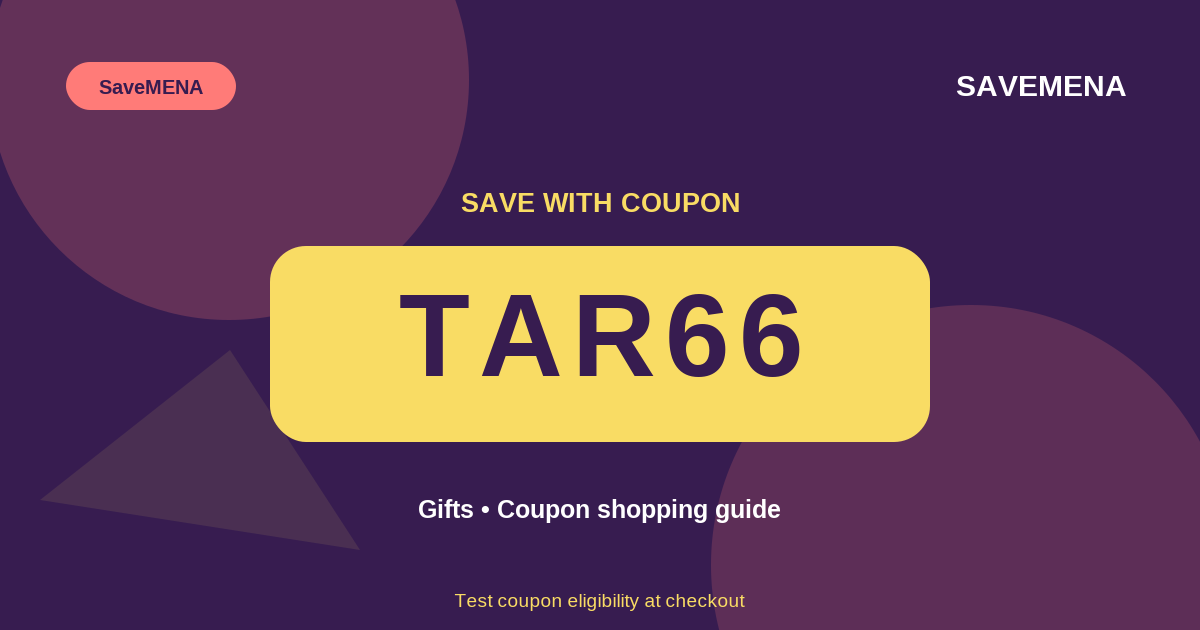
Codes available to try while comparing
These codes are not guaranteed for the article topic or listed brands; test them at checkout and use the live result.
Step 1: Confirm Your Noon UAE Account Status
The foundation of a smooth gifting spree starts with a verified Noon UAE account. Log into Noon and verify your profile details—email, phone number, and address—before adding any items. A discrepancy in your personal data can cause a delay or rejection when you try to apply a coupon like TAR66 at checkout. Double‑check that your account is active and that any promotional or referral links you may have received are linked to the correct user profile.
Do not operate on a guest checkout if you intend to apply a discount code. Noon’s coupon engine sometimes associates offers with verified accounts only, and a guest session could strip you of the ability to redeem TAR66. Sticking to your account also lets you see order history and account‑specific offers that may not be listed publicly.
Step 2: Add Gift Items to Your Cart with Account Awareness
Once your account is secure, browse the Gifts section and add the desired products to your cart. Notice the product’s “Add to Cart” button; ensure it reflects the variant you want. Some gift items may have bundled options—such as gift cards or personalized messages—that only appear when you are logged in. Adding these with your Noon account keeps the experience centralized so you can later apply accounting features or coupons without needing to reconcile a different cart.
Keep your cart refreshed after each addition. If TIME‑SENSITIVE or limited‑stock gifts appear, the system may update availability; only a logged‑in cart keeps track of the earliest price and savings you can claim. This step also gives Noon a chance to apply early‑bird offers that affect your total before you proceed to checkout.
Step 3: Apply the TAR66 Coupon at Checkout Safely
Proceed to checkout once your cart contains all gifts. In the payment section, locate the “Enter Coupon Code” field. Enter TAR66 exactly as shown, including letter case if required. After entry, click the apply button and observe whether the screen updates the total. Even if the discount does not appear, do not abandon the order; it might require a separate verification step tied to your account handles.
Ensure that your Noon account holds sufficient balance or a valid payment method to cover any difference not covered by the coupon. If the coupon does not reflect, verify the code with Noon’s customer service or the app’s FAQ, as some codes may be region‑restricted or limited to specific gift categories.
Step 4: Examine Delivery Options Centered on Your Account Address
In the shipping section, Noon offers multiple delivery speeds, often named Allegiant, Standard, or Express. The delivery charges may vary based on your account’s registered address. Review the “Delivery to” field to confirm that the address saved in your profile matches where you intend to send the gift. Choosing a delivery slot that aligns with your recipient’s availability is also possible when you are logged in.
Account holders sometimes receive free shipping thresholds on certain categories. Check if your cumulative purchase amount, including the gift items, crosses the free‑shipping threshold for the Gifts category. This can provide an extra saving if the threshold is met before the final payment step.
Step 5: Choose a Payment Method That Lowers Account‑Based Fees
At the payment page, Noon lists several options: credit/debit card, Noon Wallet, and sometimes real‑time payment links from local banks. Your Noon account login can unlock special wallet rates or credit limits that reduce transaction fees. If you already have Noon Wallet credits, pre‑loading them can sometimes skip card fees and upper-tier fee ceilings on large gift purchases.
Paying via a payment method stored in your Noon profile can also trigger account‑related discounts or loyalty points. If you’re using a new card, provide the card details accurately so that the system can recognize whether the card is eligible for the purchase’s promotion, ensuring the TAR66 coupon remains valid against your final total.
Step 6: Track Your Order and Confirm Return Eligibility for Your Account
After checkout, you’ll receive an order confirmation that includes a unique reference number linked to your Noon account. Use the Shop‑Hub or the mobile app to track the shipment in real time. For gifts, especially perishable or seasonal items, the track‑and‑notify feature lets you prepare for delivery or even schedule a reevaluated delivery time.
If the gift does not meet expectations, review Noon’s return policy, which may be tailored for your account tier or authenticity. Returning a gift may require populating the return form within your profile, ensuring you can claim the refund or exchange under the account‑specific terms without missing deadline thresholds or waiving return receipts.
Step 7: Pool Future Savings by Adding Gift Deals to Your Account Wishlist
Hit the “Add to Wishlist” button for gifts you might want to purchase later. A wishlist created under your Noon UAE account collects price alerts, coupon entries like TAR66, and product availability updates. This way, when you return to the site, you can instantly see if the gift’s price has dropped or if a new coupon applies, all within the context of your logged‑in account.
Leverage your account to magnetise future promotional events. The wishlist may also trigger notification emails when an item becomes eligible for special discount codes—again, possibly through your account's transactional history that Noon monitors to allocate unique offers such as TAR66.
Step 8: Provide Account‑Based Feedback to Influence Future Gift Offerings
After receiving the gift, use your Noon profile to submit a product review. Highlighting the item’s quality and your overall purchasing experience informs other customers and potentially influences Noon’s gift product assortment decisions. Including comments on the ease of coupon usage, such as how TAR66 worked during checkout, provides valuable data for both Noon and future shoppers.
Some users note that leaving a review can unlock future account benefits—such as early access to new gift collections or exclusive offers tailored to active reviewers. If you aim to maximize every gifting opportunity, keep track of these benefits in your account dashboard for later reference.
Related SaveMENA pages
Related articles
Official sources to check
Frequently asked questions
How do I know if the TAR66 coupon is still valid for my purchase?
Check the order summary before final payment. If the coupon is accepted, the discount will reflect under the total. If not, verify with Noon customer support or the FAQ section, as coupons might have expiration dates tied to account status.
Will using the Noon Wallet affect the ability to apply the TAR66 coupon?
Using the Noon Wallet as a payment method is safe; however, ensure the wallet is linked to your logged‑in account. The coupon is applied at the total amount, independent of the payment method used.
Can I use the same coupon code for multiple gift items?
In most cases, the coupon applies to the entire order. If you want to apply it to each item separately, you must add each to a separate cart session with the same account; verify at checkout that the code was accepted.
Is it better to shop as a guest or with my Noon account for gift purchases?
For gift orders requiring coupon usage such as TAR66, logging into a Noon account is recommended. Guest checkout may limit coupon eligibility and remove account‑specific benefits like wallet savings or future offer notifications.