Logitech Office on Noon UAE: account eligibility — buyer checklist
Noon UAE deals Office Logitech account context: Looking for the best Noon UAE deals on office gear can feel overwhelming, especially if you’re new to the platform.
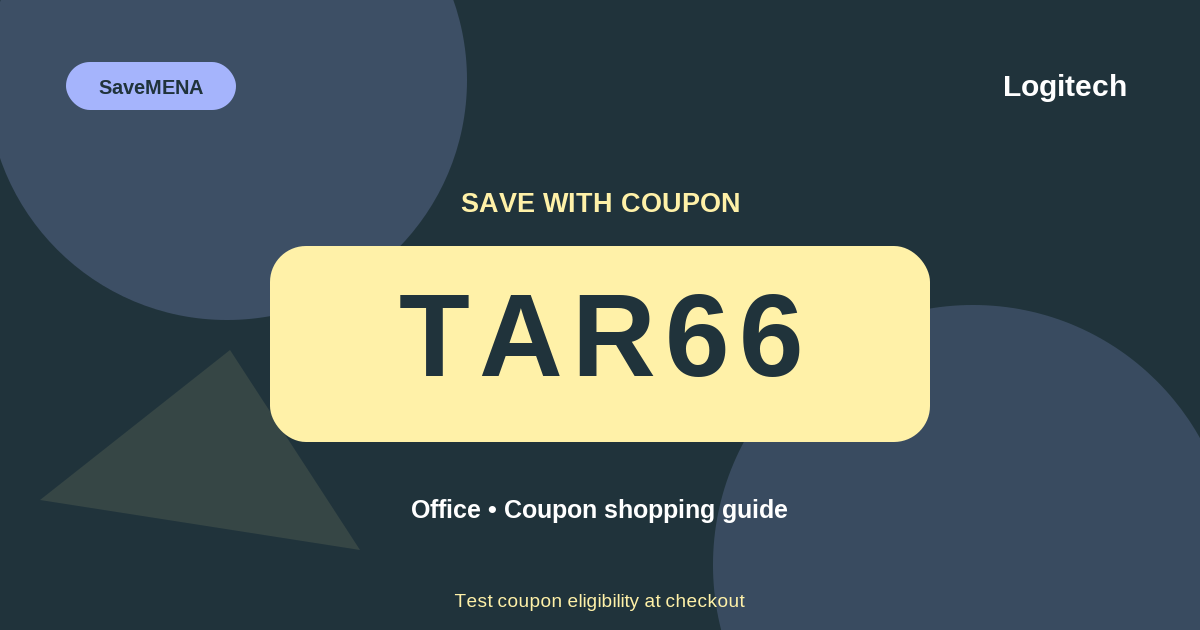
Codes available to try while comparing
These codes are not guaranteed for the article topic or listed brands; test them at checkout and use the live result.
1. Verify Your Noon Account Status
Before adding Logitech products to your cart, double‑check your Noon account settings. Log on to Noon’s UAE website or app and navigate to the “Profile” section. Confirm that your email address is verified and that your payment methods are up to date. A verified account often unlocks smoother checkout processing and prevents last‑minute drips during payment authorization.
Account status also influences catalog access. Some office bundles or higher‑volume deals may be gated behind a standard account. Ensuring your profile is complete removes potential stumbling blocks that could delay or void a purchase, especially when you plan to rely on a coupon that must be applied at checkout.
2. Choose the Right Logitech Office Device
Logitech offers a range of office peripherals such as wireless mice, ergonomic keyboards, and video conferencing tools. Use Noon’s search filters to narrow results by “Office” category. Focus on user reviews and tech specs, and compare model features like battery life, connectivity, and ergonomic design. Remember, the goal is to select a product that fits both your work environment and budget.
Since Noon sometimes aggregates sellers, check the seller’s reputation before finalizing. Pay attention to seller ratings and the duration of their presence on Noon. This reduces the risk of encountering returns or warranty issues later, and ensures you’re purchasing a genuine Logitech item from a reliable source.
3. Compare Shipping Options and Fees
Once your product is selected, review the shipping details on the product page. Noon typically shows multiple delivery choices, including standard and express options. For office equipment, consider the delivery slot that aligns with your workspace setup or team availability.
Shipping fees are displayed before you add a product to your cart. If you’re buying multiple items, note that Noon sometimes offers free shipping thresholds, but you must reach that limit before it applies. Keep this in mind when adding accessories that might help you hit a free‑shipping bar.
4. Add to Cart Safely and Review Quantities
When you click “Add to Cart”, ensure the quantity field is correct. Office units might come in multi‑packs or single units; double‑check that the pack size matches your needs. A simple mis‑click could inflate your order inadvertently.
After adding, view the cart before proceeding. Here you can adjust quantities or remove items. This intermediate step also alerts you to any cart‑level promotions that Noon may automatically apply, though the TAR66 coupon still needs manual participation at checkout.
5. Apply the TAR66 Coupon at Checkout
Proceed to checkout while keeping your Noon account logged in. On the promo code field, type “TAR66” exactly as shown. The platform will attempt to validate the code against current offers. Since the coupon is available to try, there’s no guarantee of acceptance, so be prepared to proceed without it if it doesn’t validate.
Be sure to read the accompanying text that appears after code entry. It will let you know if the coupon was accepted and whether any specific conditions, such as minimum spend or eligible categories, apply. If the code fails, check for recent coupon updates or consider applying any other offers that might be applied automatically.
6. Select a Payment Method that Supports Office Discounts
Choose a payment method that aligns with your budgeting approach. Noon accepts credit cards, debit cards, and digital wallets. Some payment methods may offer cashback or reward points that could add value to office purchases.
When you select a card, ensure your billing address matches the profile details to avoid fraud alerts. For large office purchases, a corporate card might also trigger additional gift card earnings or premium customer status on Noon, sometimes offering future savings.
7. Review the Order Summary Before Finalizing
At the final review stage, examine every line item: product name, quantity, unit price, shipping fee, and any applied promo code discounts. This is the moment to catch any anomalies, such as an unintended bundle or a shipping charge that wasn't anticipated.
Also confirm your delivery address and expected delivery window. Some office equipment may require a delivery slot that allows for on‑site installation or technical assistance. This step ensures the purchase fulfills your department’s needs without last‑minute changes.
8. Track and Manage Your Order Post Purchase
After confirming payment, Noon provides an order tracking number. Use the “My Orders” section to view status updates, from “Processing” to “Out for Delivery.” This is useful if you need to coordinate with IT or office management regarding delivery times.
If you encounter any issues—such as a missing accessory or damage—use the Noon chat or support portal. Keeping communication channels open is essential for quick resolution, especially when dealing with office equipment that may affect daily workflow.
Related SaveMENA pages
Related articles
Official sources to check
Frequently asked questions
What happens if the TAR66 coupon is not accepted at checkout?
If the code does not validate, you can proceed with the purchase using your default payment method and address. Later, you may retrospectively apply bonuses or refunds if you meet supporting terms with Noon’s customer support.
Can I change the delivery address after I’ve confirmed my order?
Yes, most Noon orders allow address updates within 24 hours of order placement. Use the account’s “Order Details” page to request changes before the courier is dispatched.
Does my Noon account need a specific status to use the TAR66 coupon?
The coupon can be tried by any account that reaches checkout, but verifying email and payment details improves checkout reliability and reduces delays.
What if I want to buy multiple Logitech items for the office?
Add each item to the cart carefully, checking that quantities match your team’s needs. After confirming all items, apply the coupon once at checkout; Noon handles multiple items under a single promo code if eligible.