Sony Gaming on Noon UAE: item availability — buyer checklist
Start by locating the Sony product’s specific variant—whether it’s the “Digital Edition,” “Standard Edition,” a particular color, or a bundled pack.
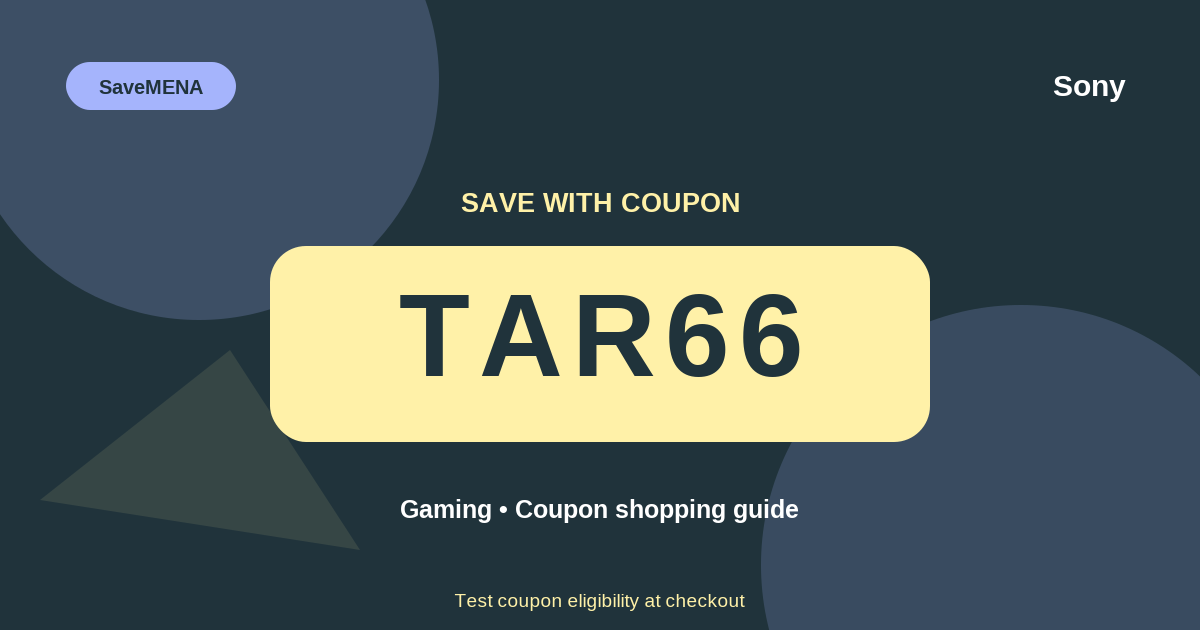
Codes available to try while comparing
These codes are not guaranteed for the article topic or listed brands; test them at checkout and use the live result.
1. Identify the Exact Sony Variant on Noon UAE Listings
Start by locating the Sony product’s specific variant—whether it’s the “Digital Edition,” “Standard Edition,” a particular color, or a bundled pack. Noon’s product pages list variants under the “Select your version” dropdown. Check the title, the description, and the spec section to confirm you’re viewing exactly the model that matches your preference. This confirmation should occur before you add the item to the cart, as Noon doesn’t auto‑convert between variants, and a misclick will lock you into the wrong option.
Once you’ve verified the variant, jot down the exact name used in the listing or copy its link. This step is crucial because Noon’s inventory updates in real time. Even after you confirm availability, you’ll need to add the item to your cart within a reasonable period; otherwise, a limited‑stock variant may sell out while you’re still browsing other deals.
2. Examine Seller Credentials and Product Reviews
After choosing a variant, review the seller details displayed next to the price. Pay attention to the seller’s rating and the number of transactions. Sellers with consistently high ratings and substantial transaction counts are more likely to honor item descriptions and provide accurate stock information. This filter is part of a broader risk mitigation strategy aimed at preventing unexpected item returns or forced downgrade to a different variant.
Don’t base your decision solely on the price; cross‑check with other Noon listings for the same variant. If the seller’s price differs significantly, investigate whether a different seller offers the same variant. This exploratory step helps ensure you’re working with a seller who can uphold the exact variant you intend to purchase.
3. Verify Shipping Options and Estimated Arrival Times
Navigate to the shipping information section on the product page. Noon indicates whether the item can be delivered via Noon Courier, other carriers, or if it requires a pickup point, depending on the variant’s origin. For UAE shoppers, confirm the expected delivery window; e‑shipments often arrive within one to three business days for UAE mainland orders.
Also check if the variant has a special delivery requirement—such as a pickup at a specific Noon hub. If the variant is an imported Sony console, it may require a longer lead time or a preliminary customs review. Recording this information before checkout helps prevent frustrating post‑purchase delays you might encounter.
4. Read Return, Warranty, and Customer Support Policies
Sony gaming products come with manufacturer warranties, but Noon’s own return policy can affect how you manage a defective or mismatched variant. Go to the item’s “Returns & Refunds” section and verify the duration—often 30 days for electronics. Also read the conditions for returns of digital editions, as they sometimes have different terms compared to physical items.
Keep the warranty registration details handy, particularly for Sony consoles that support warranty services via Sony’s UAE portal. Consider an extended warranty if it’s offered by Noon or an affiliated seller; just make sure you understand the exact coverage and contact information before finalizing the purchase.
5. Test the TAR66 Coupon Code During Shopping
While browsing for Sony gaming items, locate the coupons section on the Noon checkout page. Input the code TAR66 to observe whether the platform applies a discount. Pay attention to any messages that indicate the coupon was accepted or rejected. Store this code in a separate note for use during the final checkout process; a coupon’s validity can fluctuate based on inventory or promotional window.
Remember that using TAR66 does not guarantee a discount: the coupon may not apply to the particular Sony variant, or it might be restricted to a specific seller. Being transparent about its conditional nature saves you from expecting a price drop that isn’t actually applicable.
6. Prepare Your Payment Information and Confirm the Total
Before adding the Sony variant to your cart, double‑check your preferred payment method: Noon offers credit cards, debit cards, and digital wallets. Some payment methods may incur extra handling fees; these can appear only after you proceed to the checkout step. If you’re using a card that offers cashback or rewards, note that the cashback must be calculated on the final payable total after applying any coupon.
Once you reach the checkout page, review the product summary, shipping fee (if applicable), and the final amount. If you have entered the TAR66 code, ensure it’s listed in the applied discounts section. Double‑checking here avoids the surprise of a higher cost due to an unpaid shipping fee or an unapplied coupon.
7. Compare Similar Sony Titles on Noon for Best Value
Sometimes different Sony gaming variants might be listed under slightly varied titles—such as “PlayStation 5 – Digital Edition” versus “PlayStation 5 – Standard Edition.” Using Noon’s filter function, compare the prices and shipping times of these options side‑by‑side. Look for any bundling offers, like discounted accessories, that can add value beyond the price alone.
Take note if the variant you initially selected appears to be oversold or out of stock across most sellers. In such a case, consider an alternative variant that still meets your gaming needs. This comparative approach helps you decide whether to proceed with the original selection or switch to a more readily available alternative.
8. Finalize Purchase, Record Order ID, and Track Delivery
After verifying all details—variant, seller, shipping, return policy, coupon applicability, and payment—the last step is to place the order. Once you confirm the purchase, a “Thank you for your order” page will present your order ID. Store this number securely; it’s your ticket in case you need to contact Noon for support or to check order status.
Use Noon’s order tracking feature, accessible from your account dashboard, to check the real‑time status of the product. Tracking updates will inform you about dispatch, transit, and estimated arrival. Staying proactive ensures you catch any delays early and opens a direct channel to customer service if needed.
Related SaveMENA pages
Related articles
Official sources to check
Frequently asked questions
What should I do if the Sony variant I want is listed as out of stock?
If the variant shows as out of stock, check other sellers on the same listing or look for similar variants that are available. You can also sign up for a stock alert if Noon provides that option. Always confirm again before adding to cart, as inventory can change quickly.
Does the TAR66 coupon always apply to Sony gaming items?
The coupon’s applicability is not guaranteed for all Sony variants. Before confirming purchase, test the code on the checkout page. If it doesn’t apply, proceed without it or search for alternative coupons that are explicitly eligible for gaming products.
Can I return a Sony console if it arrives damaged?
Yes, according to Noon’s standard return policy you can initiate a return within 30 days of delivery for damaged items. Ensure you keep the original packaging and follow the return instructions provided in your order confirmation email.
Is the warranty for Sony gaming products automatically activated when I buy from Noon?
Warranties are typically activated once you register the product on Sony’s official website. After purchase, note down the serial number and register it with Sony UAE to activate coverage. Noon’s sale doesn’t replace Sony’s manufacturer warranty.