Samsung TVs on Noon UAE: basket contents — buyer checklist
Looking to pick a new Samsung TV from Noon UAE while keeping your checkout smooth and your savings real?
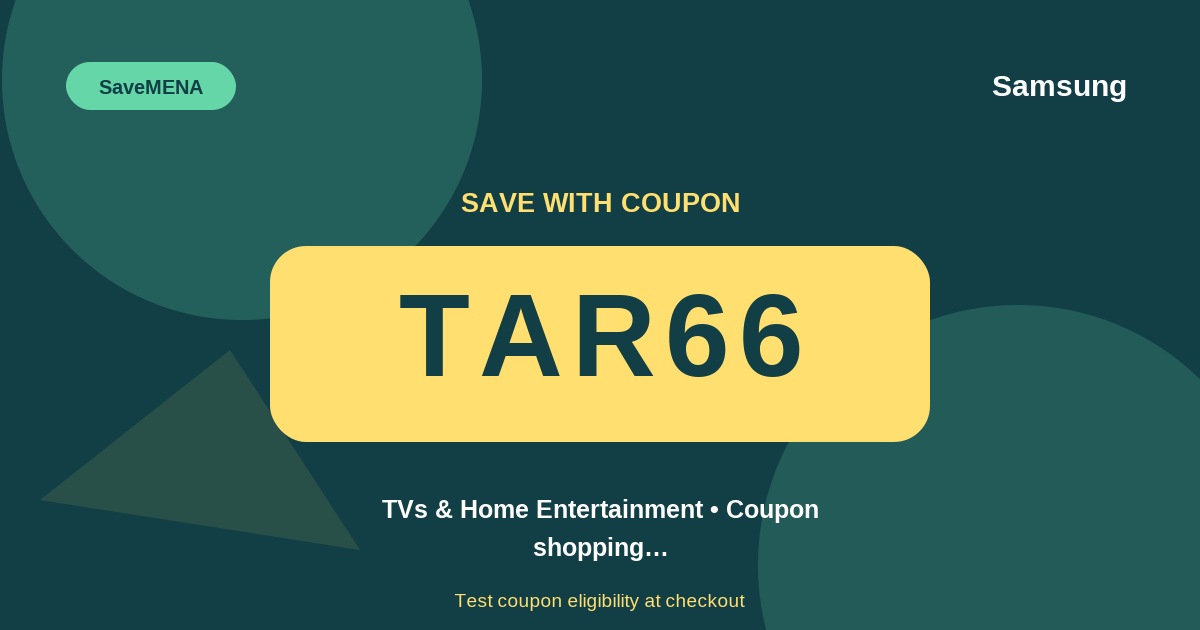
Codes available to try while comparing
These codes are not guaranteed for the article topic or listed brands; test them at checkout and use the live result.
2. Decoding Samsung TV Specifications for the UAE Market
Samsung’s lineup is broad, from 24‑inch monitors to 77‑inch OLEDs. Focus on key specs that drive your viewing experience: display panel type (LCD, QLED, or OLED), peak brightness, HDR support, and refresh rate. These specifications translate directly into picture quality for movies, sports, and games. When adding multiple TVs to the basket, compare these values side‑by‑side to choose the one that aligns best with your preferences.
Also note the software version—recent versions often have improved smart TV apps and faster response times. A brand‑specific UI update can affect your long‑term enjoyment, especially if you stream services compatible with Samsung’s One Remote. Mix this information with the overall price to build a balanced composition that serves both performance and value.
3. Selecting the Ideal Screen Size for Your Living Space
Screen size should reflect both the wall real estate and viewing distance. As a rule of thumb, multiply your viewing distance in inches by 0.42 to get the recommended TV size. For a typical UAE living room, this can range from 55‑inch for a medium layout to 65‑inch or larger for panoramic looks. When you add multiple TVs, consider whether you need a total visual weight that feels balanced.
Before adding a second TV to your basket, visualize its footprint against the intended location. This not only helps you maintain harmony in your décor but also ensures that packaging and delivery space can accommodate the items without a last‑minute surprise. Keep notes of the dimensions in your basket description for quick reference during checkout.
4. Balancing Picture Quality with Your Budget
High‑resolution models and advanced HDR will raise the price tag, but they also offer movie‑class clarity. If you’re allocating a fixed budget, stack the brightest pixels and higher color depths until you reach an acceptable price level. Encourage the use of Noon’s filtering tools to see price ranges side‑by‑side so you can prioritize which specs matter most.
When your basket contains several high‑end items, the cumulative cost may trigger a coupon application.A coupon is not guaranteed; verify its result at the retailer checkout. Verify during checkout that the coupon lands on the correct total and doesn’t affect added accessories or shipping.
5. Pairing Accessories and Bundles Thoughtfully
Wall mounts, soundbars, remote controls, and HDMI cables are essential and often cost less than a TV. Add compatible accessories after you’ve finalized the television model; they usually sit in the bundle but can be bought separately. Think about the antenna system or streaming devices you need to deploy after launch.
Keep the basket tidy by combining related accessories into single line items whenever possible. This makes the coupon application cleaner and reduces the chance of extra delivery fees scaring you at checkout. If a bundle includes a brand‑specific feature that isn’t available for your chosen model, consider ordering separately to maintain basket consistency.
6. Maximising Savings with the TAR66 Coupon
The TAR66 coupon is a single‑use code that can be applied against your entire order. The coupon’s applicability isn’t restricted to Samsung TVs, so you can use it with accessories as well.A coupon is not guaranteed; verify its result at the retailer checkout. The coupon remains available to try, so initially test its effect by adding a single item and reappling it after you’ve set your final basket.
Do not assume a set discount percentage or expiry. Apply the coupon during checkout and watch the final payable total update. If the coupon doesn’t affect the total, double‑check your basket for any items that might have a different seller or exempt status. At checkout, note the final price and compare it with previous totals to confirm your savings were applied correctly.
7. Verifying Eligibility and Final Pricing at Checkout
Before confirming your purchase, scroll through the checkout page line‑by‑line. Confirm that each TV model, accessory, and any bundle items match the SKUs you added to your basket. Check taxes, delivery fees, and any promotional charges that might alter the final amount. The coupon should appear next to the total if applied correctly.
If the checkout step shows a different total than you expected, re‑apply the TAR66 coupon or remove any paused items that might be causing the mismatch. Check if any item is excluded from discounts; some accessories might have a separate eligibility clause. Rearranging your basket or moving items into a different order may keep the final figure unchanged, but it ensures transparency before you hit the buy button.
8. Timing Your Purchase for Maximum Benefit
Noon UAE runs seasonal sales and special promotions throughout the year. For Samsung TVs, keen shoppers align their purchase with major dates like the UAE National Day or Ramadan. If you anticipate a sale, keep your basket ready and refresh the page before the discount kicks in. This prudent preparation lets you apply the coupon while also catching any price reductions that may occur from a surprise flash sale.
After you submit an order, take a moment to log back into Noon and confirm the applied coupon and final payable amount in your account dashboard. If an unexpected fee or discrepancy appears, reach out to Noon’s customer service for clarification. A well‑composed basket, a timely coupon, and a final‑price check together create the most efficient and cost‑effective shopping experience.
Related SaveMENA pages
Related articles
Official sources to check
Frequently asked questions
Does the TAR66 coupon cover accessories as well?
Yes, the coupon can be applied to the total of your order, which includes TVs and compatible accessories. Apply it at checkout to see if the discount affects all items.
How can I confirm the final price after applying the coupon?
After entering the coupon code, the checkout page updates the payable total. Verify that the new total reflects the discounted amount before confirming the purchase.
Will the coupon apply if I reorder the same items later?
The coupon is a single-use code per order. Re‑ordering the same items in a new basket will require re‑applying the coupon at checkout.
What if the coupon doesn't seem to work at checkout?
Double‑check that all items are in the same basket, that you entered the code correctly, and that no item is excluded from discounts. Contact Noon support for assistance.