Computer Accessories on Noon UAE: checkout message — buyer checklist
If you’re upgrading a workstation or adding peripherals, list each accessory by priority—mouse, keyboard, monitor, docking station, or soundcard.
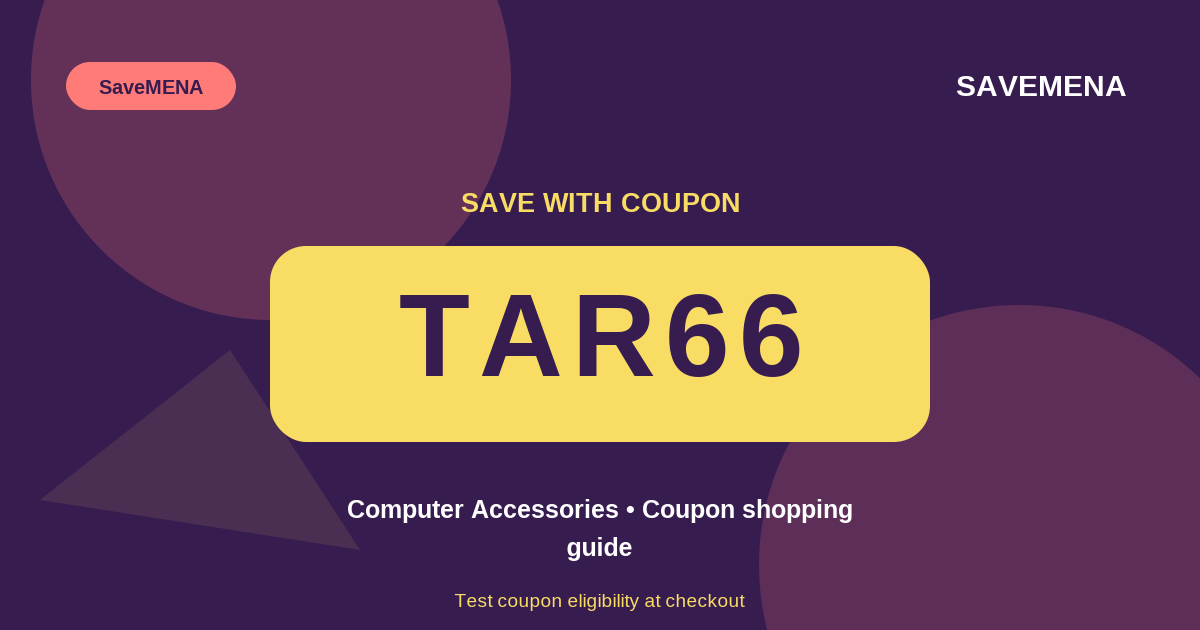
Codes available to try while comparing
These codes are not guaranteed for the article topic or listed brands; test them at checkout and use the live result.
Start With a Clear Needs Assessment
If you’re upgrading a workstation or adding peripherals, list each accessory by priority—mouse, keyboard, monitor, docking station, or soundcard. Examine your current equipment’s specifications and plug‑in format to avoid buying items that won’t fit your setup. Comparisons between models can reveal trade‑offs such as wired versus wireless or full‑size versus compact. Checking your needs before browsing reduces the risk of impulse purchases that may trigger the coupon later but won’t solve your real problem.
Once you know what you require, search for those exact terms on Noon and note the prices and seller ratings. Keep an eye on “Deal” labels that may indicate a temporary price drop. Doing so earlier in the process means you’ll only be adding genuinely useful items to the cart, and that’s a key factor when the live coupon message appears during checkout.
Compare Prices Across Noon Sellers
Noon allows multiple sellers to list the same type of accessory. Cooling fans, for example, can be sold by brand‑owner, local distributor, or independent reseller, each with slightly different prices. Look for a seller that offers free delivery or the lowest per‑item surcharge, especially if you’re adding several accessories at once.
Take note of the final price shown before adding to cart, including any packaging or shipping charges. Store these figures in a separate file or note so you can reference them later. This comparison helps you understand whether a lower base price will still lead to a higher overall cost after all fees, a factor that becomes clear when you see the live coupon message at checkout.
Monitor the Live Coupon Message at Checkout
When you proceed to checkout, Noon typically displays a dynamic message that updates in real time as you adjust quantities, delivery methods, or apply promo codes. Watch for a line that says “Coupon Applied” or “Discounted Total.” This is the moment the system calculates how your coupon—such as TAR66—affects the final amount.
Because coupons are not guaranteed, the live coupon message can change if the code is invalid for the chosen items or if you’ve reached a limit. If the message tells you that your code won’t apply or shows a reduced discount, you’ll need to adjust your cart or try a different promotional strategy. Being observant here saves both time and money.
Verify Eligibility Rules Before Finalizing the Item
Even when the live coupon message indicates a discount, certain unseen restrictions may still apply. These can include a minimum spend, specific seller requirements, or a time‑limited promotional window. Because Noon sometimes delays applying a coupon until after the final review, double‑check all listed conditions in the cart before you confirm the purchase.
Look for any notice that says “Only applicable to items in the cart” or “Limited to voucher usage.” If the terms are unclear, the best approach is to reach out to Noon’s chat support directly or consult the product page for clarity. Avoid the common mistake of trusting the discount message without confirming the underlying eligibility.
Balance Price, Warranty, and Customer Support
When adding high‑value accessories like gaming headsets or high‑resolution monitors, price alone can be misleading. A lower price tag may come with a short or nonexistent warranty, leading to increased long‑term costs if the device fails. It’s worth comparing the refund or replacement policies of different sellers.
While the live coupon message displays the net discount, it does not reflect potential future savings from a longer warranty. Make sure the seller’s support is reliable—look at return policies, updated contact information, and whether their page lists official brand support. This check ensures you’re not just chasing a coupon but securing lasting value.
Clarify Delivery Options and Associated Fees
Noon offers several delivery choices, including standard and express shipping. Each option has a distinct fee, which can sometimes outweigh a discount from a coupon. The live coupon message will account for the chosen method, but the exact amount forfeited for faster delivery might not be transparent until the final payment screen.
To avoid surprises, review the delivery estimate and cost before leaving the cart. If a later email or notification comes with a higher shipping fee, you’ll know precisely how that affects the discounted total. Whenever a coupon appears to lower your price, cross‑check whether the shipping cost remains beneficial.
Choose the Optimal Payment Method
Noon supports credit cards, debit cards, cash on delivery, and numerous digital wallets. Certain payment options sometimes carry a surcharge or a small discount; for instance, some wallets offer bonus points that translate to savings. The live coupon message will not factor in these minor variations, so gauge each method’s impact manually.
Where a payment method has additional fees, compare the net you pay after the coupon discount. If a particular wallet offers a chance for credits that exceed the fee, it could become your best route. Always double‑check the final payment window after applying the coupon to ensure no hidden costs remain.
Read Seller Policies and Return Terms Before Confirming
Even after the live coupon message confirms your discount, you need to verify that the seller’s return policy aligns with your expectations. A generous return window can smooth out any accidental buys, while a restrictive policy might force you to keep a non‑matching accessory.
When you’re near the end of checkout, a dedicated link or note usually appears about the seller’s terms. Click it to confirm the return policy, refund procedure, and whether the seller offers any extended service plans. These criteria should be weighed against the cost savings from your coupon before the final “Place Order” button is pressed.
Related SaveMENA pages
Related articles
Official sources to check
Frequently asked questions
Will TAR66 definitely reduce my cart’s total?
Noon’s live coupon message is the best indicator at checkout, but the coupon’s application isn’t guaranteed until the order is finalized. Always review the message and adjust the cart if needed.
Does the coupon cover shipping costs?
TAR66 applies to the item total and any applicable retailer fees. Shipping can still be added separately. Check the final payment screen for shipping expenses after the coupon’s effect.
Can I combine TAR66 with other promos?
Coupons on Noon typically cannot be stacked. If TAR66 is active, other promotional codes or discounts usually won’t apply. Confirm at checkout.
What happens if I receive a different accessory than ordered?
If the item differs, use Noon’s return policy tied to the seller. The live coupon message deals with price; returns are handled separately. Check the seller’s terms before ordering.