ASUS Gaming on Noon UAE: delivery fees — buyer checklist · TAR92
If you're hunting for Noon UAE deals on gaming gear, particularly ASUS products, this guide focuses on how delivery and fees shape your final cost.
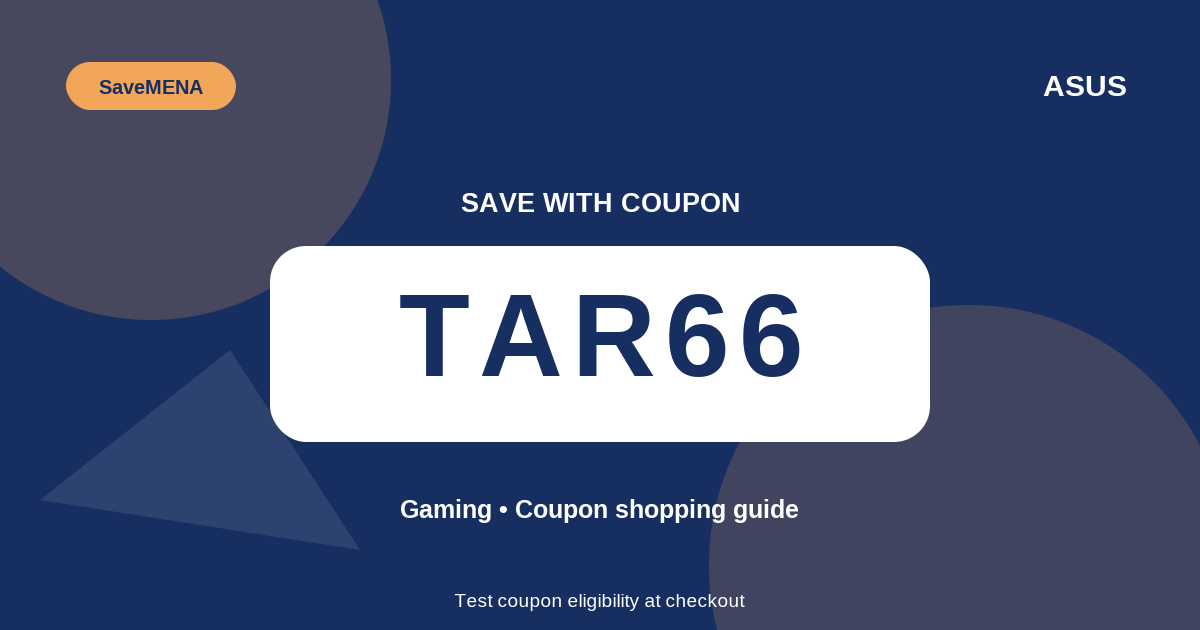
Codes available to try while comparing
These codes are not guaranteed for the article topic or listed brands; test them at checkout and use the live result.
Heading
Paragraph 1
Paragraph 2
Understanding Noon UAE Delivery Structures for Gaming Gear
Gaming items on Noon have a layered delivery framework. The platform typically associates a base shipping fee that covers packing, labor and transport to your address. In addition, a handling markup may apply, especially for high‑volume or hazardous materials that require extra care. Both components are often displayed only after you add the product to your basket and enter your delivery information, because the final fee depends on your exact location, the item’s weight and courier agreements.
When you’re contemplating an ASUS laptop or a high‑refresh‑rate monitor, be ready for a larger basic fee than typical household electronics. Some buyers report that refrigeration or specialty stabilization equipment can trigger an extra surcharge. The key is to verify the fee once you click “Proceed to Cart” and review the “Payment Summary” step, which should break down the base and handling components separately. If you’re unsure about recurring charges, the best practice is to double‑check that the fee appears in the final amount before confirming the order.
Comparing ASUS Game Laptops: Delivery Fees in Focus
Assuming you’re scouting for the latest ASUS ROG or TUF gaming laptop, the delivery structure often differs from that of desktop components. Laptops are typically classified as “lightweight high-value” cargo, attracting a base fee that aligns with the size and weight of the device, rather than its price tag. However, certain ASUS models that feature heavier cooling systems or multiple hard drives may incur an additional handling cost, reflecting the extra care needed during transit.
To make a fair comparison between models, add each one to separate shopping carts and observe how Noon rescales the fee. Pay special attention to the “Delivery Time” field, as faster options almost always carry higher costs. If you’re in a hurry, you can gauge whether the premium shipping rate is justified by timing needs. Conversely, if you are willing to wait for standard delivery, you could save an entire fee by selecting that option at checkout. Remember, the total fee is dynamic and recalculates when you modify the quantity or remove specific add‑on services.
Monitors and Adaptive Sync: Shipping Costs to Consider
Choosing a gaming monitor from ASUS or another brand usually opens up two common shipping considerations. First, most monitors are shipped as whole units, so the base fee reflects their dimensions and fragile nature. Second, if you select a model that includes Adaptive Sync or G-sync technology, the increased shielded packaging sometimes triggers an extra handling fee. These vignettes are reflected on Noon only after your zip code is entered and the item is queued for delivery.
When comparing, say, a 27‑inch 144Hz panel with a 32‑inch 240Hz counterpart, notice how the larger screen's weight may increase the base fee. Some users report having to pay a modest extra for the protective case that comes with higher‑resolution models. If you notice a discrepancy, it’s safest to re‑add the monitor to your cart, input the shipping address again, and confirm whether the fee has adjusted. Recording the pre‑and post‑shipping fees will help you decide if the performance uplift is worth the added cost.
Peripheral Perks: Peripherals, Mice, Keyboards and Fees
Gaming peripherals such as mechanical keyboards, high‑dpi mice, and RGB headsets usually fall under a “small‑volume” shipping category. Here, the base fee is modest, but small packages that exceed a certain weight threshold sometimes generate an extra handling surcharge to protect the delicate internals. For ASUS’s range of gaming mice, this rarely happens, yet for full‑RGB mechanical keyboards it can occasionally be an unexpected fee.
In many transactions, the cashier section will list a “Peripheral shipping discount” if the store applies a tiered discount for bundled purchases. When you add two or more peripherals, the bill may automatically recalculate the total fee, sometimes reducing the per‑item cost of delivery. To capture these benefits, always add peripherals into a single cart and review the “Price Summary” step before you proceed to payment. Make sure you note both the base and adjusted fee, so you can later compare across non‑bundle orders.
Applying the TAR92 Coupon: Steps and Caveats
The TAR92 coupon appears as a special promotional code that shoppers can apply at checkout. Noon presents the coupon entry field right before the final payment screen, and the coupon is not forced on you—it is optional. By entering TAR92, you may reduce the overall fees or obtain a discount on eligible items, but Noon does not guarantee a specific amount of savings. The result of applying the code is displayed in real time, allowing you to see how much the total has changed.
Since Noon’s platform rails the coupon at the very end of the process, make sure the delivery and handling charges have already been applied. If you add the coupon before you enter your address, Noon may miscalculate the final fee, leading to a discrepancy that could be corrected only by re‑entering the code after the shipping calculation. In either case, be sure to hold the updated total in view before confirming your payment, and retain the transaction receipt for future reference.
Payment Options and How Fees Affect Your Bottom Line
Noon offers credit/debit card, digital wallets, and an e‑cash system, each potentially altering the delivery-related fee when the total is computed. For instance, some wallets invoke a small transaction fee that can inflate the final cost of the order marginally. Credit cards occasionally add a processing fee applied to the combined product and shipping amount. It is important, therefore, to check the payment method before final confirmation.
When you choose a payment type, note that the field labeled “Total Payable” will reflect the sum of product price, delivery fee, handling fee, and any payment handling cost. If your banking partner signals a surcharge, it will appear as a separate line item. This transparency allows you to swap to a different payment method if the surcharge is significant. Keep an eye on how the final figure changes—if a payment method adds more than a few dirhams, you might prefer another option.
Tracking and After‑Sales: Delivery Confirmation and Support
Once you accrue the final price and complete payment, Noon supplies a tracking number that you can use on their website or the courier’s portal. The tracking information typically shows shipping progress, dispatch time, and an estimated delivery window. This is the period in which delivery fees are finalized; for instance, if the carrier experiences a delay, Noon may not add an extra cost, but the initial fee remains the same.
After receipt, you are advised to verify the physical condition of the product before completing the order. In case of damages or mismatches, Noon’s return policy requires you to submit evidence, and the refund process may involve an inspection fee. If the return is justified, the refunded amount will cover both the product and any delivery or handling charges you paid. For a rigorous review, consult the “My Orders” section to confirm the refunded totals align with the original transaction.
Related SaveMENA pages
Related articles
Official sources to check
Frequently asked questions
What are the typical delivery fees for gaming items on Noon UAE?
Delivery fees for gaming items vary based on the product’s size, weight, and your location. The base shipping fee applies to all orders, with optional handling charges for larger or delicate items. These fees are displayed after you add items to the cart and enter your address, so you can review the total before confirming.
Can I use the TAR92 coupon on ASUS products?
Yes, the TAR92 coupon can be applied to ASUS products if eligible. Enter the code at checkout in the coupon field; if accepted, the platform will display the adjusted amount instantly. Remember the coupon reduces the total visible only after the shipping fee calculation.
How do delivery and fees change the total price?
Delivery fees are added after product pricing and then an optional handling fee may arise. Payment method surcharges can further adjust the final total. All these charges appear in the “Total Payable” line, allowing you to see the cumulative effect before submitting payment.
Is there a way to avoid extra fees when ordering electronics?
To reduce potential extra fees, choose standard shipping where possible, avoid add‑on services that increase weight or handling, and select payment methods without surcharges. Adding multiple items to a single cart can trigger bulk‑shipping discounts, so bundle related products when available. Carefully reviewing the fee details at checkout is the most reliable approach.