Apple Headphones on Noon UAE: delivery fees — buyer checklist
Noon UAE deals Headphones Apple delivery and fees: Choosing the right headphones through Noon UAE can feel overwhelming, especially when you factor in delivery
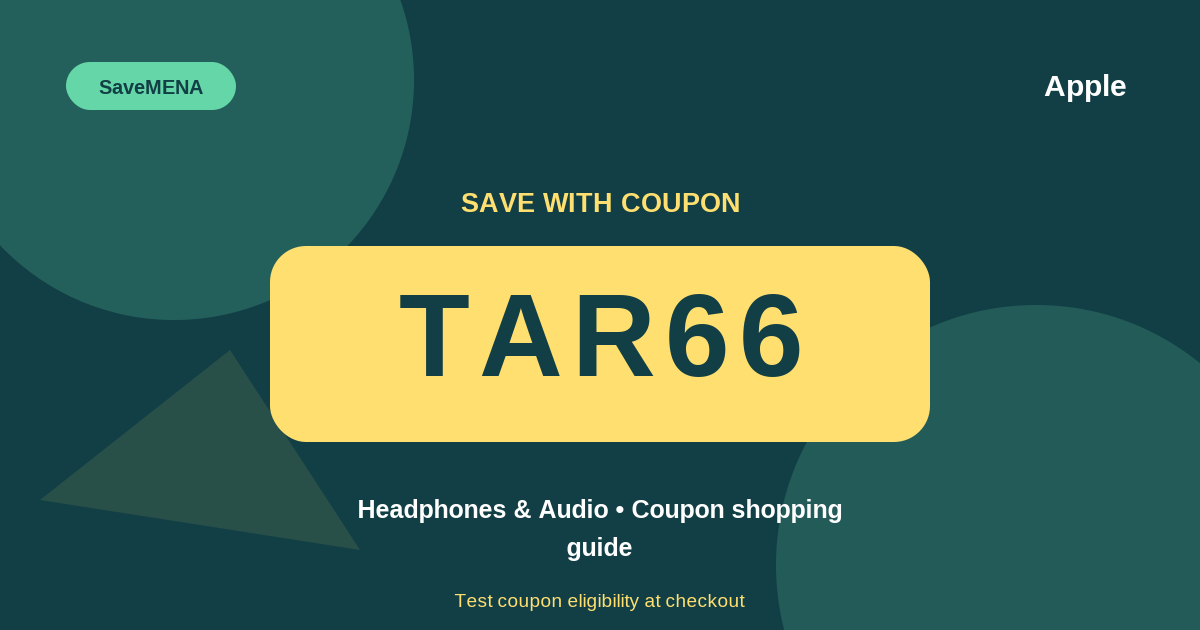
Codes available to try while comparing
These codes are not guaranteed for the article topic or listed brands; test them at checkout and use the live result.
1. Start With a Platform‑Wide Filter for Apple Headphones
Begin by narrowing Noon UAE’s search results to only Apple‑branded headphones. Enter “Apple headphones” into the search bar, then filter by brand and category to ensure you’re looking at legitimate products. Pay attention to the listing titles; sometimes third‑party sellers use generic terminology. By pulling the Apple sub‑category, you’ll limit the volume of results while still exposing you to different price points and seller offers.
At this initial stage, double‑check that each listing is sourced from Noon UAE and not a third‑party store that might carry different shipping policies. Note the seller’s name under the price; if it is affiliated with Noon UAE, shipping and fees will generally align across the platform. Keeping a tidy filter set here reduces confusion later when you compare delivery estimates for each item.
2. Prioritize Audio Features and Compatibility for Decision‑Making
Apple headphones come in various designs: small in‑ear, mid‑range earbuds, and over‑ear models. Evaluate the technical details – Bluetooth version, active noise cancellation, and battery life. Each of these specifications can affect your usage scenario, from commuting to studio work. When you read the product description, also confirm it integrates with your Apple devices and that any firmware updates will stay local.
Additionally, inspect the “Specifications” tab for signal range and connectivity options. This helps you avoid a mismatch between the headphone’s capabilities and your planned use. Ensuring that the product meets your audio needs saves you future returns, which could otherwise trigger hidden handling fees or restocking charges.
3. Vet Sellers for Reliable Shipping and Return Policies
After you’ve shortlisted a few items, view the seller information that lists the store’s operating country. Sellers based in the UAE are more likely to offer local delivery, reducing overseas processing fees. Look for seller stars and the number of completed orders – while not a guarantee, a higher count hints at a consistent database of shipping records.
Return Policy details often outline how much a return shipment will cost. If the policy states “freight charges apply for returns,” you’d want to factor that into your budget. It’s also useful to review any visible notes about packaging, where the item will be shipped from, and whether the seller offers express overrides.
4. Verify Authenticity, Warranty, and Apple Support Coverage
Apple sells its headphones under a two‑year limited warranty that covers manufacturing defects. Confirm the warranty section in the listing matches Apple’s terms and that it is included in the sale price on Noon. An authentic Apple product will list “Apple Limited Warranty” explicitly; any deviation could signal a counterfeit.
Check that the warranty’s service location is the UAE region – this informs you whether any repair or replacement will incur shipping fees back to the seller or to a local Apple Service Provider. Validating this prior to purchase means you’ll know the exact extent of support and associated charges in case you need a future repair.
5. Examine Delivery Options and Hidden Shipping Fees
Hover over the “Shipping & Delivery” section for each headphone to view a breakdown of shipping time estimates and potential extra costs. Noon UAE often offers free shipping for promotional items or for orders over a certain threshold; however, some sellers may charge a flat handling fee regardless of the price.
Make a mental note of any expedited or priority shipping plans and the corresponding fee differences. If a seller lists a “delivery fee,” the amount will appear at checkout – double‑check that it matches the figure shown here. This practice guarantees you won’t be surprised by an unexpected mark‑up after you add the product to your cart.
6. Strategically Apply and Test the TAR66 Coupon Code
Some items in Noon’s catalog display a “Promo Code” field or a dedicated coupon section. Input “TAR66” in the coupon box shown during the order checkout step. Although the code is available to try, it is not guaranteed to apply to every Apple headphone listing.
After entering the code, click the “Apply” button and watch for any price adjustments. If the code doesn’t take effect, the system will often display a brief error message such as “Coupon not applicable for selected items.” In that case, record which product category or price point blocked the code and consider continuing to the next item or switching to an alternative vendor.
7. Double‑Check Final Payable Total Before Confirming Order
Review the payment summary that appears after applying any coupons. This screen lists item cost, shipping fee, local taxes, and any free delivery credits. It’s where you confirm the precise amount that will be charged to your card – no “hidden” fees will appear once you click the confirm button.
As a safeguard, cross‑reference the displayed shipping fee with the one you noted earlier. The checkout page will also list the estimated delivery date; verify that this aligns with the shipping method chosen, especially if you’re ordering the headphones for an upcoming event. Confirming now mitigates later disputes over delayed or overpriced deliveries.
8. Monitor Shipment and Reach Out to Supported Channels if Needed
After you place the order, Noon UAE provides a tracking number that links to the courier’s system. Use this to monitor progress daily. If the shipment appears delayed beyond the estimated window, contact Noon’s customer support through the website or app to resolve any discrepancies.
Should you need assistance with product complaints – like a defect, mismatch, or warranty claim – use the support portal for Apple or the specific seller’s contact information. Having a clear record of communication will help you substantiate any fees you may be charged for returns or repairs.
Related SaveMENA pages
Related articles
Official sources to check
Frequently asked questions
What is the best way to use the TAR66 coupon on Noon for headphones?
Enter the coupon code in the special field on the checkout page under “Promo Code.” Apply it, then confirm that the price updates before finalizing the order. If the code does not work, the system will show an error and you can try other eligible products.
How can I be sure the delivery fee shown at checkout is accurate?
At the product listing, note the shipping fee displayed. Then, at checkout, verify that the same amount appears in the payment summary under “Shipping.” If they differ, inquire with Noon or the seller for clarification.
Will ordering Apple headphones from Noon affect the worldwide warranty?
Apple’s standard warranty applies regardless of the purchase platform, provided the product is authentic and the seller’s listing confirms the warranty coverage. Check the warranty statement in the product detail before purchasing.
What steps should I take if my headphones arrive damaged?
Report the damage immediately through Noon’s order history, providing photos if possible. The platform’s return process will guide you on shipping the item back and handling any associated fees.