Sony Headphones on Noon UAE: delivery fees — buyer checklist · TAR92
If you’re looking to snag a pair of Sony headphones on Noon UAE while keeping an eye on delivery and fees, this guide will walk you through every step.
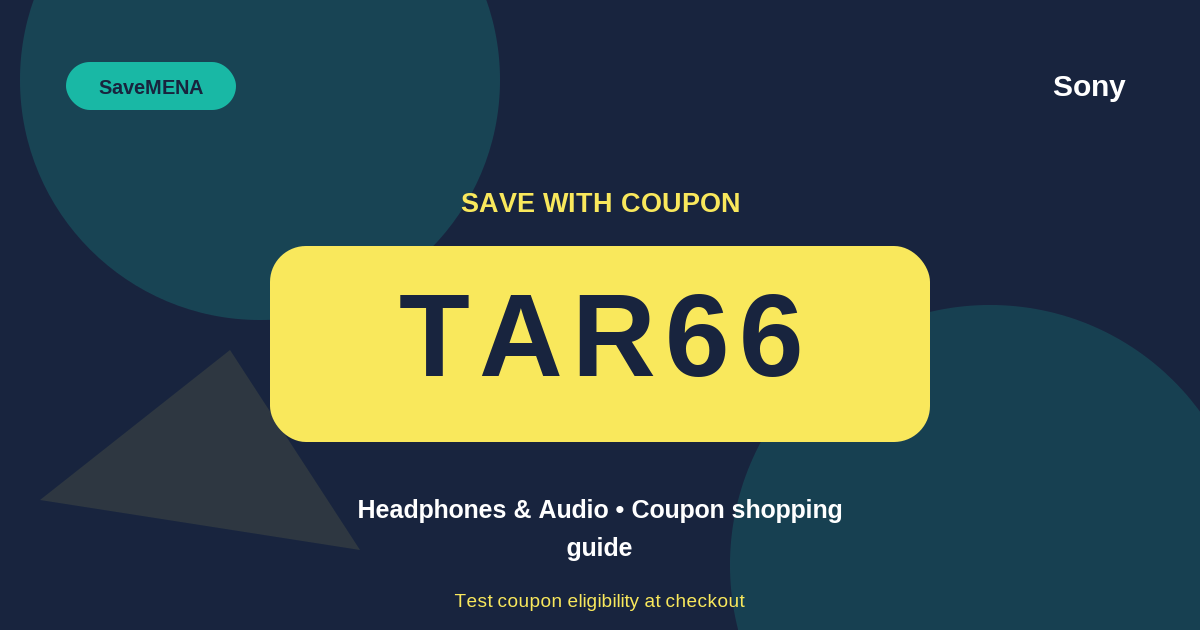
Codes available to try while comparing
These codes are not guaranteed for the article topic or listed brands; test them at checkout and use the live result.
Understanding Noon UAE’s Delivery Structure for Headphones
When placing an order for Sony headphones on Noon UAE, the first detail that influences your cost is the delivery fee. Noon’s system assigns a delivery charge that can differ by seller, product size, and your delivery location within the UAE. It’s common for earbuds and over‑ear models to carry the same fee tier, but you should always review the fee displayed in the cart before proceeding. The fee appears next to the total price and is calculated automatically based on your selected address.
Because the fee can vary widely, especially during promotional windows, the safest practice is to confirm the exact amount during checkout. If you notice a higher fee than expected, try adding a different address or removing the item from a smaller seller’s cart. The final fee will be locked in once you hit “Proceed to Checkout,” so keep a close eye on the summary screen for any surprises.
Filtering Sony Headphones to Minimize Unexpected Fees
Saving on delivery begins with picking the right seller. On Noon UAE, Sony headsets often appear in multiple listings from different merchants. When searching, filter by “Sold by Noon” or “Nama” to identify listings that may offer lower or included delivery. These sellers sometimes partner with Noon for a quicker dispatch, resulting in a smaller fee. Selecting such partners also reduces the likelihood of hidden handling charges that could arise from third‑party logistics.
Additionally, Lenovo‑type filters let you sort options by “Delivery Fee – Lowest First.” This quick tweak brings the least expensive options, based on current seller rates, to the forefront of your search results. It’s a practical way to see, before you add anything to your cart, which Sony models are the most fee‑friendly and align with your preference for budgetary control.
Verifying Product Conditions and Seller Reputation
While delivery fees can be the same across different models, seller reputation impacts overall cost reliability. A higher rating gives confidence that the headset will arrive on time and without extra charges for returns or repairs. Conversely, a poorly rated seller may incur reverse‑logistics fees that can be passed on to you. Checking seller ratings and recently posted reviews creates a picture of how often they face shipping hiccups.
Do not rely solely on a list of speakers. Check the “Returns Policy” link on each product page; Noon typically displays if a seller includes return shipping costs within the policy. Knowing that a seller handles returns at no extra charge helps you gauge whether you might incur hidden fees if the headphones fail to meet your expectations.
Applying TAR92 Coupon While Monitoring Fees at Checkout
To try the TAR92 coupon on your Sony headphones order, navigate to the cart screen and locate the “Apply Coupon” field. Enter the code and submit—if the code is valid for your cart, it will display a discount next to the promotional column. Be aware that the coupon may apply to the item price only and not to the delivery fee. The updated total will reflect the discount, but the fee remains unchanged unless the coupon explicitly states otherwise.
After applying the coupon, double‑check that the delivery fee is still displayed accurately. This step ensures no accidental removal of the fee. If you see any discrepancy between the fee listed before and after applying the coupon, it’s wise to reach out to Noon support or re‑add the product to the cart, sometimes doing so prompts the system to recalculate correctly.
Choosing the Optimal Payment Method for Fee Management
Noon UAE offers several payment options, each with different fee structures. Credit cards may incur a processing fee, while digital wallets or Noon’s own credit extensions might not. For those concerned about delivery and total cost, using a prepaid debit card or an online payment method that offers zero additional fees is advisable. This ensures the fee displayed in the cart remains your final charge.
Verify that the selected payment method does not add a surcharge by reviewing the transaction details in the payment summary. Some methods are advertised as “no extra charge” but can still have hidden conversion or foreign transaction fees if you’re using a non‑AED card. Confirming this before confirming the order locks in the lowest possible final payment.
Timing Your Purchase to Avoid Surge Delivery Fees
Delivery fees on Noon UAE can spike during peak sales periods, such as Black Friday, New Year, or local festival seasons. For a Sony headphone order, consider placing your purchase shortly after a promotion ends, when sellers adjust their rates to clear inventory. Since the fee is calculated in real time, waiting a day or two can sometimes bring costs back to their baseline level.
Use Noon’s “Price Alerts” feature for your chosen Sony model. When the alert triggers, the platform may also send a notification about potential fee changes. If the delivery cost has dropped, shop immediately to lock in the lower rate, and double‑check the fee again at the cart stage.
Post‑Purchase Tracking and Fee Verification
A final important step is tracking your order once it’s confirmed. Noon provides real‑time updates, including a delivery window and any expected fees, directly in your order history. If a fee appears higher than what was shown in the cart, call Noon’s customer service for clarification. Accurate tracking ensures you won’t be surprised when the package arrives with an unexpected charge.
Additionally, maintain a screenshot of the order summary, including the applied TAR92 discount, the product price, and the displayed fee. Keep this documentation handy if you need to dispute any unauthorized charge. This proof is the most straightforward evidence that the fee was consistently shown at every transaction step.
Comparing Noon UAE with Other Local Platforms for Sony Headphones
To ensure you’re getting the best balance between price and fees, it’s prudent to browse other UAE marketplaces such as Amazon.ae, Sharaf DG, or Dubai 99. Many of these vendors offer free delivery on Sony items above a certain threshold or include the shipping fee in the product price. When comparing, focus specifically on the “Total Payable” amount rather than individual price tags.
Keep in mind that while other retailers might show a lower fee, their return policies and support services differ. A lower immediate fee could be outweighed by a higher return shipping cost if the headphones do not meet expectations. Balance these factors against Noon UAE’s delivery structure to find a truly cost‑effective purchase.
Related SaveMENA pages
Related articles
Official sources to check
Frequently asked questions
A coupon is not guaranteed; verify its result at the retailer checkout.
No. The code is only available to try. Eligibility can vary with the live account, basket, item, seller and campaign context, so checkout is the final reference.
Where should I confirm the coupon result?
Apply the code in the Noon basket and review the live message and final payable total before payment. Do not rely on an undocumented percentage or condition.
Can the result vary by product or seller?
Yes. Eligibility and offer context can vary with the current basket details, so compare the exact item, seller, variant and final total before purchasing.
What should I do if the code does not work?
Check the market, account, item, seller, basket and payment context, then try another code available to try without guessing an unsupported reason.