Braun Home Appliances on Noon UAE: delivery fees — buyer checklist · TAR53
If you’re looking for a practical coupon‑aware buying guide to make the most of Noon UAE deals on home appliances, especially Braun products, this article focuses
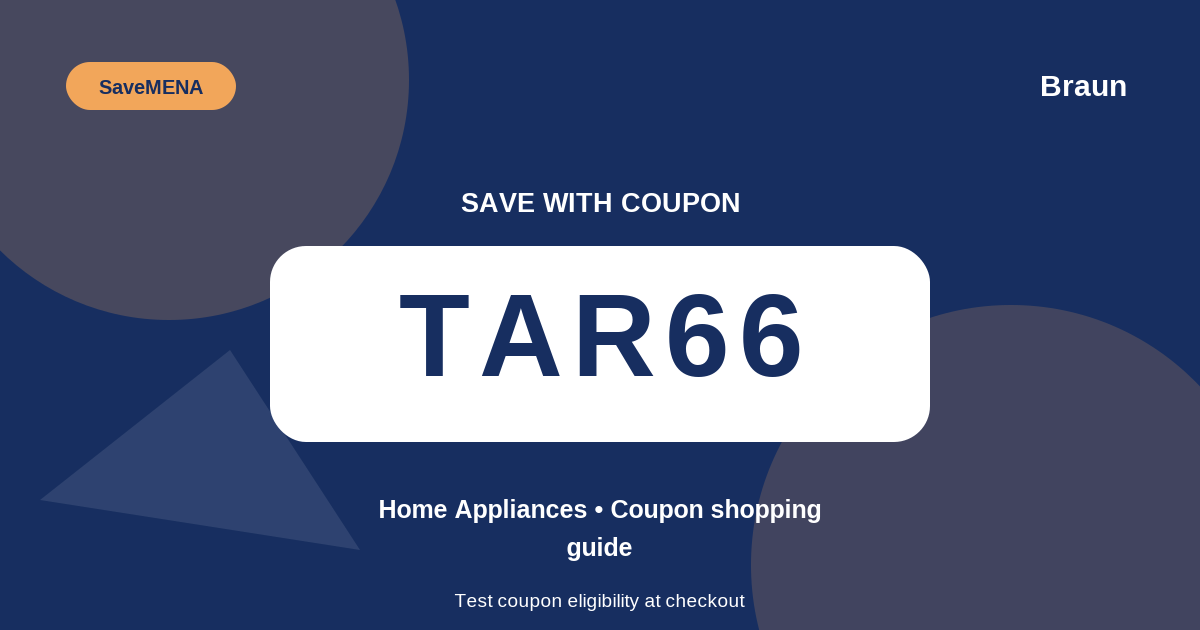
Codes available to try while comparing
These codes are not guaranteed for the article topic or listed brands; test them at checkout and use the live result.
1. Clarifying Delivery Options for Braun Home Appliances on Noon UAE
When you add a Braun appliance to your cart on Noon, the platform offers a range of delivery methods that differ in speed, cost, and availability. Standard delivery is typically the default and covers most housing areas in the UAE, while expedited or express options are available for a premium fee. Some retailers on Noon may also provide same‑day delivery in major cities, but this is limited to specific product categories and order times. It is essential to view the Delivery Details section before finalising the order to see the applicable options for each item, which will influence both the fee and the promised delivery window.
Availability also depends on the seller’s fulfillment centre location. Braun appliances sold by Noon’s official store may ship from a central hub in Dubai or Abu Dhabi, whereas third‑party sellers might have different warehouses. If you need the product urgently, checking the expected delivery date at the right moment can prevent surprises. Most sellers display “Estimated delivery window” next to each shipping option, giving you a clear idea of when the item will arrive and any associated fee that must be paid.
2. Evaluating Braun’s Delivery Fees Across Different Appliance Sizes
Braun’s product line ranges from compact kitchen gadgets to large‑size washing machines and dry‑cleaning units. Usually, the delivery fee is tiered according to the weight and dimensions of the item. Smaller, lighter appliances like hand dryers or coffee makers often incur a lower shipping charge compared with bulky machines such as ovens or refrigerators. The fee structure is reflected in the Delivery Options table, where each method lists the cost tied to the item’s size category.
Since the coupon code can differ by seller, it’s wise to pay attention to the seller’s reputation and the shipping summary for each product. A seller with a 4‑star rating and a history of timely delivery may charge a slightly higher fee but offer a more reliable service. Conversely, a lower fee from a less‑verified seller might still meet your needs if you are comfortable accepting a modest risk. Always cross‑check the exact cost in the cart before proceeding to payment to avoid last‑minute surprises.
3. How Delivery Fees Shape Your Total Cost on Noon UAE
While the applicant’s focus is on the coupon, it is important to recognise that a delivery fee can increase the total purchase price by a measurable amount—especially for high‑value Braun appliances. The fee will appear as a separate line item in your cart, and it may also affect the balance before you apply any discount codes. This is because some platforms apply coupons to the product subtotal before adding fees; others apply them after the whole total.
Understanding the sequence in which fees and coupons are applied helps you gauge the real savings. If a coupon like TAR53 is applied to the subtotal only, the delivery fee might still accrue. Conversely, if it reduces the net payable amount after fees, you could save a fraction of the fee itself. Because Noon typically lists fees in a dedicated section, you can manually calculate whether the removal of a fee or the addition of a coupon offers a better deal in your particular case.
4. Applying Coupon Code TAR53 and Its Impact on Fees
The coupon code TAR53 is listed in Noon’s promotional catalog as an option for reducing the overall cost of purchases. While buyers should test the code before finalising the order, it is not guaranteed to apply to every item or to every cart composition. The code can be entered at the payment stage—once you have reviewed the cart total and the delivery fee is displayed.
Using TAR53 during the checkout process will either reduce the product price or the entire payable amount, depending on the coupon’s terms set by Noon. If the code is valid, its effect will be reflected in the “Discount” field before you confirm the charge. If the coupon does not apply, Noon will typically display a notification, and you can still proceed with the payment including the delivery fee. Verifying the final payable amount after the discount confirms whether the coupon has a tangible benefit in light of the shipping cost.
5. Comparing Delivery Charges Among Braun’s Washing Machines, Vacuum Cleaners, and Small Kitchen Appliances
Each Braun appliance category triggers distinct shipping logistics. Washing machines, with their larger volume, often have a higher fee than vacuum cleaners or compact kitchen devices. For example, a 7‑kg washer might be routed through a bulk shipping network, whereas a hand‑held vacuum can be dispatched via standard couriers. This differentiation means that when buying from the same brand, consumers should review each product’s delivery estimate separately.
Although some sellers bundle delivery discount offers across categories, you must confirm whether the waiver applies to all items in the basket or only specific ones. Sellers may stipulate that delivery fees are waived only for certain weight thresholds, or only when buying a particular Braun series, such as a “Series 5” appliance. Consequently, it is prudent to calculate the combined delivery fee for a multi‑product purchase before initiating the checkout, ensuring the total savings from the coupon do not get offset by an unanticipated fee.
6. Leveraging Free Delivery Thresholds Without Overpaying
Noon offers a free‑delivery threshold for orders that reach a specific cart value, though the exact amount can differ by seller and product. A common tactic is to add a complementary Braun item, such as a small kitchen gadget, to push the total past that threshold. However, this strategy should be weighed against the cost of a coupon; sometimes adding a small item to achieve free delivery may echo the same purchase amount that the coupon would reduce.
If you attempt to meet the free‑delivery condition, watch for any hidden fees that still might appear, such as an additional handling charge or a restocking fee for large appliances. Check the cart’s breakdown to see if the free delivery applies to all items or just the Shopper’s Card. If the code TAR53 is still applicable after reaching the threshold, it may offer a better reduction between fee and coupon. In some cases, a buyer may find it advantageous to accept a modest delivery fee but use the coupon to drop the overall price more significantly.
7. Preparing Your Shopping Cart to Avoid Unexpected Fees
A well‑prepared cart is an essential tool for managing delivery costs. At every stage—product selection, adding a different SKU, or adjusting quantity—review the cart’s “Estimated Total.” Display fields usually show “Product subtotal,” “Delivery fee,” “Discount,” and “Total payable.” Open each of these sections to ensure that no random fee is creeping in.
Sometimes sellers add a small service charge for bulky items, which is separate from the main delivery fee. Even when the factor is minor, it can shift the balance, particularly if you are close to a free‑delivery cutoff. Use the “View details” link on the fee to see how it is calculated, because some fees are a fixed amount and others could revert to the next tier depending on item weight or distance. By confirming each amount ahead of checkout, you preserve control over the final price.
8. Final Checklist Before Checkout: Ensuring Delivery Fees Don’t Undermine Your Savings
Before pressing the final “Place Order” button, compile a snapshot of the cart’s financial breakdown. Confirm that the product price matches the seller’s listed amount, that the delivery fee—if any—is clearly displayed, and that the coupon code has been applied correctly.
Once the payment page loads, look for a “Breakdown” link that expands the subtotal, fees, discounts, and final amount. Some platforms allow you to re-enter the coupon or adjust shipping preferences at this stage. If you notice any discrepancies, cancel the order and rebuild the cart with the correct options; delivery fees can be altered only at the checkout stage, so double‑checking beforehand eliminates costly surprises.
Related SaveMENA pages
Related articles
Official sources to check
Frequently asked questions
What is the usual delivery fee for Braun appliances on Noon UAE?
The delivery fee varies by product size, seller, and shipping method. Larger appliances typically incur higher fees than smaller ones. For the precise fee, check each item’s Delivery Details before adding it to your cart. If a delivery fee is shown in the cart, this will be the exact amount charged to your account.
Does coupon TAR53 cover delivery charges?
Coupon TAR53 usually applies to the total payable amount before final confirmation. Depending on Noon’s current coupon terms, it may reduce the product subtotal or the entire cart, but it does not automatically waive separate delivery fees. Verify the discount percentage or amount applied after entering the code to see its net effect on delivery charges.
Can I combine free delivery threshold with coupon code?
Yes, you can apply a free‑delivery threshold and then use a coupon code during checkout if the retailer allows it. However, the coupon’s application will likely follow the final total that includes the delivery fee. If the free delivery is achieved, the delivery fee may be zero, so the coupon will reduce the remaining balance, effectively saving more. Confirm the final payable amount before confirming the order.
How to verify delivery fee at checkout?
At the checkout page, look for the “Breakdown” or “Summary” section that lists separate line items: product cost, delivery fee, discount, and final total. Ensure that the delivery fee matches the amount displayed in your cart. If the fee does not appear, the seller may be offering free delivery. Always double‑check this section before submitting payment.