Huawei Mobiles on Noon UAE: delivery fees — buyer checklist · TAR92
This guide tells UAE shoppers how Noon UAE deals on Huawei mobiles can be maximised by paying close attention to delivery options and any associated fees.
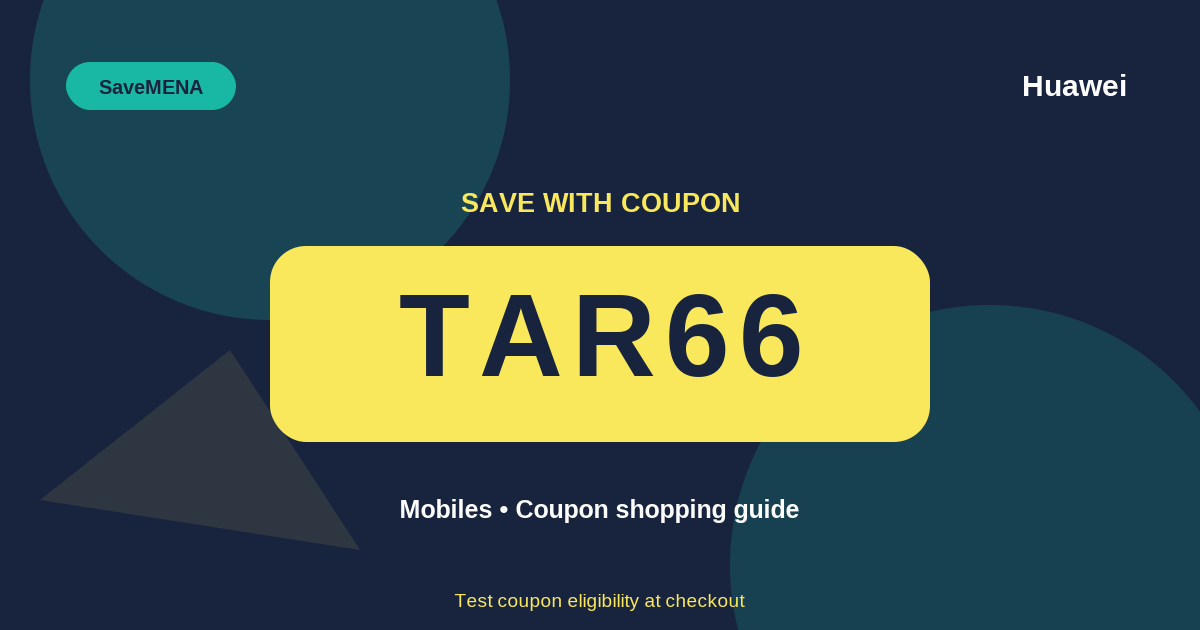
Codes available to try while comparing
These codes are not guaranteed for the article topic or listed brands; test them at checkout and use the live result.
1. Spotting Noon UAE Mobile Deals for Huawei
When you land on Noon’s UAE marketplace, Huawei models usually appear within the “Mobiles” category or under a dedicated “Deal of the Day” banner. The platform often highlights price reductions or limited‑time offers that vary by model, colour, or storage capacity. Pay attention to the model’s SKU – it tells you the exact variant you’ll receive. This is the first checkpoint for a cost‑effective purchase, but it’s only part of the equation.
After selecting a smartphone, check the product page for any note about delivery timing or special handling. Noon frequently lists “Noon Prime” express shipping for a fee or a standard free delivery window that depends on your location in the UAE. These timers and fees are fixed for the chosen model, so knowing them early lets you plan your budget accurately before applying any coupons.
2. Using the TAR92 Coupon with Huawei Devices
The TAR92 coupon is a promotional code you can trial during checkout to potentially reduce the total amount. Apply it in the “Coupon Code” field at the payment step; it will instantly recalculate the order total if applicable. Note that the code is not guaranteed for every Huawei model, and its success depends on Noon’s current promotion parameters.
A coupon is not guaranteed; verify its result at the retailer checkout. If the code isn’t accepted, the screen will provide a brief reason such as “product not eligible” or “exceeds allowables.” In such a scenario, you can still proceed with the purchase at the full listed price plus delivery and fees, or try a different promotion offered by Noon.
3. Delivery Options on Noon for UAE Purchases
Noon offers multiple delivery modes for most mobiles, with standard delivery typically free for orders above a certain threshold. For Huawei phones, delivery times are listed as “24–48 hours” on standard shipping, but may extend to 3–5 business days if the model is sourced from a remote warehouse.
If you need the device sooner, ask whether express or same‑day delivery is available. Express often costs an additional fixed fee, which can be higher in remote emirates. Checking this option at the cart stage will show the exact fee as a separate line item before you finalize the payment.
4. Understanding Fees Beyond the Phone Price
Beyond the list price of a Huawei model, buyers often encounter a shipping fee or handling cost, especially if express delivery is chosen. These fees appear as a distinct “Delivery Charge” during checkout and vary by city and chosen speed. The amount is fixed and visible before the final payment step.
Additionally, the UAE applies a the discount shown at checkout VAT to most electronics, which Noon adds automatically to the subtotal. This tax shows as a separate component in the order summary, ensuring you know the exact breakdown of the invoice. Knowing these lines helps you verify that no hidden fees will appear unexpectedly.
5. Verifying Eligibility at Checkout
When you enter the payment page, Noon shows a detailed summary: product price, tax, delivery charge, and any coupon discount. Double‑check that each line matches your expectations – if the phone price seems off, it may be a different variant than you intended.
Eligibility for the TAR92 code is shown in the coupon section. If the code was not applied, Noon will display a note explaining the issue. At this point you can decide to place the order without the discount or request customer support for clarification on balance eligibility.
6. Choosing the Right Huawei Model for Your Needs
Huawei offers several lines – P, Mate, Honor, and Y series – each with distinct features such as camera performance, processor speed, and display quality. Define your priorities: photography, gaming, battery life, or budget. That will guide you to the specific model that best serves your use case.
Consider that delivery times and fees may vary between models due to stock locations. A popular choice might ship faster, while a higher‑spec model could require longer processing. Cross‑checking these logistics in the product page ensures you aren’t surprised by delays once you finalize the payment.
7. Comparing Deals: Price, Delivery, Fees, Coupon, Final Payable
Compile a quick comparison sheet: note the base price, VAT, delivery charge, and any coupon reduction. Subtract to see the final payable amount. If you’re comparing two Huawei phones, repeat the calculation for each to identify which offers the best overall value when delivery and fees are included.
Remember to account for any potential changes in shipping cost once you add more items or cross a free‑delivery threshold. Noon’s cart will update the fee instantly, so always re‑review the summary before confirming payment. An accurate final figure protects you from over‑spending and ensures a smooth transaction.
8. Final Tips and Recommendations
Keep your checkout address updated – delivery times can shift if your card’s billing address differs. Also, if you’re a frequent Noon buyer, consider their recurring payment or subscription options to potentially receive perks or discounted shipping.
After confirming the order, save the receipt or screenshot of your order number. This practice assists in case you later need to track the shipment, request a return, or verify the coupon application in your account history. Finalising the purchase with a clear understanding of all fees and delivery estimates turns a simple phone purchase into a confidently managed experience.
Related SaveMENA pages
Related articles
Official sources to check
Frequently asked questions
Is the TAR92 coupon valid for all Huawei phones?
Noon does not guarantee the coupon applies to every model. The code’s acceptance depends on the specific product page and current promotional rules. If the coupon is rejected, Noon will highlight the reason at checkout. Checking this at the payment stage is essential.
Will delivery charges change after applying the coupon?
Delivery fees are determined solely by the chosen shipping speed and location. Coupons affect the product price, not the shipping cost. Noon updates the total instantly after applying the coupon, showing any changes to add‑ons.
How can I ensure I’m paying the correct final total?
Review the order summary on the payment page. It lists the item cost, tax, delivery fee, and coupon discount individually. The final payable amount appears just before the payment button, giving you a clear confirmation before submission.
Do I need a Noon Prime membership to use the TAR92 coupon?
The coupon does not require any membership. It can be applied to any eligible order, independent of Noon Prime status. However, Prime may offer free standard shipping on certain products, which can affect your overall cost.