HP Office on Noon UAE: delivery fees — buyer checklist · TAR53
Choosing an HP office appliance on Noon UAE isn’t just about the device’s specifications; the delivery fee can swell the final total considerably if overlooked.
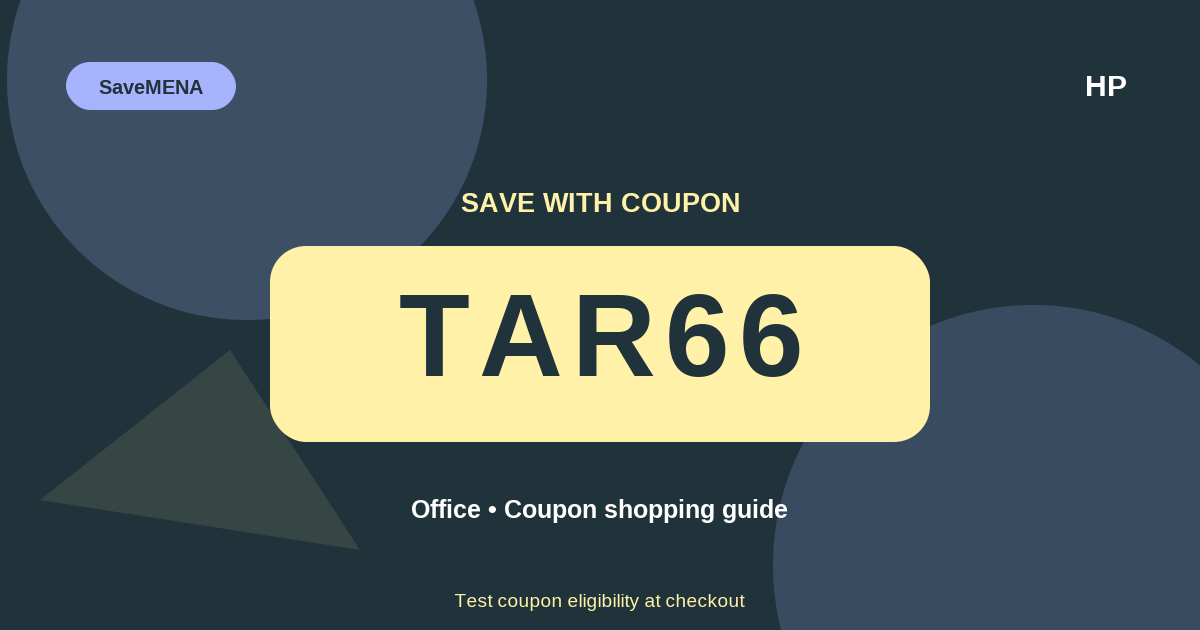
Codes available to try while comparing
These codes are not guaranteed for the article topic or listed brands; test them at checkout and use the live result.
Understanding Noon UAE Delivery Charges for Office HP
Choosing an HP office appliance on Noon UAE isn’t just about the device’s specifications; the delivery fee can swell the final total considerably if overlooked. Noon calculates shipping based on the product’s weight, dimensions, and zone of delivery, with some categories offering free shipping for high‑value items. When you add an HP laptop or printer to your cart, the platform will display the exact shipping cost before you proceed to payment, usually highlighted beside the product’s price. Keep an eye on this amount because it can add between a few dirhams to a few hundred dirhams, depending on the item size and delivery location.
After you add the cash‑back coupon, the “Estimated Total” field will adjust to reflect the new subtotal, but the delivery fee remains unchanged unless the coupon happens to apply to shipping. It is essential to re‑calculate the total after coupon application to confirm how much you’ll actually pay. If you’re ordering from an area of higher shipping costs—such as Cairo or distant islands—consider checking if Noon provides a free‑delivery threshold for larger orders before finalizing.
Factors That Influence Delivery Fees on Noon
Several variables shape the delivery fee on Noon UAE, especially for bulky HP office gear. First, the item’s weight and dimensions directly influence carrier charges. HP printers or all‑in‑one units often exceed the average courier weight cap, which can bump the cost beyond the standard free‑shipping threshold. Second, the delivery zone matters; orders destined for non‑UAE customers or remote UAE locations can incur extra regional surcharges. Third, the courier choice—if Noon offers alternative delivery partners with varied pricing—can affect the final fee.
Premium shipping options, such as same‑day or express delivery, are available for a lift on the base fee. While many users opt for standard Saturdays, opting for “Next Day” or “Rush” can double or triple the shipping cost, but can be justified when an office needs a device immediately. Always review the courier profile and delivery estimate before confirming the order to avoid surprise fees at checkout.
How to Apply the TAR53 Coupon Effectively
The TAR53 coupon is a single‑use code available to Noon UAE shoppers, applicable to most product categories. To use it, visit the cart page, locate the “Enter Promo Code” field, and type in TAR53 exactly as shown. The discount will be applied to the product subtotal, not the shipping fee, so you’ll still see the delivery charge listed separately. Once applied, the “Estimated Total” should update automatically, indicating how much the coupon saves you.
Because coupons are not guaranteed and may have terms limiting application to certain items, always verify its eligibility before proceeding to payment. Check whether the HP product you’re purchasing falls into the coupon’s allowed range—some high‑end gaming laptops might be excluded, while standard office models are usually covered. After verification, stick to the total you've seen on screen as the definitive figure for your final expenditure.
Choosing the Right HP Office Product on Noon
When selecting an HP laptop or printer for your office, start by defining your exact needs—whether it’s performance-heavy tasks, reliable printing, or budget consciousness. Noon’s product pages include technical specs, user reviews, and brand‑specific details that help you gauge performance. For instance, the HP Pavilion laptops deliver solid mid‑range performance whereas the HP EliteBook series offers business‑grade durability and security features.
Consider also the product’s size and weight, as these factors will dictate shipping cost. A heavier HP Office LaserJet printer will naturally attract a higher delivery fee than a slim HP Envy laptop. Order at least a month in advance for heavier models to avoid rush fees, and confirm that the product’s weight is within Noon’s free‑shipping range if you’re near that limit. This strategy helps you keep both device and shipping costs predictable.
Comparing Delivery Fees Across HP Office Models
A simple way to evaluate total purchase cost is to compare the difference in delivery fees between two HP models on Noon. For example, choosing a lightweight HP Chromebook might attract a low shipping fee, while opting for an all‑in‑one HP Printer Amplify can push the delivery cost into a higher bracket. Compile a side‑by‑side spreadsheet of each model’s listed price, shipping fee, and resulting total after applying TAR53 to identify the most cost‑effective option.
Don’t forget to factor in regional discounts or promotions that may waive shipping for particular categories. Noon occasionally offers free delivery on HP laptops above a certain price point, which could offset the coupon’s value. Whatever your preference, always double‑check the final total—including shipping—before completing the purchase to avoid any miscalculations on the day of checkout.
Payment Options and Their Impact on Fees
Payment method selection can influence both security and final amounts, especially when conducting a business purchase in the UAE. Noon supports credit or debit cards, PayPal, and local wallet options; each has a different set of transaction fees or currency conversion charges that may be added to the order. For instance, using an international card without a local banking partner might bring a small processing fee.
Some payment methods also bundle expedited shipping or after‑sales support services. When buying office HP gear, verify whether your chosen payment method triggers any extra costs. If using a corporate card that offers invoice processing, you might also obtain a back‑date stamp on the receipt for accounting purposes, making the final total easier to track.
Crafting a Checkout Strategy to Maximize Savings
A well‑planned checkout process can reclaim weighty delivery fees. First, add the desired HP product to your cart, then apply the TAR53 coupon before proceeding to provide the address.A coupon is not guaranteed; verify its result at the retailer checkout. Always double‑check the “Estimated Total” after address entry, as base shipping can shift if the address changes zone.
Feeding your HP order into a scheduled delivery slot (e.g., Saturday instead of weekday) often reduces shipping cost, as Noon may group deliveries for cost efficiency. If you time it right, you could save a few dirhams versus choosing an “Express” option. In addition, monitor any ongoing Noon campaign or anniversary sale that might temporarily waive shipping for office hardware; this can dramatically shift the cost distribution.
Related SaveMENA pages
Related articles
Official sources to check
Frequently asked questions
How do I know the exact delivery fee for an HP Office item on Noon?
The delivery fee appears next to the product’s price on the product page and is recalculated in the cart after you enter your delivery address. It reflects the courier’s rates based on item weight and location, and it does not change once the checkout is complete.
Will the TAR53 coupon also reduce the shipping fee?
No, the TAR53 coupon is applied only to the product subtotal. Shipping is calculated separately and remains unchanged. Verify the final total in the “Estimated Total” section to see how the coupon has affected your payment.
Can I use the same coupon on multiple HP Office items?
The coupon code TAR53 can be entered once during the checkout of a single order. It cannot be split across multiple orders or applied to multiple items inside the same transaction. Confirm eligibility by checking the description or asking Noon’s chat support.
What happens if my address is in a remote zone with higher shipping costs?
Delivery fees can increase in remote zones due to carrier surcharges. Noon will show the adjusted shipping cost after you enter the address. If it exceeds your budget, consider choosing a different product or opting for a free‑shipping threshold if available.