Calvin Klein Women’s Fashion on Noon UAE: delivery fees — buyer checklist · TAR53
140-180 words paragraph? Actually the intro is a single paragraph as per format. It says Intro: 140-180 words. One paragraph.
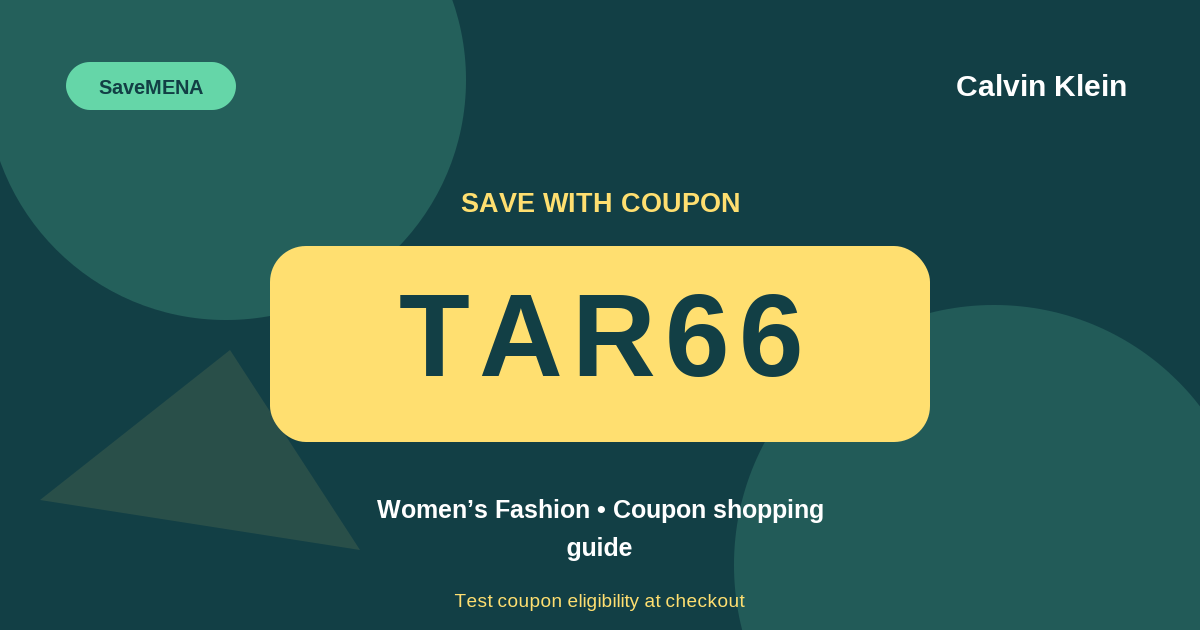
Codes available to try while comparing
These codes are not guaranteed for the article topic or listed brands; test them at checkout and use the live result.
heading
paragraph 1
paragraph 2
Step 1 – Familiarizing Yourself with Calvin Klein Products on Noon
Begin by searching for Calvin Klein items directly in Noon’s Women’s Fashion section. Each product page lists the brand, material, and exact model name—information crucial for distinguishing between thin‑lined blouses and thicker jumpsuits. Pay close attention to the “Seller” line; this tells you which vendor is shipping the item, a key detail when later cross‑referencing delivery policies. When browsing, note any badges that may appear next to the price—while not always indicating a discount, these hints can signal special shipping arrangements that could affect your total cost. Keeping a mental note of these details will help you avoid surprises when you move to the next step.
On the same product page, scroll to the “Shipping” subsection. The information here outlines who will ship the item and where the vendor wishes to deliver. Nut‑tight purchasing decisions hinge on these details because some vendors may charge additional handling or offer different delivery speeds. If permitted, use the filter to keep only items that ship to your specific emirate; this reduces the risk of end‑of‑line surprises. Additionally, verify if the item appears in the “Prime” or “Free Delivery” category—this can drastically change the final payable amount, especially when considering your coupon usage later.
Step 2 – Applying Your Coupon and Checking Eligibility
When you locate a Calvin Klein favorite, add it to your cart and proceed to the checkout page. At the point where you can enter a promo code, type TAR53. Notice the message that appears; it will say the code is “available to try” and may offer a discount if applicable. Do not presume that the amount will be deducted immediately—it will be calculated after all other shipping rules are applied. If the code does not activate, check that the product falls under the coupon’s category—it is not exclusive to Calvin Klein, but some vendors or sale events might still block it. The only guarantee is that the code will apply if the vendor accepts it, so always verify at this stage.
After submitting the coupon, revisit the “Order Summary” section. This area will display the original price, the discount applied, if any, and the adjusted total before fees. The intention is to show how the coupon impacts the base price but not the shipping or payment charges. If the code does not perform a reduction, the price will remain unchanged, and you’ll see a note stating that the coupon was not applied. In such a scenario, proceed to the next section where you confirm how shipping fees will be tallied against the final amount that you’ll pay.
Step 3 – Comparing Delivery Options on Noon
Noon offers multiple delivery choices, typically including standard overnight shipping, same‑day delivery in specific zones, and express couriers for higher‑value items. Each option comes with its own time frame and cost—as indicated in the “Delivery Options” dropdown. For Calvin Klein pieces, some sellers might restrict delivery to city centers only, meaning you might need to pay a pickup fee if your address falls outside that radius. Compare these conditions carefully, because any extra handling or regional fee will appear after the coupon has been applied.
When selecting your preferred option, look for the word “Reference” next to the fee in the Order Summary. This capture confirms that the fee will be added to the subtotal after any coupon deduction. Pay attention to the delivery window; certain times of day might incur a surcharge—especially for rush deliveries or weekend service, which some sellers label as “Premium.” Confirm that your chosen value aligns with your budget, and if possible, choose a period that has a lower fee for larger orders or when you’re not budgeting out the extra cost details.
Step 4 – Understanding Delivery Fees and When They Apply
Delivery fees on Noon are not static; they depend on factors such as order value, vendor, and shipment destination. For instance, orders that do not meet a minimum threshold may incur a flat fee that can range from a few dirhams to a larger sum for remote locations. The “Delivery Fee” line in the summary shows the exact amount applied, but you should verify whether the fee is adjustable at checkout or fixed by policy. When using a coupon like TAR53, any reduction in the product price doesn't influence the delivery fee directly; it will still be added after the discounted subtotal.
It’s advisable to manually calculate the net amount after the coupon and before the delivery fee. Some vendors absorb shipping costs, while others add them at the last step. Check the vendor’s shipping policy for a note on “Hidden Fees”—such as “surcharge for weekend delivery” or “extra for weight over X kg.” Since the marketplace uses a dynamic computation system, the fee may adjust in real time if your cart changes, like adding a medium‑weight Calvin Klein jacket that triggers a heavier‐parcel fee. Always scroll to the bottom of your cart to ensure no unexpected line item appears before confirming the final payable figure.
Step 5 – Reviewing Processing Time and Estimated Arrival
Processing time refers to the window from order confirmation to when the vendor hands the parcel to the courier. It is usually displayed as “1–2 business days” or “24 hours.” This differs from the delivery time, which is the actual transit duration from courier to your mailbox. For high‑profile brands like Calvin Klein, shipping partners might declare a guaranteed delivery within 48–72 hours, but local customs clearance can introduce delays, especially for out‑of‑stock items sourced from overseas warehouses.
Never assume the estimated time is absolute; it acts as a guideline only. When you see “Delivery in 3–5 days” on the Order Summary, this window is inclusive of both processing and transit. If your order date lands on a public holiday or weekend, the vendor may post‑delay your shipment, bumping the window up by an extra day. Chase caution by selecting delivery windows suited for “Normal” or “Standard” options if you need reliability. Also, check the vendor's “Shipping History” if available—this may reveal consistent delays for particular item categories like heavy denim pieces versus light cotton apparel.
Step 6 – Payment Methods and Fees That Might Affect Your Total
Noon accepts several payment methods, including credit cards, debit cards, and mobile wallets. Each method may carry a small transaction fee that is typically about 2–3 percent of the total amount. While many of these fees are absorbed by the service provider, vendors sometimes pass on a percentage to offset merchant fees. In the Case of using a card, the final amount may slightly differ from the “Order Total” displayed, especially if your bank imposes a cross‑border fee for e‑commerce purchases within the UAE.
Before finalizing payment, read the “Payment Info” section. There, the platform will break out any applicable fees per chosen method. For instance, a “Credit Card: the discount shown at checkout” line might appear, and this is added after the delivery fee. This means your total payable number will ascend a little compared to the raw price after discounts. Since the coupon TAR53 does not apply to these payment charges, you should anticipate an exact figure only after checkout. If the top line of your Order Summary remains unchanged after you select a different payment method, it indicates that the fee is internally adjusted beneath the overall total.
Step 7 – Checking Order Status and Tracking Your Delivery
Once your order is confirmed, Noon provides a tracking link in the order details. The link will route you to a page where you can monitor the package’s movement from the vendor’s warehouse to the courier hub, and eventually to your delivery address. The status updates might display as “Prepared,” “Shipped,” or “Out for Delivery.” For Calvin Klein’s heavier merchandise, tracking updates may be less frequent because the courier pauses less often on the transit route. Make sure to note the last update time—if the time is older than 24 hours, evaluate whether a package delay or mishandling has occurred.
If you encounter a missing or delayed shipment, the “Help” button within the tracking page usually offers an automated chat or a phone number. Use that channel to request an explanation that references your order number and the vendor. Note that the vendor’s shipping policy could detail expectations for delayed shipments, such as a refund of the delivery fee or a partial replacement. Being proactive about status updates helps prevent the surprise that an unshipped item will produce a sudden spike in your final payment after a “delivery fee adjustment” warning.
Related SaveMENA pages
Related articles
Official sources to check
Frequently asked questions
Will the delivery fee change after I apply the coupon?
No, the delivery fee is calculated after the coupon discount. The total amount shown on the order summary includes the coupon deduction first, followed by shipping and payment fees.
Can I change my delivery option after checkout?
Once the order is placed, the delivery option is locked. If you need a different fee or time frame, you should cancel and re‑order with the desired delivery settings.
What if my order is delayed beyond the estimated delivery window?
Check the tracking link for status updates. If a delay persists and you’re unsure why, consult Noon’s help center, referencing your order number and the vendor’s shipping policy.