Logitech Gaming on Noon UAE: delivery timing — buyer checklist
Noon UAE deals Gaming Logitech estimated delivery timing: When you’re hunting for a new gaming setup, the allure of Noon UAE deals can’t be ignored – especially
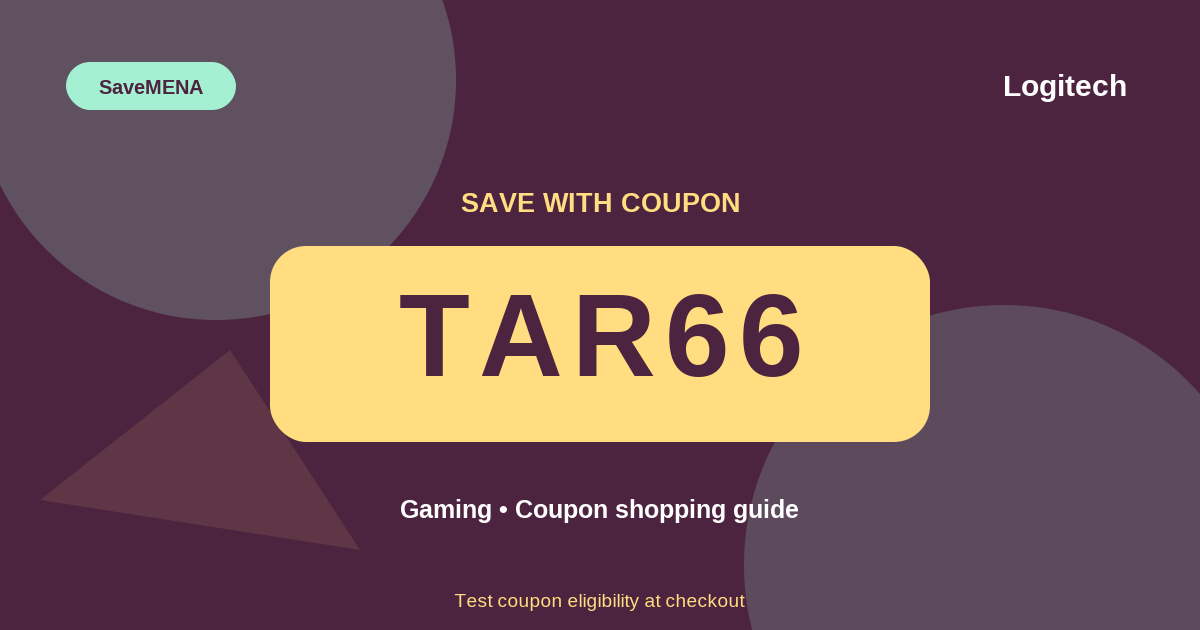
Codes available to try while comparing
These codes are not guaranteed for the article topic or listed brands; test them at checkout and use the live result.
1. Pinpoint the Exact Logitech Game‑Ready Gear
The first decision step is to determine which Logitech product best supports your gaming style. If you’re a PC gamer, you might want a high‑precision Razer‑style gaming mouse; if console is your platform, look for a compatible controller. Take note of the product’s model number and color, but do not assume availability. On Noon, different sellers list the same item with slightly varied titles, so cross‑check the specifications before adding to cart. Choosing the exact item narrows downstream checks and ensures you reach the next step with a clear focus.
When you’ve identified the the coupon code Logitech piece, remember to sign in to your Noon account – that last step guarantees you access any loyalty perks you might have. Logging in also builds a clear record for checking the delivery estimate later. A relaxed, intentional browsing mindset reduces the risk of adding a different variant to the cart that could delay shipping.
2. Verify Real‑Time Stock Levels
Free, unsuspicious stock signals an optimistic delivery estimate. On Noon, each item page lists the estimated availability in real time – fetched from the seller’s current inventory. Pay attention to any “Last few in stock” warnings; a low‑stock status often means sellers may pause fulfillment until restocked, potentially extending delivery. Raising this flag early saves disappointment and time.
Also, read any seller remarks about inventory updates. Some sellers inform buyers that restocks might take a day or two, which directly impacts the delivery estimate. By double‑checking the stock status now, you prevent a scenario where an item looks available at checkout but then cannot be shipped immediately.
3. Compare Seller Reliability and Rating Histories
Ranking sellers by reliability helps you anticipate on‑time delivery. Check each seller’s rating separately from the product rating; a high product rating doesn’t guarantee shipping speed. Look for a seller’s on‑time delivery percentage or “On‑time delivery” badge – if present, they have historically dispatched within the promised window. A seller with consistently high scores is more likely to maintain the estimated delivery timing you see on the listing.
When reviewing seller details, also study their return and cancellation policies. Sellers with clear, buyer‑friendly policies often handle order fulfillment with care, which correlates with meeting delivery announcements. A quick scroll through the seller profile seeds confidence before you proceed to checkout.
4. Read the Shipping Options and Their Estimates
Navigate to the shipping section before saving the item to your cart. Noon’s prompt lists a default estimated delivery window—usually “Standard (3–5 days)”. Make sure that window matches your own window requirement and not simply a generalized estimate. Sellers sometimes offer faster shipping, but that may carry extra cost; verify whether such an option is available and how it changes the estimate.
Be vigilant about any “Delayed due to high demand” notes that appear on the shipping page. A delay flags a probably longer delivery time than shown by the basic estimate. Ensuring you view the final shipping window before purchase aligns expectations and prevents post‑purchase surprises.
5. Try the TAR66 Coupon at Cart Reduction
When you’re ready to checkout, enter the coupon code TAR66 in the designated field. The system will display whether the coupon applies, but note that Noon does not guarantee its use; use it “available to try” and check the final summary for confirmation. This step is specifically about verifying if the discount changes the total price only after the coupon is accepted.
Even if the coupon does not apply, the experience teaches you no a coupon’s interaction with delivery. Seeing the coupon field prompts you to review all costs, including shipping, before confirming the final order value. This clarity helps you decide whether you’re satisfied with the total including the estimated delivery fee.
6. Double‑Check Checkout Field Accuracy
During checkout, confirm your delivery address, phone number, and any alternate addresses you might have. Mis‑entered details often trigger a delay that may extend the delivery window. A single digit in the postal code can move your package from expedited to regular dispatch.
Also, review the “Order Summary” section that lists the product price, any taxes, shipping charges, coupon deduction, and the final amount. This page usually shows the combined shipping estimate. Confirm the timing displayed matches what you expect; if it differs, consider adjusting the shipping method or reaching out to seller support.
7. Monitor Shipping Status and Tracking
Once confirmed, Noon provides a tracking update in the order history. Open the tracking link and verify the detailed status timeline, which often shows the expected delivery date. The tracker can expose events that influence the estimate – for example, if a package has moved from “In Transit” to “Out for Delivery”.
Set a reminder to refresh the tracker a day before the deadline. Additionally, most UAE carriers send SMS notifications containing the latest shipping milestone. Staying alert to these updates keeps you ahead of any changes that could impact the estimated delivery timing.
8. Engage Seller or Noon Support If Timing Shifts
If the estimated delivery shifts after purchase, reach out promptly. Sellers on Noon usually respond within a day, clarifying that a logistical hiccup or high‑volume demand might have bumped the delivery window. Contacting support early prevents anxiety and can potentially reset the timeline.
Document any changes directly in the order notes to maintain a record. When you log back into your Noon account, the updated estimate will display on the order overview, ensuring you stay informed and can adjust game launch plans accordingly. This proactive communication completes the delivery‑timing checkpoint circle.
Related SaveMENA pages
Related articles
Official sources to check
Frequently asked questions
Does the TAR66 coupon apply to all Logitech gaming gear on Noon UAE?
The coupon is available to try during checkout; whether it applies depends on the seller’s discount policy and the item’s promotion status. Ensure you confirm its use in the final order summary.
How can I trust the estimated delivery time listed for a login Ace item?
Check the seller’s rating and review the shipping options before purchase. Once checked out, use the track order feature to confirm real‑time updates aligned with the initial estimate.
What if my package is delayed beyond the quoted estimate?
Contact the seller or Noon support immediately. Keep a record of any late updates and communicate to reorder or get a refund if delivery isn’t timely, following the platform’s return policy.
Can I modify the shipping window after placing an order?
After placing the order, changes are limited. If your delivery window is unsatisfactory, inquire with seller support for a possible adjustment before dispatch.