Sports on Noon UAE: delivery timing — buyer checklist
Begin by navigating to Noon’s sports section and typing the specific sport or gear you need into the search bar.
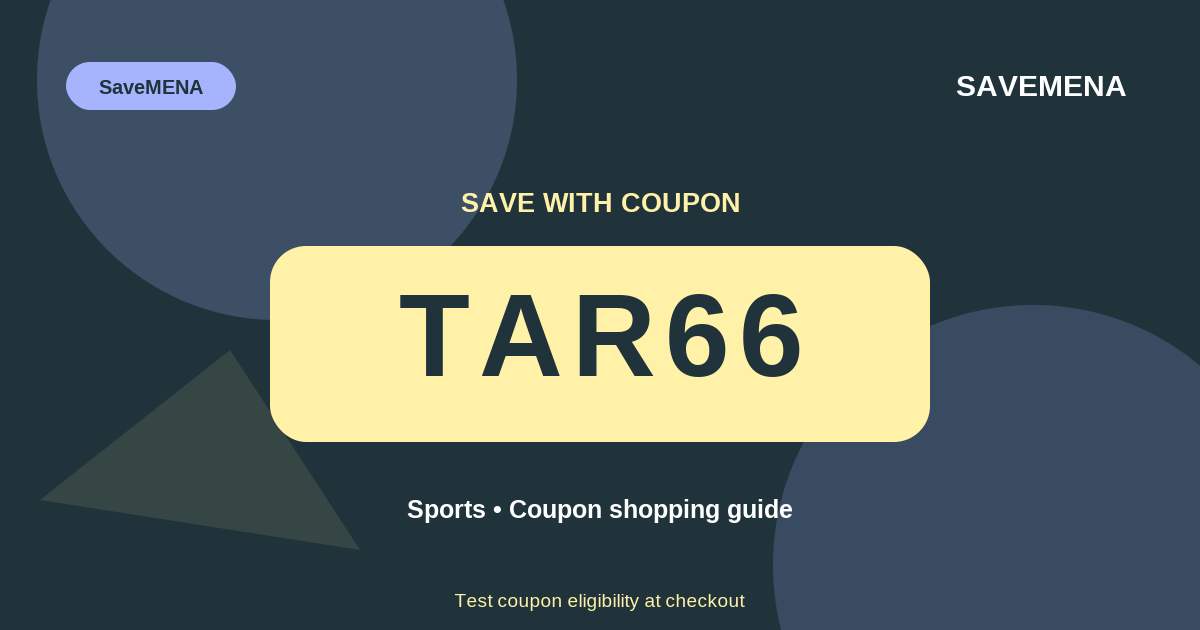
Codes available to try while comparing
These codes are not guaranteed for the article topic or listed brands; test them at checkout and use the live result.
1. Identify the Sport and Apply Search Filters
Begin by navigating to Noon’s sports section and typing the specific sport or gear you need into the search bar. If you’re chasing football pads, tennis balls or cycling helmets, put those exact terms to reduce unnecessary options. Once results populate, use the built‑in filter panel to narrow down by brand, material, or price point if you have preferences. This step is especially critical because Noon often lists dozens of sports items with minimal distinctions—filtering early saves time. Remember, a correctly filtered search sets the scene for a later delivery estimate involving precise product SKU variants.
After applying filters, also review the “Sort by” dropdown, which usually offers choices like “Best‐Rating,” “Price: Low to High,” or “Newest Arrivals.” While pricing can influence purchasing urgency, sorting by popularity or ratings can surface items with proven buyer satisfaction, indirectly hinting at reliable fulfillment. Simply choosing “Best‐Rating” can weed out slow‑shipping or seldom reviewed products, giving you a higher chance that Noon will dispatch promptly. Combine this with clear search queries to align every subsequent step with the correct product.
2. Check Seller Details and Shipping Policies
Every Noon listing displays the seller’s name, typically followed by a _Seller Rating_ icon. While no singular badge guarantees stock certainty, higher ratings often correlate with better on‑time shipments. Click the seller’s profile to see their overall rating, total ratings count, and any comments regarding delivery speed. For sports gear—often bulky—verifying that the seller supports “Fast Delivery” or offers shipping through Noon’s logistics network is crucial. This step gives you a measurable measure that can align with your estimated delivery expectation.
Next review the listing’s “Shipping & Returns” section. Noon displays details about the method (standard, expedited, or express), expected delivery window, and whether the item ships from UAE warehouses or partners abroad. Note that sports gear may be shipped from central hubs, potentially increasing transit time. Knowing the shipping method in advance lets you compare across sellers easily. Use this information later when you move items to cart and see the final estimated delivery estimate, ensuring the vendor can meet your required timeframe before you commit.
3. Review Delivery Estimates Before Adding to Cart
When you tap a product, Noon presents an “Estimated Delivery” box that indicates the range of days the item might arrive. This figure is based on the seller’s listed shipping method, the dispatch location, and current system load. For example, a listing might say “3‑5 Business Days.” Recognize that this estimate starts once the order is processed; it does not include the time you spend checking out. For sports items, where fit or condition might trigger returns, a shorter delivery window is often preferable to expedite any return process.
Alternatively, if the listing shows “Insufficient Stock,” the estimated delivery may be hidden until restocking occurs. In such cases, you could add the item to your cart to lock in the current SKU price, then monitor back‑up notifications. Yet, when you see an estimate, use that number to gauge if a product will arrive by your training schedule or event date. Swing the ticker of your calendar against Noon’s displayed estimate to make a realistic determination before purchasing. This protects against last‑minute deliveries that could disrupt workouts or competitions.
4. Compare Multiple Listings for Faster Service
Often Noon hosts several sellers for the same sports item or a variety of similar gear. Use the “Compare” icon grouped next to each listing to pull up a side‑by‑side view of shipping times, seller ratings, and return policies. This visual comparison helps you spot a consistent pattern of faster deliveries from one seller, which can increase your peace of mind. In addition, check each seller’s country of dispatch; items shipped from UAE warehouses will usually have shorter times than those imported from neighboring regions.
To streamline the comparison, consider sorting the results by “Standard Shipping Only” or “Fast Shipping” if such options exist. Filters dedicated to shipping speed are very useful because they narrow the list to items potentially meeting tighter delivery windows. Once you’ve settled on a seller that balances cost with guaranteed delivery speed, proceed to add the product to your cart while carefully recording the estimated delivery details. This visibility assures that you will not realize an unexpected delay at checkout.
5. Verify Store‑Location and Dispatch Date
From the seller’s profile, you can often confirm the location of their physical or fulfillment center. Noon’s product pages may state whether an item ships from a local UAE hub or a partner in a different emirate. Items dispatched from UAE–based warehouses typically promise faster arrival owing to local delivery routes. If a product is shipped from a distant partner—say, from Jordan or Saudi Arabia—anticipate an extended estimate, even if the seller’s rating is high. Use the location indicator to refine your estimate beyond what Noon lists in a generic business‑day window.
Additionally, Noon assigns a “Dispatch” timestamp once an order is accepted. If you’re checking an item at checkout, note that the dispatch date might not be visible until the order enters the courier’s system. However, sellers sometimes provide a rough date when you add items to your cart. Use that to cross‑check against your desired delivery timeline. If you need the gear before a specific date, double‑check that the estimated dispatch and transit days stay within those limits. This pre‑emptive step protects against misaligned expectations.
6. Apply Coupon Code at Checkout (with Caution)
When you add a sports item to your cart and move to checkout, there will be a field for coupon codes. Enter the TAR66 code in that field and see if Noon acknowledges a discount. Even though the coupon can potentially reduce the final amount, the system will transparently show if the code is accepted or not—no offers are guaranteed beforehand. If the code is applied, the discount is typically deducted from the subtotal before tax and shipping, giving you a clearer sense of the final payable amount. These steps occur strictly at checkout; earlier phases cannot confirm coupon acceptance.
It’s important to note that the coupon does not alter the product’s estimated delivery time or the seller’s shipping policy. The discount only affects the monetary side of your order. If you wish to shop sports gear within a set delivery window, prioritize that estimate before attempting to use the coupon. Should the code not apply, you still keep access to the same delivery time just at a higher price. Payday the final summary and verify that your shipping estimate remains unchanged regardless of discount status.
7. Confirm Order Summary and Estimated Delivery
After accepting the coupon code—or deciding not to—Noon presents an order summary. This page lists every item, its price, shipping fee, VAT, and a clear “Estimated Delivery” notice. Ensure the estimated delivery still matches the original expectation. Occasionally, adding a coupon can shift a shipping method toggle—especially if discount changes the eligible shipping options—but this is rare. Confirm that the total amount and shipping estimate are exactly what you intend before approving the payment.
Pay close attention to any alerts regarding stock changes or delivery delays. If a seller is low on inventory or if freight forwarding conditions change, Noon will display a notice before final approval. Skip the order if the delivery window expires past your critical date. Checking the order summary is your last chance to cross‑verify shipping accuracy before funds are drawn. This saves you from post‑purchase disputes and ensures your sports equipment arrives when needed.
8. Plan for Post‑Purchase Tracking
Once your measurement is confirmed, Noon will email you a confirmation plus a tracking number once the seller ships the item. Use Noon’s in‑app tracker or the courier’s site to monitor real‑time updates on how the package moves from dispatch through to delivery. For sports gear that may perishable or prone to returns, staying on top of the tracking can let you anticipate arrival days and plan for fitting or usage. It also lets you flag any delays early to reach the seller or Noon’s support if necessary.
Finally, after receiving your product, review the condition before use. If return policies involve specific time frames, likely within 30 days, confirm they align with your original delivery estimate to ensure you have adequate time to evaluate. Keeping the same delivery window even for returns is vital for sports equipment where testing fit or performance is crucial. By repeatedly verifying estimated delivery at each checkpoint—search, add, checkout, and track—you maintain complete control over your once‑off NAOA sports purchase.
Related SaveMENA pages
Related articles
Official sources to check
Frequently asked questions
How can I double‑check that my sports item will arrive on time before I pay?
Look at the estimated delivery window shown on the product page and again in the cart. Comparing multiple sellers and using Noon’s filter for faster shipping helps you pick the one that best matches your schedule. After adding the item to your cart, the final estimate will appear at checkout, allowing you any last‑minute swap if needed.
Does using the TAR66 coupon change the delivery time for sports gear?
No, coupons only affect the price. Shipping method and estimated delivery remain the same regardless of dispensing a discount. Confirm the estimated date at the order summary before finalising payment.
What if the ranking seller’s rating is low but the estimated delivery is faster?
Both rating and delivery estimate matter. Keep an eye on reviews that mention shipping speed. A low rating could still mean good delivery performance; cross‑check via the seller’s profile for comments specifically about timely shipping. Choose the balance that suits your priority—speed or overall satisfaction.
Can I change the shipping method after using the coupon code?
Once the coupon is applied and the order summary is displayed, you usually cannot alter the shipping method because it’s locked to the total cost. If the method triggers a new estimate, double‑check that it still fits your required timeline.