HP Laptops on Noon UAE: shipping responsibility — buyer checklist
Noon UAE deals Laptops HP fulfilment and shipping context: In cyberspace, finding the best Noon UAE deals on HP laptops while staying clear on fulfilment and
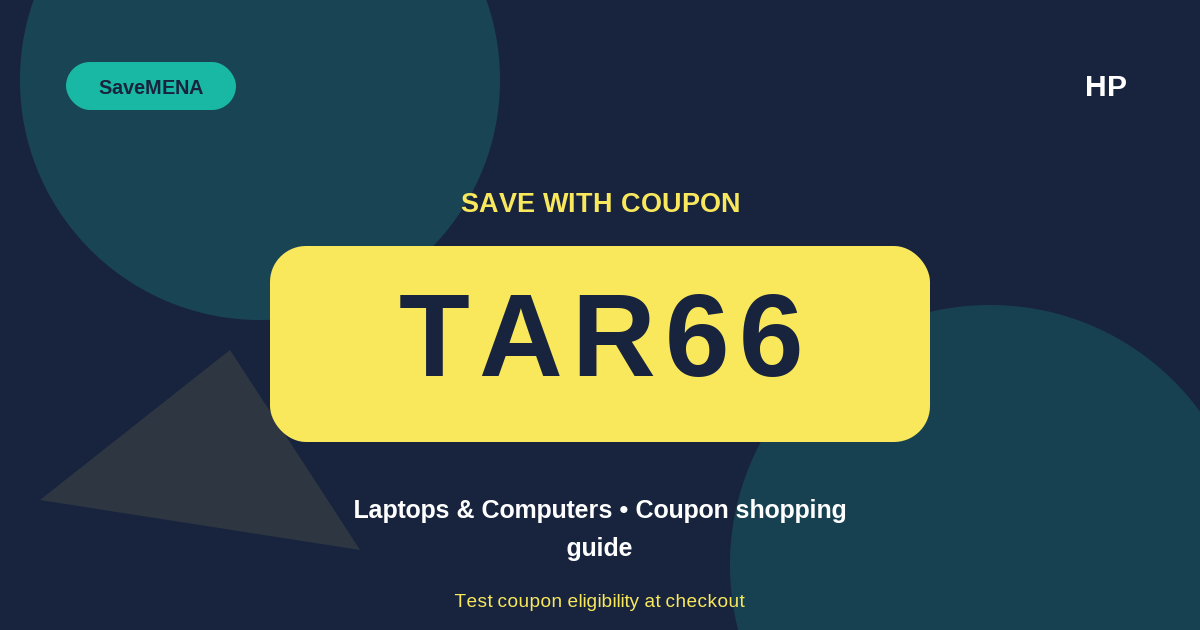
Codes available to try while comparing
These codes are not guaranteed for the article topic or listed brands; test them at checkout and use the live result.
1. Pinpoint the HP Laptop that Fits Your Workflow
Start by mapping out your primary use cases: are you gaming, programming, or simply using office software? Look at key specs that Noon lists—CPU generation, RAM size, and display resolution—because these dictate performance in real‑time tasks. HP’s lineup on Noon tends to include a wide spectrum, so categorize models into budget, mid‑range, and premium tiers to narrow your search, ensuring each laptop matches your day‑to‑day workload without excess or deficiency.
Once a shortlist emerges, check the product detail page for additional data such as storage type, battery life, and included accessories. Noon’s interface often shows the pack’s contents explicitly, so you can confirm whether a keyboard, charger, or protective case is part of the bundle. Verify that the model’s physical dimensions and weight are convenient for mobility, especially if you plan to carry it across the UAE’s bustling cities or use it in different office environments.
2. Verify Seller Credentials and Shipping Promises
HP laptops on Noon may come from multiple sellers, each with distinct reputations. Look for listings that note the seller’s name and rating prominently. High ratings are a necessary, but not sufficient, signal: they require consistent review of recent user feedback, particularly regarding shipping and post‑purchase support. Pay attention to the number of completed sales; a seller with thousands of transactions typically indicates a stable fulfillment process.
Hover over the “Delivery” indicator on the listing to preview estimated shipment times. Noon allows sellers to commit to different checkout windows, ranging from same‑day dispatch to several business days. For urgent or travel‑oriented buyers, prioritise sellers who promise the shortest delivery windows, and keep in mind that actual arrival may still depend on customs or local logistics hubs.
3. Decode Shipping Fees and Delivery Estimates
Before finalising a laptop purchase, review the shipping fee shown in the cart. Some Noon offers free delivery for orders that exceed a certain threshold; understand that this figure is per transaction, not per item. If you’d like to combine orders to reach that threshold, examine whether the seller supports split shipments or if the platform aggregates multiple items automatically.
Next, scrutinise the declared delivery window displayed during checkout. This should reflect the seller’s handling time plus expected transit through local courier services. Keep in mind that Noon often uses third‑party carriers, so the courier’s own delivery statistics for the UAE are relevant—especially when shipping to remote or rural areas where reach may be slower.
4. Employ the TAR66 Coupon Code with Caution
Once your cart totals and shipping fees are confirmed, input the TAR66 coupon code in the designated box. Note that Noon does not guarantee the code’s validity on every product or seller; it could differ per transaction or be restricted by minimum spend or SKU compatibility. The code’s effect only takes hold after you click “Apply” and the cart refreshes, so wait for confirmation that the discount is accepted before proceeding.
Especially for high‑cost items like HP laptops, a coupon may bring a modest reduction. Regardless of the change, double‑check the final payable amount under the “Order Summary” tab to verify the discount, and note any remaining charge for shipping or handling that may not be affected by the code.
5. Confirm Warranty Coverage and Local Service Options
HP laptops sold on Noon normally include the manufacturer’s limited warranty, but you must ascertain its geographic validity. In the UAE, HP’s warranty often covers the entire Middle East, yet it may require activation via a local support portal. Verify the warranty period—usually two years for consumer models—and noting any service‑center links in the product description.
For additional peace of mind, look for optional extended coverage via Noon’s “Extended Warranty” banner or a separate service package offered by the seller. If you prefer a local provider, check whether the seller’s buyer profile lists verified service stations in Dubai, Abu Dhabi, or Sharjah where you can claim assistance without logistical hassles.
6. Pay with the Right Method and Engage Order Tracking
On Noon, numerous payment methods exist—credit cards, debit cards, and local digital wallets. Select the one that offers the quickest settlement for your transaction, as some methods may need two‑factor authentication before the final placement of your order.
After confirming payment, you will receive an order confirmation email that contains a tracking number or link. Keep this record handy; Noon’s tracking portal pulls data from the courier and updates you on dispatch, in‑transit status, and expected delivery. Regularly checking these updates can mitigate any late‑delivery concerns and give you peace of mind during the transit phase.
7. Monitor Fulfilment Updates Through Noon’s Dashboard
Within Noon’s app or website, the “My Orders” section shows the real‑time status of each laptop purchase. Pay particular attention to the “Shipped” and “Out for Delivery” markers: these indicate that your order left the seller’s warehouse and that the courier is en route, respectively. If any status stalls, you can tap the “Contact Seller” button for direct clarification.
When the laptop arrives, ensure the package’s exterior is intact: dents or tampering may signal shipping damage. In such cases, utilize Noon’s reporting tools immediately to claim compensation or exchange, as they rely heavily on the shipping condition note you provide at delivery.
8. Post‑Purchase Review and Support for Long‑Term Satisfaction
After unboxing, test the laptop according to its advertised specs. If the device works per description, consider leaving a review in Noon’s “Product Reviews” section. This helps future shoppers, and it keeps the seller accountable, because they can’t ignore a follow‑up for critical issues.
Should you encounter any glitches, return or repair requests can be initiated through Noon’s “Return Merchandise” process. Be sure to note the return window and packaging requirements, as these ensure a smooth turnaround. Keep all receipts and warranty documents printed or saved digitally until you confirm the laptop’s performance and the completion of any service request.
Related SaveMENA pages
Related articles
Official sources to check
Frequently asked questions
Does the TAR66 coupon apply automatically to all HP laptop listings on Noon?
No, the coupon’s acceptance must be verified during checkout. Noon only confirms the discount if the shopper actively applies the code and the cart refreshes with the new total. Until then, assume no reduction unless the platform shows it.
Can I cancel my HP laptop order after I’ve entered the TAR66 code?
After placing the order, cancellations depend on the seller’s policy and Noon’s cancellation window, typically 24‑48 hours. Initiate cancellation through “My Orders” before the order is confirmed shipped; otherwise, you may need to follow the return process.
Will the shipping fee be deducted if I use the TAR66 coupon?
The coupon generally applies only to the product price. Shipping fees are added separately unless the seller explicitly states a special promotion that includes free delivery when a coupon is applied.
How do I know if the warranty is valid in the UAE?
Warranty details are listed in the product description or you can visit HP’s official UAE website. Often, HP offers region‑wide coverage, but confirm the terms in the attached warranty card upon receipt of the laptop.