Braun Beauty on Noon UAE: market and currency — buyer checklist
Noon UAE deals Beauty Braun market and currency: If you're looking for a practical coupon‑aware guide to buying Braun beauty products on Noon UAE while considering
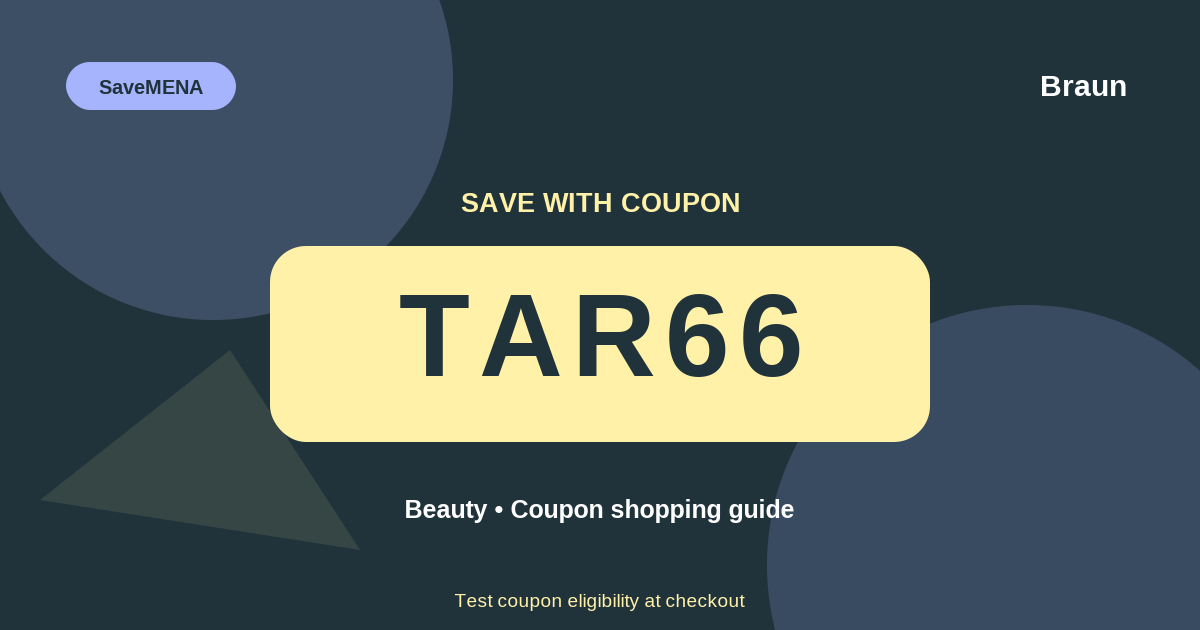
Codes available to try while comparing
These codes are not guaranteed for the article topic or listed brands; test them at checkout and use the live result.
1. Identify the Braun Beauty Products List
Start by scrolling Noon’s beauty section and pulling up Braun items. Pay attention to product titles that plainly state the Braun brand, especially those tagged “Bru aesthetics” or “hair care.” Make sure the variant you select—such as a gel or serum—is listed on Noon and not a third‑party seller. Only proceed if the product description matches the Braun-made formula you normally use, noting any key ingredients or skin benefits. Checking the brand name is a quick way to avoid mislabeled items that could the coupon code your experience.
After gathering the Braun names, create a short spreadsheet (or notes on your phone) that records the model numbers or unique descriptors. This list will allow you to double‑check each item at checkout, ensuring you’re actually adding the Braun products rather than generic or counterfeit options. Keep this list handy when you navigate to the cart, as you’ll need to confirm the SKU and seller details before applying any coupon.
2. Compare Noon UAE Pricing vs Other Markets
Land the same Braun product on a few other UAE e‑commerce sites or international retailers that ship to the UAE. Write down each price in AED, noting any site‑wide discounts that may apply. The price difference tells you whether Noon offers a truly competitive deal. If Noon’s price is higher, you may still benefit from a coupon; if lower, you’re already getting a value boost. This comparison also highlights that currency‑related promotional tools can sometimes be irrelevant when the base price is flat‑rate.
Don’t stumble into ordering from a foreign source that requires additional import duties. Even a lower base price could end up costing more once customs fees and delayed shipping are factored in. By keeping a clear price comparison on paper, you’re better equipped to decide whether Noon’s deal plus a potential TAR66 ticket offers a preferable net total. Remember, this step isn’t about trust but about verifying that the platform’s spotlighted deals truly sweat the fixed cost for you.
3. Check Currency Conversion and Fees
Although Noon lists prices in AED, many UAE shoppers still need to reconcile the cost with their own banking rules. On the payment page, look for the section showing the final AED amount, any currency fee, and the total in your chosen card currency. Some banks apply a small handling fee; others offer zero‑fee conversion. This figure is usually captured after you’ve added items to the cart but before you enter payment details.
To avoid surprises, write down the exchange rate that the platform shows. Back‑track it using a reliable financial news source or a currency converter to confirm the purchase estimate against your bank’s rate. This will give you a rough sense of how much you’ll actually pay, especially when a credit card incurs a cross‑border fee. Make a note of any extra fees anchored to the checkout, so you can adjust your budget accordingly before you commit to spending.
4. Verify Availability and Delivery Times
Once your Braun list is finalized, hunt for each item’s availability status. Noon indicates items as “In Stock” or “Low Stock,” but you must click on each product to view its exact dispatch window. If a product is listed with a delayed delivery of 10–14 days, the coupon may still apply but you’ll need to weigh timing against your usage need. Check the seller icon next to “Supplied by Noon” to confirm a trusted fulfillment path.
Note any differences in shipping fees between standard and express options. In the UAE, Noon offers 5‑day delivery at no additional cost for select goods; but if your Braun product is a special order, expect a larger fee. Recording this information keeps you clear of last‑minute haul surprises, letting you calculate whether the buying timing aligns with your schedule and which delivery tier best fits your plan.
5. Review Cashback and Loyalty Options
UAE shoppers frequently rely on cashback programs or loyalty points to shorten payable amounts. Noon has a built‑in “Savvy” points system that may accumulate when you score the first purchase of the month. Visit the “Rewards” tab in your account to examine if you have any pending points that could offset the final cost. Points typically apply when the total surpasses a threshold, so verify that threshold before proceeding.
Additionally, some banks give credit card cashback on online purchases, especially on AED transactions. Compare the card’s cashback percentage to any potential bonus from Noon’s points. In many cases, combining both gives a more substantial net discount than the TAR66 code alone. Render a quick estimate of each benefit to decide whether you’ll keep the coupon to get an extra little edge or if you’ll rely solely on the cashback to shave the price down.
6. Apply the TAR66 Coupon and Confirm Terms
When you’re ready to step into the cart, enter the coupon code “TAR66” in the space normally labeled “Promo Code” or “Discount Code.” After you click apply, review the screen for a confirmation line that the coupon is accepted. However, this code is simply a try‑out; Noon may still refuse it if the price string doesn’t meet hidden conditions. At checkout, scroll to the “Summary” section to see whether the discount is reflected. If not, the code may be inapplicable or already used.
Even if the code is accepted, don’t assume the coupon immediately reduces the total. Double‑check the new subtotal, and make sure the coupon’s discount is listed next to the original amount. Save your screen or take a screenshot of the final price so that you have proof during potential dispute. The coupon can affect hiding fees, but it doesn’t alter the product price or shipping, so keep these variances in mind post‑discount.
7. Cross‑Check Checkout Total and Pay
On the final checkout screen, it’s normal to recalcate all fees. Confirm that every component—product cost, shipping, cross‑border charges, any applied points or coupons—is shown. Copy each number into a simple calculator, then compare against the total listed. If a mismatch surfaces, this could signal either an pricing error or a hidden fee that needs remediation. Contact Noon’s customer service for clarity before finalizing your card input.
Once satisfied, complete the payment entry. If your card has a daily transaction limit, make sure the total doesn’t exceed it; otherwise, you might be prompted to split the order or add a second card. Also, inspect the receipt that Noon sends to your email for a printed proof. In the UAE, you have the right to a detailed digital receipt that contains the order ID, product SKUs, and final payout. Keep this document for your savings record.
8. Final Tips for Post‑Purchase Support
After confirming the payment, glance over the order summary to verify that the shipping address is correct. Noon’s system may still allow changes if no item has left the warehouse. If a shipping mistake occurs, call their UAE support line within 24 hours. Also, keep the delivery tracking link handy, as Noon updates status in real time and provides an exact time window for pickup.
Should any of the Braun products arrive damaged, or if the description on Noon differed from the physical item, take a photo and report it through Noon’s return portal. Returns typically require proof of damage or mislisting, so the earlier you send an inquiry the better. The return period is usually a few business days after delivery, though you should verify this on the order page. Proactive communication will lead to a smoother claim and a faster refund or replacement under UAE consumer protection.
Related SaveMENA pages
Related articles
Official sources to check
Frequently asked questions
How can I confirm the TAR66 coupon will actually apply to my Braun purchase?
After entering the code on the checkout page, check the order summary for a line showing the discount amount. If that line is absent or the discount isn’t reflected, the coupon likely won’t apply. Reach out to Noon’s support or verify on the product page that the coupon is active for that SKU.
What does Noon do if the delivery fee changes after I use a coupon?
Once a coupon is applied, the discount amount and total price are recalculated. If a delivery fee exists, it should appear clearly in the final summary. If it changes after you confirm the coupon, contact Noon’s help center to clarify any discrepancy before proceeding to payment.
Can I use both the TAR66 coupon and a bank cashback incentive together?
You can generally combine coupons with bank cashback, provided Noon accepts the coupon and your bank supports online AED transactions. However, bank cashback usually applies after the final charged amount, so verify the combined effect during checkout and in your current balance.
Will the purchase price automatically adjust if my bank applies a foreign exchange fee?
Noon displays the price in AED, so any foreign exchange fee is applied by your card provider once the transaction is processed. The price shown before payment does not include that fee. For precise budgeting, check the fee in your bank’s transaction history after the purchase settles.