Lenovo Laptops on Noon UAE: model specifications — buyer checklist · TAR62
Lenovo offers a spectrum from ultra‑portable ThinkPad X1 to powerful gaming Legion 5. To decide which model suits you, map your typical workload: light browsing and
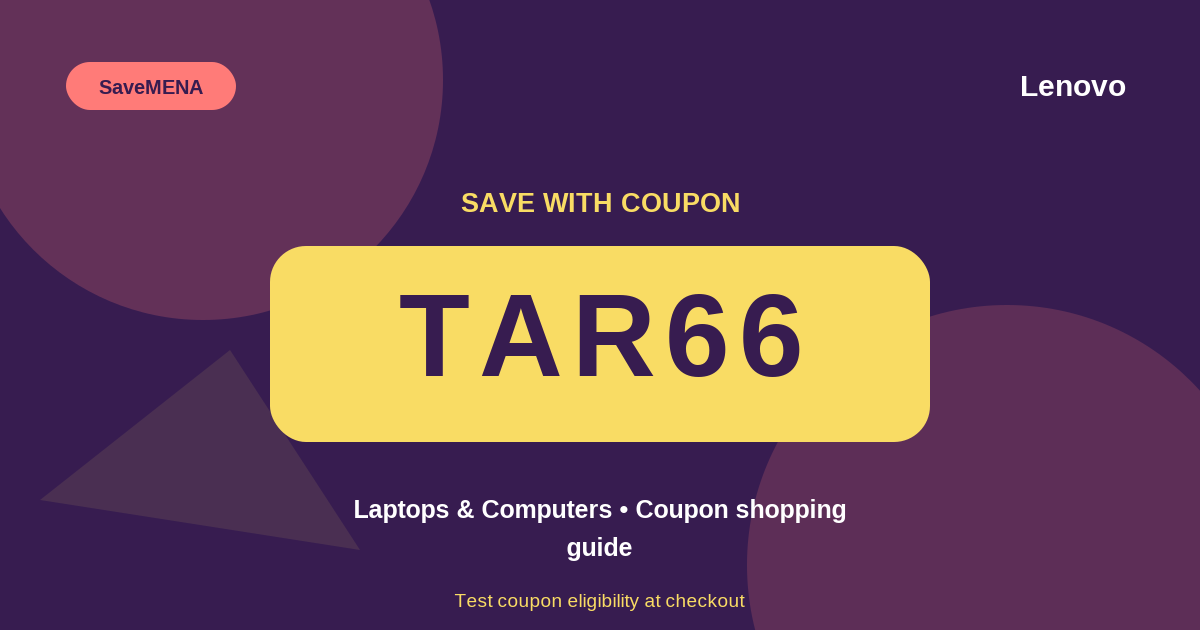
Codes available to try while comparing
These codes are not guaranteed for the article topic or listed brands; test them at checkout and use the live result.
1. Pinpointing the Right Lenovo Model for Your Needs
Lenovo offers a spectrum from ultra‑portable ThinkPad X1 to powerful gaming Legion 5. To decide which model suits you, map your typical workload: light browsing and document editing demand a slim design with modest cores, whereas multimedia editing or 3D rendering call for robust CPUs, ample RAM, and a high‑refresh‑rate NVIDIA GPU. Camping on these usage patterns ensures you don’t over‑spec or under‑spec, saving both money and future upgrade hassle.
After determining your core requirement, check the series page on Lenovo’s official site for a side‑by‑side spec table. Pay particular attention to processor generation (e.g., 12th‑gen Intel Core i5 vs. i7), RAM size and type, storage capacity, and display resolution. These are the decisive factors that determine how “compatible” a laptop is with your tasks—compare them across a handful of models before moving to Noon’s listings.
2. Decoding Processor, Memory and Storage Specs on Noon
When you land a Lenovo listing on Noon, the product description will showcase the CPU, RAM, and storage in clear bullet points. The Ryzen 5 5600H in a Legion 5, for instance, offers high clock speeds for gaming, while a 13th‑gen Core i7 in a ThinkPad X1 Tablet provides efficient multitasking. Verify the exact model number (e.g., ThinkPad X1 Carbon Gen 10) as it maps directly to its hardware capabilities.
Beyond the visible specs, look for optional tricks such as “DDR4 3200MHz” or “NVMe SSD 512GB”. These factors influence real‑world performance and future upgrade pathways. If the listing mentions a 4K display or a matte finish, note those as they affect visual clarity and glares during everyday use. Keep these facts handy when comparing different listings.
3. Spotting Legitimate Noon UAE Deals for Lenovo Laptops
Noon’s search filters let you narrow by brand, price range, and customer rating, but a keen eye is needed to spot genuine deals. Look for “Deal of the Day” badges or time‑limited offers; these are often backed by lighter shipping or easier payment options. Even if the sticker price doesn’t seem extraordinarily low, a lower delivery fee or higher warranty can add value.
Always compare the same model’s price directly across Noon and other UAE retailers like Amazon.ae. When Noon’s price is comparable, the most useful decision factor becomes the specific configuration: a Lenovo Legion 5 with 16GB RAM will outclass a 8GB variant even at a slightly higher price tag. Carefully note the listed specifications in each row.
4. Applying and Testing the TAR62 Coupon at Checkout
The TAR62 code is available for experiment, meaning you can enter it during the checkout flow to see if it grants a discount. Note that coupon efficacy may vary by product or seller; it does not guarantee a reduction on every Lenovo laptop. Enter the code at the “Apply Coupon” field in the payment summary and observe whether the total adjusts.
If the code is accepted, the system will display the adjusted amount before you finalize payment. This is the moment to double‑check the final payable total, including any applicable fees, to confirm the coupon’s benefit. It’s a practical check‑in rather than an automatic guarantee.
5. Payment Options and Delivery Practicalities on Noon UAE
Noon offers several payment methods: credit card, debit card, EMI, and the Noon Wallet, each with its own conditions. Choose the one that best fits your expenditure plan; for example, EMI can spread the cost of a high‑spec Lenovo model over months. Verify whether the selected payment method incurs additional service charges.
The delivery section will list the expected arrival window and whether the item ranks as “Fast Delivery” or requires a scheduled slot for larger models like gaming rigs. Make sure the seller’s delivery policy matches your urgency, otherwise a model that’s technically a great purchase could become inconvenient if it arrives later than expected.
6. Warranty, Service and Lenovo Support in the UAE
Lenovo laptops typically come with a standard one‑year manufacturer warranty in the UAE, covering hardware defects but not accidental damage. Check the specific product page on Noon for any extended hold or additional warranty offerings sold by the seller. Look for tags such as “Lenovo Care” or “Extended Protection” as they can extend the warranty period or add accidental damage coverage.
Service options vary by seller: some Noon listings list “In‑store support” at local Lenovo centers, while others refer to expedited courier repair. Keep receipt of the purchase and the laptop’s serial number handy, as you’ll need them for warranty claims.
7. Contrasting Lenovo with Other Popular Laptop Brands
When evaluating a Lenovo model on Noon, it helps to think comparatively. Dell’s XPS series often rivals Lenovo ThinkPads in build quality, but may differ in processor options or display offerings. Similarly, ASUS ROG laptops generally feature higher refresh rates, which matter for gamers, whereas Lenovo Legion models tend to balance performance and thermal efficiency.
Make a side‑by‑side spec list: note CPU generation, GPU, RAM, storage, display resolution, and weight. Then weigh those technical points against retail price and any available coupon benefits. This systematic comparison keeps the focus on the decision lens of model and specifications rather than brand hype alone.
Related SaveMENA pages
Related articles
Official sources to check
Frequently asked questions
How can I verify the exact specifications of a Lenovo laptop on Noon?
Navigate to the product page and review the spec table that lists processor, RAM, storage, display, and GPU. Cross‑check these values with Lenovo’s official website for that model to ensure they match.
What steps should I take after entering the TAR62 coupon code?
After applying the code in the payment summary, confirm the new total. If the code is accepted, the discount will apply immediately. If it’s not accepted, the total will remain unchanged.
Does Noon provide free delivery for all Lenovo laptops?
Noon offers varying delivery fees depending on the seller, order size, and delivery location. Check the delivery section of the product listing for precise information before checkout.
Will the Lenovo manufacturer warranty cover accidental damage?
Standard one‑year Lenovo warranties cover hardware defects but not accidental damage. Some sellers may offer extended protection plans that include accidental damage coverage, stated in the product description. Check the warranty details on the Goodwill listing before purchase.