Beauty on Noon UAE: payment method — buyer checklist · TAR98
requires 140-180 words. We'll write 160 words. We will keep careful word count. Paragraph 1: 80-100 words?
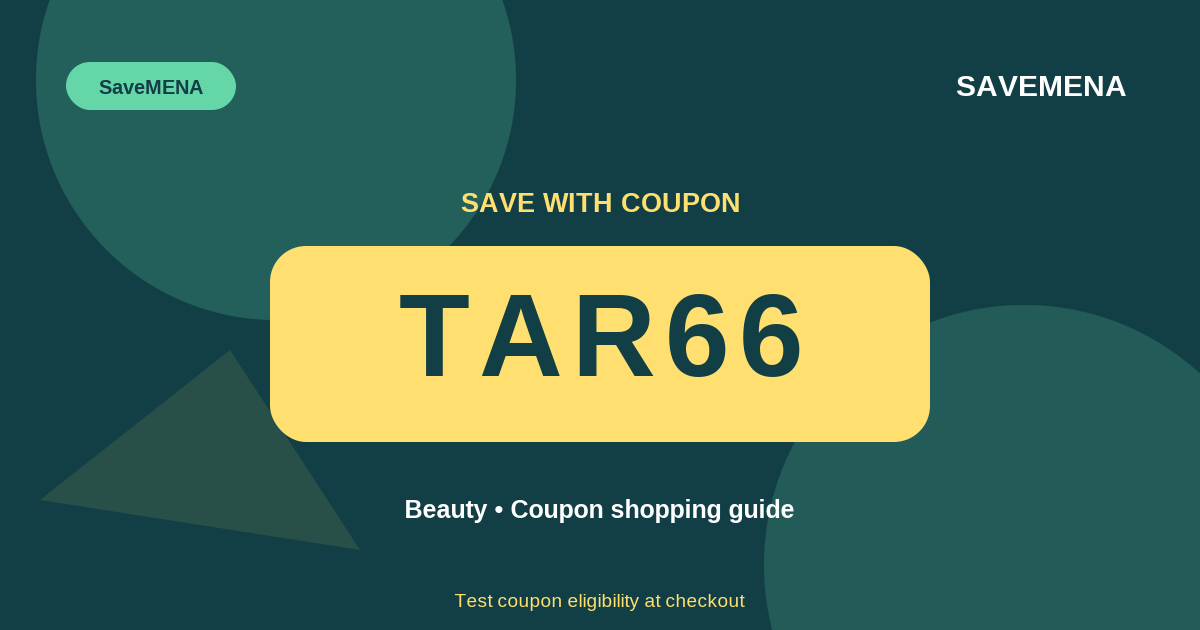
Codes available to try while comparing
These codes are not guaranteed for the article topic or listed brands; test them at checkout and use the live result.
Understanding Noon’s Payment Methods
Noon offers a mix of traditional and modern payment solutions: credit/debit cards, Apple Pay, PayPay, cash‑on‑delivery, and the local “NuPay” card. Each method may influence the final price due to platform fees or promotional incentives. For instance, some items display lower prices when using a NuPay card, while others might be exclusive to card holders. Evaluating these differences early informs which payment method aligns with your budget and payment habits.
Visit the payment section during checkout to view any additional charges. Note that some payment methods may incur a small handling fee, particularly for greater credit limits. Nonetheless, many users prefer card payment for its speed and safety. Always double‑check how each payment method is listed; if a deal is specifically linked to a card, you will see a brief note about “Pay with card for best price” before proceeding.
How to Apply the TAR98 Coupon for Maximum Savings
Once the cart contents are confirmed, navigate to the coupon input field found on the checkout page. Enter the TAR98 code and press “Apply.” The system will validate the coupon against product eligibility and payment method restrictions. If the code is accepted, the discount typically reflects as a deduction from the total, though the exact amount is determined by Noon’s real‑time calculation.
A coupon is not guaranteed; verify its result at the retailer checkout. While the product page may show a discount, this is not guaranteed to persist until purchase. If the coupon is rejected or the final amount increases, recalculate your payment method options or wait for further updates from Noon’s help centre.
Timing Your Checkout for Best Pay‑later Deals
Some comfort emerges when choosing a payment method after confirming the final payable total. If you plan to use a pay‑later option, such as a credit‑card installment plan, be aware that the overall cost could change if the coupon or deal fluctuates after you lock the purchase.A coupon is not guaranteed; verify its result at the retailer checkout.
Upon confirming the checkout subtotal, review the “Payment Options” list. Certain pay‑later plans may be eligible for additional sponsor‑sponsored discounts. If the TAR98 coupon is valid for a layaway plan, you may avoid increased interest or processing fees. Simply select the desired plan, apply the voucher, and confirm the order to lock the price.
Avoiding Hidden Fees When Using Different Payment Options
Text‑mode fees are common when using specific credit cards or pay‑later services. These fees might appear only after the payment method is selected, thus altering the final amount you see in the payment summary. Verify that any listed fees are reflected before you click “Place Order.”
For cash‑on‑delivery carriers, a separate delivery fee can add to the total. Similarly, certain loyalty programs or insurance add-ons might apply automatically to beauty orders. Keep an eye on the “Final Payable” section and confirm that the discount remains after all potential fees are added.
Tracking Your Order and Managing Returns
Once the purchase is confirmed, Noon provides an order tracking ID and a detailed courier interface. The tracker shows real‑time location updates, which can help you verify that the item shipped via your chosen payment method hasn’t experienced delays due to processing.
In case of a return, remember that the refund method mirrors your original payment type, unless the seller cancels the order. Not all coupons are refundable, so keep your code handy if you need to reverse the buy‑now–pay‑later arrangement. Late payments on installments might incur late fees, so ensure you monitor these through the Noon app’s payment history tab.
Loyalty and Reward Points: An Extra Layer of Value
Noon’s loyalty program allows you to accumulate points from purchases, including beauty items. These points can be redeemed or applied as a discount during checkout, which may stack with your TAR98 coupon, depending on the seller’s policy. Check the “Rewards” section during the final payment step to see if your points apply to the current transaction.
However, loyalty point usage can override specific coupon terms. If a loyalty redemption results in a lower final price, the system may automatically reject the TAR98 code. To prevent conflicts, consult Noon’s FAQ or customer service for guidance on combining coupons and points for the same order.
Final Checklist: From Product Selection to Payment Confirmation
Before hitting “Place Order,” run through a quick mental checklist: confirm the product’s listed discount, verify the applicable coupon code, assess the chosen payment method’s fees, ensure the loyalty project eligibility, and check the final payable total. Each step validates that you received the best possible price for your beauty purchase on Noon UAE.
After confirming the order, keep a screenshot of the order confirmation and any coupon confirmation email. This record simplifies any future queries about refunds, warranty claims, or coupon usage. By staying mindful of the payment method’s nuances and how coupons apply at checkout, UAE shoppers can maintain a clear, cost‑effective approach to beauty shopping on Noon.
Related SaveMENA pages
Related articles
Official sources to check
Frequently asked questions
How do I add the TAR98 coupon to my order?
During checkout, find the coupon field and enter TAR98, then press “Apply.” The system will validate the code against eligible items and payment methods. If accepted, you’ll see the discount reflected in the final payable amount.
Will the TAR98 coupon work with cash‑on‑delivery?
Coupon compatibility depends on the seller’s terms. The coupon usually applies only to card payments; verify at checkout or contact Noon customer service for specific conditions.
Can I use TAR98 along with loyalty points?
It’s possible, but loyalty points may override coupon discounts. Check the “Rewards” section during payment to see whether points modify the final price.
What happens if my payment method changes after applying the coupon?
Any change in payment method can affect the coupon’s validity. Re‑apply the TAR98 code after selecting a new payment option to ensure it still applies.