Dell Computer Accessories on Noon UAE: payment method — buyer checklist · TAR98
If you’re searching for a practical coupon‑aware buying guide that centers on how to use your preferred payment method on Noon UAE while purchasing computer
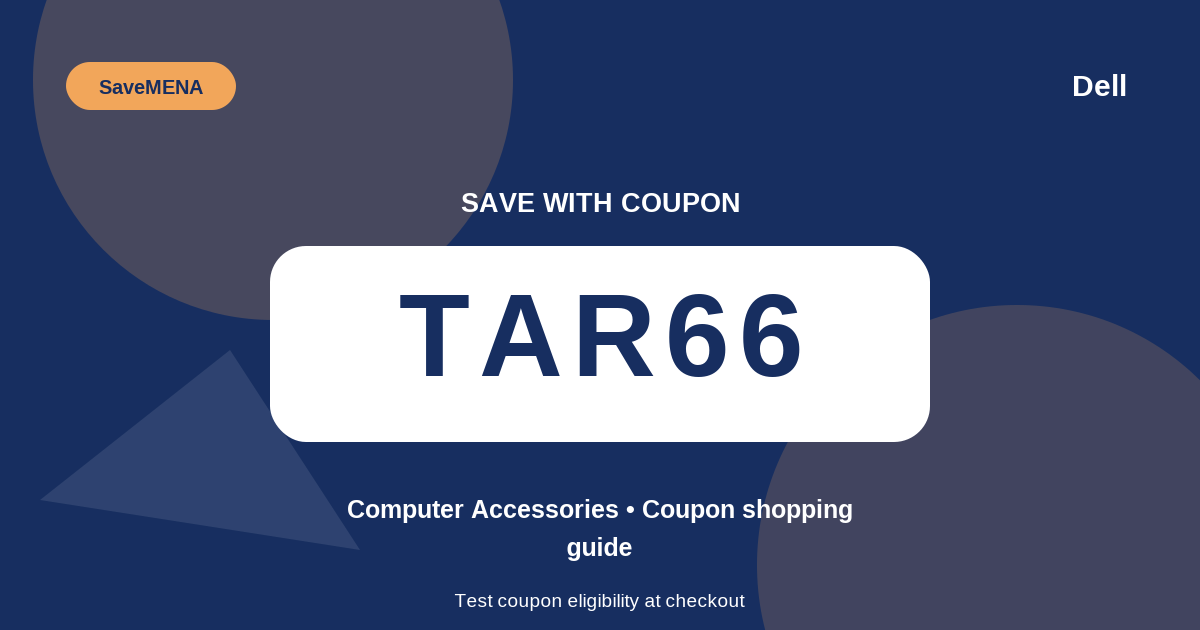
Codes available to try while comparing
These codes are not guaranteed for the article topic or listed brands; test them at checkout and use the live result.
Choosing the Right Payment Method for Noon UAE Deals
If you want to maximize savings while staying true to your preferred payment method, start by reviewing the options Noon UAE offers. PayPal, credit and debit cards, and Noon Wallet all support purchases of computer accessories, but the availability of coupons often ties to specific methods. Make a list of your frequent payment choices and note any perks or fees attached. This will help you decide before adding items to your cart.
Next, consider how payment method impacts the application of the TAR98 coupon. Some sellers may restrict coupon usage to particular card types or to the Noon Wallet. Double‑check this detail on the product page or in the cart, then proceed to checkout where you’ll see a list of accepted methods. Selecting the right one now can avoid last‑minute missteps and lost savings.
Understanding Noon UAE’s Checkout Process for Computer Accessories
Once you’ve added a Dell accessory or other hardware to your cart, click the “Checkout” button. Noon first asks for shipping details and then presents a choice of payment methods. The interface shows any applicable taxes and the total cost, but coupons are applied only after choosing a payment option. Keep the screen open for easy navigation.
You can then select your preferred card or Noon Wallet. Pay attention to the “Apply Coupon” box that appears after you pick a method. If you’re using TAR98, it will accept the name exactly as displayed. If the coupon isn’t listed, type it in manually and press “Apply” to see the updated total. Verify that the discount is reflected before finalizing the order.
Why Dell Accessories Are a Good Choice on Noon
Dell’s line of computer accessories—keyboards, mousesets, docking stations—often features on Noon UAE’s deal shelves. The brand’s reputation for reliability means you’re more likely to receive a product that matches the description. Dell items also usually have clear return policies, making them safe bets for buyers who want hassle‑free repairs or replacements.
When searching for Dell accessories, look for listings that explicitly state “Seller: Noon” or “Authorized Dell Distributor.” This signals official sourcing. The product description will include warranty details and any associated accessories. Matching these with your payment method ensures you’re not just buying at a discount but also gaining any post‑purchase support tied to the brand.
Applying the TAR98 Coupon During Checkout
The TAR98 coupon is a single-use code that you can try on any eligible Dell accessory. To see if it applies, enter it in the “Coupon / Promo code” field, but do so after you’ve selected a payment method. Many sellers confirm eligibility on the checkout page. If the code is recognized, the discount will subtract from the subtotal before taxes and shipping.
If the discount does not appear, double‑check the exact spelling and confirm that the item is categorized under computer accessories. Coupons are case‑sensitive, so use TAR98 in uppercase. Even if the coupon does not work for a particular item, it may still apply to other Dell accessories, so feel free to browse the catalog for additional matching products.
Benefits of Using Credit/Debit vs. Noon Wallet
Choosing a credit or debit card for payment offers instant settlement and typically a straightforward refund process if the seller doesn’t deliver. Cards also allow you to track the transaction through your bank statement, giving you an additional layer of security. Keep your card details secure and check for any foreign transaction fees when purchasing from UAE sites.
On the other hand, the Noon Wallet can provide extra convenience. Adding funds via a bank transfer or popular e‑payment platform embeds your money directly into Noon’s ecosystem, reducing processing time. Some sellers offer small wallet‑only perks, though this doesn’t impact the TAR98 coupon. Compare the benefits and choose based on how often you shop or your trust level with each option.
Avoiding Common Payment Pitfalls on Noon
Don’t assume all payment methods share the same coupon eligibility. A seller may allow TAR98 only on Noon Wallet, for instance. Check the product’s “Payment Terms” or seller notes before adding to your cart. If a coupon appears invalid at checkout, verify that it is still active, and that you are still on Noon’s EU site, not the NA or UK port, which could restrict usage.
Also, verify the currency conversion rules if you are using a non‑AED card. Noon displays the price in AED, and the card’s bank may add a conversion fee. This fee can offset any discount. Use a card with no foreign exchange charges when possible, or consider confirming the total after applying the coupon to ensure you’re getting the expected savings.
Tracking Your Order After Settlement
Immediately after completing payment, Noon sends a confirmation email with an order number. Visit the “My Orders” section on the Noon app or website to view real‑time status updates. The product warranty and support information will also be listed there, giving you quick access if you suspect a problem with a Dell accessory.
If you used the Noon Wallet, any funds not used will automatically return to your wallet balance, visible under “Wallet” in the app. Tracking helps you confirm the settlement of your payment method, detect any discrepancies, and facilitates credit or dispute processes if needed.
Final Tips for a Smooth Shopping Experience
Before finalizing, double‑check that the total reflects both the coupon and the chosen payment method. Pay particular attention to any hidden fees that can appear only after you input payment details. Confirm the shipping address and select a delivery slot that matches your schedule to avoid delays.
Lastly, keep an eye on your bank or Noon Wallet statement for the final amount. If something looks off, contact Noon support with your order number and payment method details. A quick resolution often clears up any confusion and ensures you complete your purchase confidently.
Related SaveMENA pages
Related articles
Official sources to check
Frequently asked questions
Does the TAR98 coupon apply to all Dell accessories on Noon?
The coupon can be tried on any eligible Dell accessory. However, eligibility is confirmed only on the checkout page. If it does not apply, the item may not be in the coupon’s scope or it may be restricted to specific payment methods.
Can I use the TAR98 coupon with my Noon Wallet?
Yes, you can try the coupon after selecting the Noon Wallet as your payment method.A coupon is not guaranteed; verify its result at the retailer checkout.
Will my credit card incur extra fees when buying from Noon?
Some banks add foreign transaction fees when purchasing in AED with a non‑AED card. Check with your bank before buying to understand any potential charges beyond the listed price.
How do I know the payment was successful if I don't see a confirmation email?
Check the “My Orders” section on Noon’s site or app. If the order status shows “Processing” or “Shipped,” your payment was accepted. Contact Noon support if the status remains “Pending” after 24 hours.