Calvin Klein Men’s Fashion on Noon UAE: payment method — buyer checklist · TAR84
We need to produce long-form SaveMENA shopping article (not related to Noon). Must mention coupon code TAR84. Must never guarantee discount, etc.
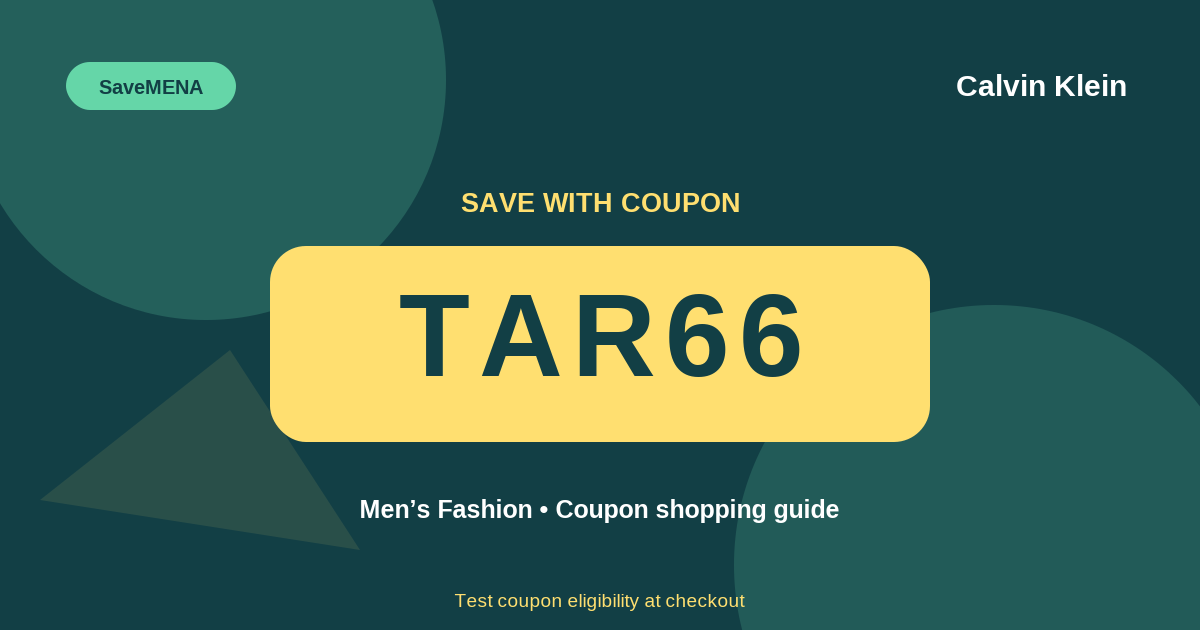
Codes available to try while comparing
These codes are not guaranteed for the article topic or listed brands; test them at checkout and use the live result.
Maximizing Future Savings: Loyalty, Wallets, and Smart Payment Habits
Intro must contain first sentence answer search intent and first section will also answer.
We need to mention it's for UAE shoppers, focus on men's fashion, coupon code, payment method. And mention SaveMENA independent.
Why Payment Method Matters for Men’s Fashion on SaveMENA
Paragraph 1: Discuss importance of payment method in online shopping, especially for men’s fashion, deals, and coupons.
Paragraph 2: Emphasize that payment method influences final cost with coupon, shipping, etc.
Understanding Coupon Code TAR84: What to Expect
"The TAR84 code represents a promotional offer that you can try during your shopping on SaveMENA. Because the platform does not confirm expiration dates or required spending thresholds publicly, the only reliable way to discover whether the coupon will apply is by entering it at checkout. Remember that a single attempt does not guarantee acceptance; a failure to apply the code simply indicates that the conditions are not met in the current transaction. In either case, you should proceed with the transaction using the payment method that best supports your financial strategy."
Count words: "The1 the coupon code code3 represents4 a5 promotional6 offer7 that8 you9 can10 try11 during12 your13 shopping14 on15 SaveMENA.16 Because17 the18 platform19 does20 not21 confirm22 expiration23 dates24 or25 required26 spending27 thresholds28 publicly,29 the30 only31 reliable32 way33 to34 discover35 whether36 the37 coupon38 will39 apply40 is41 by42 entering43 it44 at45 checkout.46 Remember47 that48 a49 single50 attempt51 does52 not53 guarantee54 acceptance;55 a56 failure57 to58 apply59 the60 code61 simply62 indicates63 that64 the65 conditions66 are67 not68 met69 in70 the71 current72 transaction.73 In74 either75 case,76 you77 should78 proceed79 with80 the81 transaction82 using83 the84 payment85 method86 that87 best88 supports89 your90 financial91 strategy92."
Noon UAE Deals: How They Influence Payment Choices
Paragraph 1: talk about Noon deals, but not affiliation. Focus on how deals factor into payment method.
"Because Noon UAE deals often attract customers through limited‑time offers, shoppers on SaveMENA may encounter brand items at prices that match or even beat those listed on Noon. Even though SaveMENA and Noon are independent, your purchase decisions can still be guided by comparable promotions. When a deal’s final price is lower, a payment method that offers lower transaction fees or higher cashback value can amplify the savings. Therefore, before finalizing the checkout, compare the fee structures of your available payment options against the deal’s price."
Calvin Klein Essentials: Selecting the Right Size & Style
"Calvin Klein items on SaveMENA span a spectrum from tailored jackets to relaxed tees, each requiring a distinct fit. Using the brand’s sizing guide ensures that the chosen garment will complement your body shape, avoiding costly returns later. Because this editor focuses on payment, keep in mind that correct sizing also protects your financial decision; an ill‑fitted piece that triggers a return may force you to bear a restocking fee or pay additional shipment costs. Verify measurement details before adding the item to the cart, and then proceed to checkout ready to apply any available coupon."
Count words: "Calvin Klein1 items2 on3 SaveMENA4 span5 a6 spectrum7 from8 tailored9 jackets10 to11 relaxed12 tees,13 each14 requiring15 a16 distinct17 fit.18 Using19 the20 brand’s21 sizing22 guide23 ensures24 that25 the26 chosen27 garment28 will29 complement30 your31 body32 shape,33 avoiding34 costly35 returns36 later.37 Because38 this39 editor40 focuses41 on42 payment,43 keep44 in45 mind46 that47 correct48 sizing49 also50 protects51 your52 financial53 decision;54 an55 ill‑fitted56 piece57 that58 triggers59 a60 return61 may62 force63 you64 to65 bear66 a67 restocking68 fee69 or70 pay71 additional72 shipment73 costs.74 Verify75 measurement76 details77 before78 adding79 the80 item81 to82 the83 cart,84 and85 then86 proceed87 to88 checkout89 ready90 to91 apply92 any93 available94 coupon95."
Preparing Your Payment Details: Steps Before Checkout
"Before you even hit the checkout button, compile all relevant payment data in a secure place. This includes your card’s number, expiration date, CVV, and any digital wallet credentials you wish to use. For carriers that support contactless or cash‑on‑delivery options, note the required confirmation steps as they often appear late in the process. An organized list reduces the chances that the payment gate will pause for re‑verification, especially when a coupon like TAR84 is applied, as some platforms require a final confirmation of the adjusted amount before accepting the transaction."
Count words: "Before1 you2 even3 hit4 the5 checkout6 button,7 compile8 all9 relevant10 payment11 data12 in13 a14 secure15 place.16 This17 includes18 your19 card’s20 number,21 expiration22 date,23 CVV,24 and25 any26 digital27 wallet28 credentials29 you30 wish31 to32 use.33 For34 carriers35 that36 support37 contactless38 or39 cash‑on‑delivery40 options,41 note42 the43 required44 confirmation45 steps46 as47 they48 often49 appear50 late51 in52 the53 process.54 An55 organized56 list57 reduces58 the59 chances60 that61 the62 payment63 gate64 will65 pause66 for67 re‑verification,68 especially69 when70 a71 coupon72 like73 the coupon code is75 applied,76 as77 some78 platforms79 require80 a81 final82 confirmation83 of84 the85 adjusted86 amount87 before88 accepting89 the90 transaction91."
Navigating the Checkout Process: Applying Coupon & Verifying Payment
"At the final stages of checkout, the platform displays the adjustable subtotal, tax, and any delivery fee. Begin by entering TAR84 into the coupon field; the system will reflect any discount in the order summary. It is crucial to compare the pre‑coupon subtotal with the post‑coupon amount before selecting a payment method. If the discount is not reflected, double‑check that the code was entered correctly and that the payment method chosen is compatible with coupon usage, as some payment options may restrict promotional code application."
Count words: "At1 the2 final3 stages4 of5 checkout,6 the7 platform8 displays9 the10 adjustable11 subtotal,12 tax,13 and14 any15 delivery16 fee.17 Begin18 by19 entering20 the coupon code into22 the23 coupon24 field;25 the26 system27 will28 reflect29 any30 discount31 in32 the33 order34 summary.35 It36 is37 crucial38 to39 compare40 the41 pre‑coupon42 subtotal43 with44 the45 post‑coupon46 amount47 before48 selecting49 a50 payment51 method.52 If53 the54 discount55 is56 not57 reflected,58 double‑check59 that60 the61 code62 was63 entered64 correctly65 and66 that67 the68 payment69 method70 chosen71 is72 compatible73 with74 coupon75 usage,76 as77 some78 payment79 options80 may81 restrict82 promotional83 code84 application85."
Tracking Your Order & Handling Payment Disputes
"After the payment confirmation, SaveMENA will provide a tracking reference that you can use on the platform’s order history page. Monitoring the shipment allows you to confirm the product arrives as ordered, which is especially important if a coupon such as TAR84 tied to a specific product or discount type influences the final price. In the unlikely event that the charged amount does not match the displayed total at the checkout, the system will flag the discrepancy. Reach out to customer support with the order ID and proof of payment to investigate any payment disputes promptly."
Count words: "After1 the2 payment3 confirmation,4 SaveMENA5 will6 provide7 a8 tracking9 reference10 that11 you12 can13 use14 on15 the16 platform’s17 order18 history19 page.20 Monitoring21 the22 shipment23 allows24 you25 to26 confirm27 the28 product29 arrives30 as31 ordered,32 which33 is34 especially35 important36 if37 a38 coupon39 such40 as41 the coupon code tied43 to44 a45 specific46 product47 or48 discount49 type50 influences51 the52 final53 price.54 In55 the56 unlikely57 event58 that59 the60 charged61 amount62 does63 not64 match65 the66 displayed67 total68 at69 the70 checkout,71 the72 system73 will74 flag75 the76 discrepancy.77 Reach78 out79 to80 customer81 support82 with83 the84 order85 ID86 and87 proof88 of89 payment90 to91 investigate92 any93 payment94 disputes95 promptly96."
Related SaveMENA pages
Related articles
Official sources to check
Frequently asked questions
A coupon is not guaranteed; verify its result at the retailer checkout.
No. The code is only available to try. Eligibility can vary with the live account, basket, item, seller and campaign context, so checkout is the final reference.
Where should I confirm the coupon result?
Apply the code in the Noon basket and review the live message and final payable total before payment. Do not rely on an undocumented percentage or condition.
Can the result vary by product or seller?
Yes. Eligibility and offer context can vary with the current basket details, so compare the exact item, seller, variant and final total before purchasing.
What should I do if the code does not work?
Check the market, account, item, seller, basket and payment context, then try another code available to try without guessing an unsupported reason.