Anker Mobile Accessories on Noon UAE: payment method — buyer checklist · TAR84
When shopping for mobile accessories on Noon UAE, start by reviewing the accepted payment methods on the site.
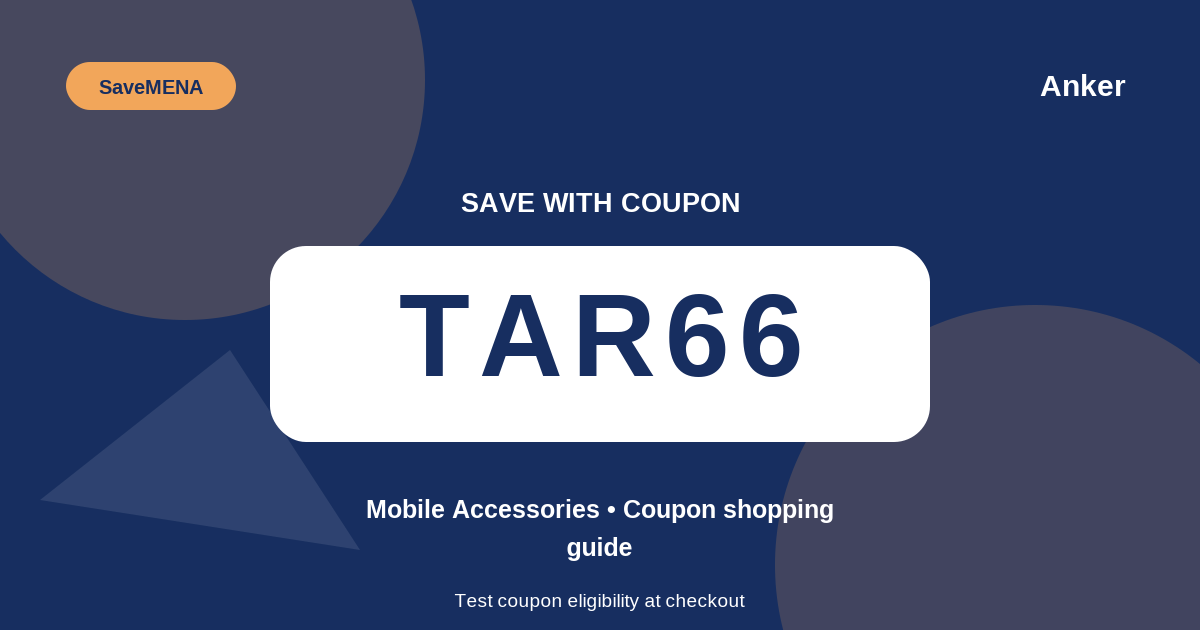
Codes available to try while comparing
These codes are not guaranteed for the article topic or listed brands; test them at checkout and use the live result.
1. Choosing the Right Payment Method for Mobile Accessories
When shopping for mobile accessories on Noon UAE, start by reviewing the accepted payment methods on the site. • Credit cards from Emirates NBD, First Abu Dhabi Bank, and several international cards are always supported. • e‑wallets such as PayByLink and Apple Pay can speed up checkout, especially if you prefer instant transfers. Selecting a method that offers a cashback feature or a bonus reward can turn a routine purchase into a slight savings opportunity.
Do not overlook the safety layer your payment choice gives. Some cards provide fraud protection or purchase insurance, which can be crucial for high‑value accessories like Anker power banks or high‑end cases. When you add multiple items, verify that the chosen method allows splitting or combining payments if needed, to keep track of each expense clearly. At every step, keep your personal data secure and consult the site’s privacy policy for extra reassurance.
2. Why Anker Mobile Accessories Stand Out in UAE
Anker is renowned for rugged, high‑capacity power banks and reliable wireless chargers that fit well with Arabic‑speaking market trends. Their products typically feature high output (up to 100W) and fast charging standards like USB‑C Power Delivery, which means you can leave your phone on the go with minimal downtime.
When evaluating Anker accessories, look for certifications such as CE and FCC, which are standard for UAE consumers. Pay attention to the battery capacity, number of ports, and build material; Anker tends to use durable aluminum housings that resist everyday wear and tear. All these attributes combine to make Anker a trusted brand in the mobile accessories line, particularly for users who demand performance and reliability.
3. Noon UAE Deals and How They Interfere With Your Pay Options
Noon regularly offers site‑wide discounts or 2‑for‑1 deals on mobile accessories. These promotions are usually tied to the platform’s own credit line or specific payment merchants. When you read the coupon tag, note that it often displays a higher discount percentage for in‑store or same‑day delivery if you select a partnered payment method.
Understanding the interaction between Noon deals and your payment method is vital. Some offers require you to pay via the Noon Credit Card to qualify, while others allow any card but provide an additional discount when you use a digital wallet. In either case, ensure your card or wallet is pre‑loaded and has sufficient balance before you proceed.
4. Using TAR84 – The Scarab‑Approved Coupon Code
The coupon code TAR84 can be entered during the checkout stage for an additional discount on the total price. Keep in mind that the coupon is a “trial” piece of software that is validated only at the checkout, and its terms are not visible in the listing. To see if the coupon is valid, make sure you still have a spot in Goldman South store.
At the final purchase screen, double‑check the field labeled “Code” and type TAR84 exactly as shown, after your payment method is selected and chosen. This process requires that you have entered your shipping details, so you should not attempt to apply the code before they are finalized. Once you hit “Confirm and Pay,” the discount will reflect in the showing total.
5. Paid Surplus: Handling Extra Charges on Checkout
UAE shoppers should be aware that some transaction types, like credit card purchases, may trigger a small surcharge depending on the merchant agreement. These fees are rarely advertised upfront, so keep an eye on your final order summary to confirm that they are zero or minimal in your case when you use Noon’s preferred payment gateway.
For e‑wallets, you might encounter a convenience fee if you top up using a credit card rather than a direct bank transfer. Conversely, card upgrades that include rewards bank statements often waive this fee altogether. Compare the costs before you finalize the purchase. Even a few dirhams can affect your budget if you are buying multiple Anker accessories.
6. Benefits of Splitting Payments Over a Single Card
Large purchases of mobile accessories—especially when buying a bundle like a charger, protective case, and cable—can push your card limit. Splitting the total across a credit card and an e‑wallet keeps each transaction under the threshold, giving you a lower risk of transfer failure.
When you do split, you usually enter the amount you want to send via the first method and then fulfill the balance with a second. Make sure the payment gateway on Noon allows partial payments; if not, you’ll have to use a single method with a sufficient limit. Keep an eye on your bank’s daily withdrawal limit to avoid a block at the point of sale.
7. How to Use the Anker Payment Method Feature on Noon UAE
Noon offers a dedicated “Anker Payment” partner that lets you use points from the Anker Loyalty Program for a smaller amount of the bill. This is effective only if you have an active Anker loyalty account; you’ll need to link it before you reach the checkout page.
Once linked, the loyalty balance appears as a payment method option. You can see how many points or vouchers you have left, and adjust the value that the loyalty program will pay towards the final bill. This is especially helpful when you use noon’s Card Plus or a prepaid wallet to complete the remaining balance.
8. Final Checklist For A Seamless Mobile Accessory Checkout
Before hitting “Confirm,” verify that your shipping address is accurate, your payment method is active, and your coupon code was entered correctly. Confirm that the site has not added additional fees to the final price. The discount should be clearly reflected in the order total, not just in the product subtotal.
Once you make the purchase, wait for the confirmation email. Store it as a reference in case you need to contact customer support, track delivery, or return an item. By following this structured approach, you ensure that your Noon UAE mobile accessory shopping experience is as smooth and cost‑effective as possible.
Related SaveMENA pages
Related articles
Official sources to check
Frequently asked questions
Does the TAR84 coupon work with all payment methods?
It works on any payment method, but the discount only applies after you choose and confirm your pay type on the checkout page. Verify at the payment step to ensure the code applies.
Can I combine the TAR84 coupon with Noon’s credit card offers?
Yes, you can combine them, however the coupon needs to be entered once the payment method and shipping are set. Check your final total on the summary page.
Will there be a delivery fee for mobile accessories from Noon UAE?
Delivery fees vary by seller and shipping speed, and’ll appear in the checkout summary. Some sellers offer free next‑day delivery if you meet certain conditions.
Is there a safe way to pay for Anker accessories with a new card?
Pre‑authorize the card before purchase, check your credit limit, and use Noon’s secure payment gateway. If you’re unsure, use a trusted card or e‑wallet that has at least the discount shown at checkout more than the item’s price in unused credit.