Apple Mobiles on Noon UAE: payment method — buyer checklist · TAR98
If you’re hunting for a practical coupon‑aware buying guide for mobiles on Noon in the UAE, you’ll find the information you need right here.
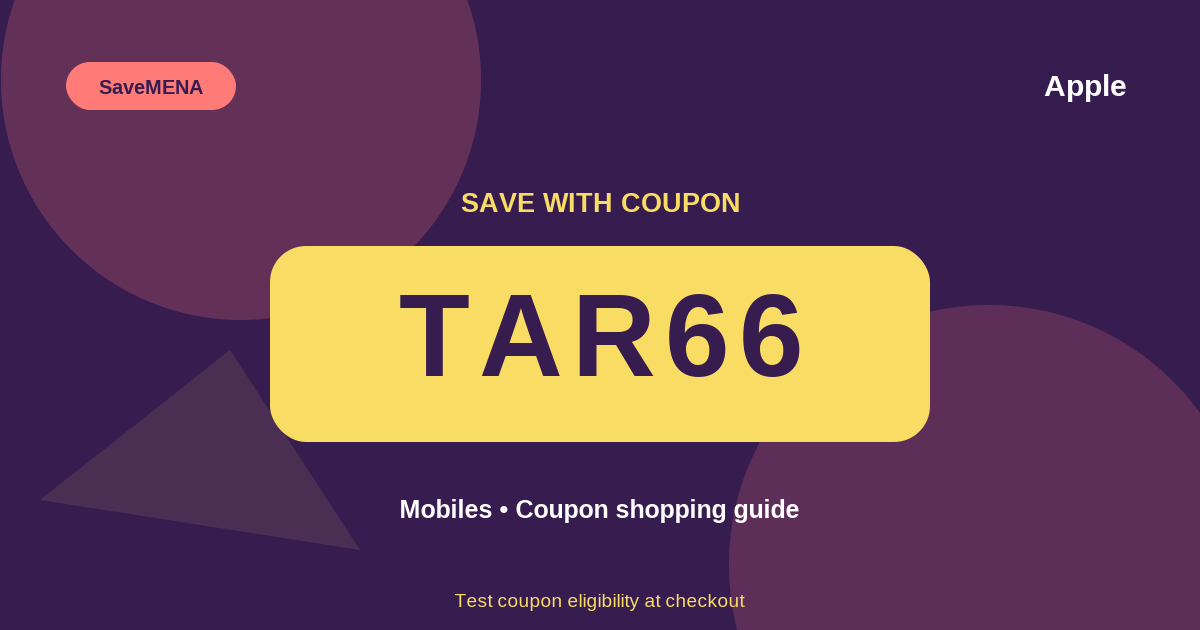
Codes available to try while comparing
These codes are not guaranteed for the article topic or listed brands; test them at checkout and use the live result.
Choosing the Right Mobile for Your Needs
Start by narrowing down the phone features that matter most to you. Does your workflow require a powerful processor, or is screen size the priority? Consider whether you’ll be gaming, watching media, or primarily calling and texting. Most UAE residents value a balance between performance and battery life, so look for devices that offer long‑last batteries and reputable build quality that can withstand daily wear.
Price tiers also influence your choice. If you’re compared models within the same brand, look for storage variants that match your content libraries. On Noon, you can filter by price to match your budget while still viewing detailed specifications. The comparison view helps ensure you pick a phone that covers both your functional needs and your financial expectations before you even move to the checkout.
Navigating Noon’s Mobile Catalog
When you open Noon’s mobile section, the interface shows you a mixture of flagship, mid‑range, and budget phones. The search bar supports model names and brand identifiers like “Apple” or “Samsung,” which makes it quick to locate specific devices. Under each listing, you’ll find a summary of specs, seller ratings, and whether the product is eligible for Apple Pay.
Another helpful feature on Noon is the filter by brand, storage, or release date. Using these filters lets you keep the selection manageable—especially when you only need to explore phones that are in stock now. Make a mental note of the models that fit your requirements, then proceed to the next step to confirm availability and shipping.
Checking Availability and Shipping Details
Before applying any coupon, confirm that the selected mobile is available for your location in the UAE. Each product page lists the delivery status, typically marked as “In Stock” or “Available for Delivery.” If the item is out of stock, explore alternative sellers on Noon or consider recently released models that are currently in supply.
Shipping times and addresses are displayed on the checkout screen. Noon usually offers free delivery for many mobile phones, but verify that there are no hidden fees or minimum spend requirements that could affect the final bill. If shipping options vary, review the choices to see which aligns best with your timing needs.
Applying the TAR98 Coupon Code
When you reach the checkout, there is a field to enter discount codes. Typing TAR98 into this field will trigger the coupon’s calculation. The coupon is listed as available to try, so the system may or may not apply a subtraction to your total. If it does apply, the discount will appear next to the subtotal before taxes and shipping.
Because the coupon’s applicability is not guaranteed, you should prepare to double‑check your final amount after the code entry. If the coupon does not apply, Noon will simply keep the regular price in the breakdown. In either case, reviewing the checkout summary ensures you know exactly how much you will pay.
Paying with Apple Pay on Noon
Once the discount status is confirmed, you can choose Apple Pay as your payment method. The checkout interface lists Apple Pay among the available cards and payment options. Simply tapping the Apple Pay button will open the familiar Wallet interface on your iPhone or Apple Watch, allowing a quick, contactless transaction.
Apple Pay is known for its security features, including tokenization and biometric authentication. Using it means your credit card information is not directly transmitted to Noon’s servers. Always verify that the transaction amount shown in the Apple Pay prompt matches the final amount displayed on Noon’s checkout screen.
Tracking Your Order and Managing Returns
After payment, Noon assigns an order number that can be tracked in the “My Orders” section of your account. The order status page will display progress stages from “Processing” to “Shipped” to “Delivered.” This helps you stay updated about when your mobile will arrive without contacting customer support.
In case you need to return or exchange the device, Noon lists return policies directly on the order details page. The return window is typically a set number of days, but confirm the exact period during checkout. If you meet the return criteria, following the on‑screen instructions will initiate the process smoothly.
Protecting Your Investment: Warranty and Insurance
Most new mobiles come with a manufacturer warranty, which usually covers hardware defects for a year. Noon often highlights this warranty on the product page, and you can verify its length at checkout. If you want added protection, check for optional insurance or extended warranty offers that may be available through Noon or third‑party providers.
When you add insurance, there will typically be a small additional fee displayed before the final payment step. Make sure that the terms and coverage limits suit your usage level—especially if you travel frequently or use the phone heavily. Logging the warranty or insurance details in a secure spot helps if you need to reference them later.
Final Tips for a Smooth Purchase
Before you finalize your order, re‑check every line in the checkout summary. Confirm that the mobile model, quantity, shipping address, and final amount—including any applied coupon—are correct. If anything is off, you can edit the cart or contact Noon’s support quickly during the same session.
Storing a copy of the order confirmation and your transaction receipt is a good practice. These documents confirm your purchase details and can be useful if you need to file a warranty claim or discuss a return. With these final checks complete, you’ve set yourself up for a hassle‑free mobile acquisition on Noon.
Related SaveMENA pages
Related articles
Official sources to check
Frequently asked questions
How does the TAR98 coupon work?
The TAR98 coupon is applied during the checkout process by entering it in the discount field. If accepted, the coupon will adjust the subtotal. Since it’s labeled as available to try, the discount may not be guaranteed, so always verify the final price after applying the code.
Is Apple Pay available for all mobile purchases on Noon?
Apple Pay is offered for many items on Noon, but availability depends on the specific product and seller. Check the payment options on the checkout page; if Apple Pay is listed, you can choose it for a secure transaction.
What happens if the coupon doesn’t apply?
If TAR98 does not apply, Noon will keep the regular price reflected in your checkout summary. You can still proceed with payment, and you may try a different coupon if available; otherwise, the transaction finishes at the listed price.
Can I use other payment methods with the coupon?
You may choose any other accepted payment method after applying TAR98. The coupon applies to the overall order amount, regardless of the payment method selected, so your chosen card or digital wallet will be charged the final total.