Nike Sports on Noon UAE: payment method — buyer checklist · TAR98
Begin your search by accessing the sports category on Noon’s website or app. Once in the sports section, filter by brand, price range, and user ratings to pinpoint
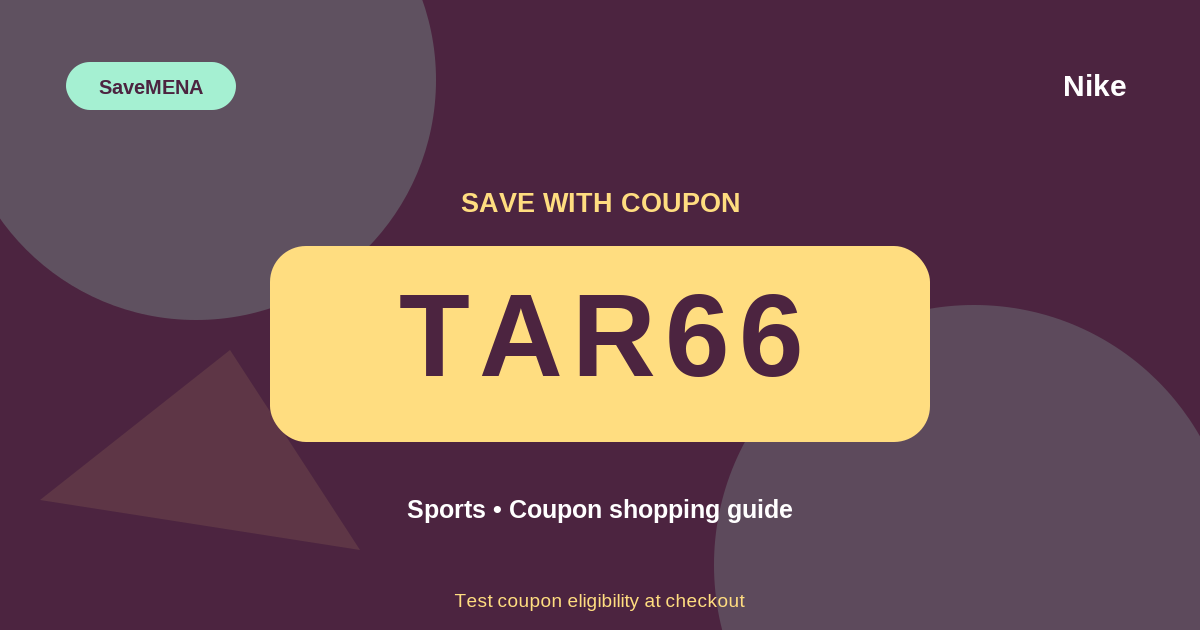
Codes available to try while comparing
These codes are not guaranteed for the article topic or listed brands; test them at checkout and use the live result.
1. Navigating Noon’s Sports Section for UAE Deals
Begin your search by accessing the sports category on Noon’s website or app. Once in the sports section, filter by brand, price range, and user ratings to pinpoint the items most likely to offer deals. This browsing method ensures you sift through thousands of listings quickly and spot the products that match your preferences. Keep in mind that deals may appear as limited‑time offers, so refreshing the page can bring new options into view.
As you scroll, take note of the “Deal” tag that Noon sometimes displays. These tags may indicate special pricing or bundled offers. When you find a product you’re interested in, view its product details page for full specifications, shipping options, and any available promotions. Checking details like size availability and color options early on can save you time later during checkout.
2. Spotting Nike Sports Gear with Potential Savings
After narrowing down sports items, locate Nike products by using the brand filter. Noon regularly updates its inventory with new releases and seasonal items from Nike. While browsing, read product titles carefully for keywords like “Seasonal”, “Limited Edition”, or “Discount” that might hint at price breaks. This step saves time rather than hunting for coupons that might not apply.
For each Nike item, examine user reviews and Q&A sections. These often reveal whether similar items have been part of past deals. If you want to maximize savings, look for larger bundles—such as a football set or running gear collection—because Noon sometimes marks them as “Deal” or places them in clearance tags. The clearer your selection process, the quicker you’ll see the best savings.
3. Leveraging the TAR98 Coupon for Extra Value
The TAR98 coupon is an available discount that you can attempt to use during checkout. To activate it, simply enter “TAR98” into the coupon field before finalizing your order. While it can provide a direct deduction, the system will confirm at checkout whether it applies to the chosen product or category.
A coupon is not guaranteed; verify its result at the retailer checkout. The system may display an “Applied” badge next to the coupon field if the discount is valid. If the coupon isn’t automatically applied, proceed with the standard “Continue to Pay” flow to see whether any manual confirmation or additional conditions appear. Trust the system’s validation to guide whether your coupon benefits the current purchase.
4. Understanding Payment Method Options on Noon UAE
Noon offers several payment methods: credit and debit cards, digital wallets, and cash on delivery. Selecting the appropriate payment method is essential, as some coupons or deals may only be valid when paired with particular payment options.
Reflect on your personal preference before finalizing. Credit cards may provide purchasing power and speed, while cash on delivery can offer tangible assurance if the coupon behavior remains uncertain. Card transactions often allow immediate subscription to loyalty programs, which may yield future savings.
5. Matching Payment Method to Coupon Validity
Once the TAR98 coupon is applied, confirm that your chosen payment method is still compatible. Some promotions automatically exclude certain payment types, or require you to use a card linked to a local bank. During the payment step, the redemption rules may surface under a warning or offer for alternative options.
If the coupon is tied to a specific payment gateway, the system might prompt you to change your method. Confirm the choice before proceeding, because once you confirm the payment, any changes to the method or the coupon may no longer be possible.
6. Final Checkout Review: Fees, Taxes, & Total Price
At the final checkout screen, stare at the subtotal line and the automatically added taxes or fees. Noon lists any delivery charges based on your delivery location in the UAE and shipping time. The system will incorporate coupon reduction and carrier costs to calculate the final payable amount.
Before clicking “Place Order”, double‑check that the coupon has adjusted the right amount near the subtotal or that the discount field shows a reduction.A coupon is not guaranteed; verify its result at the retailer checkout.
7. Timing Tips: When to Buy for Best Deals
Noon often runs sales during UAE holidays and festival periods. Checking the ‘Sales’ tab or subscribing to the Noon newsletter can reveal upcoming discounts. However, the timing also affects product availability—high‑demand Nike items can sell out quickly.
In addition, keep an eye on product bundle deals that may appear during season transitions, such as the switch from summer to winter sports gear. Timing your purchase near the end of a sale window can sometimes unlock an additional bonus that the coupon may not cover.
8. Tracking Delivery and Managing Post‑Purchase Needs
After checkout, Noon provides a tracking link that updates the delivery status in real time. Use this tool to stay informed about the whereabouts of your order. If any shipping delay occurs, the tracking framework offers an email or app notification.
Once you receive the item, examine if the coupon saved your purchase or if you need to tap into clears. If you encounter any complaints about the product or the coupon’s effect, contact Noon’s customer support through chat or call, referencing the order number and the coupon code used. This ensures resolution within the UAE consumer protection guidelines.
Related SaveMENA pages
Related articles
Official sources to check
Frequently asked questions
A coupon is not guaranteed; verify its result at the retailer checkout.
The coupon field will confirm whether the discount is valid for the selected items. If the system shows “Applied,” the discount is active. If not, check the product category or contact Noon for eligibility specifics.
Can I change my payment method after applying the TAR98 coupon?
Materials remain consistent once you proceed to payment. If the coupon requires a specific payment method, Noon will display guidance at the payment step. Any change after confirmation may require re‑application of the coupon.
Will Noon automatically add taxes after I use the TAR98 coupon?
Yes, taxes and any additional fees are added on top of the discounted subtotal. The final price will reflect the coupon reduction plus applicable taxes.
Is there a limit to how many items I can purchase with the TAR98 coupon?
Noon will indicate any constraints or remaining balance after applying the coupon during checkout. If the coupon has a value that covers partial orders, the system will adjust accordingly.