LG TVs on Noon UAE: payment method — buyer checklist · TAR84
Looking for a practical coupon‑aware buying guide to score Noon UAE deals on LG TVs? This guide walks you through each step of the purchase process, from
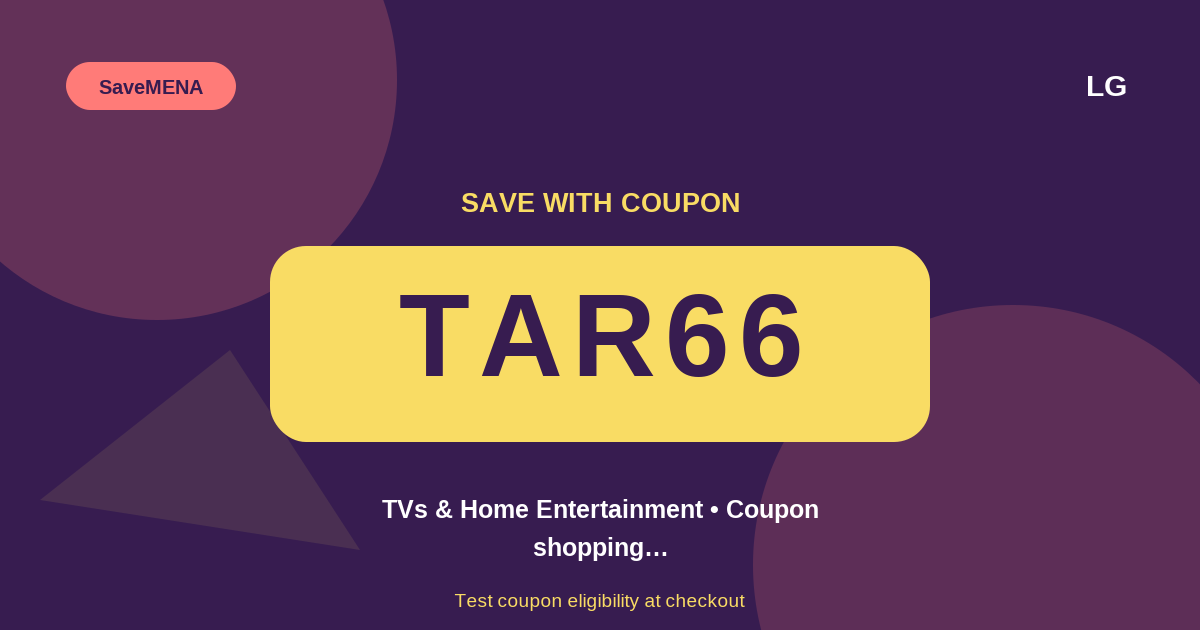
Codes available to try while comparing
These codes are not guaranteed for the article topic or listed brands; test them at checkout and use the live result.
How to Find the Best Noon UAE Deals on LG TVs
Begin by filtering Noon’s TV section to showcase only LG products. Sort by price, customer ratings or “Featured” to surface top sellers. Pay close attention to product specifications such as screen size, resolution, smart TV capabilities, and HDR support. Reviews that highlight picture quality and connectivity options help identify models that suit your living space and usage pattern. Remember, the goal is not just to find a low price but to match the TV’s features with your entertainment needs.
Once you’ve compiled a shortlist of LG TVs that tick all the technical boxes, note the current price listing for each. If the price is visibly tagged with a discount or “On Sale”, that’s your starting point. However, the real deal often emerges when you combine the listed price with Noon’s coupon codes or seasonal promotions. Checking the product page for potential instant savings ensures you have all the numbers at hand before proceeding to payment and checkout.
Understanding Noon’s Payment Method Options for TV Purchases
Noon UAE offers several payment avenues: Credit/Debit cards (Visa, MasterCard), UAE Post Pay, selling wallet, and Cash on Delivery (COD). Each method has slightly different roll‑ups regarding fees, processing times or eligibility thresholds. For large‑value items like LG TVs, most shoppers use cards or the Noon wallet for quick, traceable transactions. The COD option can still be available, but check that the TV’s price falls below the COD ceiling if present.
To use your preferred payment method, first make sure it is verified in your Noon account. For cards, upload the card number, expiry and CVV, then confirm the OTP. If opting for the Noon wallet, ensure it has sufficient balance or is linked to a credit card for top‑ups. COD is generally the most straightforward, yet you want to be sure the delivery slot aligns with your availability to receive and inspect the TV before signing the payment hands‑off. Always review the “Payment Options” section on the checkout page to confirm what’s live for your SKU.
Choosing the Right LG TV Model for Your Needs
An LG TV comes in a family of sizes and technologies – OLED, NanoCell, LED, and Smart TV variations. OLEDs provide deep blacks and wide color, ideal for dark rooms and cinematic experiences. NanoCell and LED models don’t match OLED’s contrast but are often more cost‑effective and still offer solid smart features. Match the size to your wall space and viewing distance: a 55‑inch OLED might be excessive for a small bedroom, whereas a 32‑inch LED can be perfect for a living area. Consider gaming needs, HDR support and connectivity ports as well.
Applying the TAR84 Coupon at Checkout
Once your LG TV is added to the cart, go to the summary page and locate the coupon input box. Enter “TAR84” in the field with the correct capitalization. The coupon must be entered before you proceed to payment or continue to delivery options. The discount, if applicable, will surface in the order total. Be aware that the coupon code is only a potential savings; it does not guarantee a discount. Instead, it is a tool you activate at checkout, after which Noon will decide whether the code applies to your order.
After submitting the coupon, watch for the new subtotal calculation. If the code does not appear to work, verify that your selected LG TV is eligible and that you have not exceeded any limits, such as a spending cap or minimum requirement. If the coupon shows “not valid for your order”, you can still proceed without it; the system will apply the best available discount automatically. Finally, before confirming payment, check that the final payable amount reflects all applied promotions, including the TAR84 code, if relevant.
Checking Payment Method Compatibility with Your TV Purchase
The real test of a payment method comes at the checkout screen. Examine the available payment options list and confirm your preferred method appears there. If your chosen card is not listed, reach out to Noon’s support for verification or try re‑entering the card details. Similarly, if you rely on COD but the TV’s price is above the COD threshold, you’ll need to switch to an electronic method. This step prevents last‑minute surprises where you can’t complete the order due to payment restrictions.
For each payment method, read the brief terms adjacent to it: some may incur additional service fees, while others might have waiting periods for approval. For example, credit cards might hold the transaction for a few business days before invoicing. In contrast, cash on delivery prepares for a quick hand‑off at delivery. Aligning your TV’s cost with the method’s constraints ensures you finalize the sale without extra friction, especially if you’re counting on the coupon savings to break even.
Comparing Noon’s Wallet, Credit Card, and COD for Large TV Orders
Large TV purchases can trigger different fee dynamics. The Noon wallet often offers seamless top‑ups without interfacing external card details; it can be convenient if you use it frequently. Credit cards may carry higher security but might also attract foreign transaction or processing fees if the wallet’s override. COD is the easiest for consumers who simply wish to pay in cash; the downside is a higher likelihood of waiting anxiously for an item that arrives late or in a different condition.
To compare, take the between-the‑lines at checkout: the wallet shows a “top‑up” scenario with instant credit, the credit card line shows potential “service charges” and COD lists a “delivery‑with‑payment” field. Decide based on your risk tolerance and your readiness to pay instantly versus waiting. For a pricey LG TV, a secure card transfer often reduces the risk of a pending COD claim. Keep in mind that the coupon may only apply to certain payment methods, so double‑check before selecting the final payment.
Tracking Your LG TV Order and Managing Payment Issues
After payment, Noon provides a real‑time order tracker in the “My Orders” section. This tracker presents the order ID, shipping status, delivery date, and courier. If you selected a large LG TV, check that the packaging instructions list “Handle with care” and sort operators’ notes for fragile items. Should a discrepancy arise—say, the screen is flashed upon arrival—contact Noon after you note the damage on the delivery receipt. Anticipate a concise ticket or chat with their support team to resolve any posting‑payment concerns.
In case of payment hiccups—such as a declined card or the coupon invalidated—you’ll see a prompt at the confirmation page. Usually, the system will suggest an alternative payment method or re‑use the wallet. If the coupon becomes invalid after you enter it, you can edit the coupon code by revisiting the cart and attempting to re-enter TAR84. For any lingering doubts, utilize the “Help” button to open a live chat; meanwhile, keep your payment details handy in case a re‑auth is needed, ensuring you don’t freeze the entire checkout process.
Maximizing Savings and Payment Benefits Over Time
Once you have successfully applied the TAR84 coupon to a Noon UAE LG TV purchase, you can share the experience in your consumer community. Many shoppers prefer to track cashback offers or additional loyalty points earned from Noon’s reward program. Although the initial coupon isn’t guaranteed, it opens the door to other promotions tied to the same global brand or the seasonal sales window. Social media shout‑outs or a quick post to your “shopping group” can help amplify word‑of‑mouth.
Use this knowledge to plan future purchases. When you next look at a TV, revisit your preferred payment method and explore tiered benefits. For example, if a new seller offers a “Zero‑interest installment” plan for high‑value LG models, that might offset the coupon savings and pose a better long‑term proposition. Also, keep an eye on NOON’s quarterly sales: sometimes the same product receives both an additional discount and the same coupon, giving exponential benefits by stacking.A coupon is not guaranteed; verify its result at the retailer checkout.
Related SaveMENA pages
Related articles
Official sources to check
Frequently asked questions
Does the TAR84 coupon work with all LG TV models on Noon UAE?
Only if the product listing in your cart accepts it. The coupon may not apply to every LG TV SKU. Verify at checkout. If it fails, you can purchase without it.A coupon is not guaranteed; verify its result at the retailer checkout.
Can I use the Noon wallet after selecting my TV set?
Yes, you can log into the wallet and top‑up before finalizing the purchase. Make sure the balance covers the order’s total. The wallet option appears on the payment page if it’s activated in your profile.
Will the coupon code be applied before or after COD fee calculation?
The discount is calculated after confirming the cart’s contents but before selecting the payment method. If COD imposes a fee, it is added after coupon application to show the final payable total.
What should I do if my selected payment method is not accepted?
Check the checkout screen. If your card or COD is disallowed, switch to the other available method or add a new card. If the issue persists, contact Noon support for help resolving the restriction.